| Platform | Best For | Starting Price | My Rating |
|---|---|---|---|
| Udemy Business | Business skill building | Contact sales | 4.5/5 |
| LinkedIn Learning | Working professionals | $39.99/mo | 4.4/5 |
| Coursera | University backed credentials | $59/mo | 4.6/5 |
| edX | Certified professional learning | Free (paid certs) | 4.3/5 |
| Thinkific | Selling eLearning courses | $36/mo | 4.4/5 |
| Teachable | Course creators | $39/mo | 4.2/5 |
| Khan Academy | Free academic learning | Free | 4.5/5 |
| LearnWorlds | Advanced course builders | $24/mo | 4.3/5 |
| Skillshare | Creative skill development | $14/mo | 4.1/5 |
Finding the best online training platform can save your team thousands of dollars in classroom costs and dozens of wasted hours on the wrong tool.
I signed up for free trials, built test courses, and worked through the pricing pages of every tool in this best online training platform roundup. Here are my top picks for October 2026.
Whether you’re training a corporate team, building a course to sell, or picking up a new skill yourself, this guide cuts through the noise.
What Is an Online Training Platform?
An online training platform is the system your whole learning operation runs on.
It’s a digital environment where learners access content, complete structured programs, track their progress, and earn credentials, all without stepping into a physical classroom.
These platforms range from massive course marketplaces (where someone else built the content) to full learning management systems, or LMS, where you design and deliver your own training.
The right pick depends entirely on whether you want to consume learning or create and sell it.
I’ve tested tools across both categories. The differences matter more than most reviews let on.
How I Tested These Online Training Platforms
I spent several weeks signing up for free trials, creating test courses, enrolling as a learner, and pushing each platform’s features to their limits. Here’s my methodology:
Signed up and completed onboarding on every platform that offers a free trial
Built a sample five-module training course on each creator-focused tool
Enrolled in at least two courses per marketplace platform
Tested the mobile experience on both Android and iOS
Evaluated the reporting and admin dashboards for business use cases
Reviewed pricing pages and calculated real costs for teams of 10, 50, and 200 users
For platforms without free trials, I reviewed their official documentation, demo videos, and public user feedback before drawing conclusions.
Best Online Training Platforms in 2026: My Top Picks
1. Udemy Business: Top Online Training Marketplace for Teams
Best For: Business skill building at scale
Price: Contact sales for team pricing
My Rating: 4.5/5
When I first logged into Udemy Business, the sheer volume of available content was the first thing that hit me.
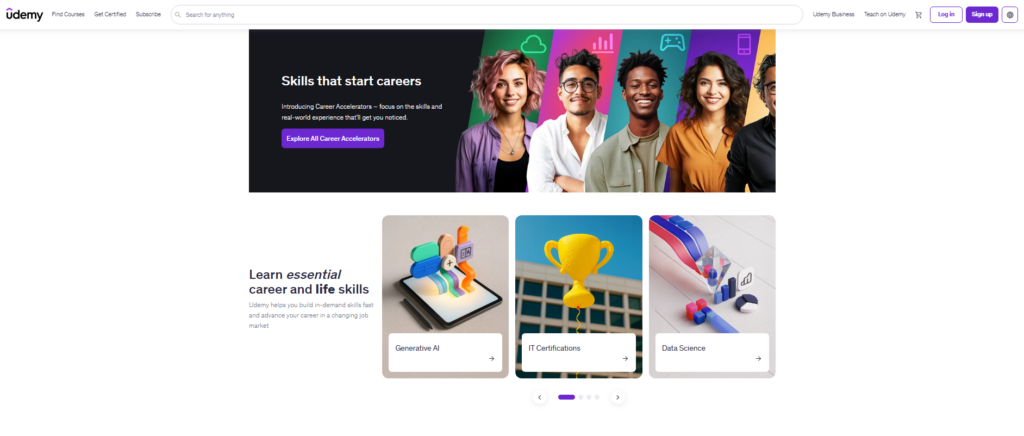
Udemy offers over 213,000 courses to a community exceeding 59 million learners, which makes it one of the most stocked training libraries on the planet.
The business version gives your team curated access to the most relevant professional content.
I tested the admin dashboard for managing learner assignments and found it genuinely clean. You can assign courses, track completions, and generate reports without a manual in hand.
Where it gets frustrating is pricing transparency. Enterprise plans covering 21 or more users require a direct call with the sales team for a custom quote. That can slow down fast-moving procurement teams.
Pros:
- Enormous course library covering almost every business skill
- Clean admin dashboard for team managers
- Certificates of completion included
Cons:
- Course quality varies widely across instructors
- No custom branding on lower tier plans
2. LinkedIn Learning: Best Online Training Platform for Professionals
Best For: Working professionals building career skills
Price: $39.99/month (included with LinkedIn Premium)
My Rating: 4.4/5
LinkedIn Learning stands out from every other platform I tested because it plugs straight into your professional identity.
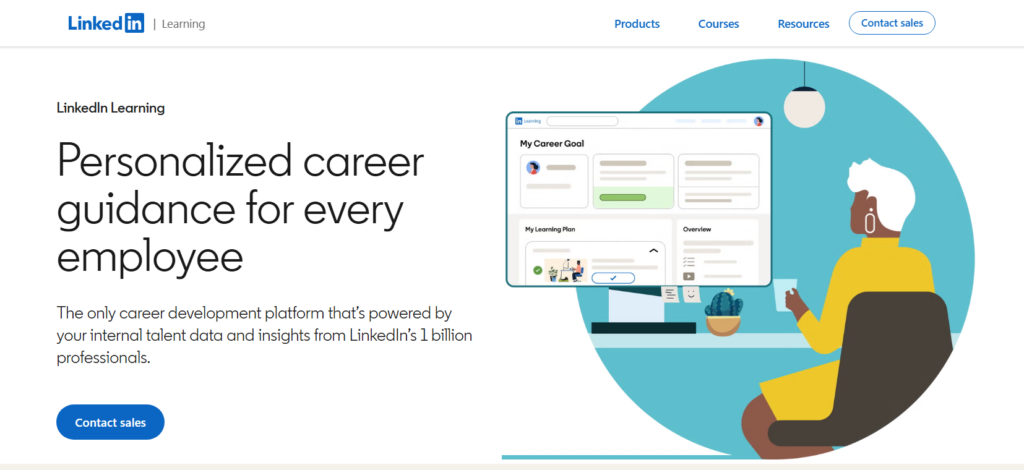
When you complete a course, that certificate links directly to your LinkedIn profile. That’s a feature your employees will actually care about.
I found the course content sharp and professionally produced. The platform covers over 16,000 courses, with especially strong offerings in business, technology, and creative fields.
The learning paths, curated sequences of courses aimed at one specific skill goal, worked better in practice than I expected.
Where it gets wobbly is depth. If your team needs highly technical or niche training, LinkedIn Learning’s library gets thin fast. It’s built for breadth, not depth.
Pros:
- Certificates connect directly to LinkedIn profiles
- Well produced video content across major skill areas
- Included with LinkedIn Premium, which is good value if you already subscribe
Cons:
- Shallow coverage in technical or niche subjects
- Less interactive than LMS-style platforms
3. Coursera: Leading Platform for Credentialed Learning
Best For: Learners who want university-backed credentials
Price: From $59/month (Coursera Plus)
My Rating: 4.6/5
Those aren’t just vanity numbers. When I completed a professional certificate on the platform, the credential carried real weight.
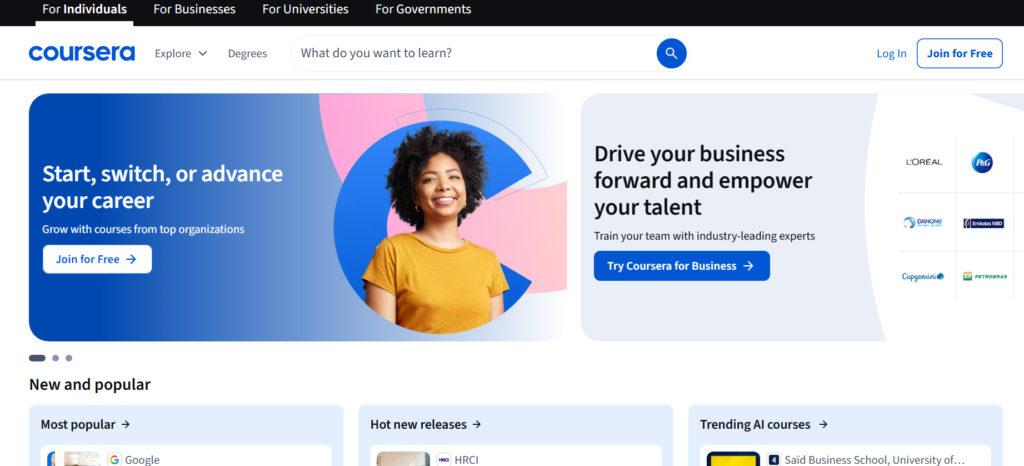
The course structure feels like an actual university program. You get graded assignments, peer reviews, and timed deadlines if you want them.
This matters because learning with structure tends to produce better retention than self-paced video browsing.
Paired with that is a strong catalog in data science, business, and health sciences. If your team works in any of those areas, Coursera is worth the premium pricing.
Pros:
- Credentials from globally recognized universities
- Structured learning with real assessments
- Strong catalog in business, tech, and sciences
Cons:
- More expensive than many competitors
- Not designed for organizations building custom internal training
4. edX: Top Platform for Certified Professional Development
Best For: Professionals seeking certifications from top institutions
Price: Free to audit; paid certificates vary
My Rating: 4.3/5
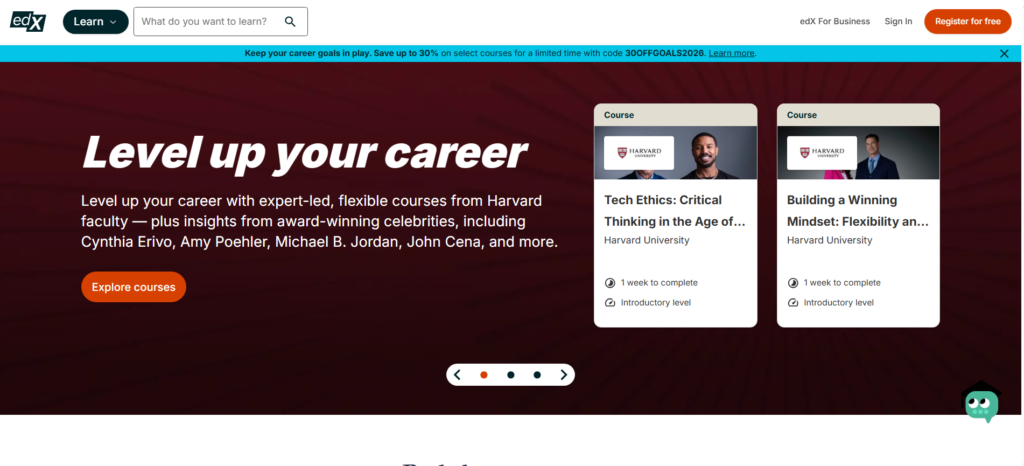
That reach tells you something about the trust it’s earned.
I audited several courses for free and found the content genuinely rigorous.
The free audit option is a rare feature that lets learners explore full course content without paying. You only pay when you want the verified certificate.
The catch is that the free experience can feel stripped down. Discussion forums and graded assignments are often locked behind payment.
The upshot: edX works best for self-directed learners who have a specific credential in mind from the start.
Pros:
- Free course auditing is a major advantage
- Verified certificates carry institutional credibility
- Massive library of professional and academic subjects
Cons:
- Full experience requires payment
- Interface feels dated compared to newer platforms
5. Thinkific: Best Platform for Selling Online Courses
Best For: Educators and entrepreneurs selling eLearning content
Price: From $36/month
My Rating: 4.4/5
If your goal is to build and sell your own courses, Thinkific is the platform I’d recommend first.
I built a complete five module course during testing, and the builder felt intuitive from the first hour.
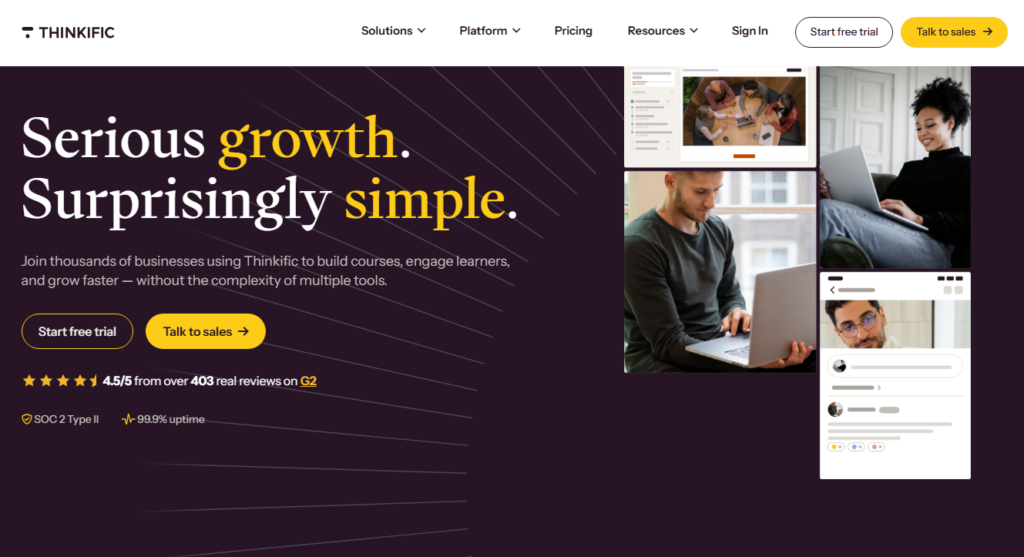
You can add video, quizzes, assignments, and downloads without touching a line of code.
Thinkific’s community features deserve more attention than they get. The built-in community spaces let learners interact with each other and with you as the instructor.
That interaction layer drives course completion rates up, which matters for your reputation as a course creator.
Here is the detail that matters most if this is a business: Thinkific gives you full student data ownership. You own your learner list.
On marketplace platforms like Udemy, you don’t get that.
Pros:
- Intuitive course builder with no coding needed
- You own your student data and relationships
- Built-in community features for engagement
Cons:
- Marketing tools are limited on lower tier plans
- Transaction fees apply on the basic plan
6. Teachable: Strong Choice for Independent Course Creators
Best For: Solo instructors launching their first course
Price: From $39/month
My Rating: 4.2/5
Teachable has been a go-to for independent course creators for years, and in my testing, it still earns that reputation.
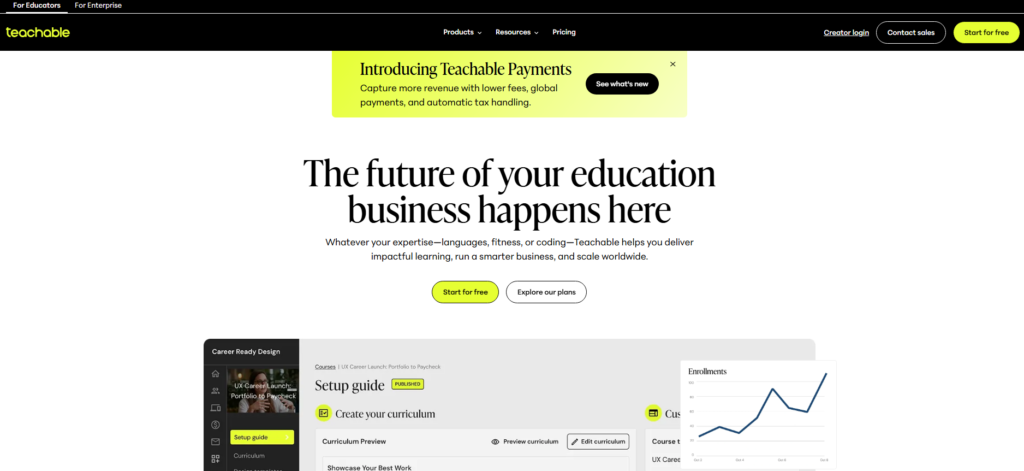
The setup process is fast. I had a fully branded course page live within a couple of hours of signing up.
The checkout and payment system is one of Teachable’s strongest points. It handles taxes, currency conversion, and payouts cleanly.
For someone selling to a global audience, that infrastructure saves real time.
The weak spot is that Teachable’s community and engagement tools lag behind Thinkific.
If building an active learner community is central to your business model, you may find Teachable’s offering a bit bare.
Pros:
- Fast setup with clean, professional course pages
- Strong payment and checkout infrastructure
- Good analytics for tracking student progress
Cons:
- Community features are limited
- Transaction fees on the basic plan can add up
7. Khan Academy: Best Free Online Training Platform
Best For: Free academic and foundational learning
Price: Completely free
My Rating: 4.5/5
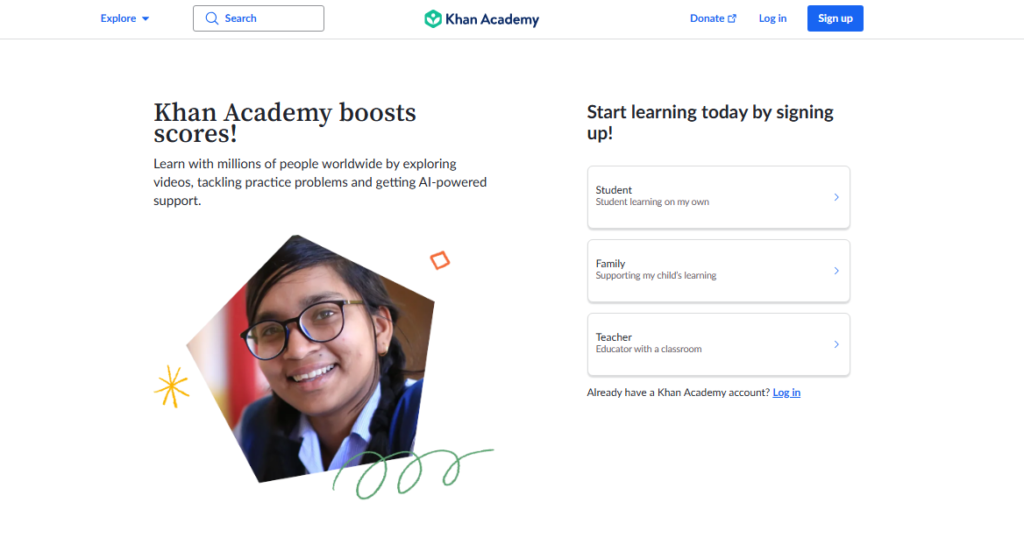
That diversity of use says a lot about how versatile a free platform can be.
I used Khan Academy to brush up on statistics during my platform testing process.
The mastery-based learning model, where you don’t move forward until you’ve demonstrated understanding, is genuinely effective. Most paid platforms don’t do this as well.
This matters because free doesn’t mean lightweight here. The depth of content in math, science, and test preparation rivals many paid competitors.
The gap is in professional and business skills, where Khan Academy’s catalog gets thin.
Pros:
- Completely free, always
- Mastery-based learning model drives real retention
- Excellent for foundational academic subjects
Cons:
- Limited professional or business-focused content
- Not suitable for corporate training programs
8. LearnWorlds: Best for Advanced Course Building
Best For: Course creators who want full customization control
Price: From $24/month
My Rating: 4.3/5
LearnWorlds is the platform for course creators who feel constrained by simpler tools.
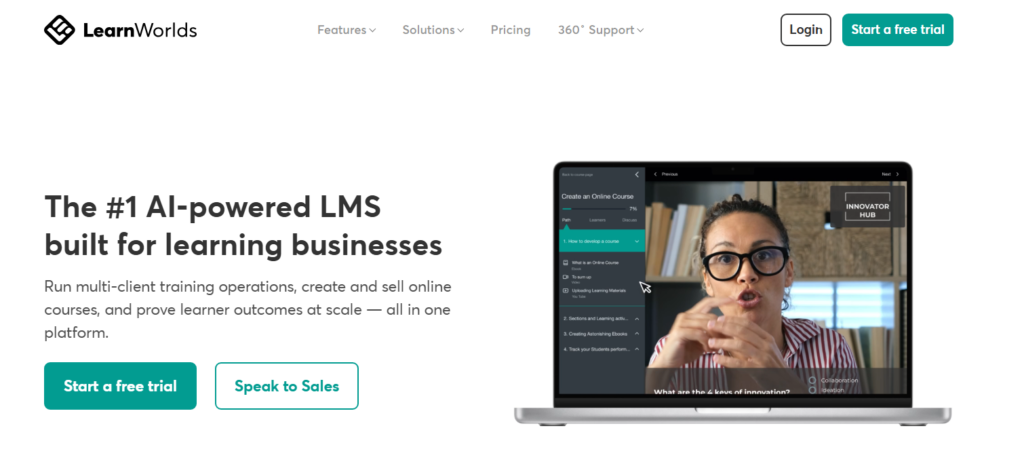
I tested the interactive video builder, a feature that lets you embed questions, links, and pauses directly inside video lessons, and it genuinely impressed me.
That kind of learner engagement is hard to find elsewhere at this price point.
The website builder inside LearnWorlds is another layer most competitors don’t offer.
You can build your entire course school, landing pages, and checkout flows within one system. Net result: fewer third-party tools, lower overall costs.
The learning curve is steeper than Teachable or Thinkific. Plan for a few days of setup time before you go live.
Pros:
- Interactive video is a standout feature
- Built-in website and landing page builder
- Affordable entry-level pricing
Cons:
- Steeper learning curve than competing platforms
- Some advanced features locked to higher plans
9. Skillshare: Best Online Training Platform for Creative Skills
Best For: Creative professionals building practical skills
Price: From $14/month
My Rating: 4.1/5
Skillshare operates on a subscription model where one monthly fee unlocks thousands of short, project-based courses.
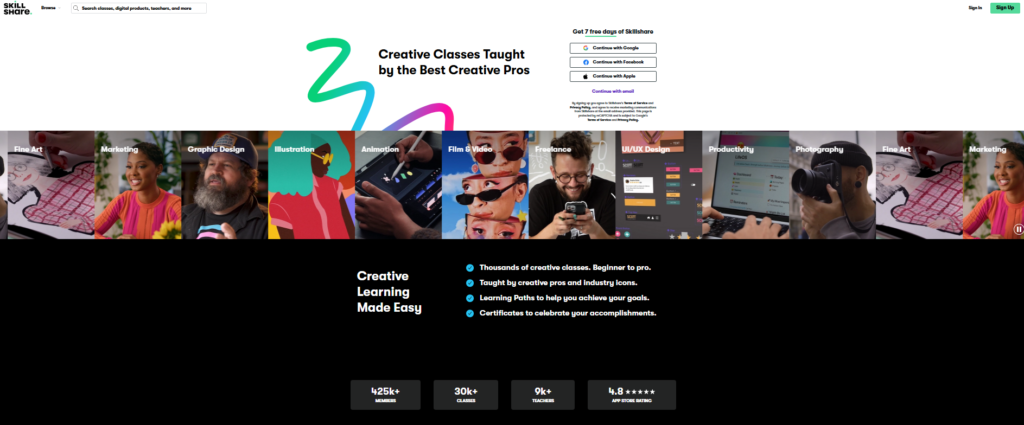
I tested it specifically for design and content creation skills, and the quality of instruction in those areas is consistently strong.
The project-based format is worth highlighting on its own. Every course ends with a real creative project, not just a quiz.
That hands-on output keeps learning from staying purely theoretical.
Where Skillshare falls short is in structured career pathways. If you need a credential or a defined learning track, this isn’t the right platform.
It’s better suited to exploration and creative skill stacking than formal professional development.
Pros:
- Low monthly subscription covers all courses
- Project-based learning builds real portfolios
- Strong catalog for design, writing, and creative fields
Cons:
- No formal certificates or credentials
- Thin coverage outside creative disciplines
How to Choose the Best Online Training Platform
Picking the wrong platform is expensive to undo once your content and learner records already live inside it. Here’s what I look at when recommending platforms to different buyers.
Learning Management Systems vs. Course Marketplaces
An LMS is a platform you control. You build and host your own training content, manage users, and track performance. Thinkific, Teachable, and LearnWorlds are examples.
A course marketplace like Udemy or Skillshare already has the content built. You just show up and learn.
If you’re a business that needs custom internal training, you want an LMS. If you’re an individual learner picking up new skills, a marketplace is faster and cheaper.
Corporate Training Platforms
For corporate use, prioritize admin controls, reporting depth, and integration with tools like Slack or your HR software.
Udemy Business and LinkedIn Learning both offer these. Khan Academy and Skillshare do not. They’re built for individual learners, not enterprise HR teams.
School and Higher Education Platforms
Platforms like edX and Coursera sit at the intersection of academic rigor and professional credentialing.
If your team values university-issued certificates, these two are the strongest choices available in 2026.
Comparison Table: Best Online Training Platforms 2026
| Platform | Best Use Case | Free Option | Custom Branding | Certificates |
|---|---|---|---|---|
| Udemy Business | Corporate teams | No | Yes (enterprise) | Yes |
| LinkedIn Learning | Professionals | 1 month trial | No | Yes |
| Coursera | Credentialed learning | Audit only | No | Yes |
| edX | Certified credentials | Yes (audit) | No | Yes (paid) |
| Thinkific | Course selling | Free plan | Yes | Yes |
| Teachable | Solo course creators | Free plan | Yes | Yes |
| Khan Academy | Free academic learning | Always free | No | No |
| LearnWorlds | Advanced course building | 30 day trial | Yes | Yes |
| Skillshare | Creative skills | Trial available | No | No |
Which Online Training Platform Fits Your Use Case?
After all the testing, here’s where I’d send different types of buyers in 2026.
For corporate training managers: Start with Udemy Business if your team needs broad skill coverage fast.
Pair it with LinkedIn Learning if professional certifications matter to your employees’ career growth.
For individuals seeking credentials: Coursera is my top pick. The university partnerships and structured coursework produce credentials that hiring managers actually recognize.
For entrepreneurs building a course business: Thinkific is where I’d put my money first.
The student data ownership and community features give you a sustainable business foundation rather than just a one-time sale.
For budget-constrained learners: Khan Academy for foundational subjects and Skillshare for creative skills offer the best value per dollar on this entire list.
For technically advanced course creators: LearnWorlds gives you the most to work with, especially the interactive video feature that most platforms can’t match at this price range.
Frequently Asked Questions
What is the best online training platform for small businesses?
For small businesses, Udemy Business and Thinkific are the strongest starting points. Udemy Business gives your team instant access to a wide course library, while Thinkific lets you build custom internal training. Your choice depends on whether you want to consume existing content or create your own branded programs.
Which online training platform offers the best free option?
Khan Academy is the strongest completely free platform available. For professional skills, edX lets you audit thousands of university courses at no cost. Both options deliver real educational value without requiring a credit card, which matters when you’re evaluating tools before committing budget.
Can I earn recognized certificates from online training platforms?
Yes. Coursera and edX both offer certificates from accredited universities and recognized companies. LinkedIn Learning certificates display directly on your LinkedIn profile. Udemy and Skillshare offer completion certificates, though these carry less formal weight than university-backed credentials from Coursera or edX.
How do online training platforms compare for corporate use?
Corporate buyers should prioritize admin controls, user reporting, and software integrations. Udemy Business and LinkedIn Learning both include these features. Platforms like Skillshare and Khan Academy are built for individual learners and lack the team management infrastructure that HR and L&D teams need to run training programs at scale.
Is Coursera or Udemy better for professional development?
Coursera is better if you want structured learning and university-recognized credentials. Udemy wins on course variety and lower per-course cost. In my testing, Coursera produced better learning outcomes because its structured assignments push you to actually apply content, not just watch videos passively.
What should I look for when choosing an online training platform?
Focus on four things: the type of content you need (existing library or custom built), whether credentials matter to your learners, the administrative features your team requires, and your total budget per learner per year. Getting these four criteria clear before comparing platforms will cut your decision time significantly.