Finding the best virtual training platforms is exactly what I set out to do after spending weeks testing, comparing, and actually running training sessions on over a dozen tools.
For this best virtual training platforms roundup I built a course inside each tool, sat through it as a learner, and checked what the admin reports actually showed. None of it is copied from a vendor feature list.
Here are my top picks for 2026.
Quick Picks: Best Virtual Training Platforms at a Glance
| Platform | Best For | Starting Price | My Rating |
|---|---|---|---|
| LearnWorlds | Course creators + businesses | $29/mo | 4.8/5 |
| Docebo | Enterprise training | Custom | 4.7/5 |
| TalentLMS | SMBs and startups | $69/mo | 4.6/5 |
| 360Learning | Collaborative learning | $8/user/mo | 4.5/5 |
| Coursera for Business | Certifications and degrees | Custom | 4.5/5 |
| LinkedIn Learning | Professional skill development | $379.88/yr | 4.4/5 |
| Udemy Business | Skill building at scale | Custom | 4.4/5 |
| iSpring Learn | eLearning + corporate teams | $3.66/user/mo | 4.3/5 |
| Teachable | Coaches and solo creators | $39/mo | 4.3/5 |
| Absorb LMS | Compliance training | Custom | 4.2/5 |
| Zoom (Video Training) | Live virtual sessions | $13.32/mo | 4.1/5 |
| Moodle | Open-source flexibility | Free | 4.0/5 |
When to Use Virtual Training Platforms
Before I walk you through each tool, it helps to know which situations actually call for a virtual training platform. The answer changes a lot depending on who you are training and why.
- Employee onboarding: New hires scattered across cities or time zones need a consistent, repeatable way to absorb company culture and role-specific skills. Virtual platforms make that process scalable without anyone flying anywhere.
- Compliance and certification programs: Industries like healthcare, finance, and construction live and die by compliance. The right platform automates certification tracking and sends renewal reminders before audits catch you off guard.
- Continuous learning and development: Teams that stop learning fall behind. Paired with that, platforms with self-paced course libraries give employees the freedom to upskill on their own schedule.
Video-Based Virtual Training Platforms
Video-based training is what keeps remote learning closer to a real conversation than to reading a manual alone.
These tools prioritize live interaction and real-time engagement.
1. LearnWorlds
- Best For: Course creators and businesses selling or delivering professional training
- Starting Price: $29/month
- My Rating: 4.8/5
LearnWorlds is the platform I kept coming back to during my testing phase. It blends course creation, video hosting, and a branded website into one clean workspace.
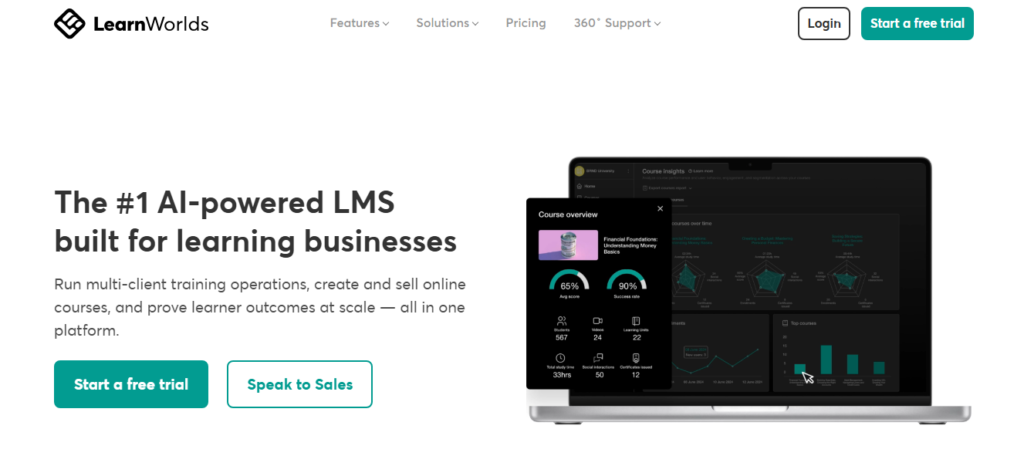
The interactive video player lets you embed quizzes, pause points, and call-to-action buttons directly inside a video, which is something most competitors treat as an afterthought.
I built a short onboarding course in about two hours using their drag-and-drop builder.
The finished product looked genuinely polished without a single line of code.
LearnWorlds is an online learning platform with over 100 million users dedicated to offering high-quality online training courses worldwide, and the platform’s depth reflects that scale.
Pricing is where it stings. The Starter plan limits you to one admin and charges a $5 fee per course sale. For teams, you’ll want at least the Pro Trainer plan at $99/month.
- Interactive video with built-in assessments
- Branded mobile app available on higher plans
- SCORM-compatible for corporate LMS needs
- Built-in landing page and checkout tools
2. Zoom (for Live Virtual Training)
- Best For: Live instructor-led sessions and virtual workshops
- Starting Price: $13.32/month
- My Rating: 4.1/5
Zoom is the default for a reason: everyone already has it, everyone already knows how to use it, and it holds up under load.
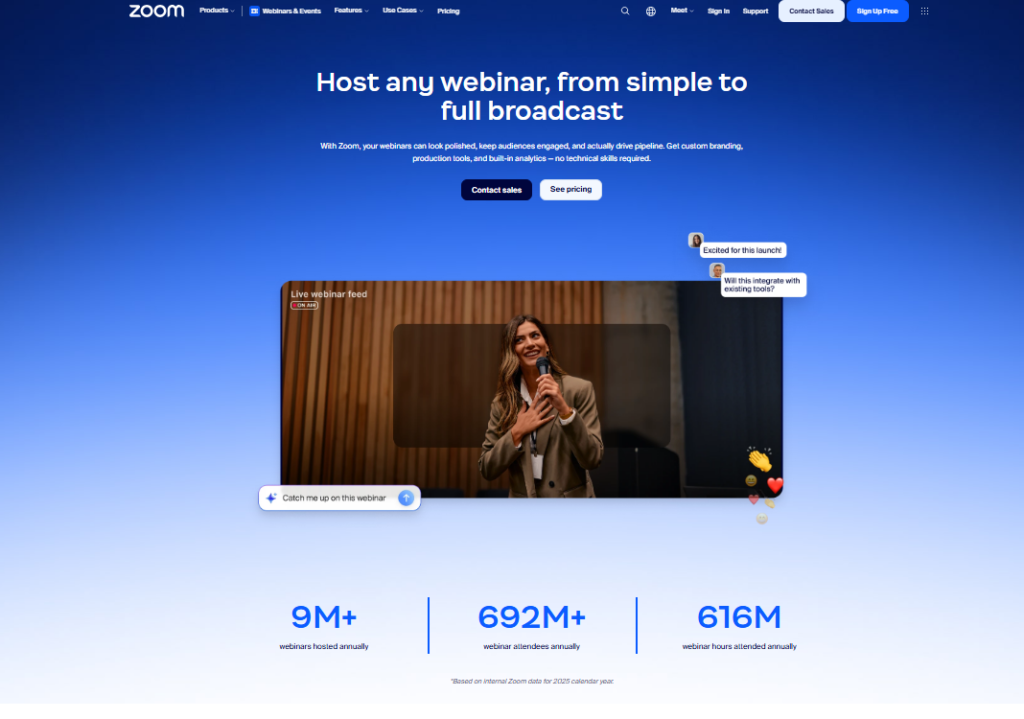
I’ve run live training sessions, Q&A webinars, and breakout group exercises all inside Zoom.
Zoom’s breakout rooms rarely get credit for how well they handle skill practice.
You can split 50 learners into groups of 5 for a roleplay exercise and pull them back in under 30 seconds.
Zoom on its own is not a learning management system, and that limit is a hard one. There’s no native course builder, no certification tracking, and no progress reporting.
It works best as a delivery layer on top of a proper LMS.
Learning Management Systems (LMS)
An LMS covers the whole job rather than one slice of it. These platforms handle content creation, delivery, tracking, and reporting in one place.
Here are the ones I found most worth your time.
3. Docebo
- Best For: Complex enterprise training at scale
- Starting Price: Custom pricing
- My Rating: 4.7/5
Docebo is what you pick when your training program has grown past the point where a simple LMS can handle it.
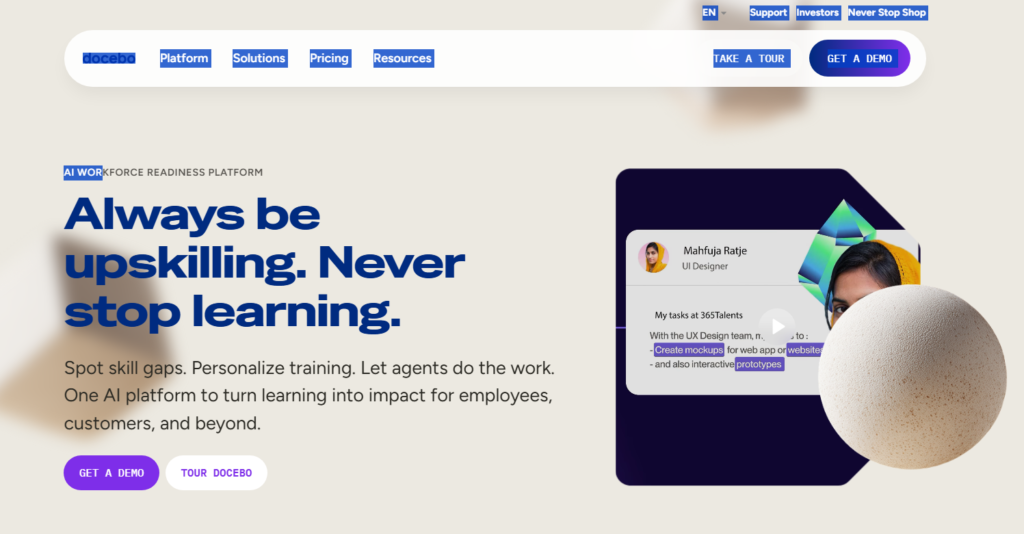
I tested it with a simulated multi-department setup, and the automation rules alone saved what would have been hours of manual assignment work.
The platform’s learning paths let you sequence courses based on role, location, or department.
Its reporting suite gives L&D teams granular data on completion rates, quiz scores, and time on platform.
The catch: the pricing is enterprise-level and requires a sales call to even get a number.
Automated learning path assignment by role or department
Deep analytics and compliance reporting
Integrates with Salesforce, Workday, and major HRIS tools
Supports external training for customers and partners
4. 360Learning
- Best For: Teams that want employees to create and share knowledge
- Starting Price: $8 per user per month
- My Rating: 4.5/5
360Learning flips the traditional LMS model. Instead of top-down content delivery, it encourages subject matter experts inside your company to build and share courses.
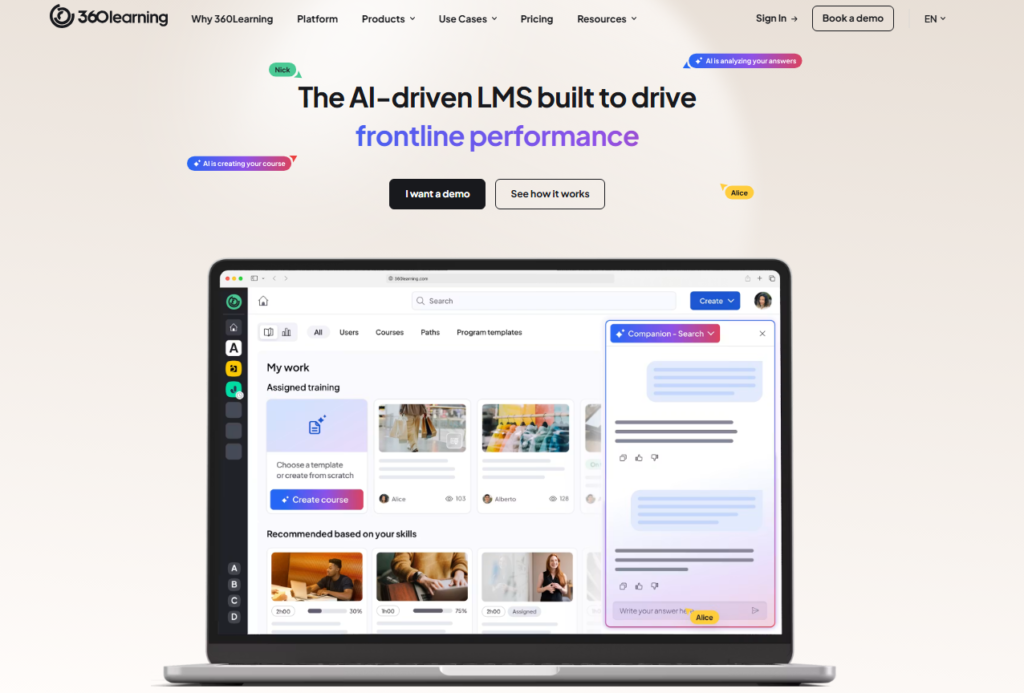
I found the collaborative authoring tools genuinely easy to use, and the built-in discussion threads inside courses sparked conversations I rarely see on other platforms.
This matters because peer-generated content tends to be more relevant and faster to produce than outsourced eLearning.
Content quality does drift, though, if you never set editorial guidelines.
5. TalentLMS
- Best For: Small and mid-sized businesses that want a clean, affordable LMS
- Starting Price: $69/month for up to 40 users
- My Rating: 4.6/5
TalentLMS is the platform I’d recommend to any company getting serious about training for the first time.
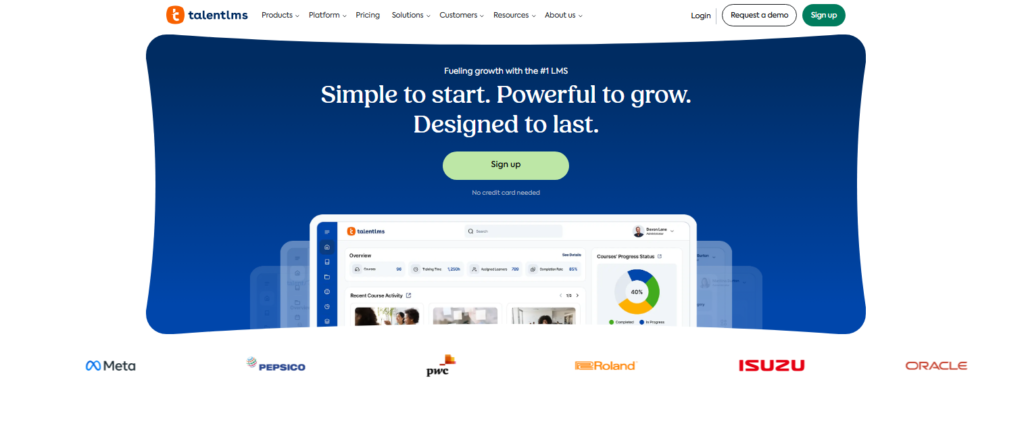
Setup took me under an hour. The interface is clean enough that non-technical admins can manage it without a manual.
Course creation supports video, quizzes, SCORM files, and even gamification elements like badges and points.
Paired with that, the free plan (up to 5 users and 10 courses) is genuinely useful for testing the platform before committing.
Reporting is solid at the paid tiers, though the visual dashboards aren’t as polished as Docebo’s.
6. iSpring Learn
- Best For: Organizations that author in PowerPoint and need a fast deployment path
- Starting Price: $3.66 per user per month
- My Rating: 4.3/5
iSpring Learn is the choice when your existing training content lives in PowerPoint and you want to turn it into interactive eLearning without rebuilding everything from scratch.
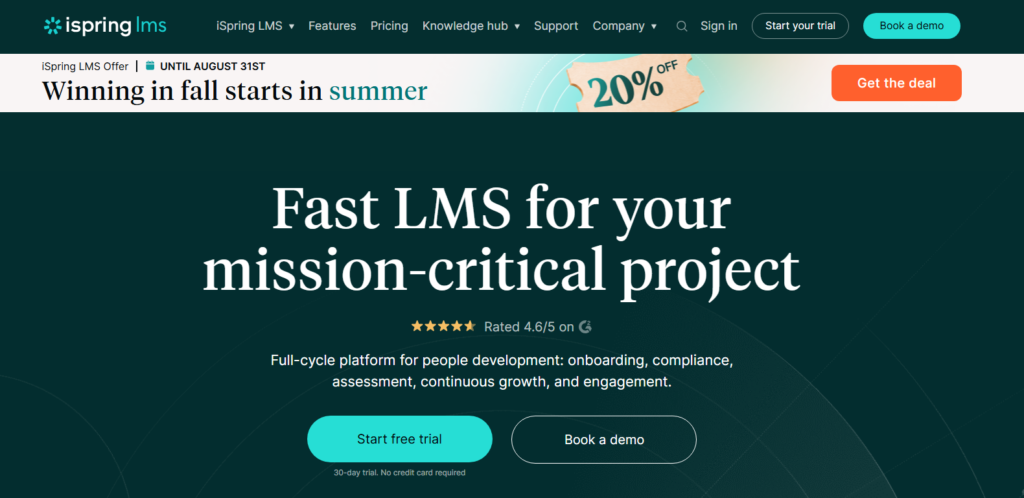
The iSpring Suite authoring tool plugs directly into PowerPoint, which means your L&D team doesn’t need to learn new software to produce professional courses.
I was impressed by how quickly I could go from a slide deck to a published course with branching scenarios. The per-user pricing also scales reasonably for larger teams.
7. Absorb LMS
- Best For: Compliance-heavy industries needing ironclad audit trails
- Starting Price: Custom pricing
- My Rating: 4.2/5
Absorb LMS earns its place on this list specifically for compliance training. The platform’s automated enrollment rules, expiration tracking, and audit-ready reporting make it the go-to for regulated industries.
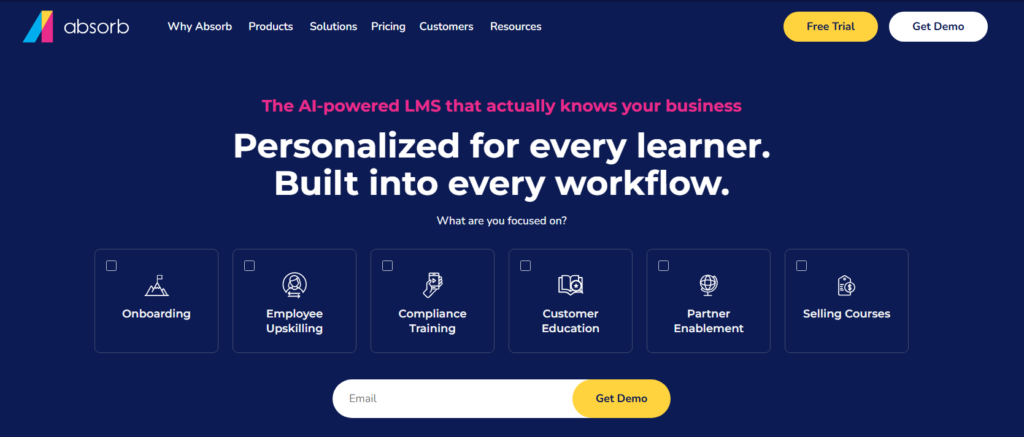
I tested the compliance workflow end-to-end, and the certificate renewal notification system worked exactly as promised.
The interface looks slightly dated compared to TalentLMS or Docebo, but the functionality underneath it is rock solid.
If regulatory compliance is your top priority, Absorb is hard to beat on this list.
Online Course Providers for Business
Sometimes you don’t need to build training from scratch. These platforms give your team access to a ready-made library of expert-led courses.
8. Coursera for Business
- Best For: Companies offering employees access to university-level certifications
- Starting Price: Custom pricing
- My Rating: 4.5/5
Coursera for Business plugs your team into courses from MIT, Google, IBM, and hundreds of other institutions.
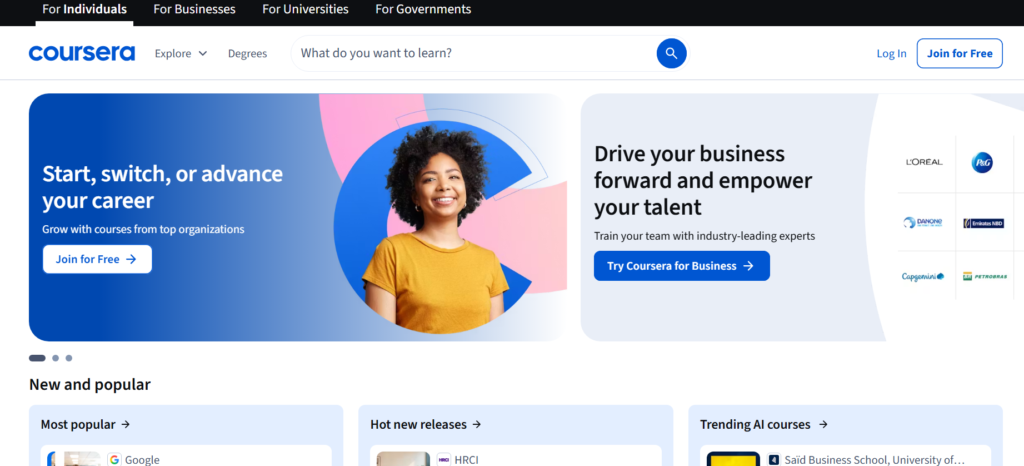
I enrolled in a data science learning path during my testing and the content quality was noticeably higher than most off-the-shelf eLearning libraries.
The credential system is a real motivator for employees who care about career progression.
Be clear on what you are actually buying: access to a catalog, not a customizable LMS.
If you need branded, company-specific training, you’ll need to pair Coursera with an internal platform.
9. LinkedIn Learning
- Best For: Professional development and soft skills training
- Starting Price: $379.88 per year per user
- My Rating: 4.4/5
LinkedIn Learning’s biggest advantage isn’t its course library. It is the integration with LinkedIn profiles.
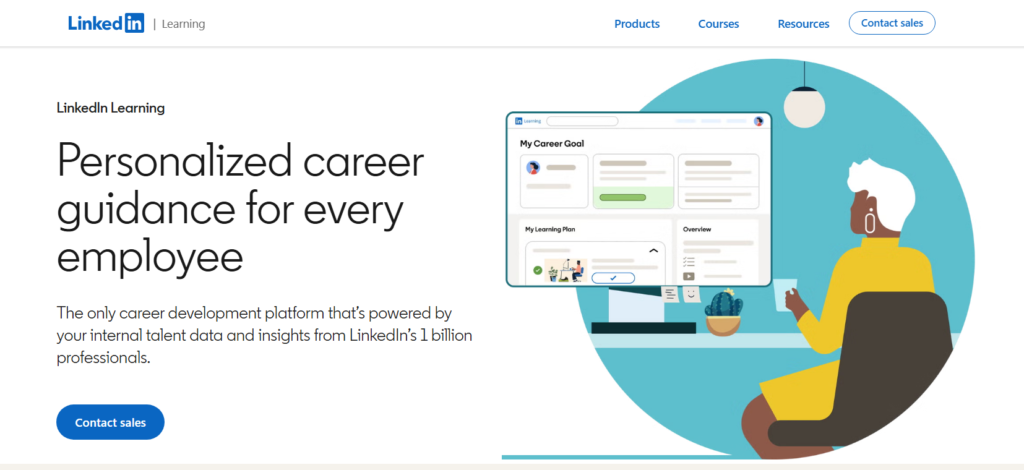
Completed courses show up directly on an employee’s profile, which creates a natural incentive to finish what they start.
I found the business, technology, and creative skills content consistently well produced.
The skills gap analysis feature deserves more attention than it gets, especially from managers.
It maps your team’s current skills against their role requirements and surfaces relevant course recommendations automatically.
10. Udemy Business
- Best For: Broad skill development across large, diverse teams
- Starting Price: Custom pricing (typically $360+ per user/year)
- My Rating: 4.4/5
Udemy Business gives teams access to over 27,000 courses spanning technical skills, leadership, marketing, and more.
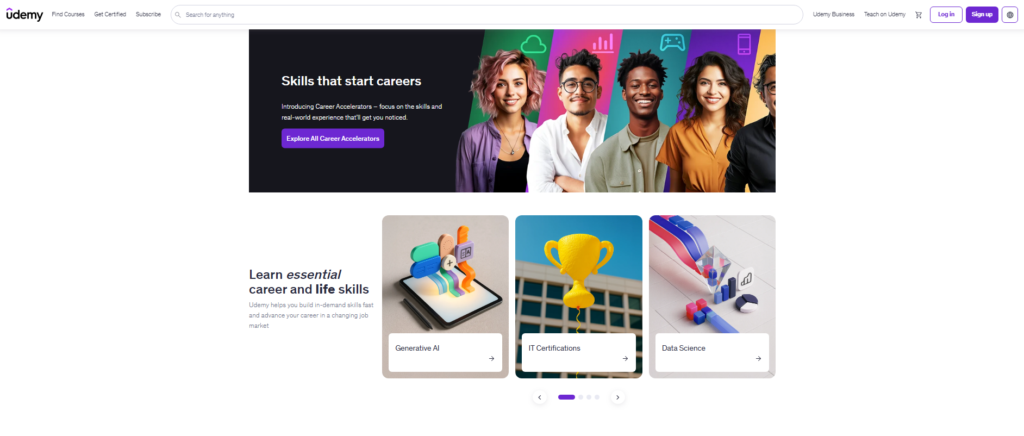
The breadth is genuinely impressive. I spent time browsing both niche software tutorials and broad management courses, and the quality is more consistent at the business tier than on the consumer side of Udemy.
The admin dashboard shows real-time engagement data at the team level, which helps L&D leaders identify which courses are actually being completed versus just assigned.
11. Teachable
- Best For: Individual coaches and creators selling training to external audiences
- Starting Price: $39/month
- My Rating: 4.3/5
Teachable is the streamlined option for a coach or consultant who wants to sell a course without wrestling with complex admin settings.
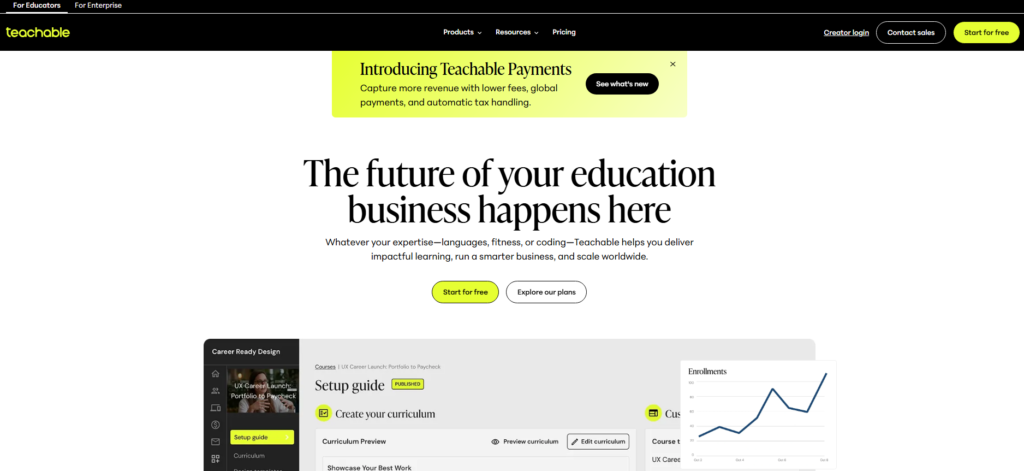
I built a sample five-module course in under 90 minutes. The checkout and payment processing worked out of the box, including upsells and coupon codes.
It’s not built for internal corporate training. If you’re selling to an audience rather than training employees, Teachable is one of the cleanest choices available.
12. Moodle
- Best For: Organizations that want full control and can manage their own hosting
- Starting Price: Free (self-hosted)
- My Rating: 4.0/5
Moodle is the open-source workhorse that powers training programs at universities and large organizations worldwide.
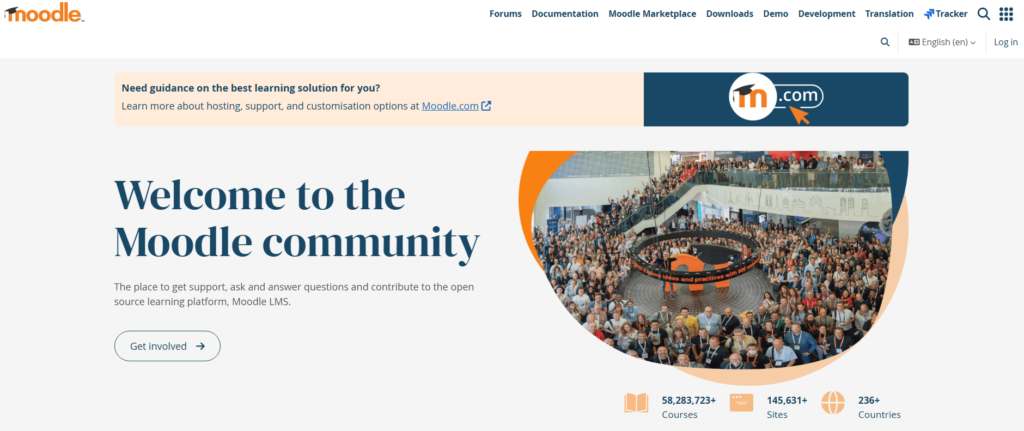
The price is unbeatable, and the plugin ecosystem means you can add nearly any feature imaginable.
Setup complexity is the price you pay. I spent significantly more time configuring Moodle than any other platform on this list, and you’ll likely need a dedicated administrator to manage it properly.
How I Tested and Selected These Platforms
I didn’t just read documentation. I signed up for free trials or paid plans on each platform, built at least one course or training module, and ran simulated learner experiences to see what the end user actually feels.
My evaluation criteria were:
- Ease of setup: How quickly could a non-developer get a course live?
- Content creation tools: Could I build engaging training without specialist skills?
- Learner experience: Was the course interface clean and easy to navigate?
- Reporting and tracking: Did admins get the data they actually need?
- Integrations: Did it connect to tools teams already use, like Slack, Zoom, or HRIS systems?
- Pricing transparency: Was the cost structure honest and predictable?
Comparison Table: Virtual Training Platforms Side by Side
| Platform | Course Builder | Certifications | Live Training | Free Plan | Best For |
|---|---|---|---|---|---|
| LearnWorlds | Yes | Yes | Yes | No | Course creators |
| Docebo | Yes | Yes | No | No | Enterprise |
| TalentLMS | Yes | Yes | No | Yes (5 users) | SMBs |
| 360Learning | Yes | Yes | No | No | Collaborative learning |
| Coursera for Business | No | Yes | No | No | Certifications |
| LinkedIn Learning | No | Yes | No | No | Professional dev |
| Udemy Business | No | Yes | No | No | Broad skill building |
| iSpring Learn | Yes | Yes | No | No | PowerPoint users |
| Teachable | Yes | Yes | No | No | Coaches |
| Absorb LMS | Yes | Yes | No | No | Compliance |
| Zoom | No | No | Yes | Yes (40 min) | Live sessions |
| Moodle | Yes | Yes | Yes | Yes | Self-hosted orgs |
Which Virtual Training Platform Should You Choose?
- For small businesses getting started: I’d go with TalentLMS. The free plan removes the financial risk, setup is fast, and the feature set covers everything a growing team needs without overwhelming anyone.
- For enterprise L&D teams: Docebo is my top pick. The automation, reporting depth, and integration options justify the higher cost if you’re managing training for hundreds or thousands of employees.
- For coaches and course sellers: LearnWorlds edges out Teachable for me because of the interactive video capabilities and the stronger built-in marketing tools. Teachable is still excellent if simplicity is your priority.
- For compliance-focused industries: Absorb LMS is the choice I’d make without much hesitation. The audit trail features alone make it worth the custom pricing conversation.
- For professional development at scale: LinkedIn Learning and Udemy Business are both strong, but LinkedIn Learning wins for teams that value credential visibility and career motivation tied to real professional profiles.
Frequently Asked Questions
What is a virtual training platform?
A virtual training platform is software that lets organizations create, deliver, and track training programs online. It replaces in person classroom sessions with digital content, live video sessions, quizzes, and progress reporting that works across any location or device.
What is the difference between an LMS and a virtual training platform?
An LMS (Learning Management System) is one type of virtual training platform focused on managing and tracking learning content. The broader category of virtual training platforms also includes video conferencing tools, course marketplaces, and SOP software. Many organizations use a combination of both.
Which virtual training platform is best for small businesses?
TalentLMS is my top pick for small businesses after building a course in each platform on this list. It has a free plan for up to five users, an easy setup process, and it covers the core features (course creation, certifications, and basic reporting) without requiring a dedicated IT team to manage it.
How much do virtual training platforms cost?
Pricing ranges from free (Moodle, TalentLMS free tier) to $3 to $30 per user per month for mid-range platforms, to custom enterprise contracts for tools like Docebo and Absorb LMS. Most providers offer a free trial or demo before you commit to a paid plan.
Can virtual training platforms replace in-person training?
For most training types, yes. Compliance courses, product training, onboarding, and soft skills development all transfer well to virtual formats. Hands-on technical skills or physical safety training still benefit from in person components, but the theory and knowledge portions can move fully online.
What features should I look for in a virtual training platform?
Prioritize a course builder, progress tracking, certification support, mobile access, and integration with your existing HR or communication tools. Paired with that, check whether the platform supports both self paced and live training formats, since most organizations need both delivery methods at some point.