| Platform | Best For | Starting Price | My Rating |
|---|---|---|---|
| Coursera | University level credentials | Free/$59/mo | 4.8/5 |
| Udemy | Widest course library | Free/$16.99/course | 4.7/5 |
| LinkedIn Learning | Career development | $39.99/mo | 4.6/5 |
| edX | Academic certifications | Free/varies | 4.6/5 |
| Skillshare | Creative skills | $32/mo | 4.4/5 |
| Khan Academy | K 12 and free learning | Free | 4.5/5 |
| Teachable | Course creators | $39/mo | 4.4/5 |
| Thinkific | Building an online school | Free/$36/mo | 4.3/5 |
| Kajabi | All-in-one creators | $119/mo | 4.3/5 |
| MasterClass | Celebrity taught subjects | $120/year | 4.2/5 |
| OpenLearning | Community driven learning | Free/custom | 4.1/5 |
| LearnWorlds | Interactive course design | $24/mo | 4.4/5 |
Finding the best online education platforms in 2026 is harder than it should be. There are dozens of options, and each one claims to be the best.
I signed up for every platform in this best online education platforms roundup, worked through real course material or built a test course on each, and here are my top picks based on actual use, not marketing copy.
Whether you want to learn a new skill, earn a university credential, or build your own course business, this guide cuts straight to what matters.
The Best Online Education Platforms in 2026
I spent several weeks signing up for free trials, completing actual course modules, and stress testing features across 12 platforms. Here is how each one held up.
1. Coursera: Best for University-Level Credentials
Best For: Learners who want degrees or certificates from real universities
Starting Price: Free to audit/$59/mo for Coursera Plus
My Rating: 4.8/5
Coursera is the most academically serious platform in online education.
It partners with over 300 universities and companies, meaning the credentials you earn actually carry weight with employers.
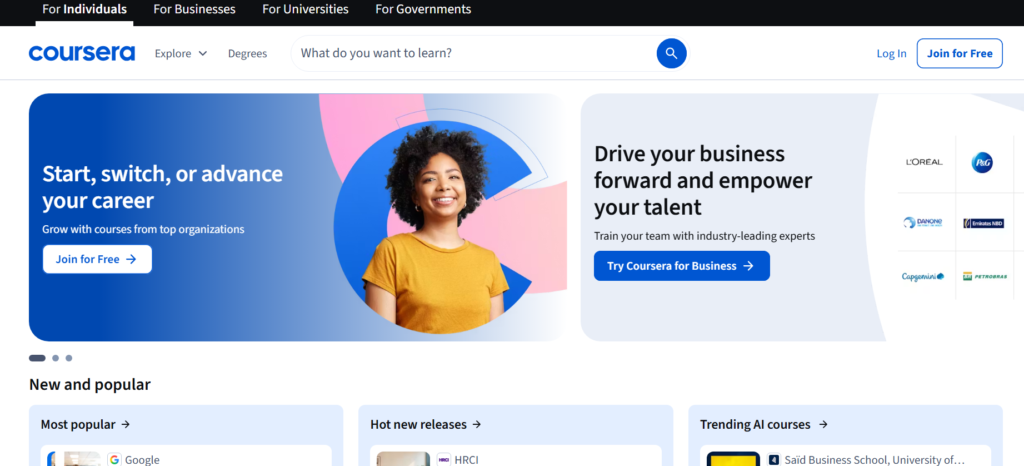
When I signed up and enrolled in a Google data analytics certificate, the course structure felt rigorous: weekly deadlines, peer-graded assignments, and real instructor feedback.
What sets Coursera apart is the depth. You’re not watching a 10 minute video and calling it done.
Most specializations run 3 to 6 months and require genuine effort. On the access side, free auditing lets you see course content but blocks graded work and certificates unless you pay.
Pros: Accredited university partnerships, degree programs available, strong job-ready certificates
Cons: Can get expensive for full degrees, some courses feel slow-paced
2. Udemy: Best for the Widest Course Library
Best For: Learners who want affordable, topic-specific courses
Starting Price: Free browsing/courses from $16.99 on sale
My Rating: 4.7/5
Udemy is the warehouse store of online learning. The sheer number of courses available is staggering, and I found myself exploring topics I hadn’t even considered learning before.
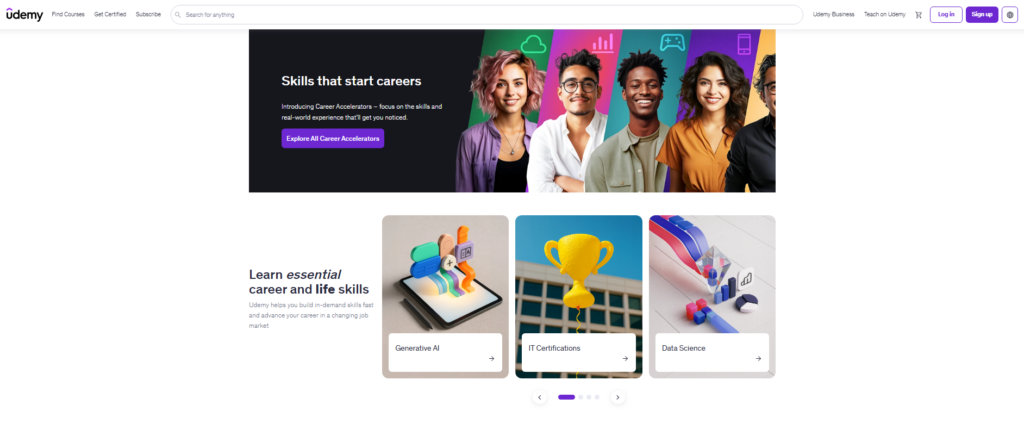
In my experience, the quality varies widely between instructors, so reading reviews before buying a course saves real frustration.
The logic behind Udemy’s pricing model is smart for budget learners: courses frequently go on sale, and once you buy, you own them forever.
Udemy Business adds a corporate layer with team analytics and curated content for workforce training.
Pros: Massive library, lifetime course access, frequent discounts
Cons: Quality is inconsistent, no formal credentials or degrees
3. LinkedIn Learning: Best for Career Development
Best For: Professionals building workplace skills
Starting Price: $39.99/mo (free trial available)
My Rating: 4.6/5
LinkedIn Learning comes bundled with every Premium LinkedIn subscription.
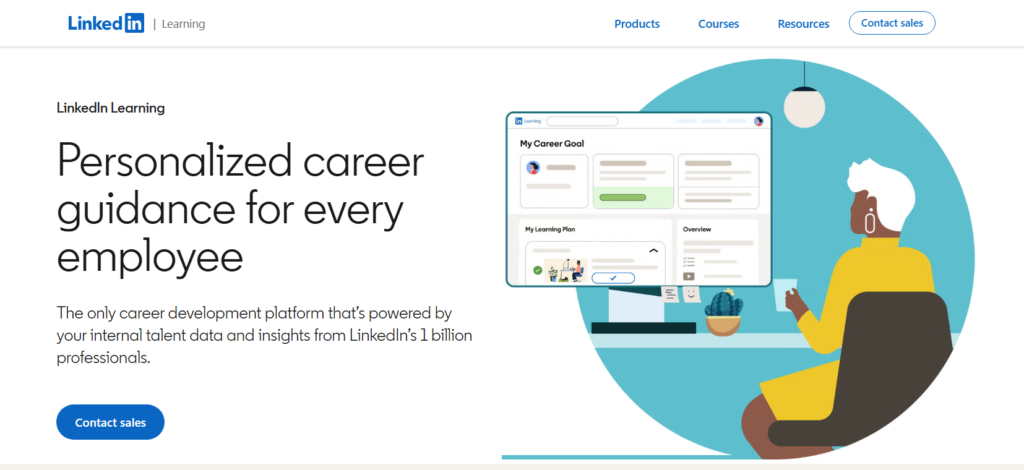
What I liked most during testing was that completed courses add straight to your LinkedIn profile with no extra steps. That visibility matters when recruiters are scanning your page.
The course library leans heavily toward business, technology, and creative skills.
I noticed that instructors tend to be working professionals rather than academics, which means the content feels current and practical.
The monthly fee is a bit steep compared to competitors at the same quality tier.
Pros: Direct LinkedIn profile integration, practical instructor expertise, strong business content
Cons: Monthly-only pricing, less depth in science or academic subjects
4. edX: Best for Academic Certifications
Best For: Learners chasing MicroMasters programs and professional certificates
Starting Price: Free to audit/certificate pricing varies
My Rating: 4.6/5
edX sits in similar territory to Coursera but has a stronger emphasis on MOOC style open access education.
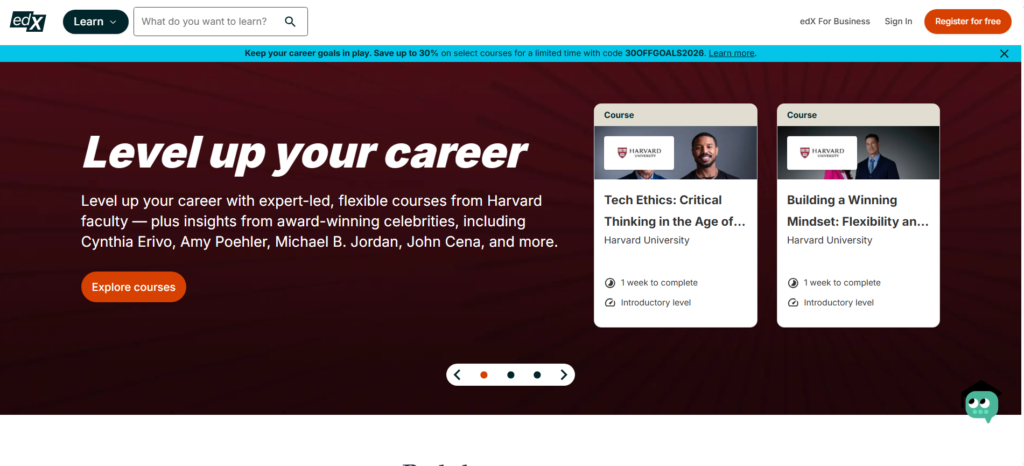
When I tested it, I found the free audit path genuinely useful: you get full course access without paying, which is the base model here.
Pay to upgrade, and you get the graded work and a shareable certificate.
What competitors rarely mention is edX’s MicroMasters and MicroBachelors programs, which can count toward actual university degrees at partnering institutions.
That’s a serious value lever most learners overlook.
Pros: Strong free audit option, stackable credentials, university partnerships
Cons: Pricing for certificates can be high, platform UI feels dated in spots
5. Skillshare: Best for Creative Skills
Best For: Designers, illustrators, writers, photographers
Starting Price: $32/mo or $168/year
My Rating: 4.4/5
Skillshare is where creative learning lives. I personally worked through a typography and branding class during my testing, and the project-based format kept me far more engaged than a standard lecture video would.
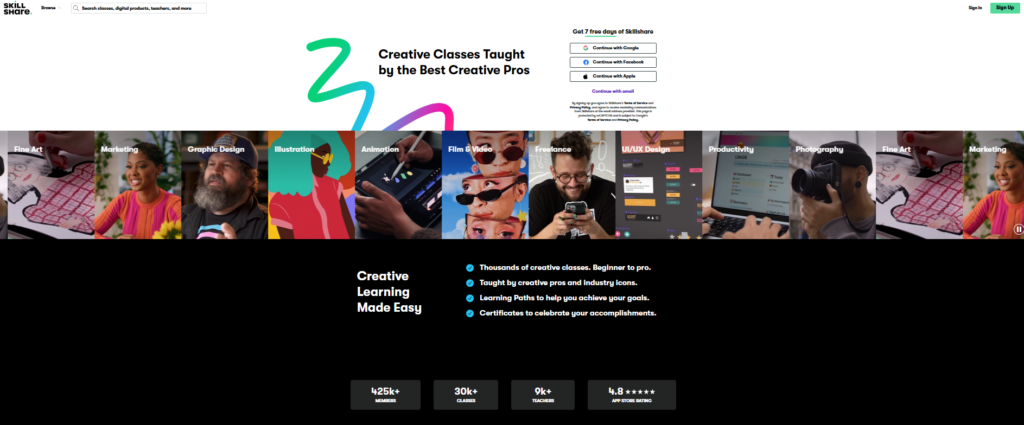
Every class ends with a hands-on project, which means you build a portfolio while learning.
And here’s the thing: Skillshare’s community features let you share your projects and get feedback from other learners.
That peer interaction was something I genuinely did not expect to find useful, and I ended up revisiting classmates’ work multiple times.
The coverage has a boundary: it’s not ideal for technical certifications or data science tracks.
Pros: Project-based learning, strong creative community, flat subscription unlocks everything
Cons: No formal certificates, limited coverage of technical subjects
6. Khan Academy: Best Free Platform for K-12
Best For: Students, parents, and self learners on zero budget
Starting Price: Completely free
My Rating: 4.5/5
Khan Academy is the only platform on this list that is 100% free with no hidden tiers.
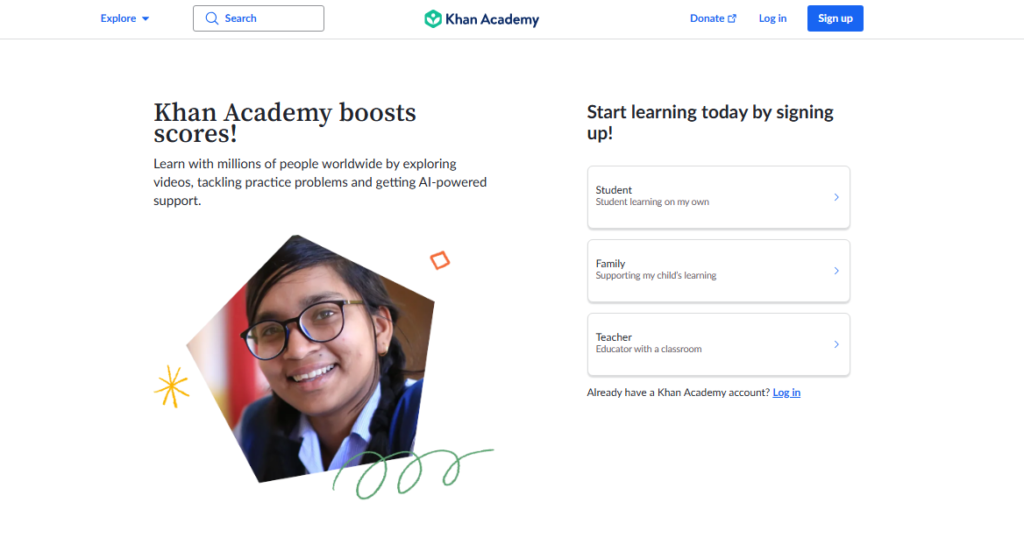
I tested it from the perspective of a parent helping a teenager with math, and the mastery-based progression system genuinely works.
The platform tracks exactly where a student is struggling and repeats exercises until the concept sticks.
For adult learners, Khan Academy covers math through calculus, economics, science, and test prep for SAT, GMAT, and LSAT.
The model is simple: no ads, nonprofit funding, and a mission to keep education accessible to everyone.
Pros: Completely free, mastery-based system, excellent K-12 coverage
Cons: Limited professional or vocational content, no certificates
7. Teachable: Best for Course Creators
Best For: Entrepreneurs who want to sell their own courses
Starting Price: $39/mo (basic plan)
My Rating: 4.4/5
Teachable flips the model. Rather than teaching you, it gives you the tools to teach others and build a course business.
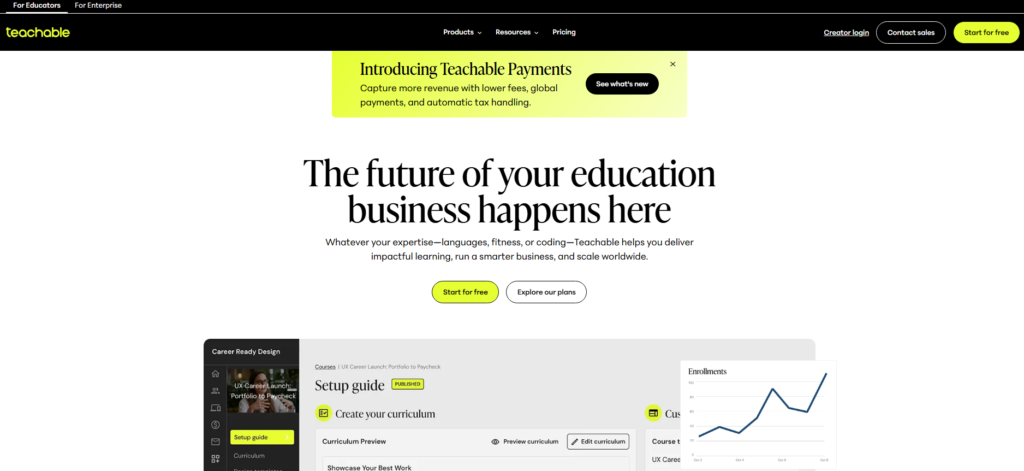
When I set up a test course during my review, the builder was intuitive enough that I had a working landing page, checkout flow, and drip curriculum running within a single afternoon.
The platform handles payments, student management, and basic marketing in one place. In practice, it works best for solo creators and small teams.
Larger operations with complex affiliate structures may eventually hit its ceiling and want to look at Kajabi.
Pros: Easy course builder, integrated payments, clean student experience
Cons: Transaction fees on lower plans, limited community features
8. Thinkific: Best for Building an Online School
Best For: Course creators who want more design control
Starting Price: Free plan/$36/mo (basic)
My Rating: 4.3/5
Thinkific is Teachable’s more design-focused sibling. The course builder gives you noticeably more control over how your school looks and feels.
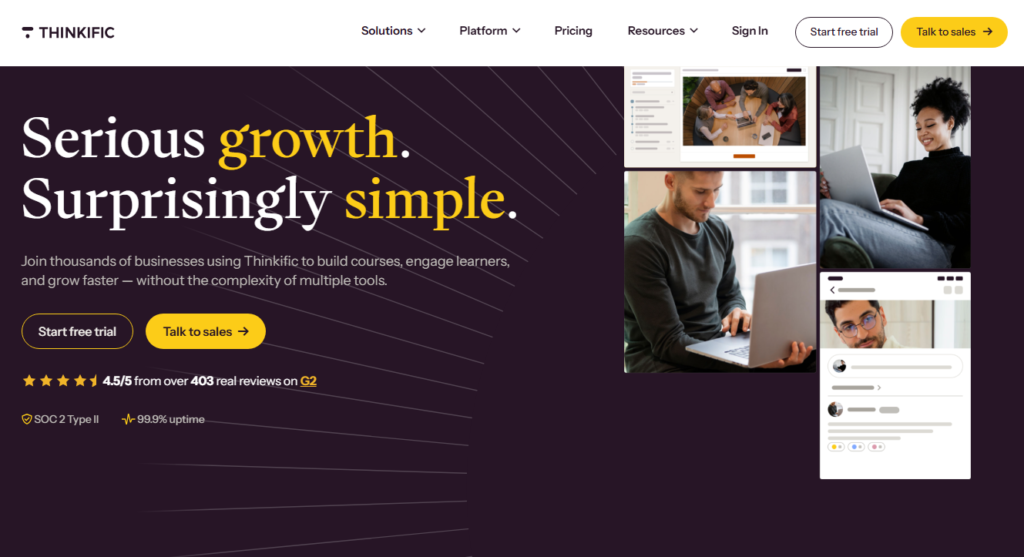
I personally tested the free plan first and was surprised how much you can do without paying: one course, unlimited students, and a functional checkout page.
Thinkific Academy, their free training resource for new course creators, is something competitors rarely talk about.
It walks you through course pricing, marketing, and launch strategy step by step. That support layer is worth real money to a first time creator.
Pros: Free plan available, strong design customization, Thinkific Academy resources
Cons: Advanced marketing tools only on higher plans, no built-in email marketing on the base tier
9. Kajabi: Best All-in-One Creator Platform
Best For: Serious creators who want courses, email, and community in one place
Starting Price: $119/mo
My Rating: 4.3/5
Kajabi is the most complete package on this list. It bundles course hosting, email marketing, landing pages, community features, and a website builder into a single subscription.
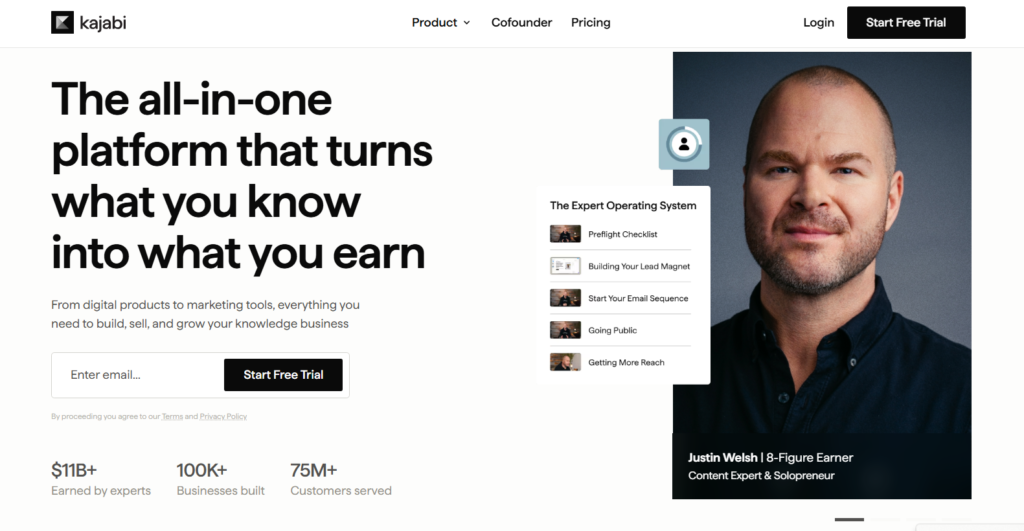
When I tested it, I did not need to touch a third-party tool at any point in the workflow, and that alone saves significant time.
The price tag is the biggest friction point. At $119/mo to start, Kajabi is not the right choice for someone testing the water.
The case for it is straightforward: if you’re already paying separately for an email tool, a website, and a course host, Kajabi often costs less in total.
Pros: Everything under one roof, excellent email automation, professional templates
Cons: High starting price, overkill for beginners with small audiences
10. MasterClass: Best for Celebrity-Taught Subjects
Best For: Learners who want inspiration first and skill building second
Starting Price: $120/year (individual)
My Rating: 4.2 / 5
MasterClass is unlike anything else on this list. The production quality is genuinely cinematic. I took a writing class taught by a bestselling author, and it felt closer to watching a documentary than completing a course.
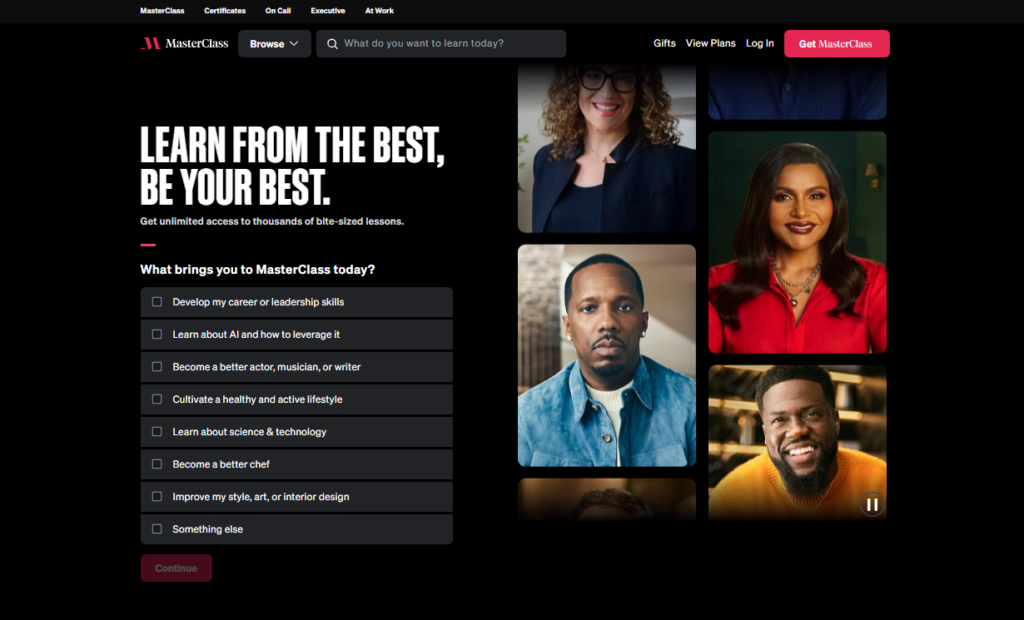
Every lesson is polished, thoughtful, and engaging in a way that standard screen recorded tutorials never match.
Adjust your expectations on format, because MasterClass leans heavily toward inspiration and storytelling rather than step-by-step technical instruction.
You walk away motivated and informed, but probably not certified or job ready. That’s a feature, not a bug, but know what you’re signing up for before you pay.
Pros: World class production, taught by genuine experts in their fields, accessible price
Cons: No certificates, not suited for technical skill building, limited interactivity
11. OpenLearning: Best for Community-Driven Learning
Best For: Institutions and learners who value peer interaction
Starting Price: Free/custom institutional pricing
My Rating: 4.1/5
OpenLearning is an Australian platform that doesn’t get the attention it deserves in global roundups.
What separates it is the social learning design: courses are built around discussion, peer assessment, and collaborative projects rather than solo video watching.
Over 4,000 courses in diverse subjects come alive with its thriving community of 3 million learners, which gives the platform real energy.
I found the learner experience refreshingly different from the passive video lecture format that most platforms default to.
The model bets that learning sticks better when you teach back and discuss with peers, and the research largely agrees.
Pros: Strong community engagement, peer-based learning, good for institutions
Cons: Smaller course library than Udemy or Coursera, less brand recognition
12. LearnWorlds: Best for Interactive Course Design
Best For: Course creators who want rich, interactive student experiences
Starting Price: $24/mo (starter plan)
My Rating: 4.4/5
LearnWorlds is the platform I’d recommend when someone wants their courses to feel more like a product than a playlist.
During testing, I used the interactive video tool: it lets you embed clickable hotspots, questions, and notes directly inside video content.
Students can’t just passively watch; they have to engage.
One LearnWorlds detail that rarely makes it into write-ups: it includes a built-in course completion certificate generator with custom branding.
For creators who want their certificates to look professional from day one, that detail saves hours of workaround design work.
Pros: Interactive video tools, built-in certificate builder, strong white-label options
Cons: Starter plan has a $5 per sale fee, steeper learning curve than Teachable
How I Chose These Platforms: My Selection Criteria
I didn’t pick these 12 based on which names I recognized. I signed up for each one, completed at least one course or built a test course, and evaluated them against a consistent set of criteria.
Course quality and depth: Does the content genuinely teach something, or does it pad runtime?
Ease of use: Could a first timer navigate the platform without a tutorial?
Pricing transparency: Are there hidden fees that only appear at checkout?
Certificate and credential value: Do employers or institutions actually recognize what you earn?
Creator tools (where relevant): Can you build a real course business on this platform?
Here is what only shows up after you log in: many platforms look similar from the outside but feel completely different once you are actually using them.
The UX of the student dashboard matters enormously for completion rates, and several platforms I tested initially but cut from this list had confusing navigation that killed momentum mid course.
Platform Comparison: Quick Reference Table
| Platform | Type | Free Plan | Certificates | Best For |
|---|---|---|---|---|
| Coursera | Marketplace | Audit only | Yes (paid) | University credentials |
| Udemy | Marketplace | Free browsing | Yes | Affordable skills |
| LinkedIn Learning | Subscription | Trial only | Yes | Career growth |
| edX | MOOC | Yes (audit) | Yes (paid) | Academic learning |
| Skillshare | Subscription | Trial only | No | Creative skills |
| Khan Academy | Free platform | Yes (full) | No | K 12 learning |
| Teachable | Course creator | No | Custom | Selling courses |
| Thinkific | Course creator | Yes | Custom | Building a school |
| Kajabi | All in one | No | Custom | Full creator business |
| MasterClass | Subscription | No | No | Inspiration led learning |
| OpenLearning | Community LMS | Yes | Yes | Social learning |
| LearnWorlds | Course creator | No | Custom | Interactive courses |
My Final Picks: Best Online Education Platform for Each Type of Learner
After all that testing, here’s where I land on which platform fits which type of person.
If you want a university level credential: Go with Coursera. The depth, the institutional names, and the structured programs are unmatched at the price point.
If you want the cheapest path to learning a new skill: Udemy on sale. Wait for one of their frequent promotions and pay under $20 for a course you keep forever.
If you’re building a course business from scratch: Start on Thinkific’s free plan, prove the concept, then move to Kajabi once revenue justifies the upgrade.
Jumping straight to Kajabi at $119/mo before you have students means paying for email tools, landing pages, and community features you have no audience to use them on yet.
If you’re a student or parent on a tight budget: Khan Academy costs nothing and delivers genuine mastery based learning that rivals paid alternatives for core academic subjects.
If creative skills are your goal: Skillshare’s annual plan at $168/year is a flat fee that unlocks everything. That works out well for anyone who plans to take more than 5 or 6 classes a year.
Frequently Asked Questions
Which online education platform is best for complete beginners?
Udemy and Khan Academy are the most beginner-friendly options I tested. Udemy’s course pages include detailed syllabi and student reviews so you know exactly what you’re getting before buying. Khan Academy requires no account to start and guides learners through topics step by step at a comfortable pace.
Are free online education platforms actually worth it in 2026?
Yes, for the right goals. Khan Academy and edX’s free audit paths deliver real value at zero cost. The limit is credentials: free tiers on most platforms block certificates and graded work. If a credential matters for your job search, budget for the paid upgrade, because the certificate is usually the whole point.
What is the difference between a course marketplace and a course creation platform?
A marketplace like Udemy or Coursera is where you go to learn from courses others have built. A creation platform like Teachable, Thinkific, or Kajabi is where you build and sell your own courses. Some platforms, like Udemy, blend both but most specialize in one direction or the other.
Which platform gives the most recognized certificates for employers?
Coursera and edX certificates carry the most weight because they come from partner universities like MIT, Yale, and Google. LinkedIn Learning certificates show up directly on your professional profile, which adds visibility. MasterClass and Skillshare certificates are not recognized by employers in the same way.
How much should I expect to spend on online education per year?
It ranges widely: $0 on Khan Academy, around $168/year for Skillshare, or up to $1,428/year for Kajabi at the creator tier. Most learners hit a sweet spot spending between $100 and $400 annually. Buying Udemy courses individually during sales often beats any subscription for targeted, single topic learning.
Can I build a full time income selling courses on these platforms?
Yes, but the platform choice matters. Selling on Udemy means competing in their marketplace with shared pricing control. Selling on Teachable, Thinkific, or Kajabi means owning your audience and pricing entirely. In practice, dedicated creator platforms offer far better long-term income potential once you have an established audience to market to.