| Tool | Best For | Starting Price | Free Plan |
|---|---|---|---|
| Kajabi | All-in-one creators | $55/mo | No (free trial) |
| Thinkific | Coaches & beginners | $36/mo | Yes |
| Teachable | Advanced marketing | $39/mo | Yes (limited) |
| LearnWorlds | Interactive content | $24/mo | No (free trial) |
| Podia | Digital products + memberships | $33/mo | Yes |
| Udemy | First time instructors | Free to publish | Yes |
| Skillshare | Creative skills teaching | Free to publish | Yes |
| Kartra | Scaling an online business | $99/mo | No (trial) |
| Mighty Networks | Community first courses | $33/mo | No (free trial) |
| Genially | Free interactive course creation | Free | Yes |
If you’re searching for the best software for creating online courses, I’ve done the heavy lifting for you.
For this best software for creating online courses roundup I built a sample curriculum on each platform, ran the checkout, and read the pricing terms line by line. Here are my top picks for 2026.
Whether you’re a solo coach or building a full digital school, the platform you pick decides how much of the rest of your setup you have to build yourself. Let’s get into it.
What Is Online Course Software and Why Does It Matter?
Online course software is the platform you use to build, host, deliver, and sell your course content.
It handles the parts you would otherwise stitch together yourself: video hosting, student logins, payments, and progress tracking.
The key difference between platforms comes down to whether they’re built for teaching , selling, or both.
Some tools focus purely on content delivery. Others layer in marketing, email, and payment processing.
Picking the wrong one early on is the most common mistake I see course creators make.
The Best Online Course Platforms in 2026
1. Kajabi: Best All-in-One Course Platform
Best For: Creators who want everything under one roof
Starting Price: $55/month
Free Trial: Yes (14 days)
Kajabi is the platform I recommend most often when someone asks me what tool they should use if they’re serious about turning knowledge into income.
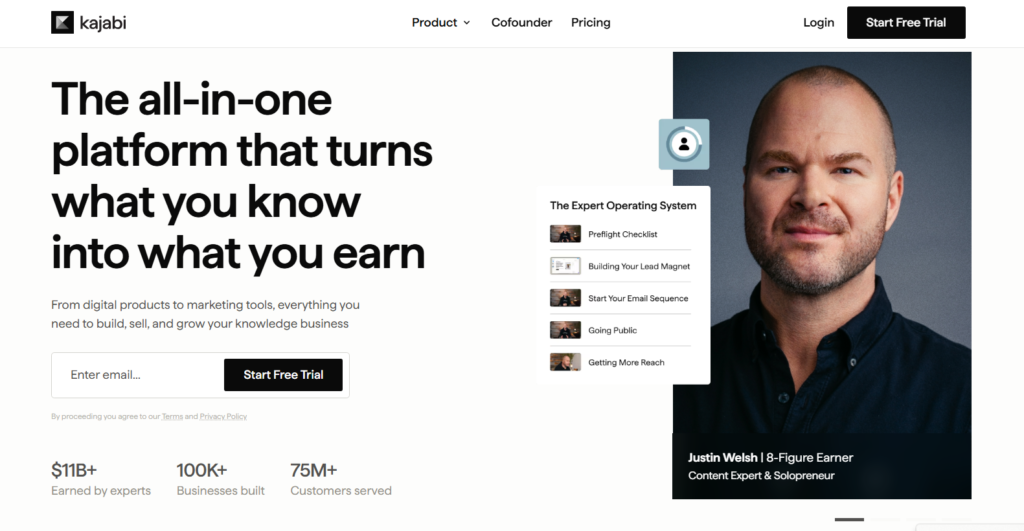
It handles course creation, email marketing, landing pages, pipelines, and payments without needing a single third-party integration.
When I set up a course on Kajabi, the experience felt like having a full marketing team baked into the dashboard.
The course builder is clean, and you can drip content, add quizzes, and build community spaces all in one place.
Price is the catch. Kajabi is not cheap, and if you’re just starting out with zero audience, the monthly cost can feel heavy before revenue kicks in.
Pros: Truly all-in-one, excellent email automation, polished templates
Cons: Higher price point, limited customization on lower tiers
2. Thinkific: Best Free Online Course Platform for Coaches
Best For: Coaches and consultants selling structured programs
Starting Price: $36/month (free plan available)
Free Trial: Free plan with one course
Thinkific was one of the first platforms I tested when I started researching course creation tools.
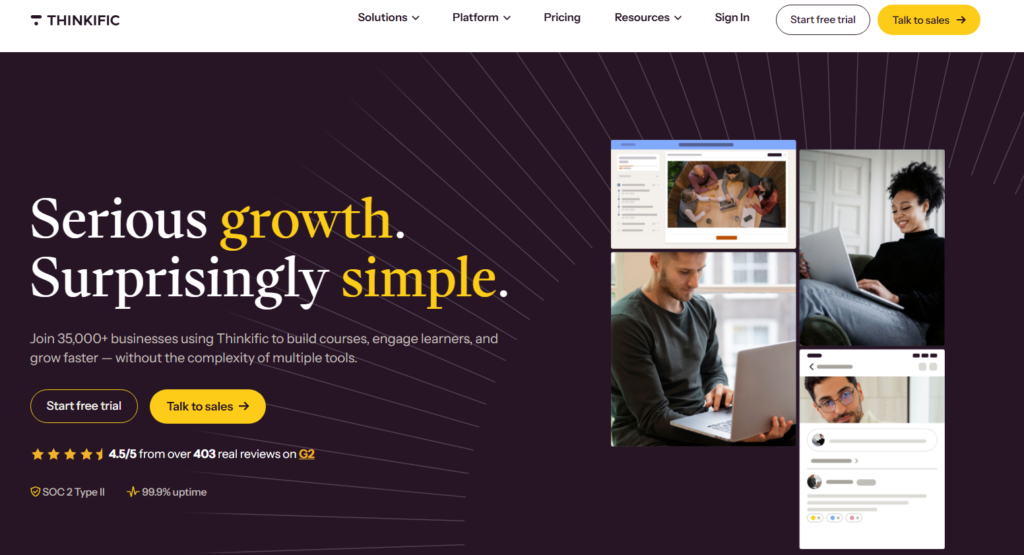
The free plan is genuinely usable, not a crippled demo. You get one published course, unlimited students, and basic quizzes without spending a cent.
Thinkific’s lesson completion tracking rarely gets a mention, and it is unusually detailed even on the mid-tier plans.
You can see exactly where students drop off, which helps you improve retention over time.
Paired with that is a solid app marketplace for adding features like communities, assignments, and cohort-based learning.
Net result: Thinkific punches well above its price tag.
Pros: Reliable free plan, strong student analytics, no transaction fees
Cons: Email marketing requires third-party tools, design feels slightly dated
3. Teachable: Best for Advanced Course Marketing
Best For: Instructors who want full control over pricing and student relationships
Starting Price: $39/month
Free Plan: Yes (with transaction fees)
Teachable has helped over 150,000 instructors reach millions of students, and after spending time inside the platform, I understand why.
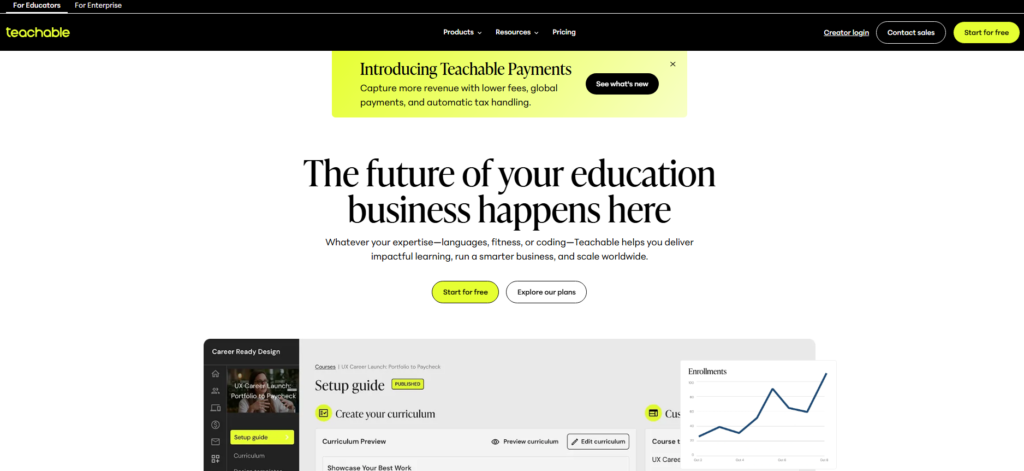
The course builder is intuitive, and the checkout and upsell features are genuinely powerful for converting browsers into buyers.
One thing that stood out to me personally was the pricing flexibility. As one creator put it:
“You should never have anyone dictating the prices you charge for your content. With Teachable, you get full control. You can talk to your students, match their learning styles, and build real relationships instead of going through third parties.”
The free plan does charge a transaction fee per sale, which stings when you’re starting out. Upgrading quickly makes the math work better.
Pros: Excellent checkout tools, full pricing control, course completion certificates
Cons: Free plan transaction fees, limited design flexibility
4. LearnWorlds: Best for Interactive Course Content
Best For: Creators who want highly engaging, interactive lessons
Starting Price: $24/month
Free Trial: Yes (30 days)
LearnWorlds is the tool I reach for when someone needs to build courses with real learner engagement, not just video and PDFs.
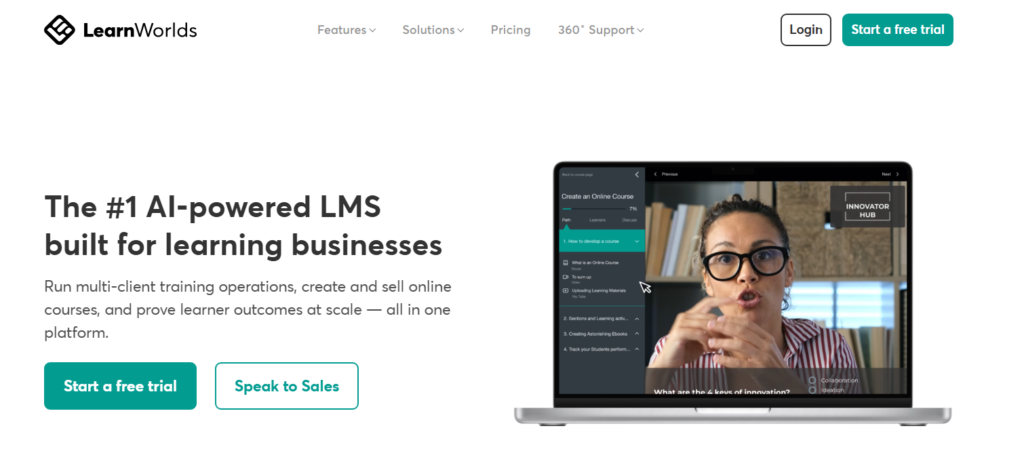
You can add clickable overlays to videos, build interactive eBooks, and create social learning spaces where students discuss lessons in real time.
I found the white-label mobile app feature particularly impressive. For creators who want their own branded app without hiring a developer, LearnWorlds makes it surprisingly accessible at a mid-range price point.
The Starter plan does limit you to 5 paid courses, which is worth knowing before you commit.
Pros: Interactive video tools, white-label mobile app, strong assessment builder
Cons: Course cap on entry plan, slight learning curve on advanced features
5. Podia: Best for Selling Digital Products and Memberships
Best For: Creators selling courses alongside downloads, webinars, or memberships
Starting Price: $33/month
Free Plan: Yes
Podia sells more product types than anything else here. Beyond courses, you can sell digital downloads, host webinars, run a membership community, and take one-on-one coaching bookings from the same storefront.
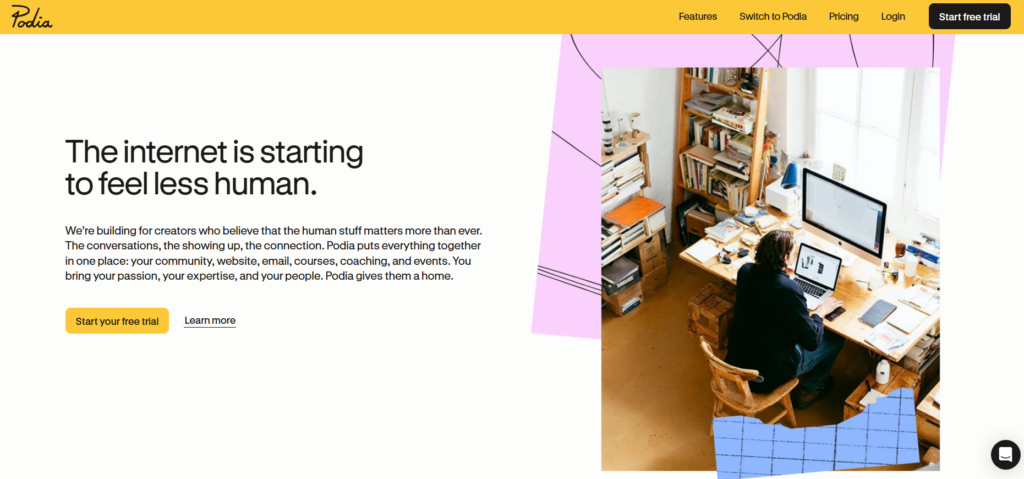
When I tested it, the storefront setup took less than an hour from scratch to live.
The detail that rarely makes a comparison table: Podia’s support is live chat with a real human, not a bot.
That matters when you’re setting up payment processing at 11pm before a launch.
Pros: Multi-product selling, live chat support, clean interface
Cons: Less granular analytics than Thinkific, community features are basic
6. Udemy: Best Marketplace for Launching Your First Course
Best For: First-time instructors wanting built-in audience access
Starting Price: Free to publish
Free Plan: Yes
Udemy isn’t software you install: it’s a marketplace you join. The trade-off is significant: you get immediate access to over 59 million learners across more than 213,000 courses, but Udemy sets the discount pricing during promotions and takes a revenue cut.
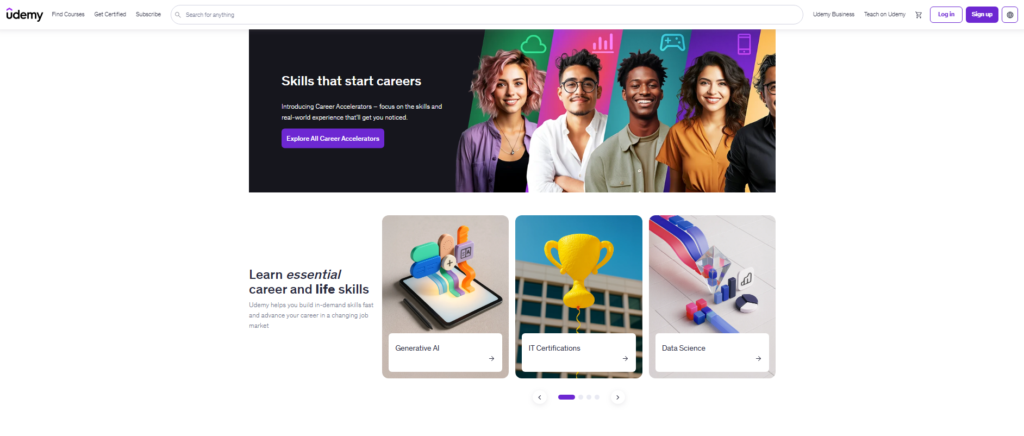
I think of Udemy as a great proving ground. Publish your first course there, validate the topic, collect reviews, then migrate to your own platform once you know the content sells.
Pros: Massive built-in audience, zero upfront cost, easy to get started
Cons: Low pricing control, heavy competition, revenue share model
7. Skillshare: Best for Teaching Creative Skills
Best For: Creative professionals teaching design, photography, writing, or illustration
Starting Price: Free to publish
Free Plan: Yes
Skillshare pays teachers based on minutes watched rather than per enrollment, which is a completely different revenue model than any other platform on this list.
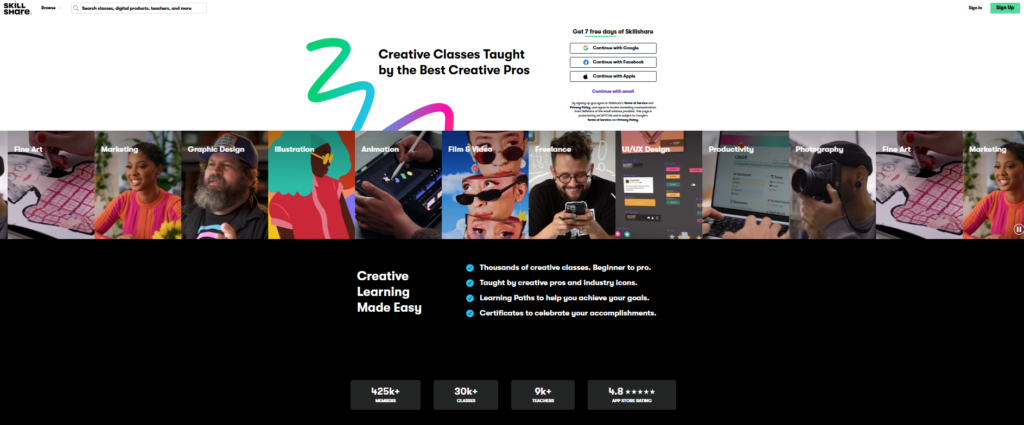
When I mapped it out, this rewards shorter, highly rewatchable classes over long lecture-style courses.
If your teaching style is punchy, visual, and project-based, Skillshare’s format suits it perfectly. Creative instructors often earn more here per hour of content than they do on Udemy.
Pros: Built-in creative audience, minute-based royalties, simple project assignments
Cons: No direct course sales, revenue tied to platform subscription numbers
8. Kartra: Best Overall Platform for Scaling a Course Business
Best For: Established creators ready to scale revenue
Starting Price: $99/month
Free Trial: Yes (14 days)
Kartra is built for people who have moved past the “just get a course live” stage and are ready to run a full online business.
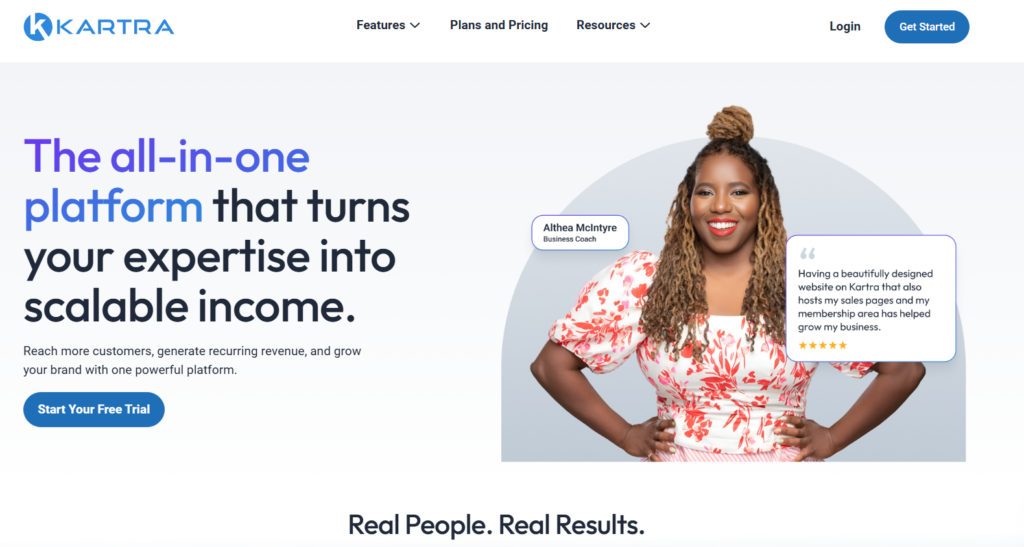
It includes everything from course hosting to sales funnels, behavior-based email sequences, help desks, and video hosting, all inside one subscription.
When I walked through the funnel builder, it was clear this tool was designed by people who understand direct response marketing.
The affiliate management system built into Kartra is one of the strongest I’ve seen on any course platform at this price.
Pros: Full marketing stack included, built-in affiliate management, behavior-based automations
Cons: Steeper learning curve, overkill for new creators, higher entry cost
9. Mighty Networks: Best for Community-First Courses
Best For: Creators building paid communities with embedded courses
Starting Price: $33/month
Free Trial: Yes
Mighty Networks flips the traditional model. Instead of courses with a community bolted on, it puts community first and embeds courses inside it.
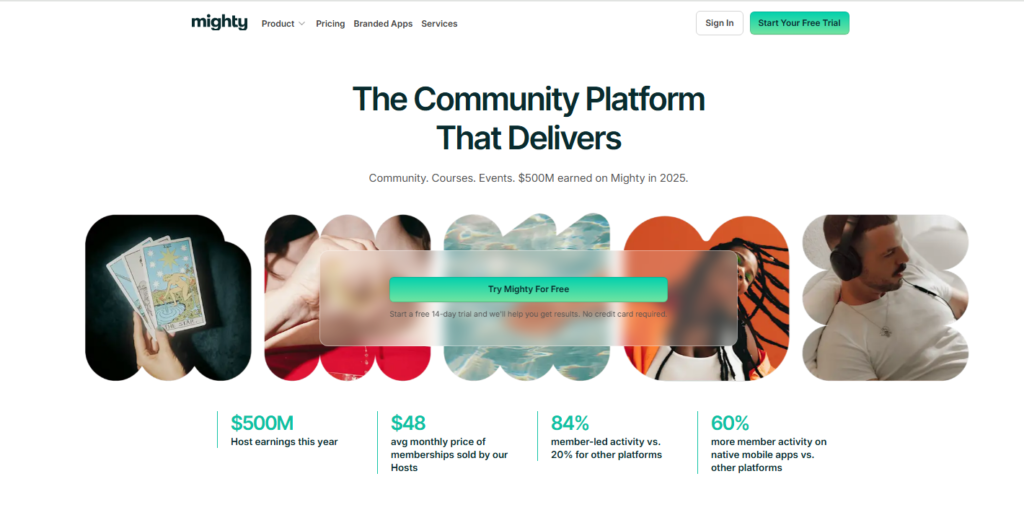
This matters because members who feel connected to each other stick around longer and complete more of your content.
I noticed the mobile app experience on Mighty Networks was noticeably better than most competitors.
Students can engage with lessons, discussion threads, and live events from one app without switching contexts.
Pros: Strong community and course integration, excellent mobile app, member engagement tools
Cons: Transaction fees on lower plans, course builder less polished than Thinkific
10. Genially: Best Free Interactive Course Builder
Best For: Budget-conscious creators who need visually rich, interactive content
Starting Price: Free
Free Plan: Yes
Genially is the sleeper pick on this list. The free plan lets you build fully animated, interactive eLearning modules with quizzes and video embeds, no credit card required. As one educator put it:
“Genially offers distinct advantages over traditional learning formats by providing interactive, visually appealing content that enhances engagement and comprehension.”
The limitation is a real one: Genially builds content, it does not sell or host courses.
You’ll need to pair it with something like Thinkific or Podia to actually sell and deliver your course to paying students.
Pros: Genuinely free, beautiful interactive templates, great for eLearning modules
Cons: No built-in sales or hosting for courses, requires integration with another platform
How I Tested and Selected These Platforms
I signed up for each platform on this list, built a sample course inside it, and pushed the publishing and checkout flows until something gave way.
My selection criteria came down to five things:
Course creation features: Can you build a real, structured curriculum with video, quizzes, and downloads?
Ease of use: How long does it take to go from zero to a live published course?
Marketing and sales tools: Does the platform help you sell, or do you need five other tools to do that?
Pricing fairness: Are there hidden transaction fees? Do free plans actually let you launch?
Student experience: Is the learning interface clean and engaging on both desktop and mobile?
I also checked something comparison articles almost never test: how easy it is to migrate your course off the platform if you ever need to leave.
Data portability matters more than people realize when they’re locked into a tool three years later.
Platform Comparison Table
| Platform | Best For | Starting Price | Transaction Fees | Free Plan | Marketing Tools |
|---|---|---|---|---|---|
| Kajabi | All-in-one business | $55/mo | None | No | Full suite |
| Thinkific | Coaches, structured courses | $36/mo | None | Yes | Basic |
| Teachable | Marketing focused creators | $39/mo | Free plan only | Yes | Strong |
| LearnWorlds | Interactive learning | $24/mo | $5/sale (starter) | No | Moderate |
| Podia | Multi product creators | $33/mo | None | Yes | Moderate |
| Udemy | First time instructors | Free | Revenue share | Yes | Marketplace only |
| Skillshare | Creative skills | Free | Royalty model | Yes | Marketplace only |
| Kartra | Scaling businesses | $99/mo | None | No | Full suite |
| Mighty Networks | Community + courses | $33/mo | On lower plans | No | Basic |
| Genially | Free content creation | Free | None | Yes | None |
Frequently Asked Questions
What is the best software for creating online courses for beginners?
Thinkific and Teachable are the strongest starting points for beginners. Both offer free plans, simple drag-and-drop builders, and clear documentation. Thinkific edges ahead slightly because its free plan has no transaction fees, which means more of your early revenue stays with you from the first sale.
Can I create an online course for free?
Yes. Thinkific, Podia, and Genially all offer genuinely usable free plans. Udemy and Skillshare let you publish for free using a marketplace model. The trade-off is that free plans usually cap course numbers, student limits, or take a revenue cut when you sell.
What is the difference between a course platform and an LMS?
A course platform is designed for independent creators selling to paying students. An LMS (Learning Management System) is built for organizations training employees or students within a closed system. Tools like Kajabi and Teachable are course platforms. Tools like Canvas and Blackboard are traditional LMS products.
Which platform gives me the most control over pricing?
Teachable and Kajabi give you the most pricing flexibility. You can set one time payments, subscriptions, payment plans, and bundles. Marketplace platforms like Udemy regularly discount your courses during sales promotions, often without your direct approval, which removes meaningful pricing control from your hands.
Is Coursera a good platform for creating and selling courses?
Coursera is better suited for accredited institutions and established universities rather than individual course creators. It boasts over 77 million learners and partnerships with more than 200 universities and businesses, but independent instructors have limited access compared to institutional partners on the platform.
How do I choose between an all-in-one platform and a standalone course builder?
Choose an all-in-one platform like Kajabi or Kartra if you want email, funnels, and payments in one monthly bill. Choose a standalone builder like Thinkific or LearnWorlds if you already have marketing tools you love and just need a clean, reliable place to host and deliver your course content.
Which Course Platform Fits Your Situation?
After all my testing, here’s how I’d match each tool to a specific situation:
- Just getting started with zero budget: Thinkific free plan. No transaction fees, real course publishing, and room to grow.
- Coaching business moving online: Teachable or Kajabi. Both handle the sales side as well as the teaching side.
- Creative professional (designer, photographer, writer): Skillshare for audience building, then Podia when you’re ready to own your revenue.
- Building a community-driven program: Mighty Networks, without hesitation. The community-first model drives completion rates up noticeably.
- Scaling a six-figure course business: Kartra or Kajabi. Both give you the full business stack without duct-taping tools together.
- Need interactive, visually rich content on a budget: Genially for creation, paired with Thinkific for delivery and sales.
The best software for creating online courses isn’t one-size-fits-all.
The right choice depends on where you are right now: your audience size, your technical comfort, and whether you want marketing tools built in or prefer to keep things modular.
Start with what fits your stage, and upgrade as your course business grows.