If you’re searching for WebinarJam Alternatives, you’ve already done the hard part, which is admitting your current setup might not be the right fit anymore.
I’ve run test sessions on over a dozen webinar platforms across the past year, and the rankings did not come out the way the marketing pages suggested. Some tools that looked polished on paper fell flat in a real session.
Others quietly outperformed WebinarJam in the areas that actually matter: engagement, integrations, and ease of use.
Here’s my honest breakdown of the best options available right now.
Why Look for a WebinarJam Alternative?
WebinarJam isn’t a bad platform. It does a solid job at the basics: registration pages, email reminders, pop-up offers, and session recording. I ran several live sessions on it and the core experience works.
The friction shows up in a few places. There are no native CRM integrations with tools like HubSpot or Salesforce, so you’re stuck routing everything through Zapier.
The viewer experience can feel clunky compared to newer platforms. For most users the frustration comes down to one thing: WebinarJam’s interface hasn’t evolved at the same pace as the alternatives.
Billing is another sticking point, because you only get yearly plans. The plans start at $39/month for under 100 attendees and climb to $229/month for up to 2,000.
If you want automated webinars, you need to buy EverWebinar separately, which means two subscriptions just to run evergreen content.
10 Best WebinarJam Alternatives in 2026
1. Contrast: Modern, Engaging Webinars
Contrast is the platform I keep recommending to marketers who want their webinars to feel less like a corporate Zoom call and more like a polished live show.
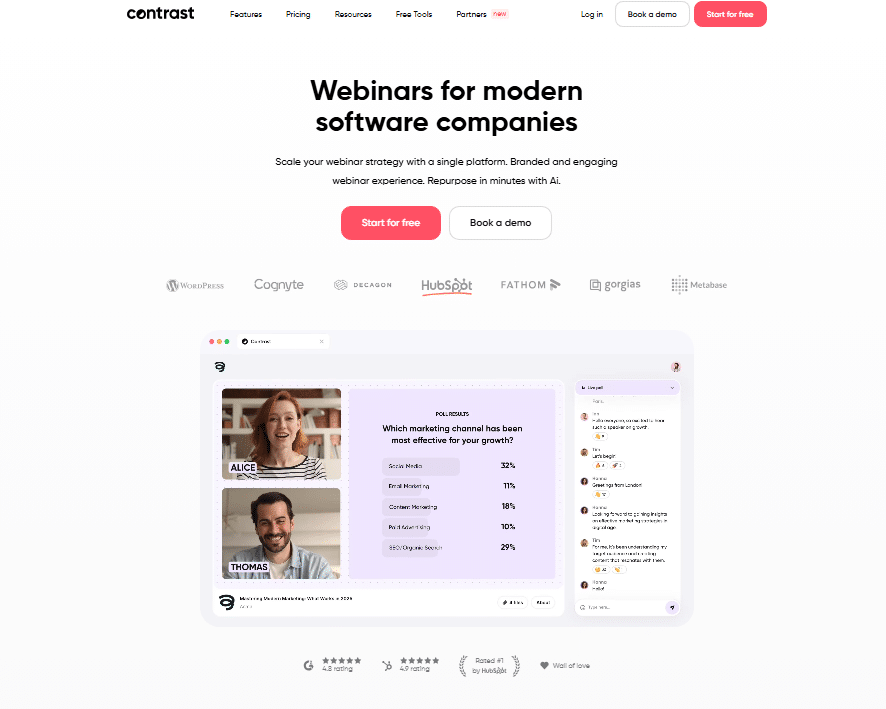
The interface is clean, the viewer experience is genuinely smooth, and the branding options are strong without requiring a design degree.
What I liked most is that Contrast supports native CRM integrations: including HubSpot right out of the box. No Zapier workarounds needed.
The engagement tools (polls, Q&A, reactions) feel built into the session rather than bolted on afterwards, and attendees use them without being prompted.
Best for: Marketing teams and B2B companies running demand gen webinars.
Starting price: Free plan available; paid plans from around $49/month.
- Native CRM integrations
- Strong branded experience
- Modern viewer interface
- Less automation depth than WebinarJam
2. Zoom Webinars
Zoom barely needs an introduction at this point. I’ve hosted sessions with 500+ attendees on Zoom Webinars and the reliability is hard to beat.
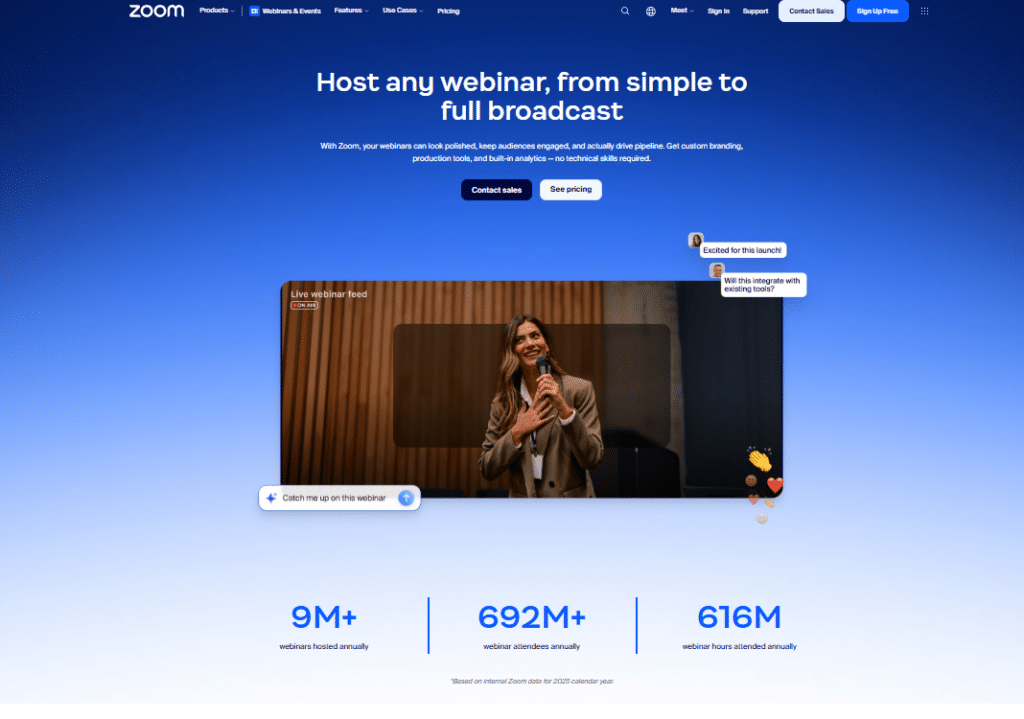
The practical advantage is simple: if your audience already has Zoom installed, friction at the door drops dramatically.
What Zoom Webinars lack are the marketing-specific features WebinarJam is known for: one-click offer pop-ups and built-in scarcity timers.
You’d need integrations to replicate those. Zoom stays popular on familiarity and rock-solid infrastructure alone.
Best for: Enterprises, large events, and organizations that need scale and reliability above all else.
Starting price: The webinar add-on starts at $149/month.
3. Demio
Demio is the one I’d hand to a marketer who wants a clean setup without reading a 40-page manual. When I signed up and built my first event, it took under 20 minutes.
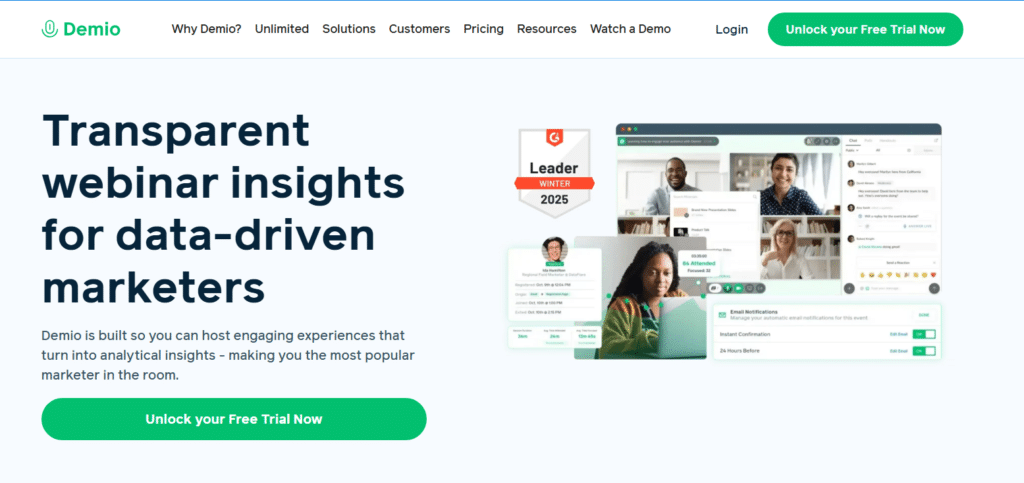
The registration pages look genuinely professional without customization, and the automated webinar feature is included in the base plan, unlike WebinarJam.
The engagement tools (polls, handouts, featured actions) all perform well. Demio connects natively with tools like HubSpot, ActiveCampaign, and Salesforce. That alone makes it a compelling switch for anyone deep in a CRM workflow.
Best for: SaaS companies and demand gen marketers who want polished, no-fuss webinars.
Starting price: Around $59/month billed annually.
4. Livestorm
Livestorm runs entirely in the browser. No downloads, no plugins, no install prompt: attendees click a link and they’re in.
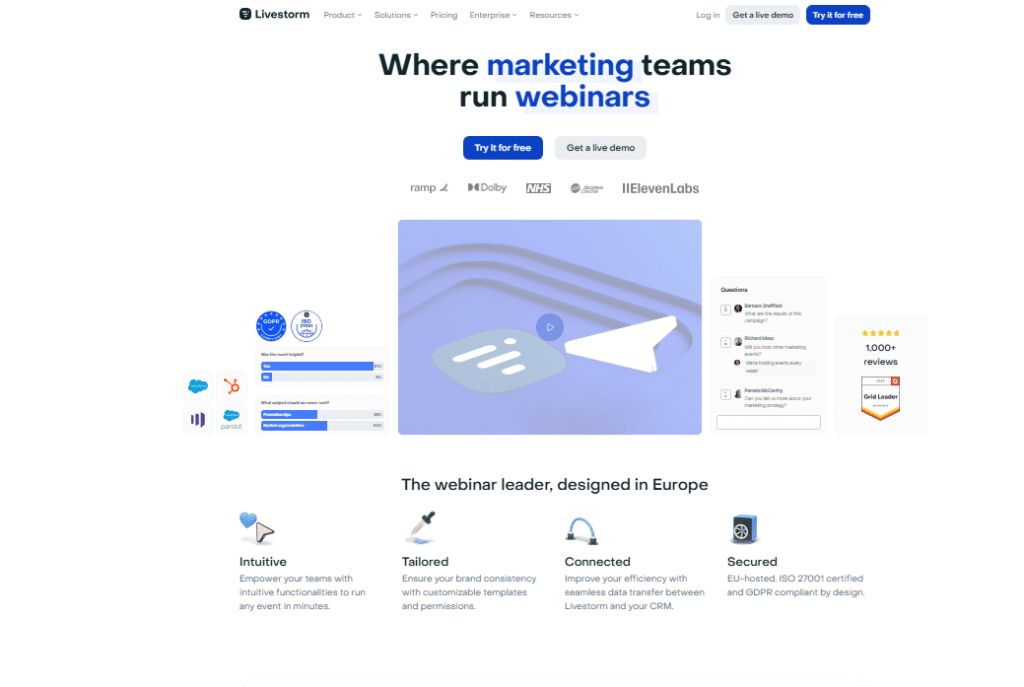
I tested it with a mixed audience of technical and non-technical participants and the zero-friction entry made a real difference in attendance rates.
Livestorm’s analytics dashboard is also one of the best I’ve used.
You can see exactly where engagement dropped, how long people stayed, and which CTAs got clicked. It connects with Salesforce, HubSpot, Pipedrive, and Marketo natively.
Best for: Teams that prioritize analytics and clean attendee experience.
Starting price: Free plan available; paid from $99/month.
5. EasyWebinar
EasyWebinar solves one of WebinarJam’s most common complaints: needing two separate tools for live and automated webinars.
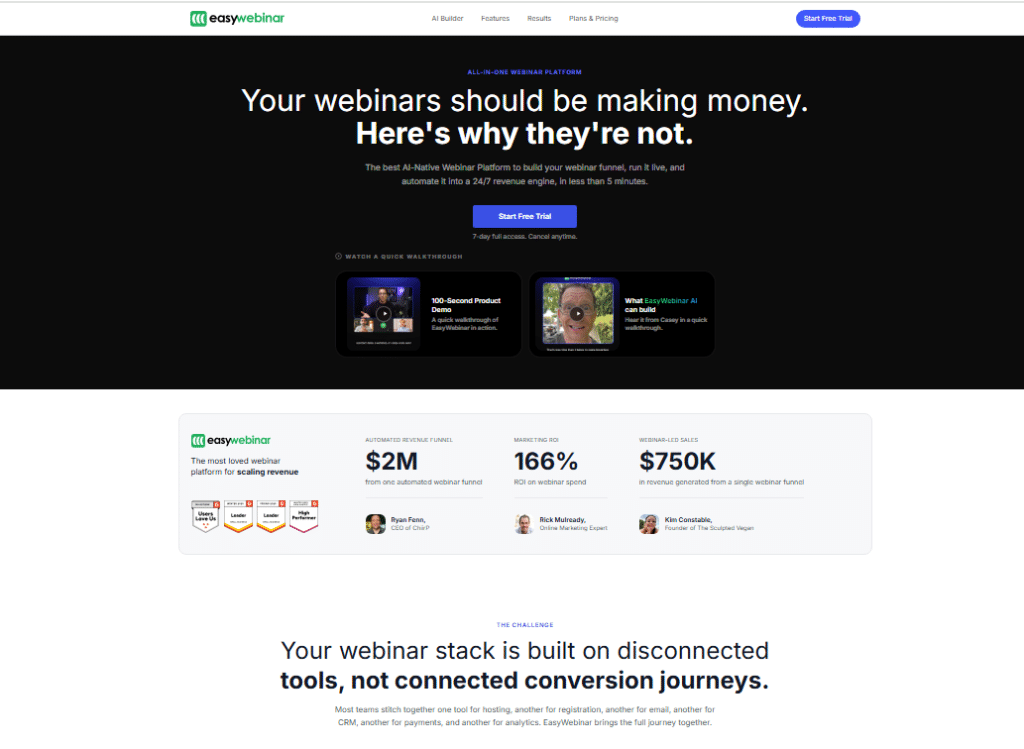
EasyWebinar bundles both into a single subscription. I ran a live session and then converted the recording into an automated replay within the same platform, no extra cost.
The streaming quality is solid and it integrates directly with YouTube Live, which opens up organic reach for public-facing webinars.
The interface is more dated than Demio or Contrast, and the backend settings carry a real learning curve before everything clicks.
Best for: Marketers who want live and automated webinars without paying for two platforms.
Starting price: Around $59/month billed annually.
6. BigMarker
BigMarker is the heavy-duty option on this list. I tested it for a multi-session virtual summit and it handled the complexity well: multiple tracks, sponsor pages, networking rooms, and custom branding throughout.
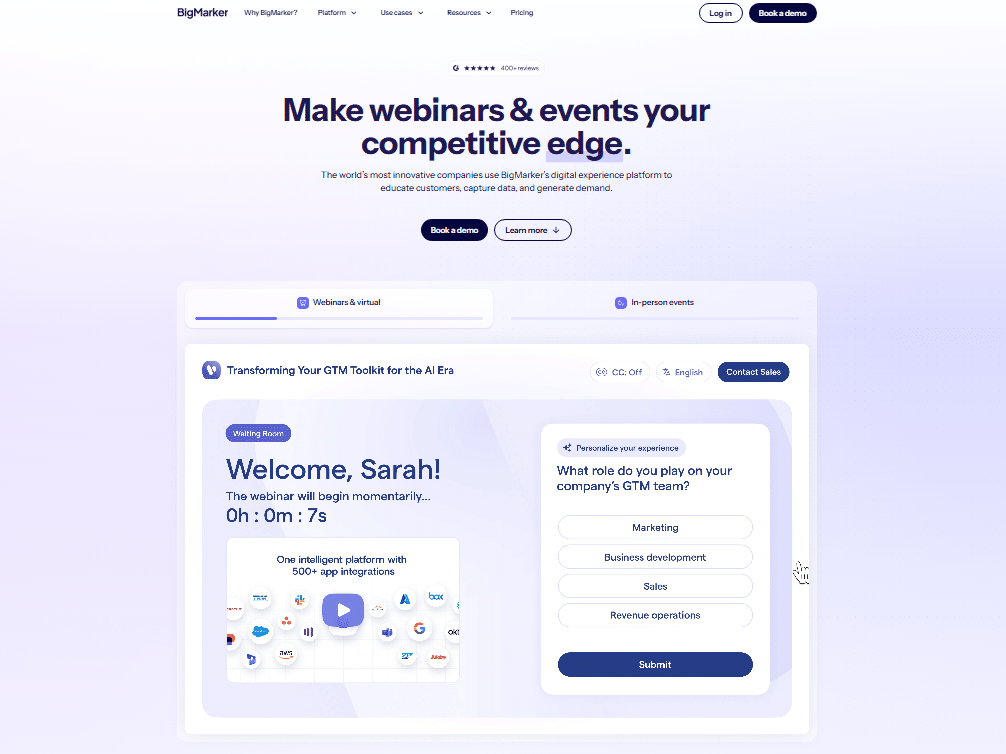
It’s the kind of platform where every feature you could imagine is somewhere in the settings.
Be honest about your scale: BigMarker is overkill for a solo creator running weekly webinars. It shines for organizations running full virtual events or recurring webinar programs at scale.
Best for: Event-heavy organizations, virtual summits, and enterprise teams.
Starting price: Around $99/month; enterprise pricing available.
7. GoToWebinar
GoToWebinar has been around longer than most of its competitors and the experience shows in both good and bad ways.
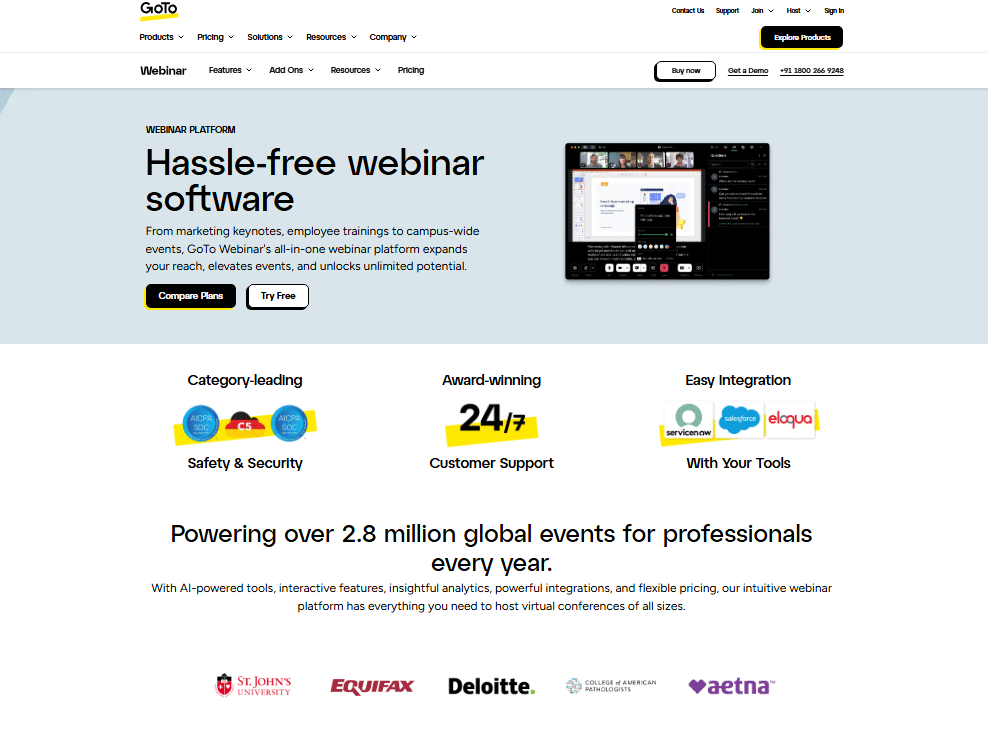
The platform is stable, well documented, and trusted by large enterprises. In my experience using it for a client’s quarterly training series, it never missed a beat technically.
The interface, though, looks dated and has not had a full refresh in years. Next to Demio or Contrast, it feels heavy.
Loyalty here rests on reliability, compliance features, and the wider GoTo ecosystem for organizations already using those tools.
Best for: Enterprise training, HR departments, and compliance-heavy industries.
Starting price: Around $49/month for up to 250 attendees.
8. WebinarKit
Join 20,000+ businesses using WebinarKit, and after testing it myself I can see why that number keeps growing. WebinarKit is laser-focused on automated webinars and does that one job extremely well.
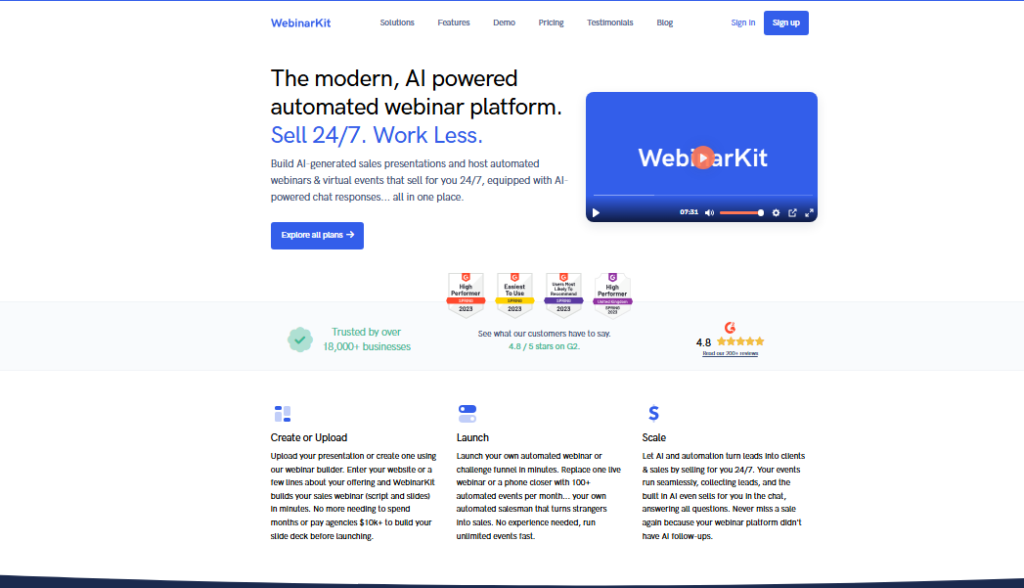
The fake live experience (where automated webinars mimic a live broadcast) is among the most convincing I’ve tested.
Setup is fast. You upload your video, configure your registration page, set your schedule, and you’re live.
The conversion-focused features (timed offers, urgency elements, chat simulation) are all present and genuinely effective for sales webinars.
Best for: Coaches, course creators, and sales teams running automated funnels.
Starting price: One-time payment options available; monthly plans around $39.
9. ON24
ON24 is enterprise-grade, full stop. I wouldn’t recommend it to a solo entrepreneur, but for a B2B marketing team that needs deep data, content hubs, and integration with enterprise marketing stacks, it delivers in a way no other tool on this list can match.
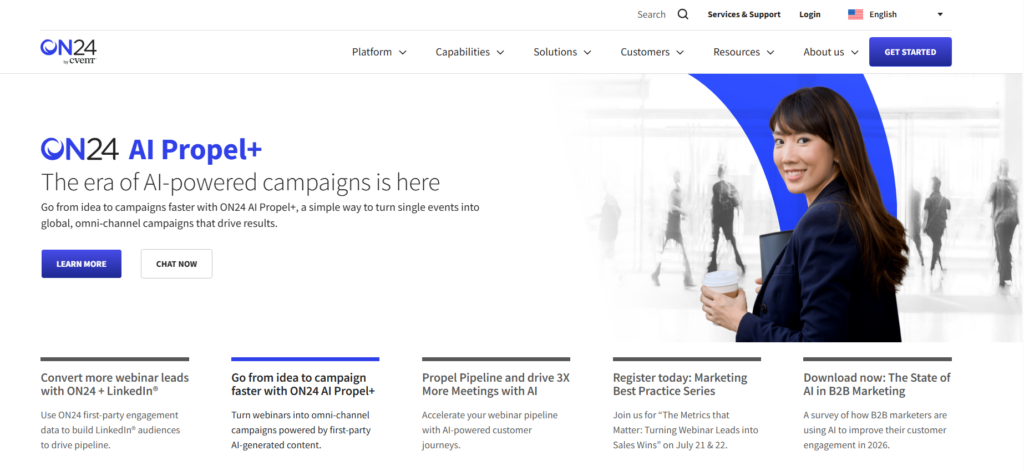
The analytics go far beyond attendance numbers: ON24 tracks content engagement scores that feed directly into lead scoring in your CRM.
The production value options are top tier. The price reflects all of this; it’s firmly in the enterprise budget range.
Best for: Enterprise B2B marketing teams with large budgets and data-driven programs.
Starting price: Custom pricing; typically starts in the thousands per year.
10. WebinarNinja
WebinarNinja sits in a sweet spot between simplicity and depth. I tested it for an online coaching setup and found that the course creation add-on (CourseNinja) changes the value equation significantly: you’re getting a webinar tool and a course platform bundled together.
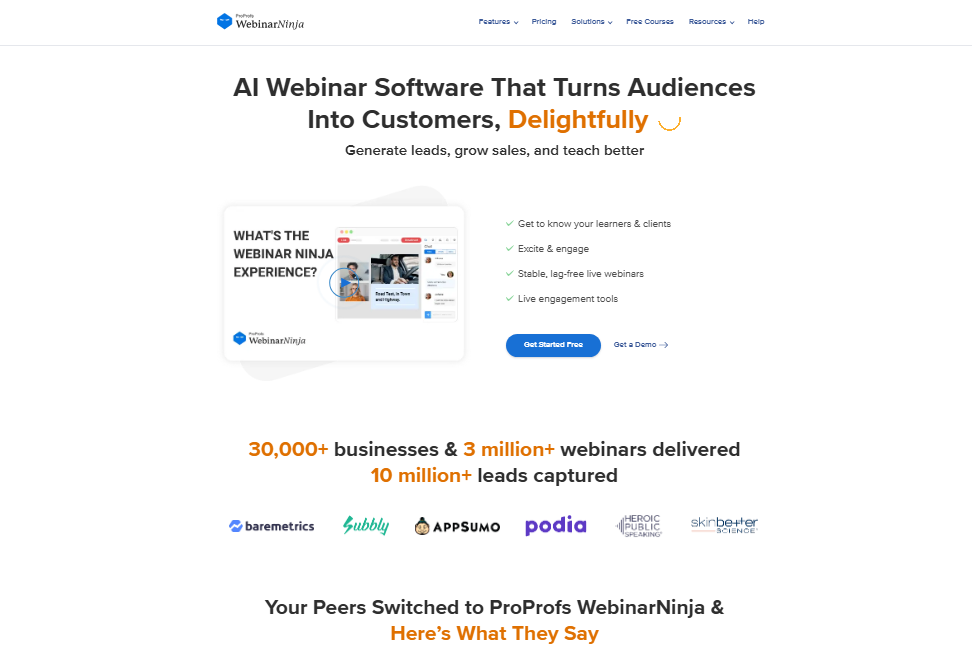
The setup is fast and the design is clean. For educators, coaches, and consultants who want to host webinars and sell courses from one dashboard, this combination is hard to beat at the price point.
Best for: Coaches, educators, and consultants running webinars alongside online courses.
Starting price: Paid plans start at $0.30 per attendee per month.
Comparison Table: WebinarJam vs. Top Alternatives
| Platform | Best For | Starting Price | Native CRM | Automated Webinars |
|---|---|---|---|---|
| WebinarJam | Live marketing webinars | $39/mo | No (via Zapier) | Separate tool needed |
| Contrast | B2B marketing teams | Free/$49/mo | Yes | Limited |
| Demio | SaaS marketers | $59/mo | Yes | Yes (included) |
| Livestorm | Analytics focused teams | Free/$99/mo | Yes | Yes |
| EasyWebinar | Live + automated combo | $59/mo | Partial | Yes (included) |
| BigMarker | Virtual summits | $99/mo | Yes | Yes |
| GoToWebinar | Enterprise training | $49/mo | Yes | Yes |
| WebinarKit | Automated sales funnels | $39/mo | Partial | Yes (core focus) |
| Zoom Webinars | Large scale live events | $149/mo | Yes | No |
| WebinarNinja | Coaches and educators | $0.30/attendee | Partial | Yes |
How I Chose These Alternatives
I didn’t just pull platform names from a list. Over the past year, I personally created accounts, built test webinars, invited real attendees to several sessions, and pushed each tool’s features to find the breaking points.
Every platform was judged against the same six questions:
- Ease of setup: Could I run my first session in under 30 minutes?
- Engagement features: do polls, Q&A, and CTAs actually work mid-session?
- Integration depth: Native CRM connections vs. Zapier dependency
- Automated webinar support: Is it included, or do you pay extra?
- Viewer experience: How smooth is it for attendees, especially on mobile?
- Pricing transparency: Are the plans honest, or do the useful features hide behind upgrades?
The factor almost every roundup ignores is how much the viewer-side experience matters.
A platform that looks great in the host dashboard can still create a frustrating experience for attendees: laggy video, confusing entry flows, or chat that breaks on mobile.
I tested the attendee side of every platform, not just the host controls.
Frequently Asked Questions About WebinarJam
What is the closest alternative to WebinarJam?
Demio is the closest match on marketing-focused features: registration pages, automated sequences, and engagement tools. It adds native CRM integrations that WebinarJam lacks. EasyWebinar is also very close, with the advantage of bundling automated webinars into the same plan without a separate purchase.
Does WebinarJam offer a free trial?
WebinarJam offers a $1 trial that gives you full access to test the platform before committing to an annual plan. It is not a free trial in the traditional sense. The token charge filters for serious users while keeping the entry cost extremely low.
Which WebinarJam alternative is best for automated webinars?
WebinarKit is built specifically for automated webinars and delivers the most convincing fake live experience I’ve tested. EasyWebinar and Demio both include automated webinar functionality as part of their standard plans, making either a strong choice if you want live and automated capabilities together.
Is there a free WebinarJam alternative?
Contrast and Livestorm both offer free plans with limited attendee caps and features. These work well for small audiences or testing purposes. Zoom has a free tier but it does not include the Webinars product, which requires the paid add-on starting at $149 per month.
Which platform is best for large webinar audiences?
Zoom Webinars and BigMarker handle large audiences most reliably. Zoom supports tens of thousands of attendees and its infrastructure rarely falters. BigMarker adds event management layers on top of that scale, useful for multi-track virtual events and summits requiring complex scheduling and sponsor management.
Can I switch from WebinarJam without losing my registration data?
Most alternatives connect to your existing email marketing tools via native integrations or Zapier, so your subscriber and registrant data can transfer cleanly. Export your contact lists from WebinarJam first, then import them into your new platform’s connected CRM or email tool before shutting down your old account.
My Final Recommendation: The Best WebinarJam Alternative
If I had to pick one platform to replace WebinarJam for a marketing-focused team, I’d choose Demio.
It handles live and automated webinars from one plan, the native CRM integrations remove the Zapier dependency, and the setup experience is genuinely smooth.
For coaches and educators who want webinars plus a course platform, WebinarNinja makes the most sense. For automated sales funnels specifically, WebinarKit wins on focus and price.
WebinarJam still works well for exactly what it was designed to do: live sales webinars with offer pop-ups and countdown timers. If those are your core needs and you’re happy with the annual billing, there’s no urgent reason to leave.
People switch for three reasons: the Zapier dependency for CRM, the need for automated webinars inside the same plan, or a desire for a more modern viewer experience.
Test the platform that fits your specific workflow. Most options on this list offer free trials or very low entry costs, so the sensible move is obvious: spend an hour testing before you commit to a year of billing.