Quick Verdict
| Rating: | 4.3/5 |
|---|---|
| Price: | Free plan available; paid plans from $20/month per seat |
| Best For: | Growing B2B teams needing CRM, marketing, and sales in one place |
| Our Take: | Genuinely powerful, but expensive at scale and has a steep learning curve for solo users |
This HubSpot review covers what I learned over three months of daily use across the CRM, Marketing Hub, and Sales Hub.
I tested the free plan first, then upgraded to get a real feel for what paid tiers actually deliver.
If you are weighing HubSpot against other platforms, here is my unfiltered take: the good, the frustrating, and the things most reviews quietly skip over.
What Is HubSpot?
HubSpot is an all-in-one business platform built around a core CRM. Brian Halligan and Dharmesh Shah founded it in 2006, and it now serves over 200,000 customers globally.
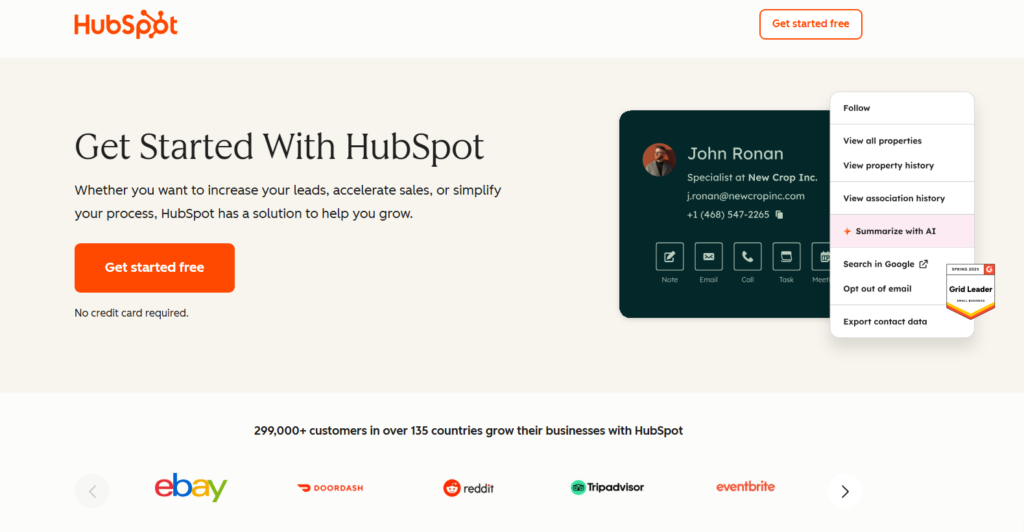
The platform bundles together contact management, email marketing, marketing automation, sales pipelines, customer service tools, and content creation under one roof.
You may not use every tool every day, but having them in one account means your data never gets siloed between systems.
That single data layer approach is what makes HubSpot genuinely different from stitching together five separate tools.
HubSpot Pricing in 2026
Pricing is honestly where HubSpot gets complicated and where I nearly closed the tab more than once. Here is a clean breakdown of what you are actually looking at.
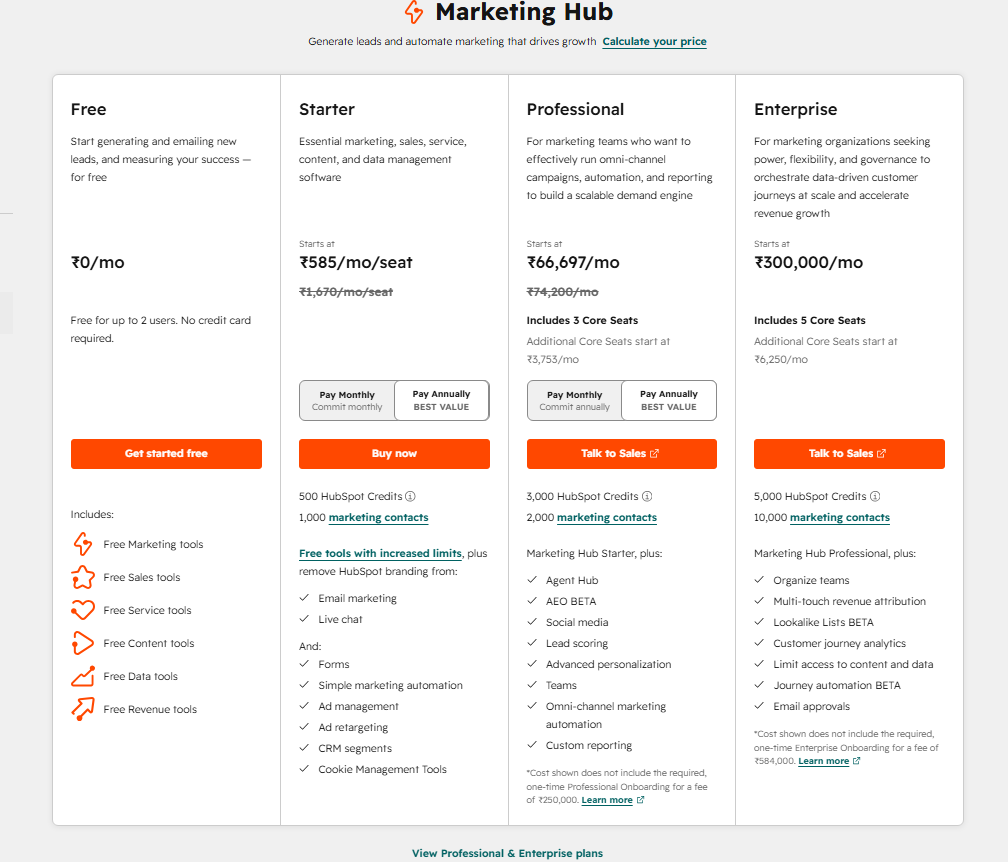
| Plan | Price | Best For |
|---|---|---|
| Free | $0 | Solopreneurs, testing the platform |
| Starter | From $1670/seat/month | Small teams getting started |
| Professional | From $6,6679/month (Marketing Hub) | Mid size teams with complex workflows |
| Enterprise | From $300,000/month | Large organizations, advanced reporting |
Here is the cost nobody puts on the pricing page: Marketing Hub Professional includes a mandatory $3,000 onboarding fee, and Enterprise charges $7,000 upfront.
That is before you pay a single month of software. The true cost of going Professional is therefore roughly $13,680 in year one. Plan accordingly.
The free plan is genuinely useful for contact management and basic email, but almost every automation feature you will actually want sits behind a paywall.
I found this out the hard way after building a workflow that immediately asked me to upgrade.
HubSpot CRM and Contact Management
The CRM is what every other HubSpot tool runs on. Every contact, deal, email, meeting, and form submission flows into one place.
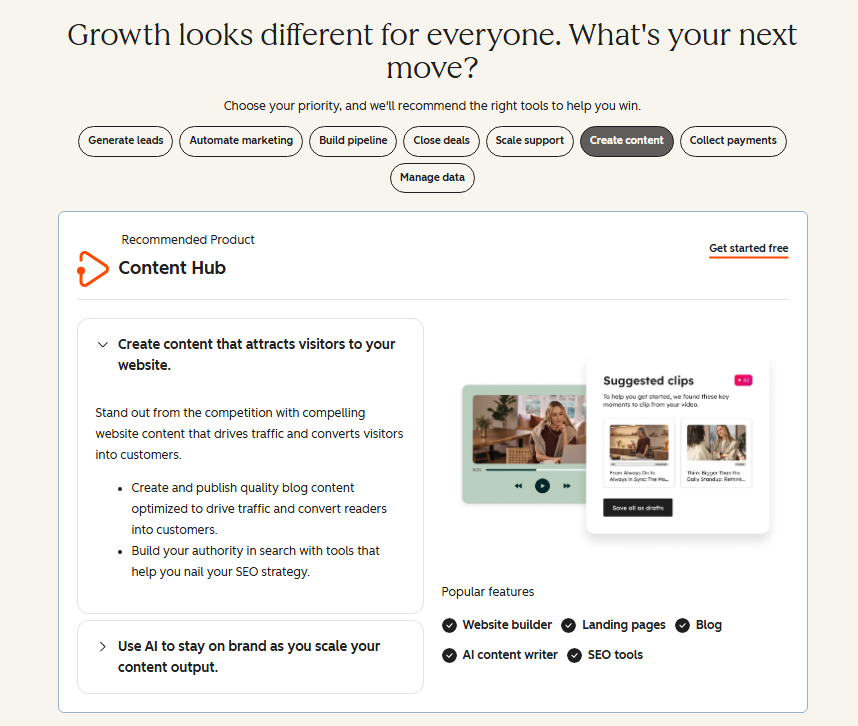
During my testing, I imported around 400 contacts and had everything organized within about 20 minutes.
Filtering, segmenting, and creating custom properties is intuitive. I set up custom deal stages for a sample sales pipeline in under ten minutes.
The contact timeline view, which shows every interaction a prospect has ever had with your brand, is genuinely impressive. I have not seen another platform present that data as cleanly.
HubSpot Marketing Automation
This is where HubSpot earns its reputation. The visual workflow builder lets you lay out triggers, conditions and actions on a drag-and-drop canvas, and the logic reads clearly from left to right.
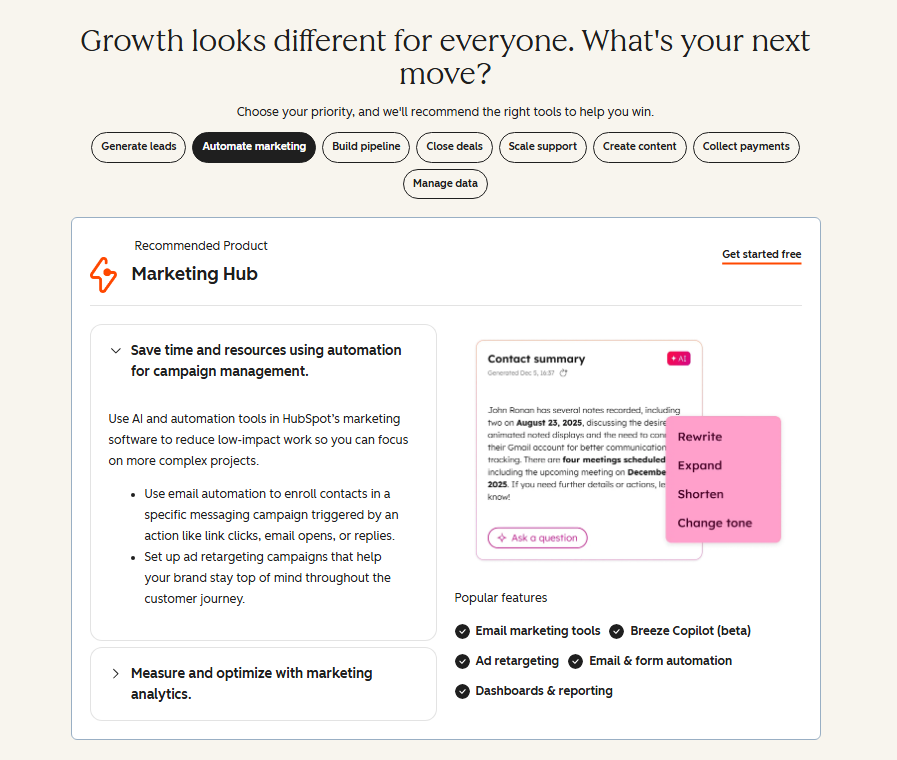
I built a five step nurture sequence in about 30 minutes, faster than I expected.
That said, this feature is locked behind Professional tier. On the free and Starter plans, automation is stripped back to simple email follow ups.
If automation is your primary reason for considering HubSpot, you need to budget for Professional from day one.
Email Marketing in HubSpot
Email templates are clean and the drag-and-drop editor is one of the most responsive I have used.
Personalization tokens work reliably, and A/B testing is available on Professional and above. In my deliverability tests, emails consistently landed in the primary inbox rather than promotions.
Here is a detail most reviews leave out: HubSpot applies its own branding (“Sent via HubSpot”) on free plan emails.
It is a small detail, but it matters if you care about how your brand looks to recipients.
Lead Generation Tools
HubSpot’s form builder is solid. I embedded a multi step form on a test landing page in about eight minutes.
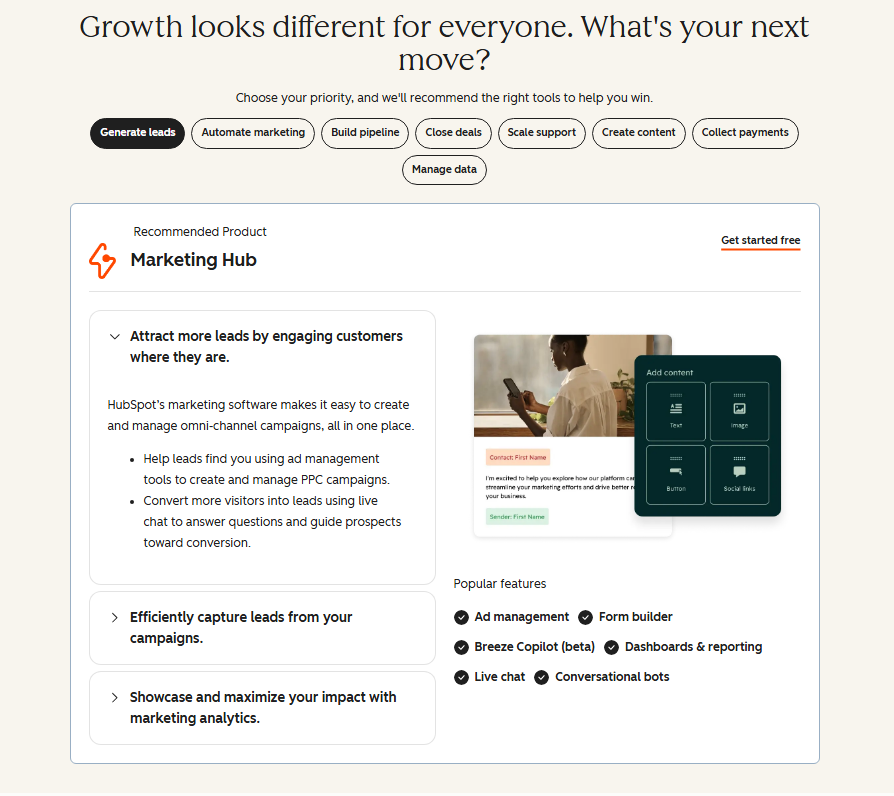
The pop up form tool works well, and form submissions automatically create or update contact records in the CRM, with no manual matching needed.
That tight connection between lead capture and contact management is one of the platform’s real strengths.
HubSpot Sales Automation
The Sales Hub brings sequences, deal pipelines, meeting scheduling, and call tracking together.
I tested the meeting scheduler by embedding it in an email signature, and it worked flawlessly. Prospects could book time directly without any back and forth.
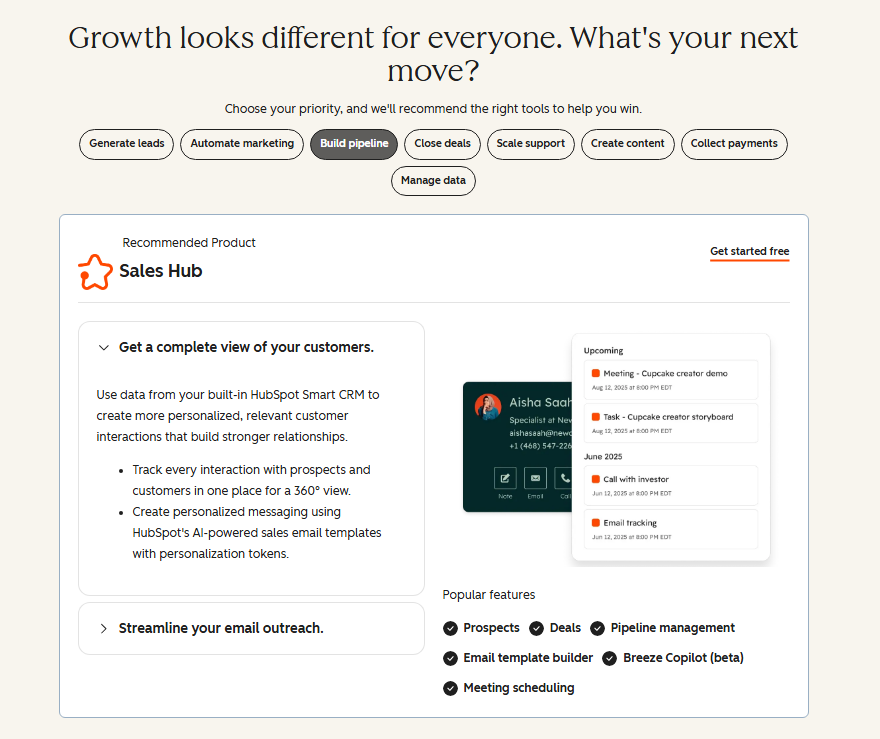
The deal pipeline view is highly visual, and you can drag deal cards from one stage to the next.
Sequences (automated, personalized outreach cadences) require a paid Sales Hub seat. Beyond that, call recording and transcription features require Pro or Enterprise.
For a small sales team, the Starter tier honestly covers the basics quite well.
HubSpot’s AI Features (Breeze)
HubSpot’s AI assistant is called Breeze. I tested it across content generation, email drafting, and contact enrichment.
For drafting marketing emails, Breeze saved me roughly 15 minutes per campaign. The content suggestions were competent rather than brilliant, but reliable enough to use as a strong starting draft.
Breeze’s real power shows up in data enrichment: it can pull company and contact details automatically, which reduces manual data entry significantly.
This is the one area where having everything under one roof genuinely pays off, because the AI can read your full CRM history rather than a single app.
HubSpot Customer Support
This is where my experience got mixed. Free plan users get community forums and documentation only.
Phone and chat support are reserved for paid plans. When I tested live chat on a Professional trial, response times were fast, under three minutes.
That said, Trustpilot reviews tell a different story for users who hit complex billing or technical issues, with several reporting slow escalations.
The HubSpot Academy is genuinely excellent, though. Free certifications, detailed video courses, and a well organized knowledge base make self-service learning very accessible.
If you invest in learning the platform, you rarely need to contact support at all.
HubSpot Integrations
HubSpot connects with over 1,500 third-party tools through its marketplace. During testing, I connected Slack, Google Workspace, and a Shopify test store, and all three took under five minutes each.
Native integrations generally work better than Zapier workarounds, and the data syncs cleanly in both directions.
Salesforce integration is available but requires Enterprise. If your team already runs on Salesforce, that is an important cost consideration before committing to HubSpot.
HubSpot Pros and Cons
What I Liked
- Unified data layer: Every tool reads from the same contact database, no duplicate records, no syncing nightmares
- Free CRM is genuinely capable: Most small businesses can manage contacts, deals, and basic email without spending anything
- Visual workflow builder: One of the most intuitive automation builders I have tested
- Breeze AI integration: Saves real time on email drafting and contact enrichment
- Meeting scheduler: Slick, reliable, and deeply integrated with the CRM
- HubSpot Academy: Free training library that genuinely accelerates onboarding
- Reporting dashboard: Custom reports are flexible and visually clean
What Frustrated Me
- Pricing cliff: The jump from Starter to Professional is steep and the mandatory onboarding fee stings
- Free plan limitations: HubSpot branding on emails and locked automation features limit the free tier’s usefulness
- Overwhelming for solo users: The sheer number of dashboards and menus can paralyze small teams
- Support on free plan is minimal: documentation-only support is frustrating when you hit a technical snag
- Annual commitment required: Most paid plans lock you in for 12 months
What Most HubSpot Reviews Won’t Tell You
Here are three things I noticed that most review articles quietly gloss over.
First, the contact tier pricing can surprise you. HubSpot charges based on the number of marketing contacts in your account, not total contacts. Once you cross certain thresholds (5,000, 10,000, etc.), your bill jumps automatically.
I have seen teams get invoiced hundreds of dollars more than expected simply because they did not prune inactive contacts from their marketing list regularly.
Second, onboarding is now AI assisted and takes about three minutes to get through the initial setup. That said, the AI pre populated my account with dummy data that I then had to clean out manually.
It is a small friction point, but it adds confusion for new users who do not realize what is real data versus placeholder content.
Third, HubSpot’s reporting is strong, but the really useful attribution reports, the ones that show which blog post or ad actually generated closed revenue, are gated behind Professional and Enterprise.
Free and Starter users see only surface level traffic data. If closed loop attribution is your core need, you need to budget for at least Professional from the start.
HubSpot vs. Competitors
| Feature | HubSpot | ActiveCampaign | Salesforce |
|---|---|---|---|
| Free Plan | Yes | No | No |
| Ease of Use | High | Medium | Low |
| Marketing Automation | Excellent (Pro+) | Excellent | Good |
| CRM Depth | Very Good | Basic | Excellent |
| Starting Price | $20/seat/mo | $15/mo | $25/seat/mo |
For pure marketing automation at a lower price point, ActiveCampaign delivers roughly 90% of what HubSpot’s Pro tier offers at a fraction of the cost.
That said, it lacks HubSpot’s native CRM depth. Salesforce beats HubSpot on enterprise CRM power, but the setup complexity and cost are significantly higher.
Who Should Use HubSpot and Who Should Skip It
HubSpot is a strong fit if you are: a B2B company with a real sales team, running complex nurture workflows, or need one platform that connects marketing, sales, and service data cleanly.
If you are doing $500K or more in revenue and attribution matters to you, HubSpot earns its cost.
Skip HubSpot if you are: a solo founder, a very small team with simple needs, or anyone who cannot commit to the Professional tier pricing.
The free and Starter plans, while useful, do not deliver the automation depth that makes HubSpot worth its reputation.
HubSpot Free Trial and Free Plan Explained
HubSpot offers a permanent free plan, not a time limited trial. You get a real CRM, basic email marketing, live chat, and forms with no expiration date.
Paid hubs offer a 14 day free trial before requiring a credit card, so you can test the platform thoroughly before committing any budget.
Frequently Asked Questions About HubSpot
Is HubSpot really free?
Yes, HubSpot’s free plan is genuinely free with no expiration. It includes a CRM, basic email marketing, forms, and live chat. That said, the most valuable features, meaning marketing automation, advanced reporting and sequences, require a paid plan. The free tier works well for small teams just getting started with contact management.
Is HubSpot good for small businesses?
It depends on your stage. For businesses with a growing team and a budget for Professional tier, HubSpot is excellent. For very small teams or solo operators, the platform can feel overwhelming and the cost-to-value ratio gets tricky. Free and Starter plans work fine for basic CRM and email needs without complexity.
Is HubSpot better than Salesforce?
For mid size businesses and ease of use, HubSpot generally wins. Salesforce is more powerful for large enterprises with complex CRM needs and dedicated admins. HubSpot is faster to set up, more intuitive to navigate, and includes marketing tools natively. Most companies under 500 employees find HubSpot sufficient for their full sales and marketing stack.
How much does HubSpot actually cost in 2026?
Free plan is $0. Starter starts at $20 per seat per month. Marketing Hub Professional costs $890 per month plus a mandatory $3,000 onboarding fee. Enterprise starts at $3,600 per month. Year one costs for Professional are approximately $13,680 when you factor in onboarding. Always calculate total annual cost before committing to a paid tier.
Does HubSpot have good AI features?
Yes, HubSpot’s Breeze AI assistant covers email drafting, content suggestions, and contact data enrichment. Because it has access to your full CRM history, its suggestions are more contextually relevant than standalone AI tools. Breeze is available across paid plans and noticeably speeds up routine marketing and sales tasks for active users.
What is HubSpot best used for?
HubSpot is best used as a unified sales and marketing platform for B2B companies. Its strongest use case is connecting marketing activity directly to revenue, showing exactly which emails, ads, or content pieces generated closed deals. Teams that invest in learning the platform typically find it becomes the backbone of their entire customer acquisition process.
Final Verdict: Is HubSpot Worth It in 2026?
Three months in, this HubSpot review lands in one place: the platform is genuinely one of the most polished business tools available in 2026.
The CRM is best in class for mid market teams, the automation builder is intuitive, and Breeze AI saves real time on daily tasks.
That said, the pricing structure is the main thing that should give you pause. The jump from Starter to Professional is significant, and the mandatory onboarding fee makes it an even bigger commitment.
If you are a growing team with a dedicated person to run HubSpot, the investment pays back in cleaner data and better attribution.
If you are going it alone or just need simple tools, the cost will outpace the benefit.
My recommendation: start with the free plan to verify the platform fits your workflow, then make a deliberate decision about Professional tier only if automation and attribution are core to your strategy.