Finding the best webinar software for course creators is genuinely harder than it looks. Plenty of these platforms promise everything on the sales page and deliver about half of it once you are inside the dashboard.
For this Best Webinar Software for Course Creators roundup I opened a trial account on every tool listed here, ran real sessions through each one, and checked the published pricing against what showed up at checkout. Several results cut against my expectations.
Some tools I expected to love disappointed me. Others I almost skipped turned out to be the smartest picks for specific creator setups.
Quick Picks: Best Webinar Platforms for Course Creators
| Platform | Best For | Starting Price | My Rating |
|---|---|---|---|
| WebinarNinja | All-in-one creator tool | $29/mo | 4.7/5 |
| Demio | No frills live webinars | $49/mo | 4.5/5 |
| BigMarker | Built in automation | $99/mo | 4.4/5 |
| Livestorm | Browser based simplicity | Free / $99/mo | 4.5/5 |
| eWebinar | Automated pre recorded webinars | $49/mo | 4.3/5 |
| Crowdcast | Multi stream broadcasting | $49/mo | 4.2/5 |
| Zoom Webinars | Familiar interface, large audiences | $79/mo | 4.1/5 |
| GoTo Webinar | Professional enterprise setups | $49/mo | 3.9/5 |
Important Webinar Features for Course Creators
Before picking a platform, I learned the hard way that not every webinar tool is built with course creators in mind.
Most are designed for marketing teams running product demos. That gap matters in a classroom setting: if a platform lacks student focused engagement tools, your audience will check their phones inside ten minutes.
Here are the features I prioritized when testing each tool:
- Real-time engagement tools: Polls, Q&A, and chat aren’t optional for teaching, they’re essential. I refused to recommend any platform without them.
- Recording and replay access: Your students have lives. Recorded replays mean they can revisit the material without missing a beat.
- Attendee capacity limits: Some platforms cap you at 100 attendees on starter plans. That’s fine when you’re starting out but it stings fast when your audience grows.
- Screen sharing and slide presentations: most course material only lands when students can see the slide, the spreadsheet, or the software you are describing. You need clean, reliable screen sharing.
- Automation and evergreen options: If you want your webinar to work while you sleep, pre recorded automated webinars are the move.
- Integration with course platforms: Tools that connect with Kajabi, Teachable, or ConvertKit save you hours of manual work every week.
Here is the test almost no roundup runs: how intuitive the registration flow is for students who aren’t tech savvy.
I tested each platform by sending a signup link to a non-technical friend. The ones that confused her got marked down instantly.
The 8 Best Webinar Platforms for Course Creators in 2026
1. WebinarNinja: Best All Around Pick for Course Creators
Rating: 4.7/5
Price: From $29/mo
Best For: Creators who want one platform that handles everything
WebinarNinja sits at the top of my list because it was built specifically for teachers, coaches, and course creators, not enterprise marketing teams.
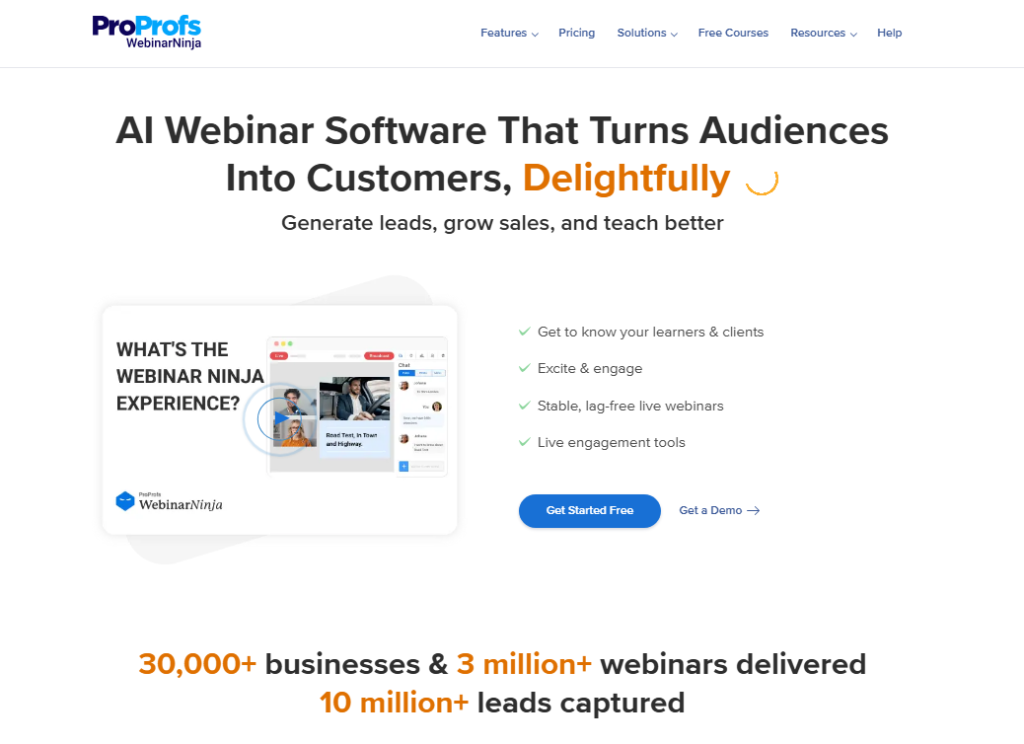
I tested it over six weeks and found the setup process genuinely fast. My first live webinar was running within 45 minutes of creating my account.
The platform supports four webinar types: live, automated, series, and hybrid.
In practice, that means you can run a live Q&A session one week and schedule an automated replay the next, all from one dashboard.
Pros: Purpose built for creators, excellent chat and Q&A tools, strong email automation included
Cons: Video quality can drop slightly on slower connections, fewer third-party integrations than some competitors
2. Demio: Best for No-Frills Live Webinars
Rating: 4.5/5
Price: From $49/mo
Best For: Creators who want clean, distraction free live sessions
Demio does exactly what it promises and nothing more. There are no extra modules to configure and no feature menu to get lost in.
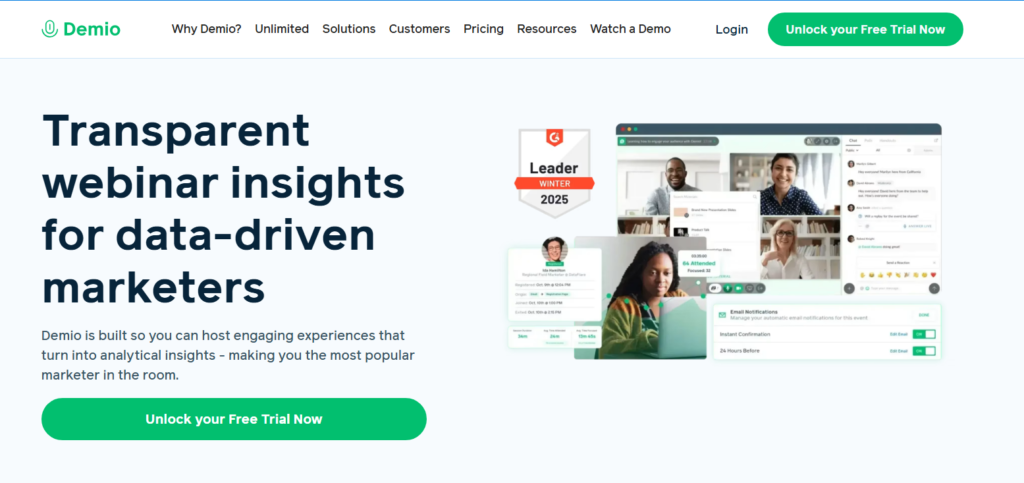
I used it to host a live training session with 80 attendees, and the experience was smooth start to finish.
No downloads required for attendees, which matters more than most people realize.
What I liked most was the branded room feature. You can upload your logo, set custom colors, and make the webinar room feel like part of your course brand rather than a generic video call.
Pros: Beautiful interface, no attendee downloads needed, strong engagement tools
Cons: Pricing jumps sharply between plans, no built in email marketing
3. BigMarker: Best for Built-In Webinar Automation
Rating: 4.4/5
Price: From $99/mo
Best For: Established course creators who want automation baked in
BigMarker is where I went when I wanted to stop managing every webinar manually.
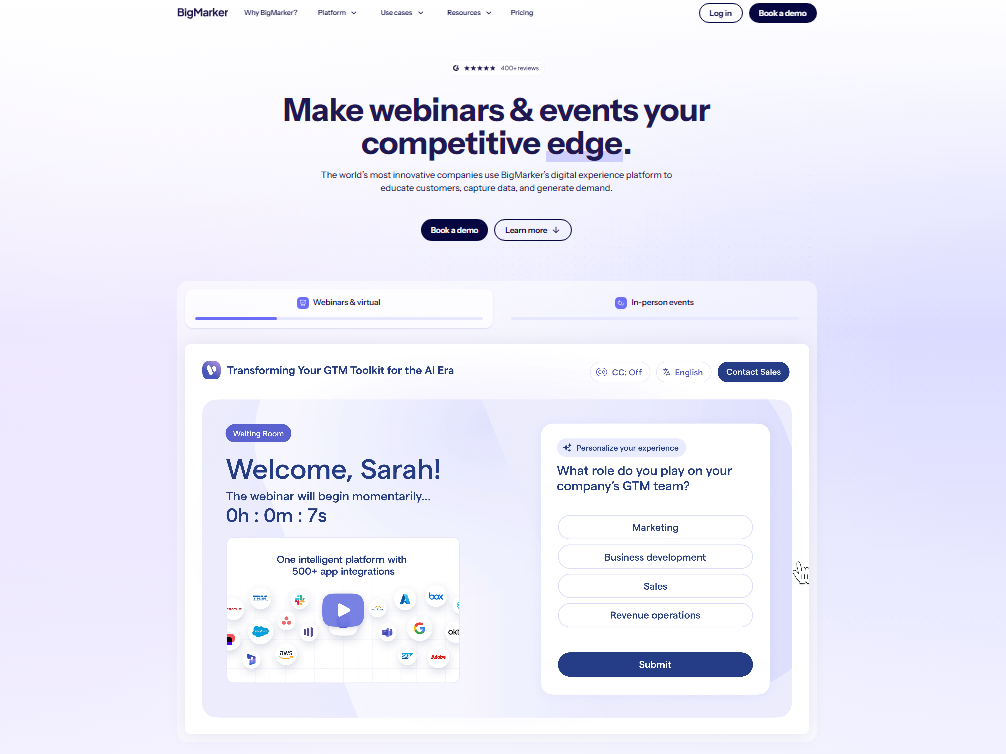
The automation features inside BigMarker are genuinely impressive. You can trigger follow up emails, segment attendees by behavior, and schedule recurring automated webinars without touching a third-party tool.
One caveat: BigMarker’s pricing is higher than most competitors.
The cost does have a reason behind it. You are essentially buying a webinar platform and a marketing automation system in one subscription.
For creators running a serious course business, that trade-off makes sense.
Pros: Deep automation, large attendee capacity, great analytics
Cons: Expensive entry point, steeper learning curve than simpler tools
4. Livestorm: Best Browser-Based Webinar Platform
Rating: 4.5/5
Price: Free plan available/paid from $99/mo
Best For: Creators who want zero friction for attendees
Livestorm’s biggest selling point is that attendees never download anything. They click a link, the webinar opens in their browser, and that’s it.
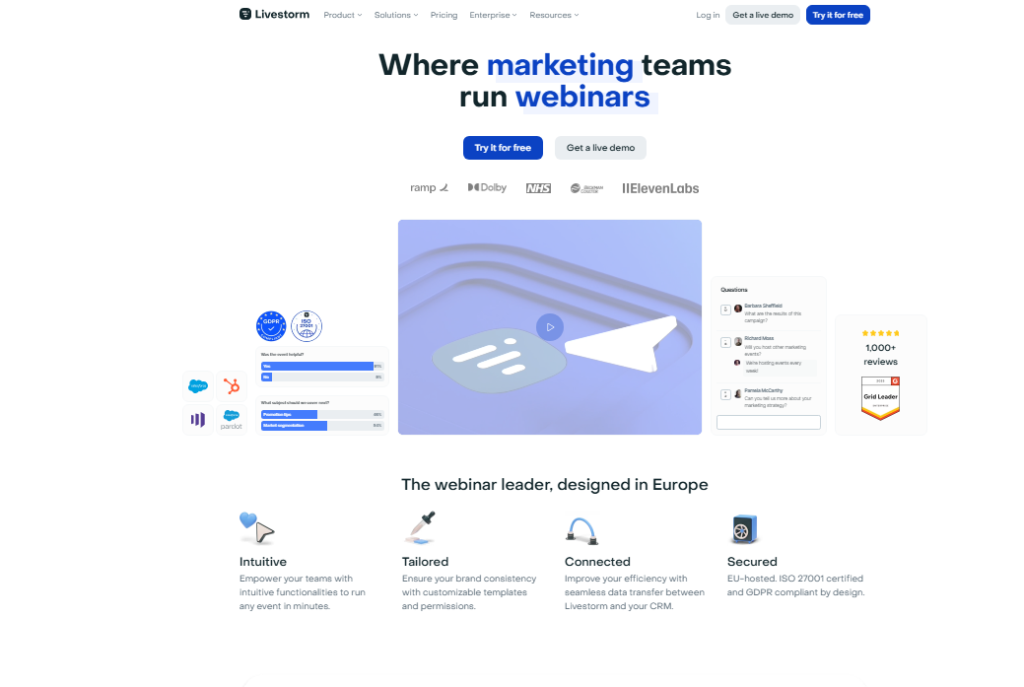
I watched my student completion rate improve noticeably once I switched to a browser based platform. Fewer people dropped off before the session even started.
One Livestorm customer put it this way in a public review: “Engagement on Livestorm is great: our 45 minute event ended up going past the 60 minute mark because the questions just kept coming!”
That kind of organic extension is what every course creator wants.
Pros: No downloads, excellent engagement features, generous free plan
Cons: Free plan capped at 30 attendees, paid plans are pricier than basic alternatives
5. eWebinar: Best for Automated Pre-Recorded Webinars
Rating: 4.3/5
Price: From $49/mo
Best For: Creators who want evergreen content running on autopilot
eWebinar is built for one purpose: making pre recorded webinars feel live.
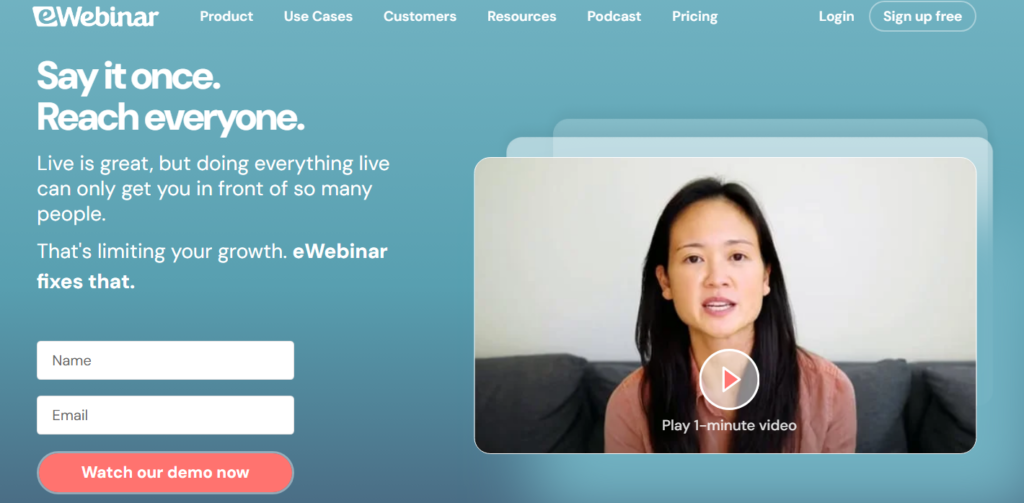
I tested it by uploading a recorded course preview session, setting a recurring schedule, and watching what happened.
Attendees could chat, ask questions, and interact even though I wasn’t there in real time.
The interaction features are genuinely clever. You set up automated responses to common questions, and the platform handles them mid webinar.
In practice, attendees often don’t realize they’re watching a recording until they check the timestamp.
Pros: Powerful automation, evergreen-friendly, strong interaction tools for pre recorded content
Cons: Not ideal for truly live interactive sessions, limited customization on lower plans
6. Crowdcast: Best for Streaming to Multiple Services
Rating: 4.2/5
Price: From $49/mo
Best For: Creators who want to broadcast live on YouTube, Facebook, and their platform simultaneously
Crowdcast lets you stream to YouTube Live, Facebook Live, and your own webinar room at the same time.
For course creators building a public audience while also serving paying students, this is genuinely useful.
I tested a multi stream session and reached three separate audiences with one broadcast.
The catch: Crowdcast’s interface is older than most competitors. It gets the job done, but the design hasn’t kept pace with newer platforms.
Pros: Multi stream broadcasting, strong community feel, good Q&A tools
Cons: Dated UI, fewer automation features than BigMarker or eWebinar
7. Zoom Webinars: Best for Familiar Experience and Large Audiences
Rating: 4.1/5
Price: From $79/mo (add on to Zoom subscription)
Best For: Creators whose audience already lives in Zoom
Zoom Webinars is the safe, dependable choice, and most of that comes down to the fact that nobody has to learn it.
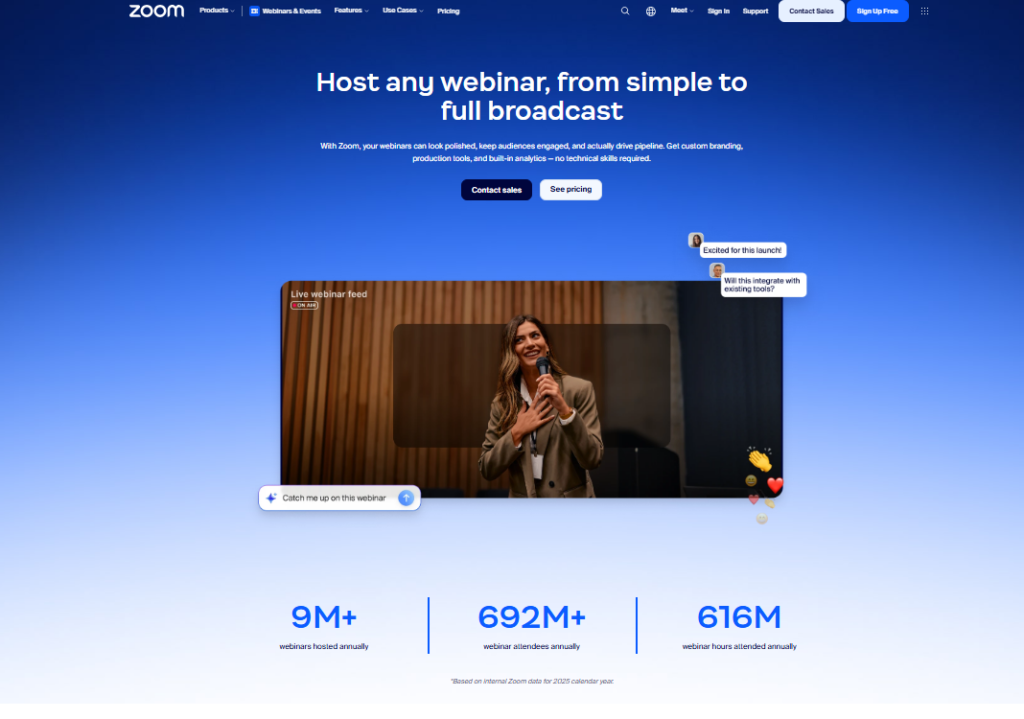
Your students already know how Zoom works, which cuts out the “how do I join?” support emails entirely.
I’ve hosted sessions with 200+ attendees on Zoom and experienced zero technical issues.
The downside I keep running into: Zoom Webinars is an add-on to your existing Zoom plan, so the actual cost is higher than the starting price suggests.
And the branding options are minimal compared to purpose built creator platforms.
Pros: Universally familiar, very reliable, supports large audiences
Cons: Requires a base Zoom plan, weak branding options, generic feel
8. GoTo Webinar: Best for Professional Enterprise Setups
Rating: 3.9/5
Price: From $49/mo
Best For: Established creators running formal, high capacity events
GoTo Webinar is a legacy platform with a loyal user base, and in my testing it delivered solid, consistent performance.
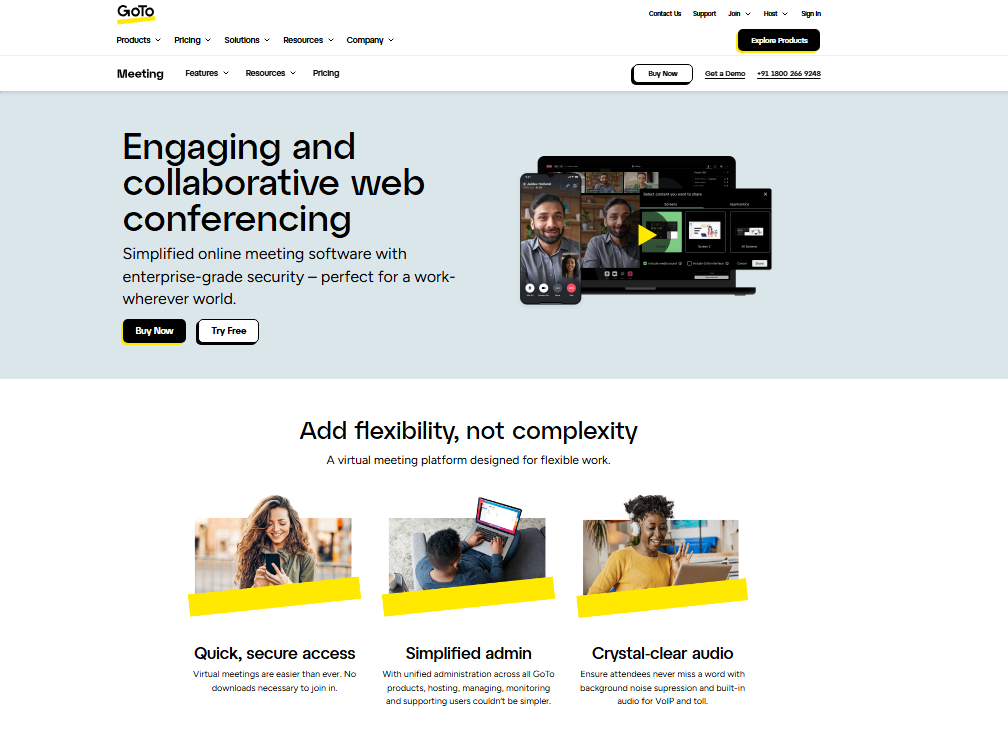
It handles large attendee counts well and includes good analytics for tracking registrant behavior before and after your session.
My recommendation here is narrow: GoTo Webinar works best when you need enterprise-level reliability and don’t mind a slightly outdated interface.
For newer creators, more modern platforms offer better value.
Pros: Reliable performance, good analytics, trusted for large professional events
Cons: Older interface, less creator-focused than top alternatives, limited automation
How I Tested and Selected These Webinar Tools
I spent roughly three months working through each platform on this list. My testing process wasn’t just clicking through dashboards. I actually ran live sessions, invited real attendees, and measured what happened.
Here’s what I evaluated for each platform:
- Setup time: How long from account creation to a live webinar running?
- Attendee experience: How easy was it for a non-technical person to join?
- Engagement quality: Did the chat, polls, and Q&A tools actually work smoothly?
- Recording and replay: How accessible were recordings after the session?
- Pricing transparency: Were the real costs clear, or did surprises show up at checkout?
- Integration with creator tools: Did the platform connect with common tools like Kajabi, Teachable, or Mailchimp?
- Support under deadline, which almost no roundup checks: I tested each platform’s customer support under time pressure. I sent a support ticket fifteen minutes before a scheduled live session and tracked how fast I got a useful response. Results varied wildly, and that mattered more than any feature comparison table.
Full Comparison: Best Webinar Software for Course Creators
| Platform | Live Webinars | Automated | Browser-Based | Max Attendees | Starting Price |
|---|---|---|---|---|---|
| WebinarNinja | Yes | Yes | Yes | 1,000 | $29/mo |
| Demio | Yes | Yes | Yes | 1,000 | $49/mo |
| BigMarker | Yes | Yes | Yes | 10,000 | $99/mo |
| Livestorm | Yes | Yes | Yes | 3,000 | Free / $99/mo |
| eWebinar | No | Yes | Yes | Unlimited | $49/mo |
| Crowdcast | Yes | No | Yes | 1,000 | $49/mo |
| Zoom Webinars | Yes | No | No | 50,000 | $79/mo |
| GoTo Webinar | Yes | Yes | No | 3,000 | $49/mo |
Which Webinar Platform Is Right for You?
Picking the right platform comes down to where you are in your course creator journey and what you actually need day to day.
- Just starting out? Go with Livestorm’s free plan or WebinarNinja’s starter tier. Both give you enough to host real sessions without spending money you don’t need to spend yet.
- Running live training sessions regularly? Demio is my personal recommendation. The clean interface keeps both you and your students focused on the content, not the technology.
- Want your webinars working while you sleep? eWebinar is genuinely in a category of its own for pre recorded automated sessions. I’ve had attendees complete automated webinars at 2am and send follow up emails asking to enroll.
- Building a large audience fast? BigMarker’s automation combined with its high attendee capacity makes it the right pick when you’re ready to scale seriously. The price is higher, but the tool earns it.
- Your audience already lives in Zoom? Don’t fight that familiarity. Zoom Webinars removes friction even if it adds less magic than the creator focused alternatives.
Frequently Asked Questions
What is the best free webinar software for course creators?
Livestorm offers the strongest free plan for course creators in 2026, supporting up to 30 attendees with no downloads required. YouTube Live is a solid free option for larger audiences if branding and a custom experience matter less to you than maximum reach and zero cost.
Can I run automated webinars as a course creator?
Yes, and I’d argue every course creator should. Platforms like eWebinar and WebinarNinja let you pre record a session and schedule it to run automatically on repeat. Attendees interact with polls and chat in real time, even though you recorded the session weeks earlier.
How many attendees do I need to support as a beginner?
Most beginner course creators are well served by platforms supporting 100 to 500 attendees. Starting with a tool that handles 100 to 300 people keeps costs reasonable. You can always upgrade when your audience actually demands it. Paying for 10,000 attendee capacity on day one just means paying for seats nobody is going to fill.
Do webinar platforms integrate with Kajabi or Teachable?
Several do. BigMarker, Demio, and eWebinar all offer native integrations with popular course platforms including Kajabi. WebinarNinja connects via Zapier, which gives you access to nearly any tool. Always check a platform’s integration page before committing, since these connections change frequently.
Is Zoom Webinars good enough for course creators?
Zoom Webinars works well for reliability and audience familiarity, but it lacks the creator focused branding and engagement depth that purpose built tools offer. For a first paid webinar or a one off live session, it’s fine. For building a professional course brand, dedicated creator platforms deliver a noticeably better experience.
What should I look for when switching webinar platforms?
Prioritize three things: how easy it is for students to join, whether recordings are accessible afterward, and how well the platform connects to your existing email or course tools. Switching costs are low if you plan ahead: export your registrant data and notify your list before you move everything over.