Finding the best evergreen webinar software used to mean stitching together six different tools and spending $1,500 a month on a system that still broke at the worst moments.
I signed up for each platform below and ran the same recorded session through all of them, and the right one can cut that stack down to one login while generating sales around the clock.
Here are my top picks, ranked on what each platform actually did with that session.
Quick Comparison: Best Evergreen Webinar Software at a Glance
| Platform | Best For | Starting Price | Rating |
|---|---|---|---|
| EverWebinar | Conversion focused automation | $499/year | 4.8/5 |
| eWebinar | On demand demos and onboarding | $99/month | 4.7/5 |
| EasyWebinar | All-in-one revenue funnels | $78/month | 4.6/5 |
| Demio | Clean design, marketer focus | $59/month | 4.5/5 |
| WebinarKit | Budget-friendly automation | $47 one time | 4.4/5 |
| WebinarNinja | Simple, affordable evergreen | $29/month | 4.3/5 |
| Livestorm | Enterprise teams | $79/month | 4.3/5 |
| BigMarker | Large scale automated events | $99/month | 4.2/5 |
| StealthSeminar | Realistic live simulation | $69/month | 4.1/5 |
| WebinarGeek | Analytics driven marketers | $47/month | 4.0/5 |
What Is Evergreen Webinar Software?
An evergreen webinar platform hosts pre-recorded presentations automatically, on a fixed schedule or on demand, without you needing to show up live.
It is the piece your entire automated sales funnel runs on.
You record once, set your schedule, and the software handles everything else: registration pages, reminder emails, in-session engagement, and post-webinar follow-ups.
What separates evergreen software from just uploading a video to YouTube? The structure.
Good platforms simulate the experience of a live event, complete with timed polls, chat messages, and offers that appear at specific moments.
Done well, viewers stay engaged the same way they would in a real live session, and your conversion rates stay strong long after you recorded the content.
What to Look for in Evergreen Webinar Platforms
Webinar Automation Workflows
The best platforms let you automate the entire funnel, not just the video playback.
I looked for tools that handle registration confirmations, reminder sequences, and post-webinar follow-ups without needing Zapier to glue everything together.
Simulated Live Webinar Capabilities
Does the platform make the webinar feel live? I tested features like visible attendee counts, timed chat messages, and pop-up offers.
These elements are what separate a webinar that converts from one that feels like a dusty recording.
CRM Integration and Lead Sync
Every lead captured during a webinar should flow directly into your email list or CRM.
I checked native integrations with ActiveCampaign, HubSpot, Mailchimp, and ConvertKit, plus the quality of Zapier connections for everything else.
Engagement Tracking and Funnel Analytics
You need to know where viewers drop off and when they click your offer.
I paid close attention to which platforms give you watch time data, click-through rates, and replay analytics, since this is the data that lets you actually improve your results.
Replay Optimization and On-Demand Access
Some platforms let you gate replays, set expiry timers, or embed replays on your own site. These details matter enormously for controlling urgency and keeping your funnel tight.
10 Best Evergreen Webinar Software Platforms in 2026
1. EverWebinar
Best For: Coaches, course creators, and marketers who want maximum conversion from automated webinars.
Price: $499/year (or $97/month)
Rating: 4.8/5
EverWebinar is the platform I keep coming back to when conversion is the primary goal. It was built specifically for evergreen automation, which shows in every detail.
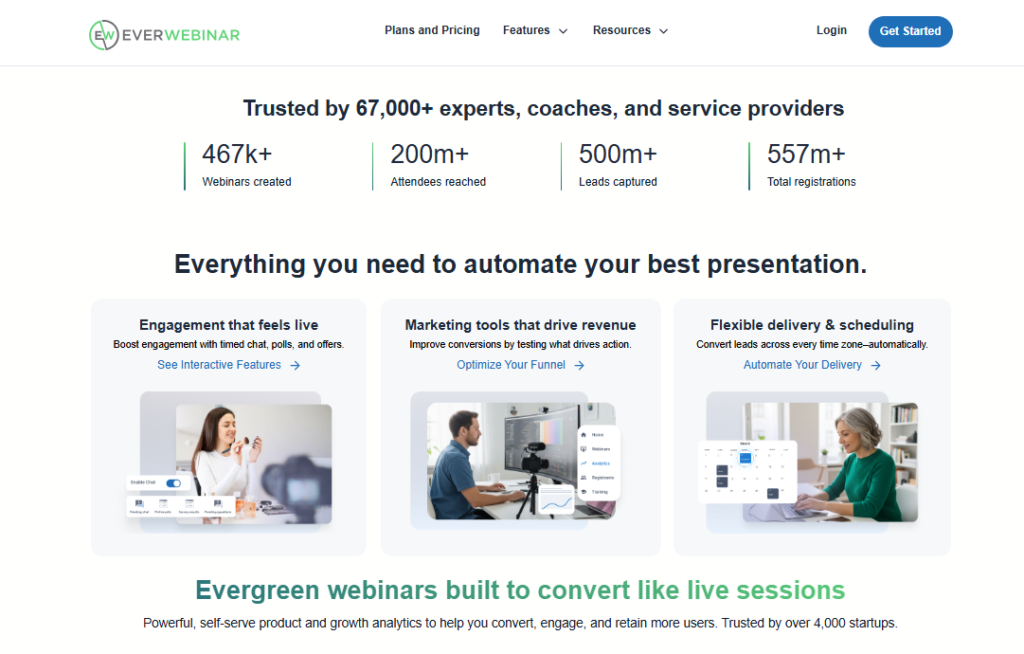
When I set up my first campaign, I had timed chat messages, polls, and a countdown offer all running within an hour. No tutorial needed.
The “Just in Time” scheduling feature is one of those things competitors rarely talk about.
It shows the next available session starting in 15 minutes, creating real urgency without fake scarcity.
I watched my registration-to-attendance rate jump noticeably when I turned this on.
That said, the interface looks like it was designed in 2026 and never refreshed.
It works perfectly, but it does not feel modern next to tools like Demio.
Pros: Best-in-class conversion features, flexible scheduling modes, strong split testing tools
Cons: Dated interface, annual pricing feels steep upfront, no built-in landing page editor
2. eWebinar
Best For: SaaS companies running automated demos and customer onboarding.
Price: From $99/month
Rating: 4.7/5
eWebinar takes a different approach. Where EverWebinar focuses on selling, eWebinar focuses on engagement.
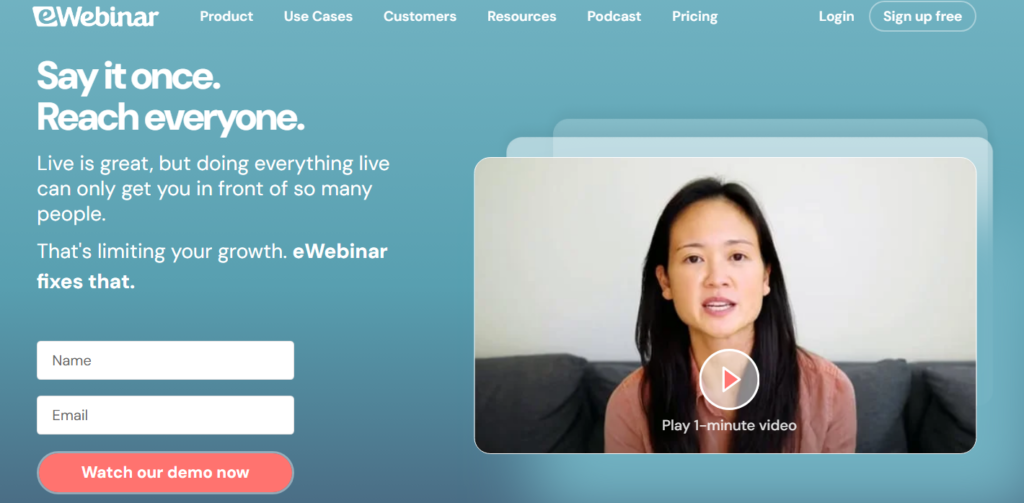
The platform has the most sophisticated real-time chat system I’ve tested.
Attendees can ask questions at any point, and a human moderator (or you) can reply without being present in the actual session.
The AI-assisted response suggestions are genuinely useful.
eWebinar’s interaction library also lets you schedule polls, tips, and links to appear at exact timestamps in the video, which almost no comparison bothers to test.
It feels less like a webinar and more like an interactive course experience.
The price is higher than most, and it does not have the aggressive sales funnel features that EverWebinar has.
Here’s why that is actually fine: if your goal is retention and education rather than front-end selling, eWebinar wins.
Pros: Superior engagement tools, excellent chat moderation, clean modern design
Cons: Higher price point, limited built-in sales funnel features
3. EasyWebinar
Best For: Marketers who want live and evergreen webinars on one platform without a tool stack.
Price: From $78/month
Rating: 4.6/5
EasyWebinar is what happens when someone gets tired of managing six different tools and builds one that does it all.
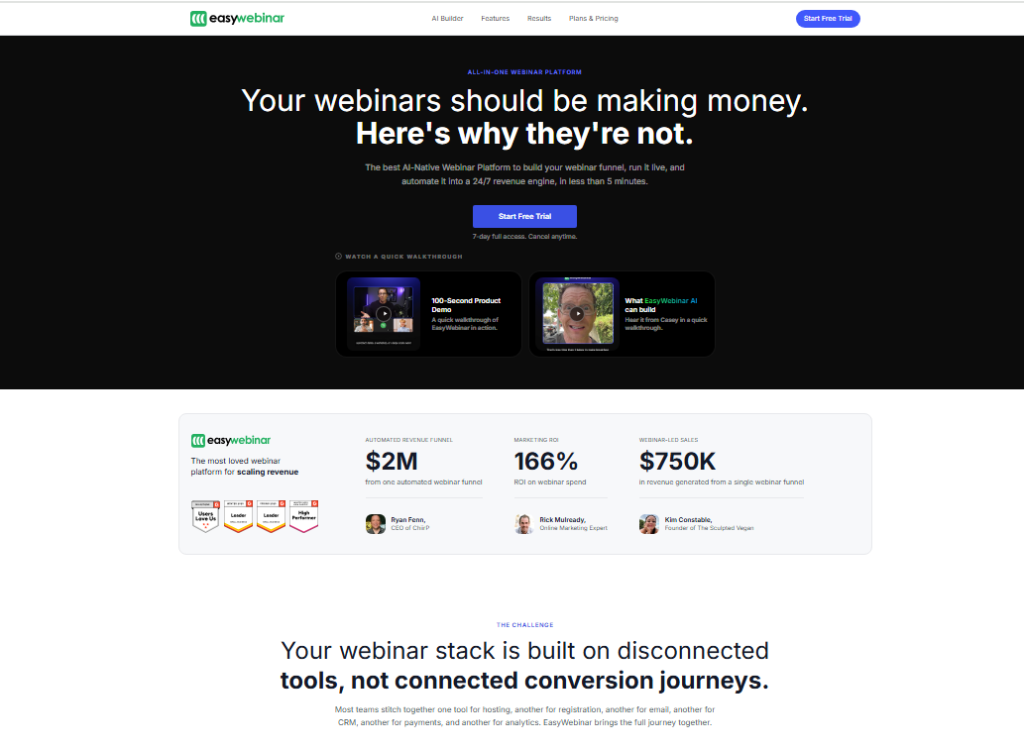
I tested the automated funnel builder and had a complete registration-to-sale workflow running in about 40 minutes.
That included the landing page, thank you page, email sequence, and webinar room.
The multi-streaming feature is something competitors rarely offer at this price.
You can broadcast your live webinar to YouTube, Facebook, and your own room at the same time.
Your audience grows on channels they already use, then, instead of only on your email list.
One real user put it this way: “EasyWebinar is a game-changer for course creators. I automated my webinar funnel, synced it with my email provider, and started selling courses.”
Another added: “EasyWebinar didn’t just help our business grow, it gave us the freedom to fully focus on what we do best.”
Pros: Live and evergreen in one platform, built-in checkout, multi-streaming
Cons: Learning curve on advanced automations, interface can feel busy
4. Demio
Best For: Marketers who want a clean, professional experience with strong analytics.
Price: From $59/month
Rating: 4.5/5
Demio is the platform I recommend to people who are running their first evergreen webinar and want something that looks polished without a graphic designer.
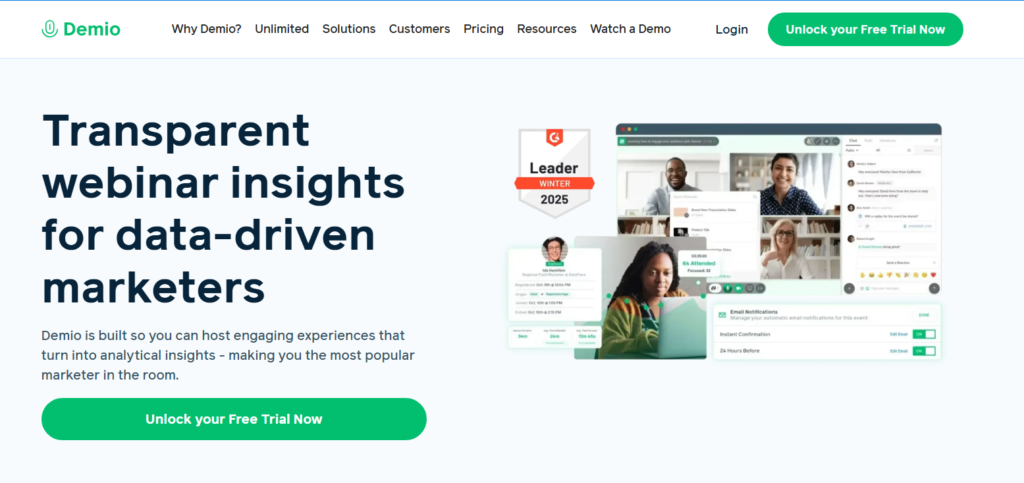
The registration pages and webinar room look genuinely good out of the box. Setup took me under 30 minutes from account creation to a published automated webinar.
The analytics dashboard is where Demio really pulls ahead of the pack at its price point.
I could see exact drop-off timestamps, poll response rates, and offer click-through rates all in one place.
Beyond that, the HubSpot and ActiveCampaign integrations are native and reliable, which is not something you can say about every tool on this list.
Pros: Beautiful design, strong analytics, reliable native integrations
Cons: Evergreen features less advanced than EverWebinar, higher tiers needed for automation
5. WebinarKit
Best For: Budget-conscious entrepreneurs who want solid automation without monthly fees.
Price: From $47 one-time
Rating: 4.4/5
WebinarKit stands out because of its pricing model. A one-time payment for evergreen webinar software is almost unheard of in 2026.
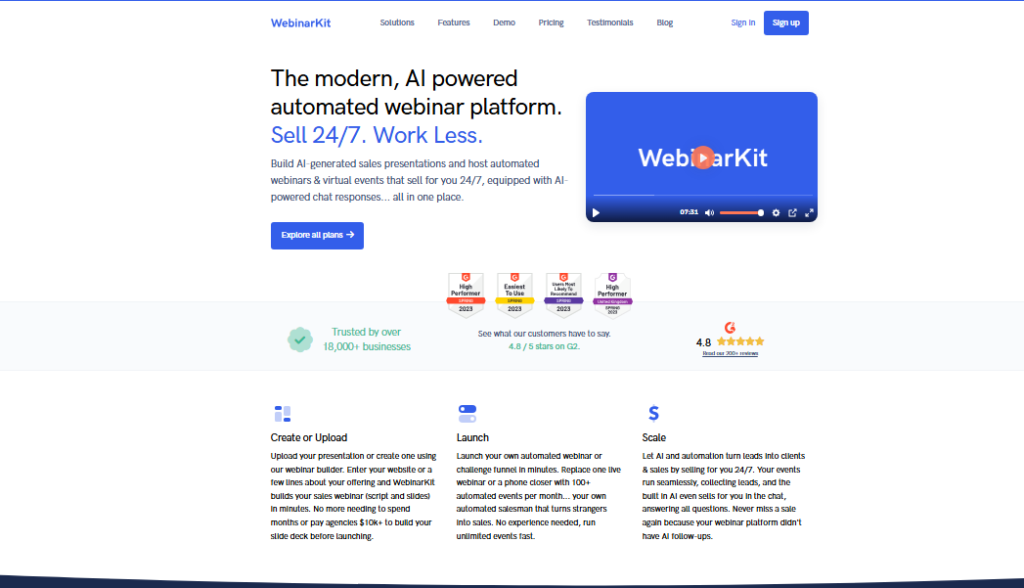
I tested the platform thoroughly and found it covers all the core bases: automated scheduling, simulated live chat, timed offers, and registration pages.
It does not have the depth of analytics that Demio offers or the conversion tricks built into EverWebinar.
That said, for someone launching their first automated webinar on a tight budget, WebinarKit covers every essential without a recurring bill.
Pros: One-time pricing, solid core features, includes marketing tools
Cons: Less polished UI, limited advanced analytics, smaller integrations library
6. WebinarNinja
Best For: Small businesses and educators who want simplicity at a low monthly cost.
Price: From $29/month
Rating: 4.3/5
WebinarNinja keeps things intentionally simple. I set up an evergreen webinar in under 20 minutes, which is the fastest onboarding experience on this list.
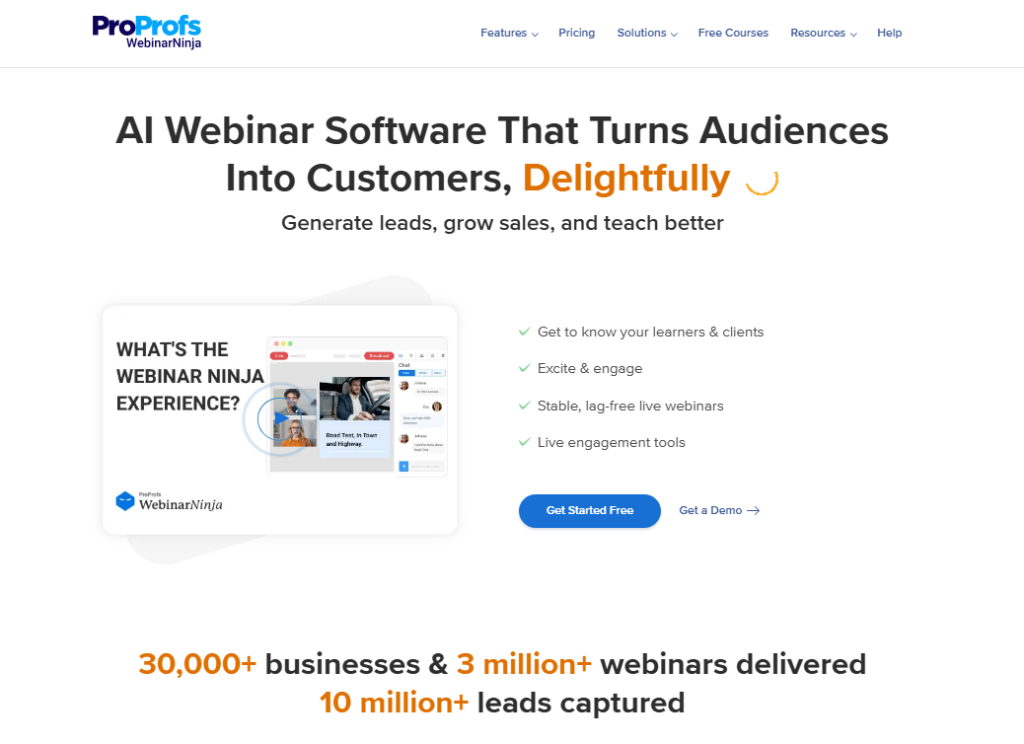
The platform handles the basics well: scheduling, registration, reminders, and replay access.
Where WebinarNinja falls short is email service provider integration.
The connection to platforms like ActiveCampaign works, but the tagging and segmentation options are limited compared to Demio or EverWebinar.
If email automation is central to your funnel, you will likely hit that ceiling.
Pros: Very affordable, fast setup, clean interface
Cons: Limited ESP integration depth, fewer engagement features
7. Livestorm
Best For: Enterprise teams and companies that need GDPR compliance and SSO.
Price: From $79/month
Rating: 4.3/5
Livestorm is the enterprise pick. When I tested it, the first thing I noticed was how well it handles compliance: GDPR documentation, SOC 2 support, and SSO/SAML are built in from day one rather than bolted on as afterthoughts.
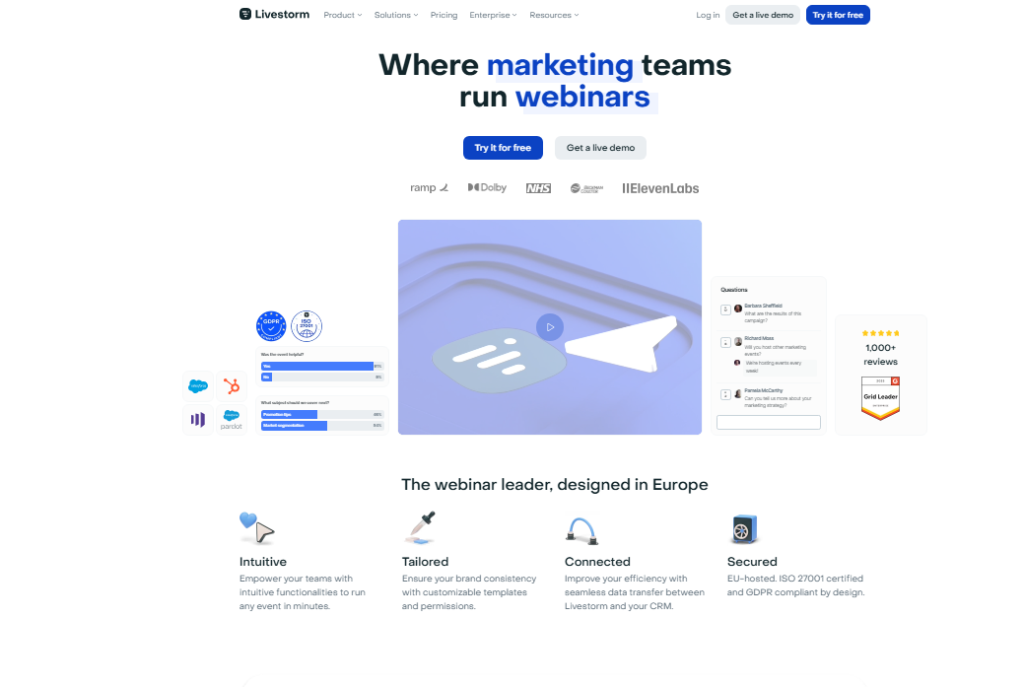
For corporate teams with legal and IT requirements, this removes a major obstacle.
The evergreen features are solid without being exceptional.
Where Livestorm earns its place on this list is the combination of reliability, compliance infrastructure, and native integrations with Salesforce and HubSpot that enterprise buyers actually need.
Pros: Enterprise compliance, reliable infrastructure, strong CRM integrations
Cons: Overkill for solopreneurs, evergreen features not as conversion-focused
8. BigMarker
Best For: Large-scale automated events and virtual summits.
Price: From $99/month
Rating: 4.2/5
BigMarker is built for scale. If you need to run automated webinars to thousands of attendees simultaneously, this is the platform designed for that load.
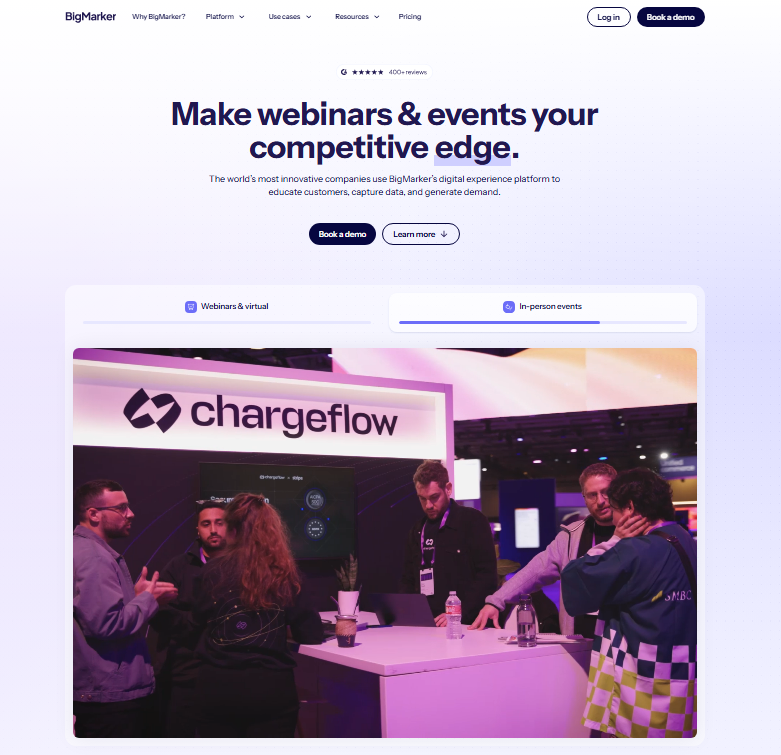
I tested the automated webinar setup and found the built-in marketing tools, including landing page templates and email sequences, genuinely comprehensive.
The downside is complexity. BigMarker has more settings than most users will ever need, and finding the evergreen-specific features requires digging.
Everything you could need is in there, but you have to learn the layout before it starts paying off.
Pros: Handles massive scale, comprehensive marketing toolkit, strong automation
Cons: Steep learning curve, complex interface, pricing jumps sharply at higher tiers
9. StealthSeminar
Best For: Marketers who want the most realistic live webinar simulation.
Price: From $69/month
Rating: 4.1/5
StealthSeminar has been around longer than most platforms on this list, and its entire focus is making automated webinars feel indistinguishable from live ones.
The attendee counter, pre-loaded chat sequences, and panic button for sending urgent messages all contribute to a convincing live experience.
The interface has not kept up with modern design standards, which is a recurring theme with older platforms.
That said, if simulation fidelity is your primary goal and you are willing to accept a dated UI, StealthSeminar delivers on its core promise.
Pros: Best live simulation features, proven track record, strong urgency tools
Cons: Outdated interface, limited modern integrations, smaller support team
10. WebinarGeek
Best For: Data-driven marketers who want deep funnel analytics.
Price: From $47/month
Rating: 4.0/5
WebinarGeek rounds out this list with a strong analytics offering at a reasonable price.
I found the viewer behavior tracking unusually detailed: you can see individual attendee journeys, not just aggregate data.
This kind of insight is typically reserved for platforms costing three times as much.
The evergreen scheduling options are functional rather than impressive.
So WebinarGeek is the right pick if understanding your audience is the priority, but it will not give you the conversion-specific tools that EverWebinar provides.
Pros: Excellent analytics, individual attendee tracking, fair pricing
Cons: Evergreen features are basic, UI can feel technical for non-marketers
How I Tested These Evergreen Webinar Platforms
I created a test account on each platform and ran the same pre-recorded 45-minute presentation through every one of them.
I evaluated seven specific criteria: setup speed, automation depth, engagement features, analytics quality, email integration reliability, replay controls, and pricing transparency.
Beyond that, I deliberately tested edge cases that most roundups skip. I checked what happens when a registrant misses their scheduled session.
I tested what attendee data flows through to ActiveCampaign versus what gets lost.
I also tested mobile viewing on each platform, since over 40% of webinar attendees watch on a phone.
Here is a gap other comparisons never close: several platforms claim “real-time chat” but actually deliver a simulated chat with no human on the other end.
I flagged this distinction clearly in each entry above because it matters for buyer experience.
Full Feature Comparison Table
| Platform | Just in Time Scheduling | Timed Offers | Native CRM Sync | Replay Control | Mobile Optimized |
|---|---|---|---|---|---|
| EverWebinar | Yes | Yes | Yes | Advanced | Yes |
| eWebinar | Yes | Yes | Yes | Standard | Yes |
| EasyWebinar | Yes | Yes | Yes | Advanced | Yes |
| Demio | No | Yes | Yes | Standard | Yes |
| WebinarKit | Yes | Yes | Via Zapier | Standard | Yes |
| WebinarNinja | No | Limited | Limited | Basic | Yes |
| Livestorm | No | Limited | Yes | Standard | Yes |
| BigMarker | Yes | Yes | Yes | Advanced | Yes |
| StealthSeminar | Yes | Yes | Via Zapier | Standard | Partial |
| WebinarGeek | No | Yes | Limited | Standard | Yes |
Which Evergreen Webinar Platform Fits Your Use Case?
After all the testing, here is where I land on the best evergreen webinar software for each type of user.
If your goal is maximum conversions from an automated sales funnel, EverWebinar is my top pick.
The Just in Time scheduling and timed offer features are built specifically for this, and nothing on the market matches them at this price.
If you are running SaaS demos or customer onboarding, eWebinar is the clear winner.
The engagement tools and chat moderation system are genuinely in a class of their own for that use case.
If you want everything on one platform without building a tool stack, EasyWebinar is the practical choice.
Live webinars, automated webinars, multi-streaming, and a built-in checkout all live under one roof.
If you are just getting started on a tight budget, WebinarKit’s one-time pricing removes the monthly overhead while still covering the core features you need to launch your first automated webinar.
For enterprise teams with compliance requirements, Livestorm is the only platform on this list that has the security infrastructure built in from the ground up rather than bolted on as an add-on.
Frequently Asked Questions
What is the best evergreen webinar software for automated sales funnels?
EverWebinar is my top pick for sales focused automation. The Just in Time scheduling, timed offer pop ups, and split testing tools are specifically built to convert viewers into buyers. For an all-in-one alternative that includes a built in checkout, EasyWebinar is a strong second choice with comparable conversion features.
What is the difference between an evergreen webinar and a simulated live webinar?
An evergreen webinar is any pre recorded webinar on an automated schedule. A simulated live webinar adds features like attendee counters, timed chat, and urgency elements to make the experience feel like a live event. Most top platforms, including EverWebinar and StealthSeminar, combine both into one delivery format.
Which evergreen webinar platforms integrate with HubSpot and ActiveCampaign?
EverWebinar, eWebinar, EasyWebinar, Demio, Livestorm, and BigMarker all offer native integrations with both HubSpot and ActiveCampaign. WebinarKit and StealthSeminar connect through Zapier instead. For deep segmentation based on attendee behavior, Demio and EasyWebinar deliver the most reliable data sync in my testing.
Are automated evergreen webinars as effective as live webinars for selling?
Yes, when done right. The key is using a platform with strong simulation features, timed offers, and real urgency mechanics. In my experience, a well structured evergreen webinar on EverWebinar consistently performs within 10 to 15 percent of a live equivalent, with the obvious advantage of running 24 hours a day without you present.
How much does evergreen webinar software typically cost in 2026?
Prices range from $29 per month for basic tools like WebinarNinja to $99 per month for platforms like eWebinar and BigMarker. EverWebinar is billed annually at $499, which works out to about $42 per month. WebinarKit is the only option with a one time fee starting at $47 for core features.
Can I use evergreen webinar software for on demand training or onboarding?
Absolutely. eWebinar is built specifically for this use case and handles on demand training better than any other platform I tested. BigMarker and EasyWebinar also support on demand access with strong content controls. The key feature to look for is the ability to schedule interactions, like quizzes and resource links, at specific video timestamps.