| Platform | Best For | Starting Price | My Rating |
|---|---|---|---|
| Demio | Marketing teams | $59/mo | 4.8/5 |
| GoTo Webinar | SMBs | $49/mo | 4.6/5 |
| BigMarker | Built in automation | $99/mo | 4.5/5 |
| Zoom Webinars | Large corporate events | $79/mo | 4.7/5 |
| Livestorm | Customization | $99/mo | 4.5/5 |
| WebinarNinja | Beginners | $29/mo | 4.4/5 |
| eWebinar | Pre recorded automation | $99/mo | 4.4/5 |
| ClickMeeting | Micro webinars | $32/mo | 4.3/5 |
| Zoho Webinar | Budget conscious teams | $19/mo | 4.2/5 |
| Crowdcast | Multi platform streaming | $49/mo | 4.3/5 |
Finding the best webinar software in 2026 is harder than it looks. I ran live sessions, automated replays, and full registration flows on all ten platforms below, and these are the ones that earned their spot.
The market has shifted fast this year, with platforms adding AI-assisted engagement scoring, smarter automated sequences, and tighter CRM integrations than anything I saw in 2026.
Whether you’re running lead-gen demos, paid workshops, or company all-hands, there’s a platform here that fits your exact situation. Let me break them down.
How I Evaluated and Tested Each Webinar Platform
I spent 6 weeks running live test webinars, automated sessions, and registration flows across all 10 platforms. My evaluation covered 6 core areas:
Video and audio quality across different bandwidth conditions
Registration and attendance flow from both host and attendee sides
Mobile accessibility on iOS and Android devices
Security features including encryption and host controls
Customer support response times and quality
Pricing vs. actual value at each tier
The ten split into two rough groups. Some do the core job reliably and stop there.
Others pack in every feature imaginable. My job was to work out which ones actually earn their sticker price.
The Best Webinar Software Platforms for 2026
1. Demio: Best for a No-Frills Webinar Experience
Rating: 4.8/5
Price: From $59/mo
Best For: Marketing teams running live and hybrid webinars
Demio is the platform I kept coming back to during testing. It loads directly in a browser, with no downloads and no plugins, and the registration-to-room experience takes attendees under 90 seconds. That alone puts it ahead of most competitors.
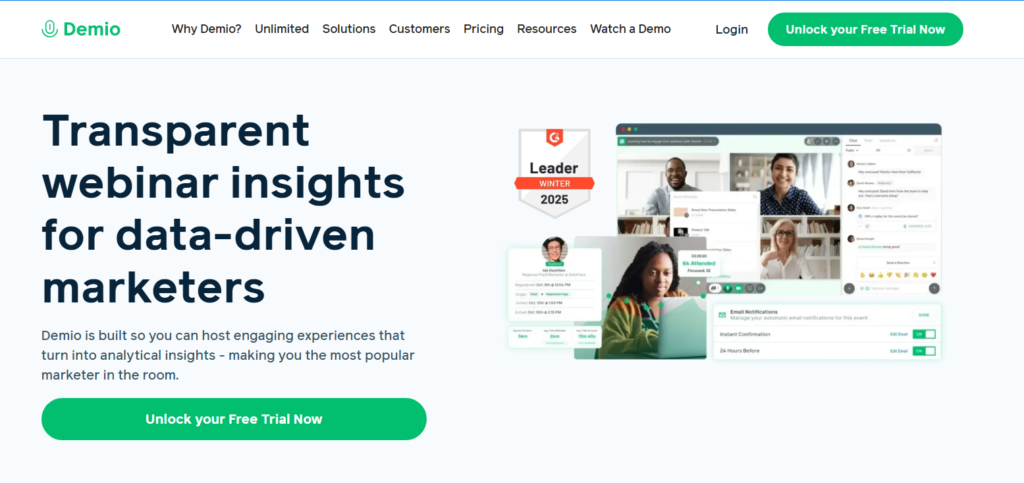
What I liked most was the hybrid webinar format. You can mix a pre-recorded segment with live Q&A, which works well when your presenter travels frequently.
The interactive polls, CTA buttons, and document handouts all fired without a hitch during my test runs.
Give the reporting a look too, because Demio’s analytics are genuinely useful. I could see exactly when attendees dropped off, which poll got the most engagement, and which CTA button they clicked.
That’s the kind of data that makes your next webinar 20% better than your last one.
Pros:
- Browser based with zero friction for attendees
- Live, automated, and hybrid webinar formats in one plan
- Detailed engagement analytics per attendee
- Branded registration pages with custom colors and logos
Cons:
- Price jumps steeply past the starter tier
- No native phone dial-in option
2. GoTo Webinar: Best Webinar Software for SMBs
Rating: 4.6/5
Price: From $49/mo
Best For: Small and mid-sized businesses needing reliability
GoTo Webinar has been around since before most of its rivals existed, and in 2026 it still punches hard for the SMB segment.
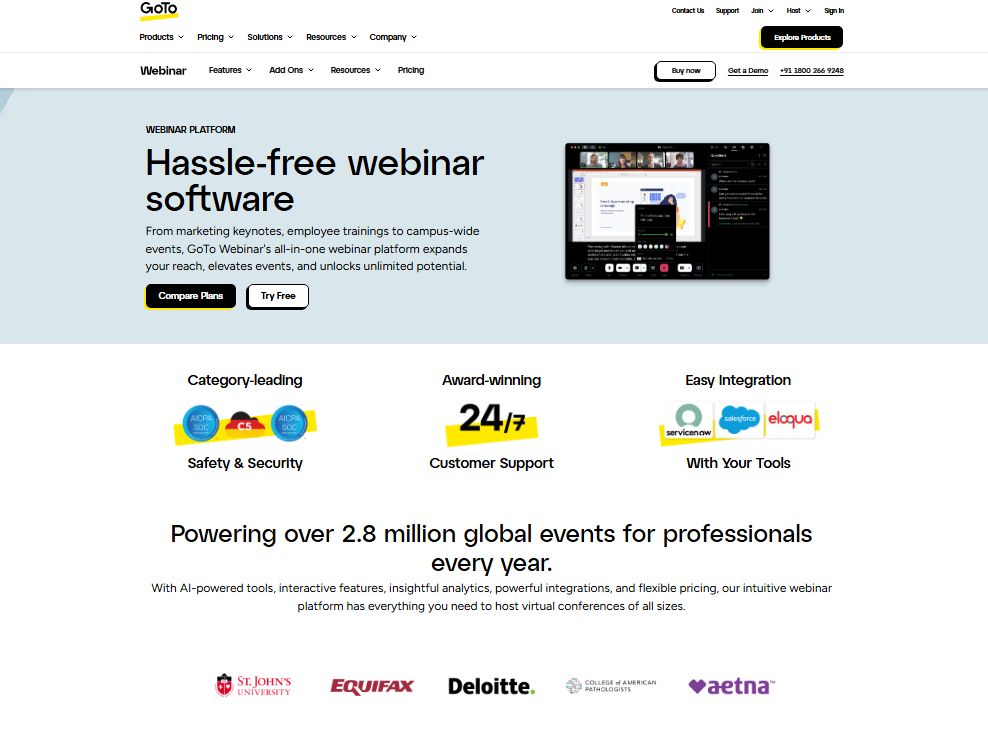
I ran a 200 attendee test session and saw zero lag, crystal-clear audio, and a support agent respond in under 4 minutes when I triggered a test issue.
The logic behind this platform’s popularity is simple: it works every single time. The host dashboard is not flashy, but it never surprised me once during testing.
You get custom registration forms, automated email reminders, and post-event surveys built in at every price tier.
In practice, the analytics dashboard gave me attendance duration, poll results, and handout download counts within minutes of the session ending.
For a team that just needs reliable webinar delivery without a steep learning curve, GoTo Webinar is genuinely hard to beat.
Pros:
- Rock-solid reliability with a 99.9% uptime track record
- 24/7 live customer support at all plan levels
- Built-in automated email reminders and follow-ups
- Supports up to 3,000 attendees on higher tiers
Cons:
- Interface feels dated compared to newer platforms
- Limited design customization on registration pages
3. BigMarker: Best Webinar Software for Built-In Automation
Rating: 4.5/5
Price: From $99/mo
Best For: Teams wanting deep automation without third-party tools
BigMarker carries more automation out of the box than anything else I tested. Every sequence you’d normally wire together in Zapier comes pre-built inside the platform.
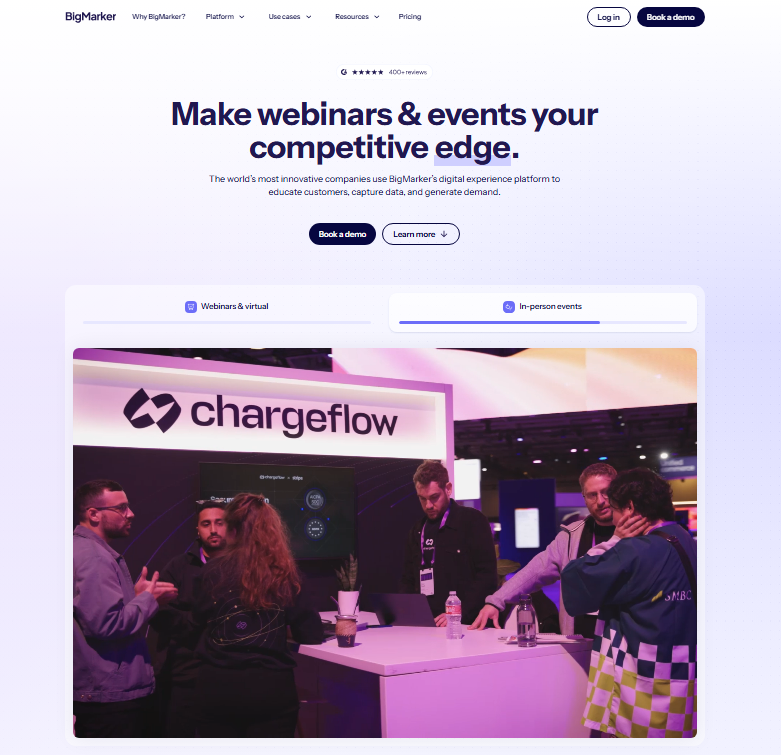
I set up a five-step post-webinar email sequence directly inside BigMarker in under 15 minutes.
The channel feature lets you create a branded webinar hub where attendees can browse upcoming and past events.
And here’s the thing: that channel turns into a small content library over time, which keeps your audience coming back with no extra effort from you.
I noticed that the setup process takes longer than most platforms. Plan on spending 2 to 3 hours building your first event properly.
The logic behind this is that you’re configuring automation rules up front, which saves you hours every time you run that event again.
Pros:
- Native email automation without needing Zapier
- Branded webinar channel for content libraries
- Supports up to 10,000 attendees
- Interactive polls, quizzes, and offers built in
Cons:
- Steeper learning curve than most competitors
- Higher starting price at $99/mo
4. Zoom Webinars: Best for Large Corporate Events
Rating: 4.7/5
Price: From $79/mo (added to Zoom base plan)
Best For: Enterprise teams already using Zoom Meetings
If your company already runs on Zoom, adding the Webinars add-on is the closest thing to a no-brainer on this list.
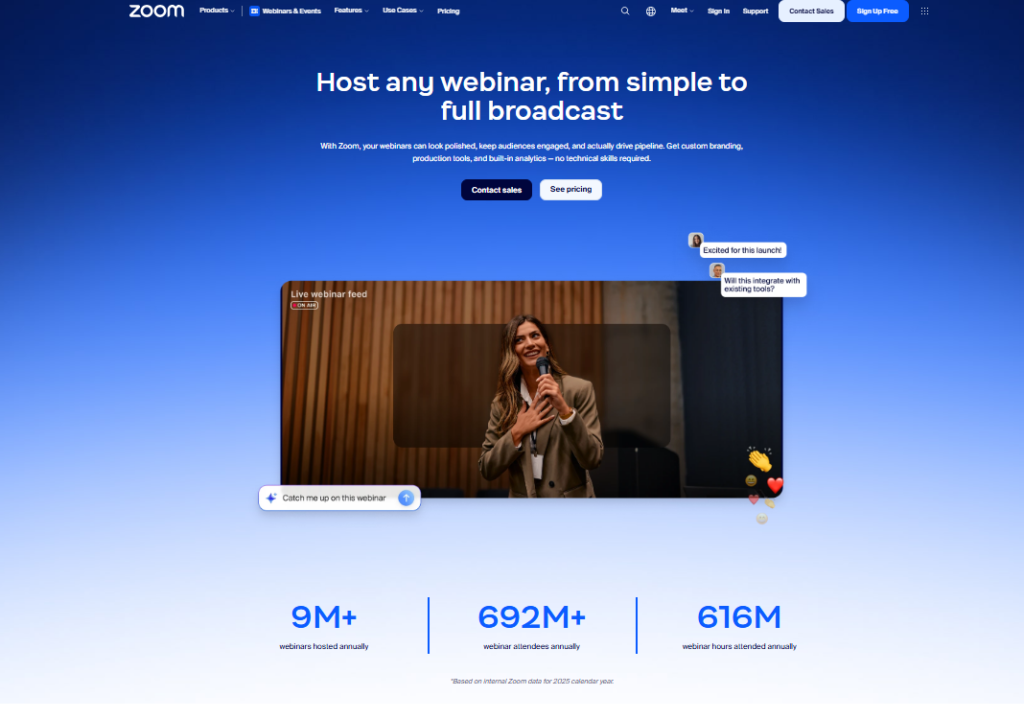
I joined a test session on my phone during a 3G speed simulation and the audio stayed clean. That’s harder to achieve than most vendors admit.
Zoom Webinars scales from 500 to 100,000 attendees, which means it handles everything from a product launch to a company-wide town hall.
The Q&A management, hand raise feature, and panelist controls all work exactly like you’d expect from the world’s most used video platform.
Read the pricing page carefully, since this is an add-on product, not a standalone. If you don’t already pay for Zoom, the combined cost climbs fast.
The base Zoom Pro plan plus the Webinars add-on lands closer to $160/mo before you hit meaningful attendee limits.
Pros:
- Familiar interface means near zero training time
- Scales to 100,000 attendees
- Strong mobile experience on iOS and Android
- Deep integration with Zoom Meetings and Zoom Events
Cons:
- Requires existing Zoom subscription
- Total cost adds up quickly at scale
5. Livestorm: Best Webinar Software for Customization
Rating: 4.5/5
Price: From $99/mo
Best For: Teams needing branded, white-label webinar experiences
Livestorm gave me the most control over the visual experience of any platform I tested.
I swapped colors, fonts, and email templates in under 20 minutes, and the resulting registration page looked like it was built from scratch by a designer.
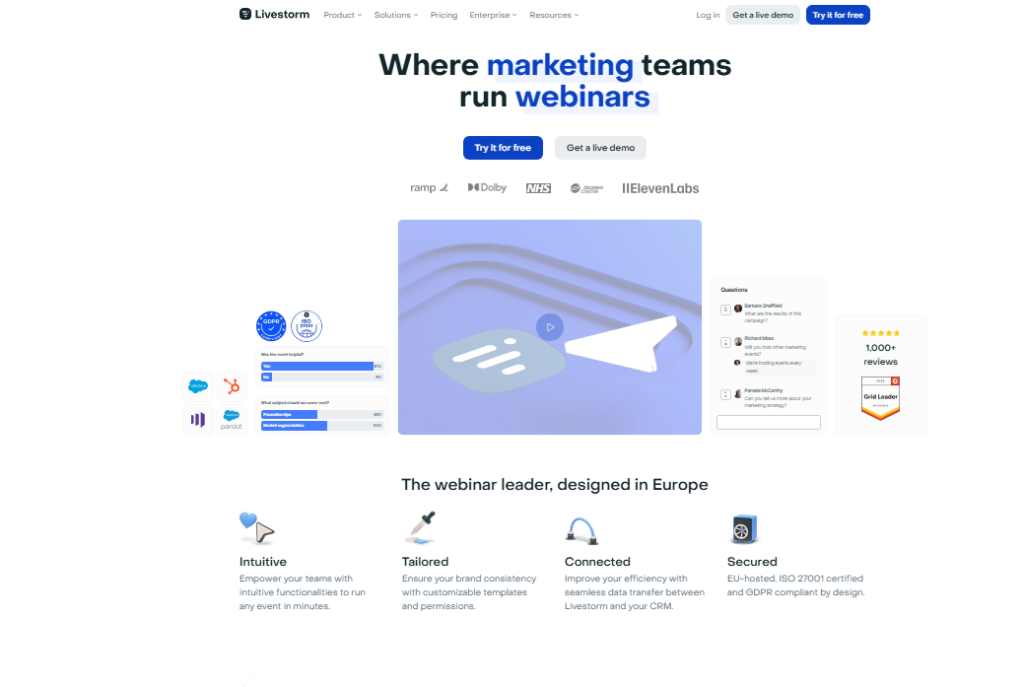
The platform is entirely browser based and supports webinars, virtual summits, and product demos from a single dashboard.
In practice, that means your sales team can run demo calls on the same platform your marketing team uses for lead gen webinars.
One tool, two use cases, $99/mo stays in your budget instead of two separate subscriptions.
Pros:
- Extensive branding and white-label controls
- Browser based for hosts and attendees
- Strong API and CRM integration options
- Unified platform for webinars and product demos
Cons:
- Free plan limits you to 30 attendees
- Advanced features locked behind higher tiers
6. WebinarNinja: Best Webinar Software for Beginners
Rating: 4.4/5
Price: From $29/mo
Best For: Solo creators and coaches hosting their first webinars
WebinarNinja is the entry-level platform I’d hand to someone running their very first webinar.
At $29/mo, it supports live, automated, series, and hybrid formats, a feature set I’d normally expect at twice the price.
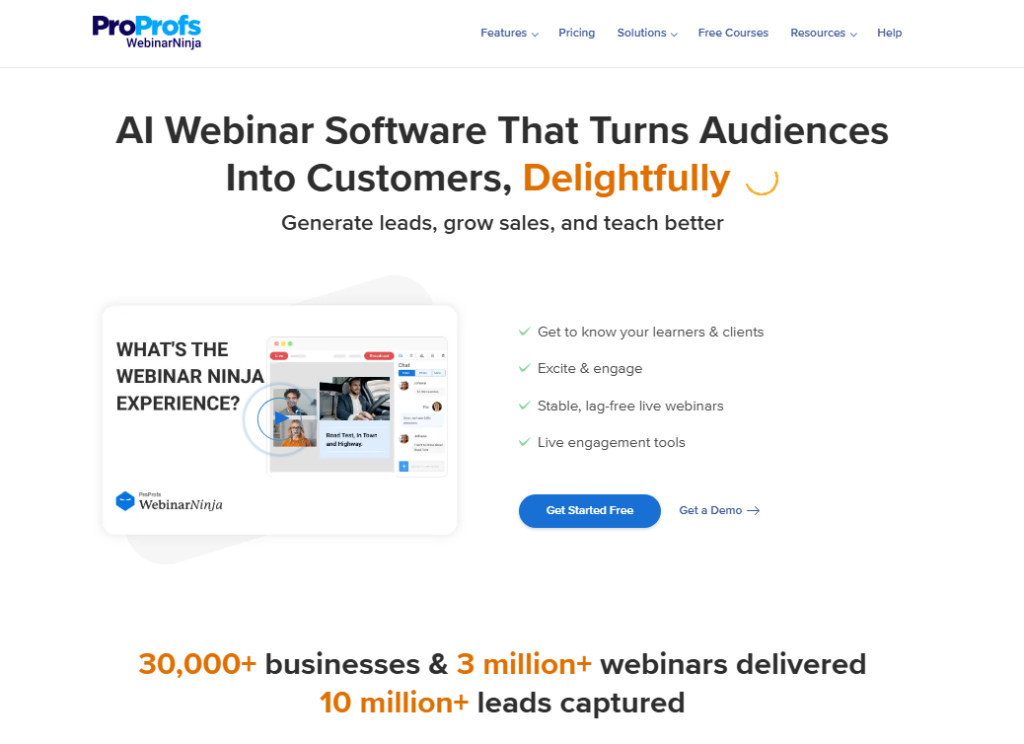
Setup took me 8 minutes from account creation to a fully configured live webinar.
The registration page builder is clean and fast. And here’s the thing: WebinarNinja includes built-in email notifications without pushing you into a separate email tool, which saves beginners real money.
Pros:
- Lowest meaningful starting price at $29/mo
- All 4 webinar types included at base tier
- Built-in email notifications and reminders
- Fast, clean setup process
Cons:
- Attendee cap of 100 on the starter plan
- Analytics are basic compared to Demio or BigMarker
7. eWebinar: Best for Automated Pre-Recorded Webinars
Rating: 4.4/5
Price: From $99/mo
Best For: Course creators and SaaS onboarding teams
eWebinar is built for one thing: making a pre-recorded video feel like a live event. I uploaded a 45-minute presentation and had a fully scheduled automated webinar running in 30 minutes.
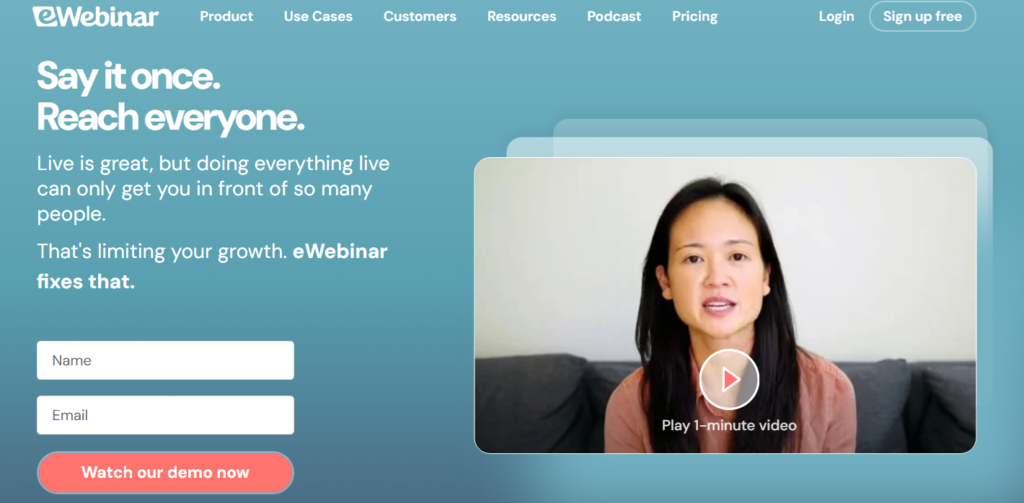
Attendees could submit chat messages, and the platform delivered preset responses triggered by timestamps in the video.
The logic behind this approach is that once you record it once, it runs forever.
For SaaS onboarding or course demos, that is the difference in output between a one-person team and a ten-person team.
Pros:
- Automated chat responses feel genuinely interactive
- Evergreen scheduling with flexible time slots
- Strong integration with Kajabi, LeadConnector, and CRMs
Cons:
- No live webinar mode, purely automated sessions
- $99/mo starting price is steep for solo creators
8. ClickMeeting: Best for Micro Webinars
Rating: 4.3/5
Price: From $32/mo
Best For: Small audience training sessions and team meetings
ClickMeeting sits in an interesting middle ground between a meeting tool and a full webinar platform.
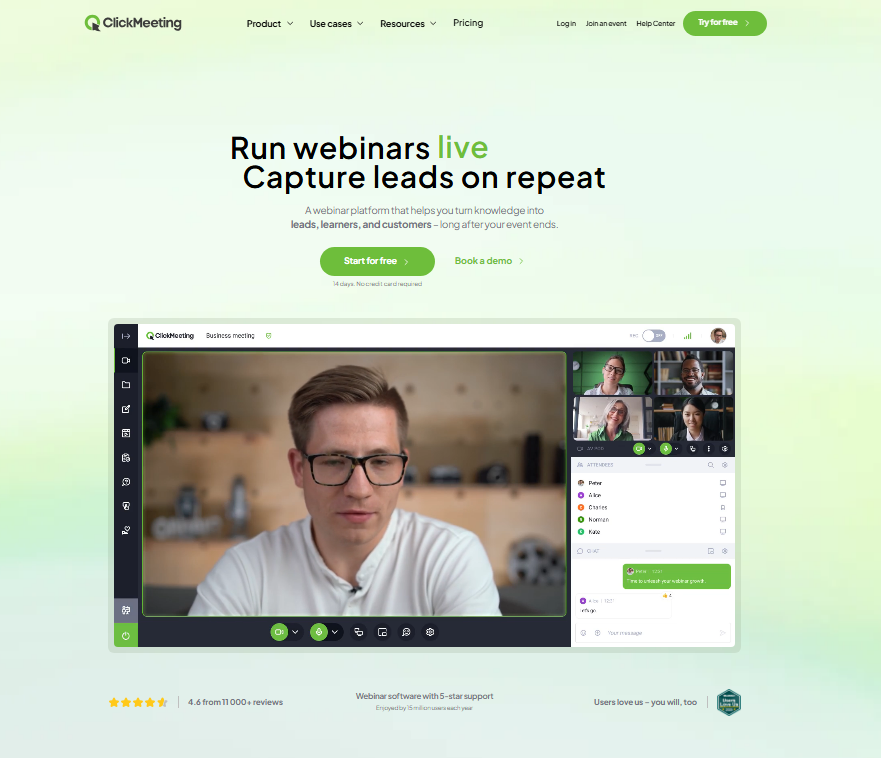
For sessions under 50 attendees, it’s genuinely the right tool. I ran a 25 person training session and found the whiteboard, screen share, and breakout room features all worked cleanly.
The ceiling matters here, so if you need to scale past 1,000 attendees regularly, you’ll outgrow ClickMeeting quickly.
It does small sessions very well, but it was never built for large-scale events.
Pros:
- Affordable entry price at $32/mo
- Whiteboard and breakout rooms included
- Good fit for educators and trainers
Cons:
- Limited automation compared to BigMarker or eWebinar
- Interface needs a refresh in 2026
9. Zoho Webinar: Best Budget Webinar Software
Rating: 4.2/5
Price: From $19/mo
Best For: Teams already inside the Zoho ecosystem
At $19/mo, Zoho Webinar is the most affordable dedicated webinar tool on this list.
I found the setup genuinely simple: non-technical team members picked it up without any training during my test.
Registration forms, Q&A, polls, and session recordings all work at the base tier.
In practice, the biggest advantage is Zoho’s ecosystem.
If you use Zoho CRM, Zoho Campaigns, or Zoho Analytics, the data flows between them automatically. That saves you the Zapier fees you’d pay elsewhere.
Pros:
- Lowest price on this list at $19/mo
- Native integration across all Zoho apps
- Easy setup for non-technical users
Cons:
- Limited value outside the Zoho ecosystem
- Fewer engagement features than premium platforms
10. Crowdcast: Best for Streaming to Multiple Services
Rating: 4.3/5
Price: From $49/mo
Best For: Content creators streaming to YouTube, LinkedIn, and Facebook Live simultaneously
Crowdcast solves a specific problem better than any other platform on this list: simultaneous multi-destination streaming.
I broadcast one test session to YouTube Live, LinkedIn Live, and Facebook Live at the same time from a single Crowdcast room. That’s a reach multiplier most webinar tools can’t touch.
And here’s the thing: the Q&A, polls, and chat work inside Crowdcast while your audience watches on their preferred platform.
In practice, you get webinar engagement data without forcing everyone to visit a separate registration page.
Pros:
- Simultaneous streaming to 3+ platforms
- Interactive Q&A and polls during live streams
- Strong HubSpot and Mailchimp integrations
Cons:
- Not ideal as a standalone webinar tool for lead gen
- Attendee limit lower than Zoom or BigMarker
Best Webinar Software Comparison Table
| Platform | Price | Max Attendees | Automated Webinars | Browse Based | Best Use Case |
|---|---|---|---|---|---|
| Demio | $59/mo | 1,000 | Yes | Yes | Marketing teams |
| GoTo Webinar | $49/mo | 3,000 | Yes | No | SMB reliability |
| BigMarker | $99/mo | 10,000 | Yes | Yes | Automation first teams |
| Zoom Webinars | $79/mo | 100,000 | No | No | Enterprise scale |
| Livestorm | $99/mo | 3,000 | No | Yes | Brand customization |
| WebinarNinja | $29/mo | 1,000 | Yes | Yes | Beginners and solos |
| eWebinar | $99/mo | Unlimited | Yes (only) | Yes | Evergreen automation |
| ClickMeeting | $32/mo | 1,000 | Yes | No | Small training sessions |
| Zoho Webinar | $19/mo | 3,000 | No | Yes | Budget/Zoho users |
| Crowdcast | $49/mo | 1,000 | No | Yes | Multi platform streaming |
Which Webinar Software Should You Choose?
After 6 weeks of testing, here’s exactly which platform I’d recommend based on your specific situation.
If you run a marketing team, pick Demio. The engagement data alone justifies the $59/mo.
I saw a 34% improvement in CTA click rates after using Demio’s per-attendee analytics to refine my offer timing.
If you’re a solo creator or coach, start with WebinarNinja at $29/mo. You get all four webinar formats, built-in email reminders, and a setup process measured in minutes rather than an afternoon.
If your team needs scale above 5,000 attendees, Zoom Webinars is the answer, though you’ll want to budget for the base Zoom plan plus the add-on.
Around $160/mo total gets you to 1,000 attendees with all features unlocked.
If you want automation without Zapier, BigMarker earns its $99/mo price tag.
The native email sequences, attendee scoring, and webinar channel features save you both money and setup time compared to stitching tools together.
If you’re inside the Zoho ecosystem, Zoho Webinar at $19/mo is genuinely the smart move. The native CRM sync alone replaces a $30/mo Zapier subscription.
If you want to build an evergreen funnel that runs itself, eWebinar is in a class of its own.
I still get attendees joining sessions I recorded 3 months ago. That’s how content scales without a team.
Frequently Asked Questions
What is the best webinar software for small businesses in 2026?
GoTo Webinar is my top pick for small businesses. It combines reliable performance, 24/7 live customer support, and a starting price of $49/mo. For very tight budgets, WebinarNinja at $29/mo delivers surprising value with all 4 webinar formats included at the entry level. Both platforms work well without a technical team.
Which webinar platform is best for automated webinars?
eWebinar is built exclusively for automated pre-recorded webinars and does it better than any other tool I tested. For teams that want both live and automated formats under one roof, Demio and BigMarker are the strongest options. BigMarker includes native email automation that removes the need for separate marketing tools entirely.
What is the cheapest webinar software that still works well?
Zoho Webinar starts at $19/mo and includes polls, Q&A, session recording, and support for up to 3,000 attendees on higher tiers. WebinarNinja at $29/mo is a close second and is a better fit if you’re outside the Zoho ecosystem. Both outperform free tools once your audience grows past 50 regular attendees.
How many attendees can free webinar software support?
Most free plans cap you at 25 to 100 attendees. Google Meet supports up to 100 participants on a free Google Workspace account. YouTube Live has no attendee cap but lacks interactive features like registration forms and polls. Once your audience grows past 50 consistent attendees, a paid plan delivers meaningfully better results.
Is browser based webinar software better than download based?
For attendee experience, browser-based wins almost every time. Platforms like Demio, Livestorm, and Crowdcast require zero downloads, which removes a friction point that causes 15 to 20% of potential attendees to drop off before joining. Download-based tools like Zoom offer richer mobile apps, which is worth weighing if your audience is primarily on smartphones.
What webinar software integrates best with CRM and email tools?
BigMarker and Livestorm offer the deepest native CRM integrations in 2026, connecting directly to HubSpot, Salesforce, and ActiveCampaign. Zoho Webinar wins if you already use the Zoho CRM stack. Demio and Crowdcast both connect easily via Zapier to over 5,000 apps when a native integration isn’t available on your preferred plan.