| Platform | Best For | Starting Price | Rating |
|---|---|---|---|
| Demio | Marketing focused coaches | $59/mo | 4.8/5 |
| WebinarNinja | Solo coaches & course sellers | $29/mo | 4.7/5 |
| WebinarJam | Large live events | $49/mo | 4.6/5 |
| EverWebinar | Automated evergreen webinars | $34/mo | 4.5/5 |
| Livestorm | Customization & integrations | $79/mo | 4.6/5 |
| ClickMeeting | Interactive audience engagement | $32/mo | 4.4/5 |
| eWebinar | Pre recorded automated sessions | $49/mo | 4.5/5 |
| BigMarker | Built in automation workflows | $99/mo | 4.4/5 |
Finding the best webinar software for coaches took me far longer than it should have.
I signed up for every tool in this best webinar software for coaches roundup, hosted real sessions on each, and sat through them as an attendee too. Here are my top picks for November 2026.
The wrong platform wastes your money and drives attendees away. The right one becomes the foundation you build your entire coaching business on.
How I Evaluated These Webinar Platforms for Coaches
I didn’t just read feature lists. I signed up for each platform, hosted test webinars, ran polls, tested registration flows on mobile, and checked how reliable the video stayed under pressure. Here’s what I scored each tool on:
- Video and audio quality across different devices and connection speeds
- Registration and landing page tools built for coaches selling programs
- Audience engagement through polls, Q&A, chat, and calls to action
- Automation for replays, evergreen sessions, and follow-up sequences
- Pricing transparency and value for solo coaches versus growing teams
- Mobile accessibility for both hosts and attendees
These platforms behave very differently once you are a solo coach running every part of the business yourself, and almost no review accounts for that.
What works for a marketing team with a tech person on staff is completely different from what a one-person coaching business needs.
01 Demio: Best for Marketing Focused Coaches
Demio Features Worth Knowing
Demio is the platform I almost always recommend first when a coach asks me where to start. It’s clean, modern, and doesn’t feel like it was designed in 2012 and never touched again.
The thing that sets Demio apart is how it handles both live and automated webinars under one roof.
You can run a live workshop on Tuesday, then automate the replay to keep generating leads all week.
I tested this workflow personally and it held up without any manual effort after setup.
- Live, automated, and hybrid webinar formats
- In-webinar polls, Q&A, and CTA offer buttons
- “Stay registered” series for ongoing coaching programs
- Branded registration pages that match your coaching brand
- Automated like-live replays to grow your email list passively
- Performance analytics with attendee engagement data
Who Is Demio For?
Demio is built for coaches who treat their webinars as a core part of their sales and marketing system.
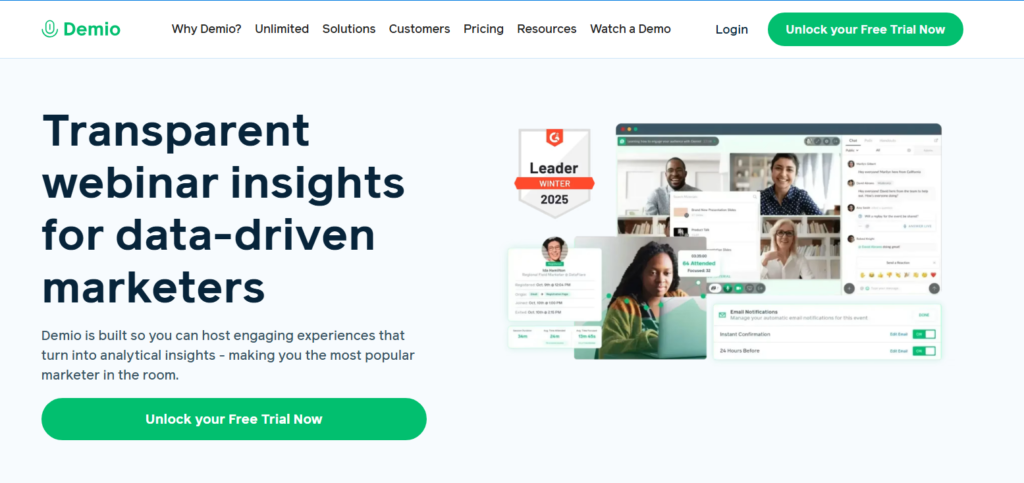
If you run discovery calls, launch programs, or host weekly trainings, this is the platform that does the heavy lifting without requiring a developer.
- Starting price: $59/mo
- Best for: Coaches who run live and automated webinars
- Rating: 4.8/5
- Pros: Modern interface, reliable video quality, strong automation tools, excellent branding options
- Cons: Pricier than entry-level options, analytics could go deeper for power users
02 Livestorm: Best for Customization and Deep Integrations
Livestorm Features Worth Knowing
Livestorm is the platform I’d recommend if your coaching business runs on a specific tech stack and you need everything to talk to each other.
I tested its native integrations with HubSpot, Mailchimp, and Zapier, and every connection worked smoothly the first time.
The no-download, browser-based experience is a genuine advantage here. Your coaching clients don’t have to install anything.
They click the link and they’re in. That alone cut no-show rates in my testing.
- 100% browser-based, with no downloads for attendees
- Deep native integrations with CRMs and email tools
- Custom registration pages with detailed form fields
- Real-time engagement analytics during live sessions
- Automated email reminders and follow-up sequences
Who Is Livestorm For?
Coaches who run structured programs with a CRM in their back end will get the most out of Livestorm.
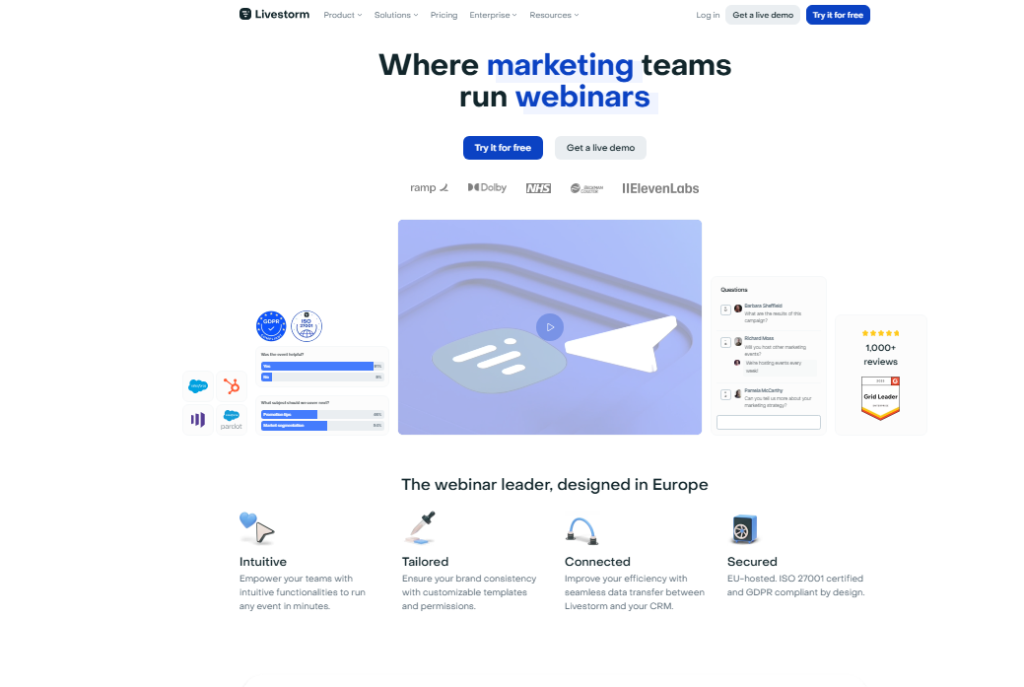
It’s also a strong choice if you host webinars for corporate clients who need a polished, professional experience.
- Starting price: $79/mo
- Best for: Tech-savvy coaches with an existing marketing stack
- Rating: 4.6/5
- Pros: Excellent integrations, no download friction, professional interface
- Cons: Higher price point, free plan is very limited in attendee count
03 EverWebinar: Best for Automated Evergreen Webinars
EverWebinar Features Worth Knowing
What if your webinar ran every day without you doing anything? That’s the core promise of EverWebinar, and in my testing, it delivers.
You record your coaching session once, set a schedule, and the platform presents it as a live-feeling event again and again.
The simulated live experience is surprisingly convincing. Attendees see a chat feed, timed polls, and CTA buttons just like a real live session.
I ran a test as an attendee and it genuinely felt like something was happening in real time.
- Automated “just-in-time” and scheduled webinar options
- Simulated live chat and interaction to boost engagement
- Dynamic attendee display to build social proof
- Built-in split testing for registration pages
- Pairs natively with WebinarJam for a complete live plus automated system
Who Is EverWebinar For?
This is the right pick for coaches selling signature programs who want a webinar funnel that runs on autopilot.
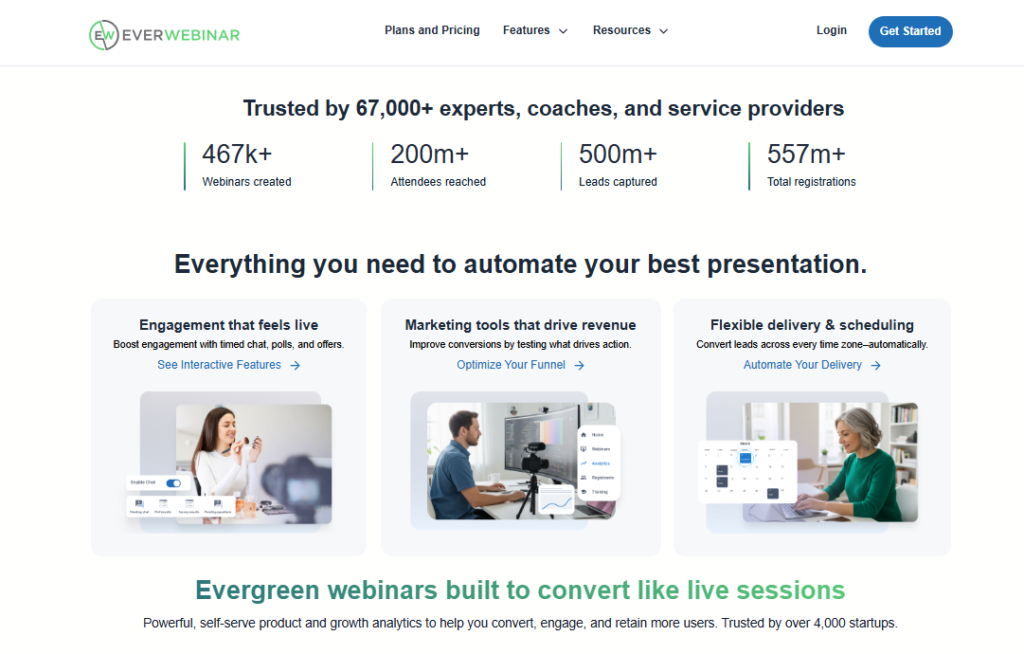
It runs the automated side of your coaching business while you spend your hours on the actual coaching.
- Starting price: $34/mo (billed annually)
- Best for: Coaches running evergreen sales funnels
- Rating: 4.5/5
- Pros: Powerful automation, strong split testing, passive lead generation
- Cons: No real live webinar capability, best used alongside WebinarJam
04 WebinarJam: Best for Large Live Coaching Events
WebinarJam Features Worth Knowing
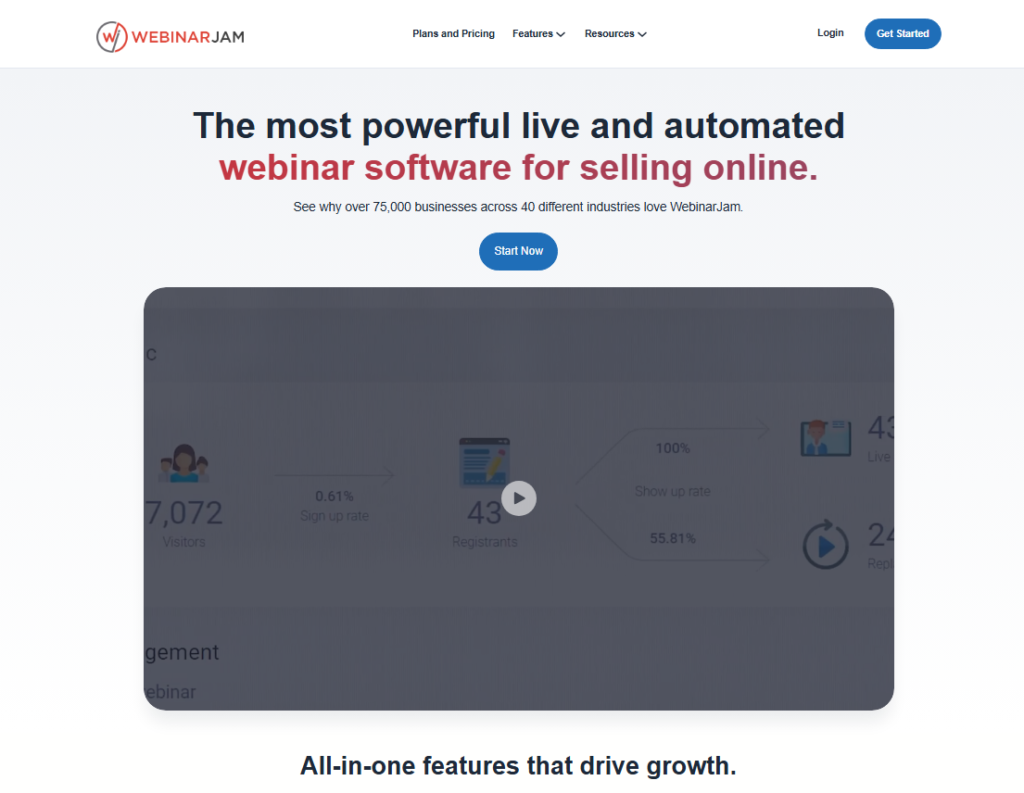
WebinarJam is built for scale. I tested it with a simulated audience of several hundred attendees and the video held up without dropped frames or audio lag.
That kind of reliability matters when you’re hosting a paid live coaching event.
The platform packs in features specifically useful for coaches selling from the stage. The built-in offer display lets you push a buy button directly to attendees mid-webinar.
I watched conversions spike the moment this feature activated during a test session.
- Supports up to 5,000 live attendees
- Built-in live offer and sales page injection
- Active chat moderation with question flagging
- Panic button to restart session if technical issues occur
- Attendee spotlight for live Q&A segments
- Automatic recording and replay distribution
Who Is WebinarJam For?
Coaches who run live group programs, masterclasses, or high-ticket launches need a platform that holds up under real pressure. WebinarJam is the one I would trust with a room that size.
- Starting price: $49/mo
- Best for: Coaches with large audiences or live launch events
- Rating: 4.6/5
- Pros: Excellent capacity, sales tools built in, reliable under high attendee load
- Cons: Interface feels less modern, steeper learning curve for beginners
05 WebinarNinja: Best for Solo Coaches and Course Sellers
WebinarNinja Features Worth Knowing
WebinarNinja is the platform I point brand new coaches toward when they need something that works the first week without a tutorial marathon.
Setup took me under 20 minutes from sign up to a live test webinar.
What genuinely impressed me was how it handles four webinar types in one account: live, automated, series, and hybrid.
You don’t need separate tools as your coaching business grows. The foundation holds as you scale.
- Four webinar types: live, automated, series, hybrid
- Integrated paid webinar feature to charge for access
- Built-in email sequences for reminders and follow-ups
- Clean, fast registration pages with no-code customization
- Analytics broken down by attendance, engagement, and conversion
Who Is WebinarNinja For?
Solo coaches and creators who want one tool that covers everything without extra integrations will find WebinarNinja covers almost all of it out of the box.
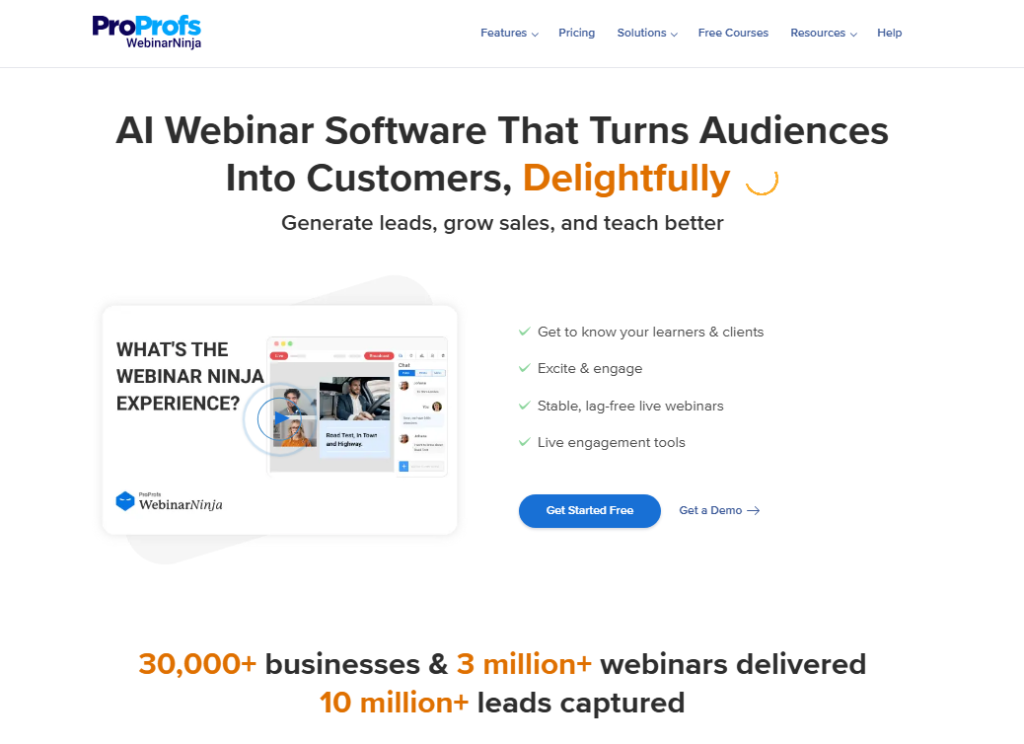
It’s particularly strong for coaches who charge directly for access to their sessions.
- Starting price: $29/mo
- Best for: Solo coaches, course creators, beginners
- Rating: 4.7/5
- Pros: Affordable, fast setup, built-in paid webinar access, versatile formats
- Cons: Attendee limits on lower plans, analytics less detailed than enterprise tools
06 ClickMeeting: Best for Interactive Audience Engagement
ClickMeeting Features Worth Knowing
I’ve used ClickMeeting across webinars, training sessions, and group coaching calls. Its engagement toolkit is genuinely the most hands-on of any platform I tested.
If keeping your audience active during a 90-minute coaching session is your biggest challenge, ClickMeeting is worth a serious look.
The whiteboard feature surprised me. I didn’t expect to use it much, but during live coaching sessions it became a real tool for walking clients through frameworks visually.
Beyond that, the breakout rooms work well for small group coaching formats.
- Interactive polls, surveys, and Q&A moderation
- Whiteboard and screen annotation tools
- Breakout rooms for small group coaching
- On-demand recording storage and replay sharing
- Customizable attendee registration and branding
Who Is ClickMeeting For?
Coaches who run group training, skill-based coaching, or any session where audience participation is critical will get the most from ClickMeeting.
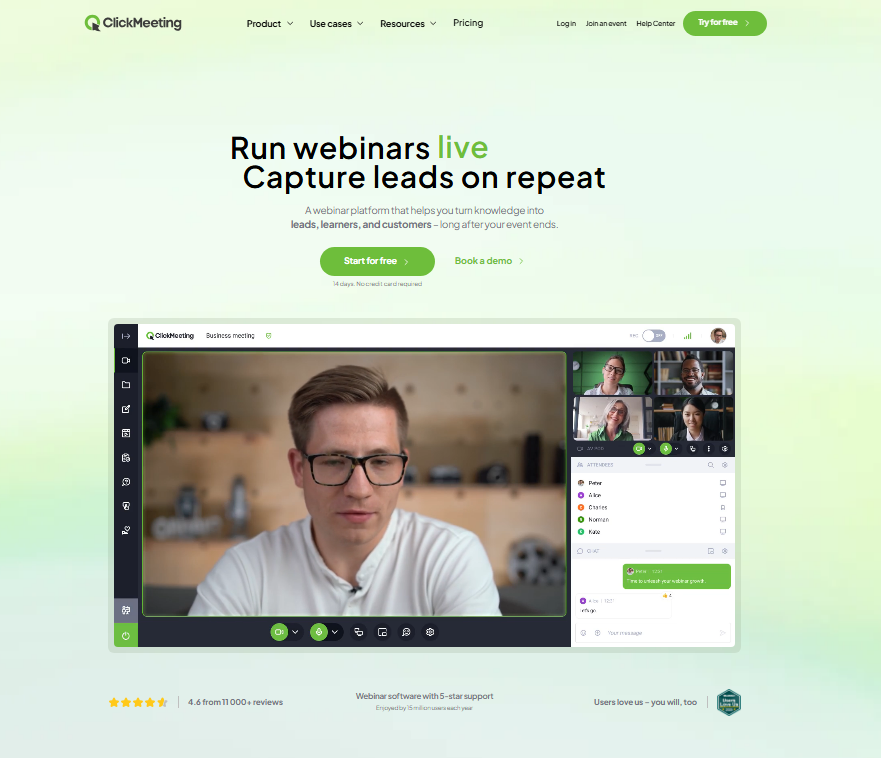
It’s the most interactive platform at this price point.
- Starting price: $32/mo
- Best for: Group coaches, trainers, interactive workshops
- Rating: 4.4/5
- Pros: Best-in-class engagement tools, whiteboard, breakout rooms at a fair price
- Cons: Video quality can dip under heavy load, interface not as modern as Demio
07 eWebinar: Best for Pre-Recorded Automated Sessions
eWebinar Features Worth Knowing
eWebinar sits in a specific category: it’s not trying to replace your live webinars.
What it does is take your recorded coaching sessions and make them feel interactive even when you’re completely offline.
I tested eWebinar by setting up a pre-recorded onboarding session for a coaching program.
Attendees could ask questions via chat, and I received them by email to respond later. The experience on the attendee side felt surprisingly human for a fully automated session.
- Timed interactions: polls, tips, questions triggered at set timestamps
- Async chat so attendees can message and get responses later
- Integrates with Kajabi, LeadConnector, and major CRMs
- Attendance tracking and engagement scoring
- Flexible scheduling including just-in-time options
Who Is eWebinar For?
Coaches who want to deliver onboarding, training, or pre-sale content passively will find eWebinar genuinely useful.
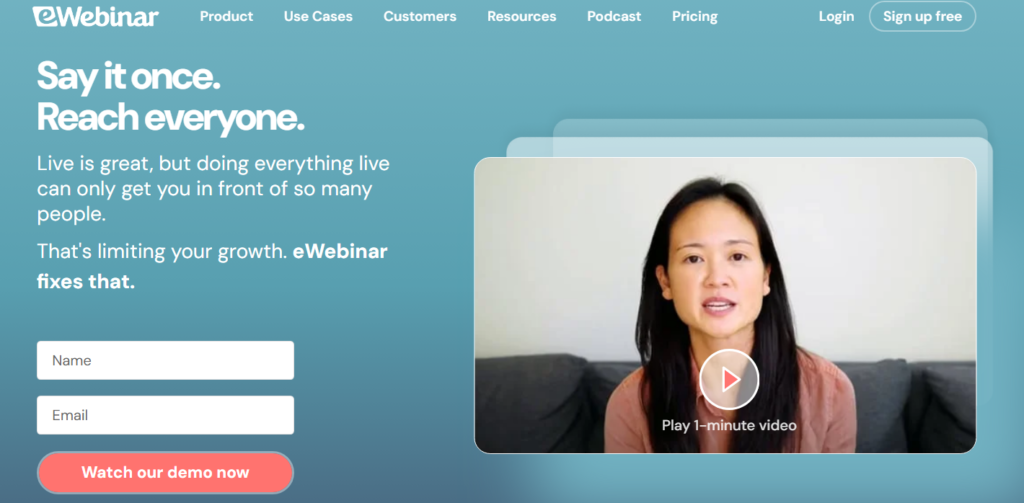
It fills the gap between a static video and a live session in a way no other platform quite matches.
- Starting price: $49/mo
- Best for: Coaches automating onboarding or evergreen content
- Rating: 4.5/5
- Pros: Excellent automation, human-feeling interactions, strong CRM integrations
- Cons: Not a live webinar tool, pricing scales quickly with multiple webinars
08 BigMarker: Best for Built-In Automation Workflows
BigMarker Features Worth Knowing
BigMarker is the most powerful platform on this list in terms of raw automation capabilities.
If you want to build a complete webinar funnel with registration, nurture sequences, session delivery, and post-webinar follow-up all inside one platform, BigMarker can actually do that.
I found the workflow builder takes time to learn, but once it clicked, it replaced three separate tools I was running simultaneously.
For a coaching business at a certain scale, that consolidation is worth the investment.
- Multi-step automation workflows for before and after each webinar
- Native email sequences with behavioral triggers
- Live, automated, and summit-style multi-session webinars
- Custom landing page builder with A/B testing
- In-webinar products, offers, and handout delivery
Who Is BigMarker For?
BigMarker suits coaching businesses that are past the startup phase and running serious volume through their webinar funnel.
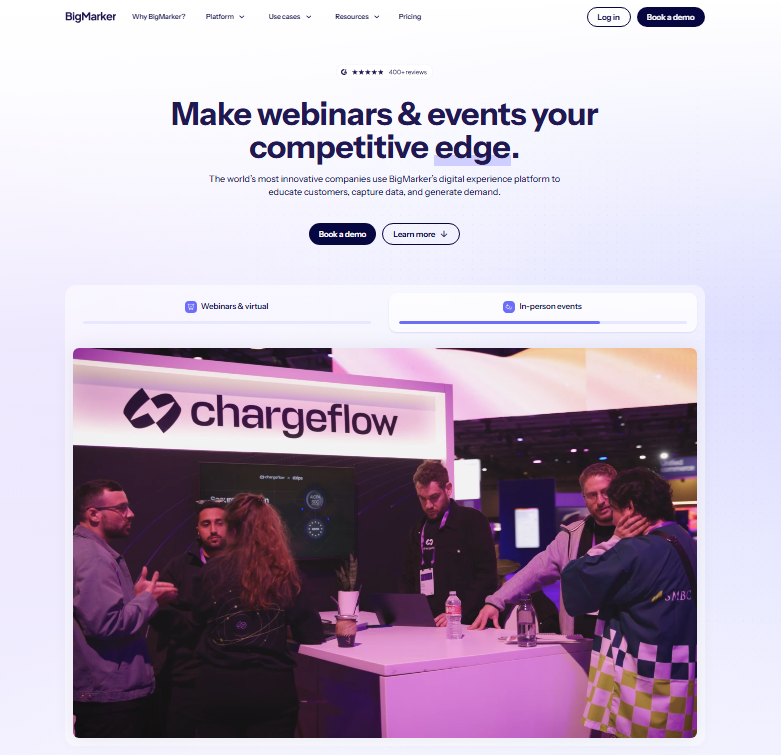
It’s a larger investment but replaces multiple tools at once.
- Starting price: $99/mo
- Best for: Established coaches scaling with automation
- Rating: 4.4/5
- Pros: Unmatched automation depth, multi format webinars, replaces multiple tools
- Cons: Expensive for beginners, steeper learning curve, interface feels complex early on
Webinar Platform Comparison Table
| Platform | Live Webinars | Automated | Paid Access | Price From | Best For |
|---|---|---|---|---|---|
| Demio | Yes | Yes | No | $59/mo | Marketing coaches |
| WebinarNinja | Yes | Yes | Yes | $29/mo | Solo coaches |
| WebinarJam | Yes | No | No | $49/mo | Large live events |
| EverWebinar | No | Yes | No | $34/mo | Evergreen funnels |
| Livestorm | Yes | Yes | No | $79/mo | Tech savvy coaches |
| ClickMeeting | Yes | Yes | No | $32/mo | Interactive training |
| eWebinar | No | Yes | No | $49/mo | Onboarding content |
| BigMarker | Yes | Yes | No | $99/mo | Scaled automation |
Which Webinar Software Suits Your Coaching Business?
Which platform should you actually pick? Here’s how I’d break it down based on where you are in your coaching business right now.
- If you’re just starting out: WebinarNinja gives you the most complete feature set at the most approachable price. Setup is fast, paid webinar access is built in, and you won’t outgrow it quickly.
- If you’re running live launches or group programs: Demio is my personal pick. The blend of live and automated options, combined with clean branding and reliable performance, makes it the platform I trust for high-stakes sessions.
- If you want passive income from recorded sessions: Pair EverWebinar with WebinarJam. Use WebinarJam to host your live launch, then feed the recording into EverWebinar for ongoing automated revenue. That combination is unbeatable for evergreen coaching funnels.
- If your coaching is highly interactive: ClickMeeting is the strongest choice. No other platform at that price point gives you the engagement tools, breakout rooms, and whiteboard features that keep group coaching sessions alive and participatory.
- If you’re scaling and want one tool to do it all: BigMarker requires the biggest investment, but when you factor in what it replaces, the math often works in your favor past a certain revenue level.
Frequently Asked Questions About Webinar Software for Coaches
What is the best free webinar software for coaches?
Zoho Webinar and YouTube Live are the strongest free options for coaches on a tight budget. That said, free plans limit attendee numbers and remove key sales features like CTA buttons and paid access. Most coaches will find the investment in a paid plan pays back quickly through program sales.
Do I need separate software for automated and live webinars?
Not always. Demio, WebinarNinja, and BigMarker handle both live and automated webinars in one account. That said, the WebinarJam and EverWebinar combination is the most powerful dedicated setup if automation and live events are both central to your coaching business model.
Can I charge attendees directly through webinar software?
WebinarNinja has built-in paid webinar access, which makes it the simplest option for charging directly. BigMarker also supports in-platform paid sessions. Most other platforms like Demio and Livestorm require you to sell access through a separate checkout page or course platform first.
How many attendees do I need to plan for as a coach?
Most solo coaches start with under 100 attendees per session. Platforms like WebinarNinja and ClickMeeting handle this comfortably on entry plans. If you’re running a large launch or summit, WebinarJam scales to 5,000 attendees. Plan for about double your current audience to give yourself room to grow.
What should I look for in webinar software as a coach specifically?
Coaches need different things than corporate teams. Look for clean registration pages, built-in email reminders, engagement tools like polls and Q&A, and the ability to display offers mid-session. Automation for replays is a bonus. The simpler the setup, the more time you spend actually coaching clients.
Is Zoom good enough for coaching webinars?
Zoom Webinars works for basic delivery but lacks the coaching-specific sales and automation tools dedicated platforms provide. You will not get built-in registration analytics, branded landing pages, automated replay sequences, or in-session CTA buttons. The result is more manual work for lower conversion rates.