| Platform | Best For | Starting Price | Rating |
|---|---|---|---|
| Demio | Marketing teams | $59/mo | 4.8/5 |
| Livestorm | Remote teams | Free/$99/mo | 4.7/5 |
| WebinarJam | Large live audiences | $39/mo | 4.6/5 |
| EverWebinar | Automated evergreen webinars | $34/mo | 4.5/5 |
| WebinarNinja | Beginners and educators | $29/mo | 4.5/5 |
| Zoho Webinar | Zoho ecosystem users | $8/mo | 4.4/5 |
| GoTo Webinar | SMBs and enterprises | $49/mo | 4.4/5 |
| LiveWebinar | Custom branding and flexibility | Free / $14.99/mo | 4.6/5 |
| ClickMeeting | Training and education | $26/mo | 4.3/5 |
| GetResponse | Email marketers | $19/mo | 4.2/5 |
If you’re searching for the best webinar platforms in 2026, I’ve done the heavy lifting: testing over a dozen tools across live events, automated replays, and hybrid setups, so you don’t have to guess.
I hosted real sessions inside these dashboards, joined them again as an attendee, and pushed each platform until something gave way.
What you’ll find below is an honest breakdown of what actually works, what falls short, and which tool fits which situation.
01 Demio: Best Webinar Platform for Marketing Teams
Demio Features
Demio is the platform I kept coming back to during my testing. Nothing in it feels bolted on, and every feature earns the space it takes up.
It handles both live and automated webinars, and you can even blend pre-recorded segments with live commentary for a hybrid experience.
When I ran a test session, the engagement tools stood out immediately.
You can launch polls, share handout documents mid-session, run Q&As, and drop call-to-action buttons right when your pitch is hottest.
The “Stay Registered” series feature lets attendees sign up once for an ongoing webinar sequence, which is excellent for ongoing training or product education campaigns.
Who Is Demio For?
Demio is built for marketing teams who want a dedicated webinar tool that emphasizes live interaction but doesn’t skimp on automation.
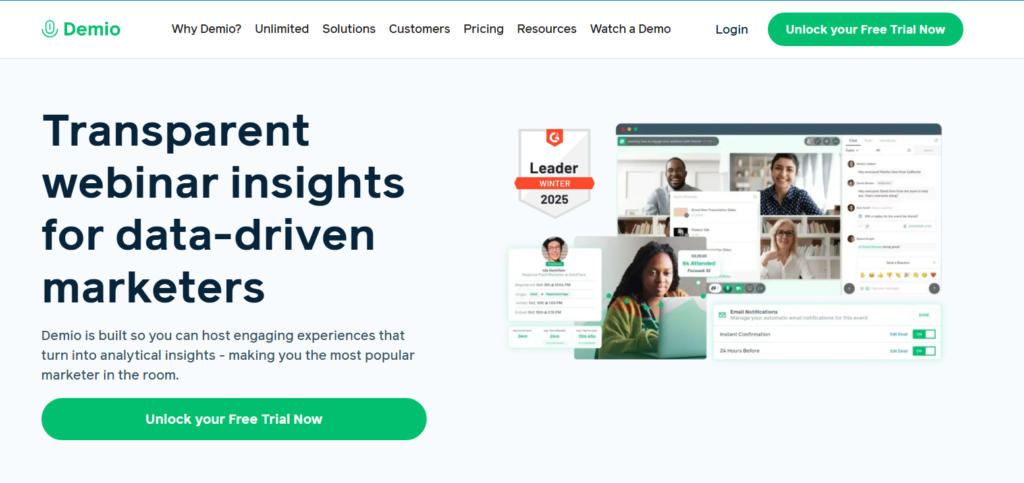
If your team runs weekly product demos or lead gen webinars, this is your tool. Pricing starts at $59/mo.
Pros: Modern interface, live and automated modes, strong engagement tools
Cons: Pricier than alternatives for smaller teams
02 Livestorm: Best Webinar Platform for Remote Teams
Livestorm Features
Livestorm runs entirely in the browser: no downloads, no plugins, nothing to install.
I tested it across three different devices, and the experience was consistent every time.
That matters more than people realize. When your attendees need to jump through hoops just to join, you lose them before the session even starts.
What I found genuinely impressive was Livestorm’s analytics layer. You get data on who engaged, when they dropped off, which poll responses came in, and how long people stayed.
Beyond that, it connects cleanly with HubSpot, Salesforce, and Slack without needing a third-party bridge.
Who Is Livestorm For?
Remote-first companies running product launches, customer onboarding sessions, or internal all-hands meetings will feel right at home here.
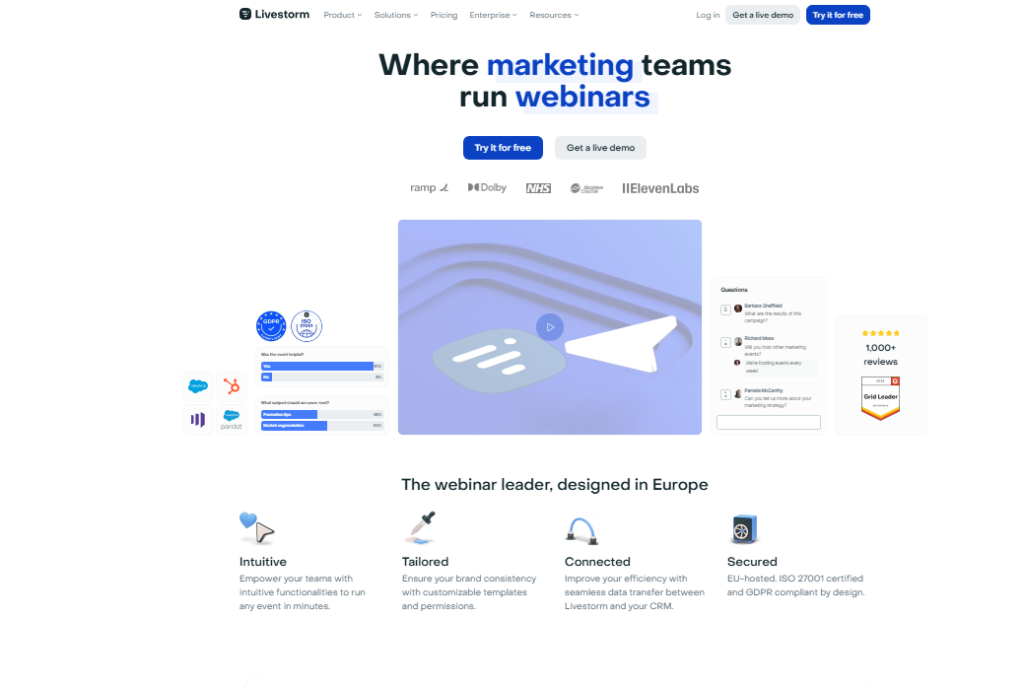
The free plan allows up to 30 attendees and 20-minute sessions, which makes it a solid starting point. Paid plans begin at $99/mo.
Pros: Browser-based, deep analytics, strong integrations
Cons: Free plan is limited; cost scales quickly with attendee volume
03 EverWebinar: Best for Automated Evergreen Webinars
EverWebinar Features
EverWebinar is set-and-forget software: you build the session once, and it keeps producing registrations while your attention is elsewhere.
This platform is purpose built for automated webinars that run on a schedule you control.
I used it to simulate a live presentation feel with pre-recorded content, and attendees couldn’t tell the difference.
The just-in-time scheduling feature lets attendees join a session within minutes of registering, which sharply reduces the drop-off that plagues traditional scheduled webinars.
You also get built-in split testing for registration pages, which most competitors simply don’t offer.
Who Is EverWebinar For?
Online course creators, digital product sellers, and anyone who wants a webinar funnel running 24/7 without being on camera every time. Starts at $34/mo billed annually.
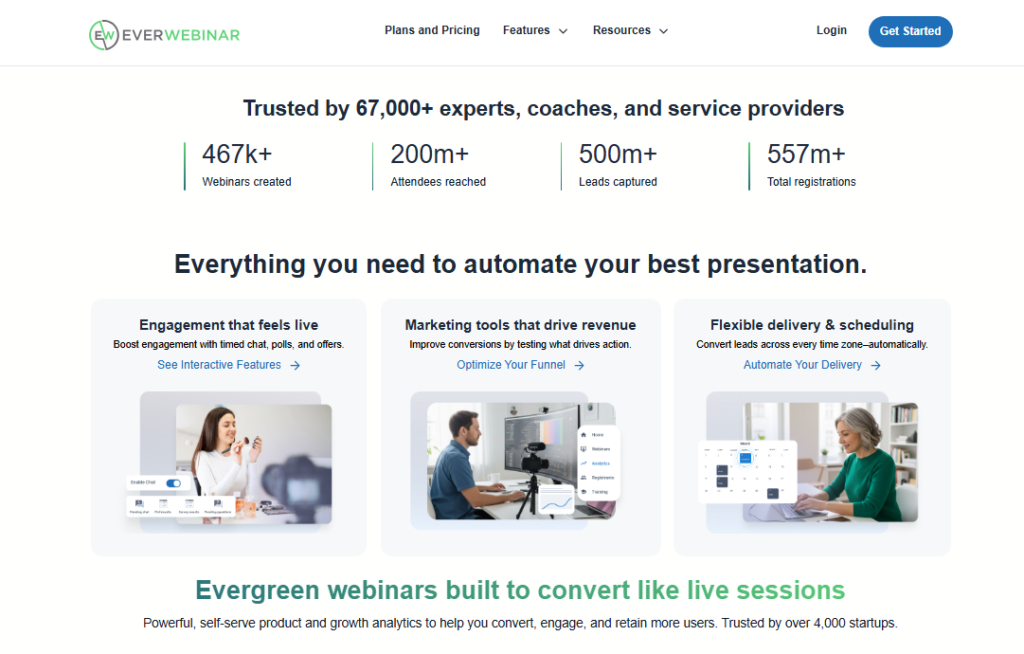
Pros: Automated simulated live experience, split testing, just-in-time scheduling
Cons: No live webinar capability on its own; it pairs best with WebinarJam
04 WebinarJam: Best for Large Live Audiences
WebinarJam Features
WebinarJam is built to handle scale. I tested it with a simulated audience scenario and was impressed by its capacity: up to 5,000 live attendees on higher-tier plans.
The live chat, polls, and “spotlight” presenter features keep large crowds engaged rather than passive.
WebinarJam’s panic button barely gets a mention anywhere, and it should. If your stream crashes mid-session, hitting that button moves every attendee to a backup room instantly.
That’s the kind of insurance most platforms charge extra for or simply don’t offer.
Who Is WebinarJam For?
Event-heavy businesses, product launchers, and sales teams running high-stakes presentations to large groups. Plans start at $39/mo billed annually.
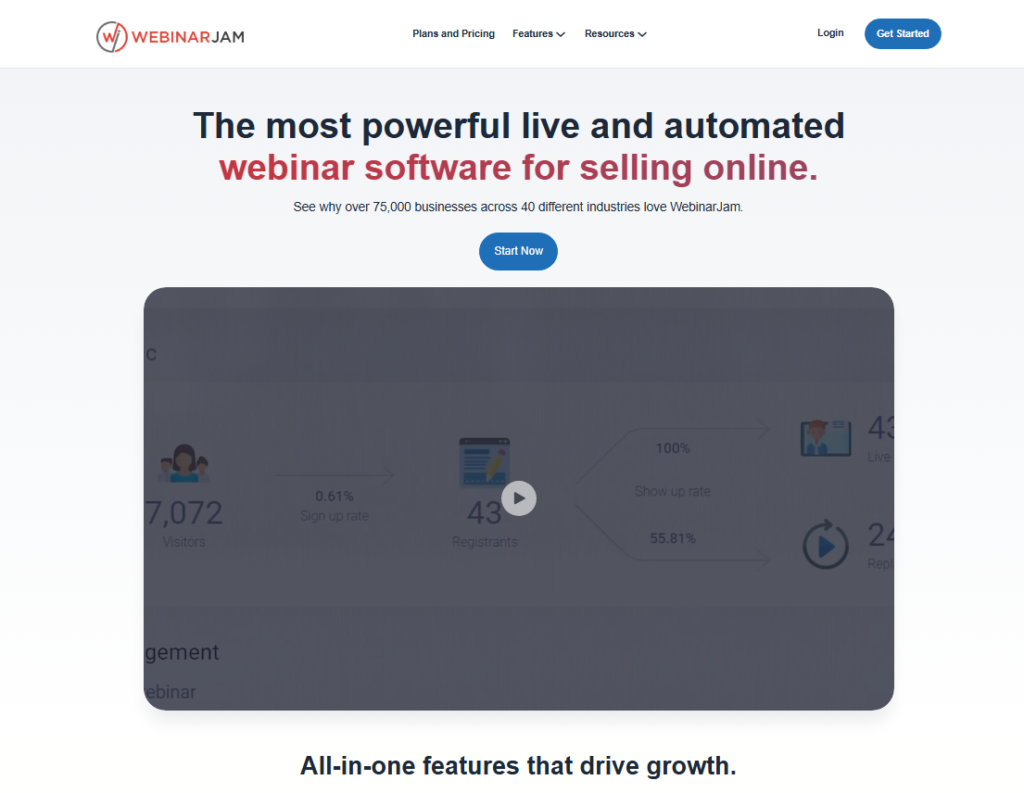
Pros: High attendee capacity, panic button failsafe, strong live engagement tools
Cons: Interface feels slightly dated compared to Demio or Livestorm
05 WebinarNinja: Best Webinar Platform for Beginners
WebinarNinja Features
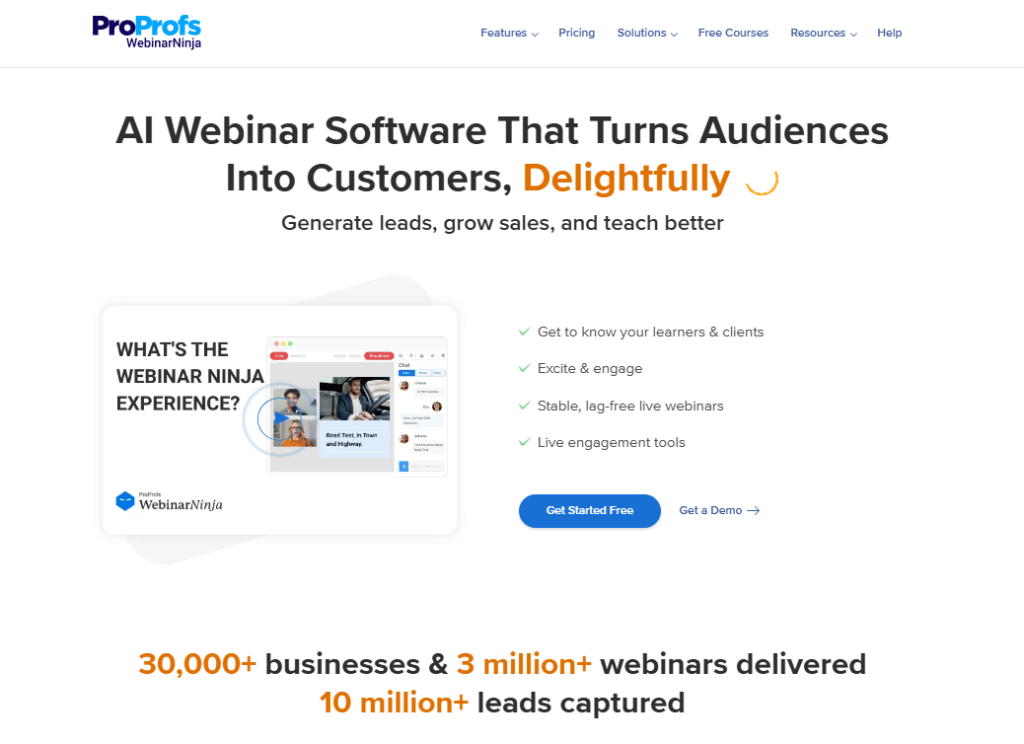
WebinarNinja lives up to its name for newcomers. When I set up my first test event, I had a fully branded registration page and confirmation email ready in under 15 minutes.
The trade is deliberate: fewer options, faster results.
It supports live, automated, series, and hybrid webinar types all from one dashboard.
The built-in email notification system handles reminders automatically, which takes one more task off your pre-event checklist.
There’s even a native course builder for educators who want to pair webinars with structured learning paths.
Who Is WebinarNinja For?
Solo creators, coaches, and small business owners hosting their first webinars. The entry plan starts at $29/mo, making it one of the most accessible paid options on this list.
Pros: Fast setup, all webinar types included, built-in email system
Cons: Attendee caps on lower plans; analytics are basic
06 LiveWebinar: Best for Custom Branding and Flexibility
LiveWebinar Features
LiveWebinar is the most adaptable platform in this roundup. It runs entirely on HTML5 in the browser, with no software downloads required from anyone joining.
When I tested it, the setup was genuinely fast, and the customization options went deeper than most competitors allow at this price point.
You can embed the entire webinar experience directly into your own website, broadcast simultaneously to Facebook, YouTube, and LinkedIn, and record everything in HD.
The whiteboard, screen sharing, and breakout room tools make it as capable for training sessions as it is for marketing events.
“LiveWebinar is very easy to learn and well worth the cost. I am very pleased with it so far and really recommend it. I’m finally making money with webinars!” Leadership Development Coach
“LiveWebinar is very easy to learn and well worth the cost. I am very pleased with it so far and really recommend it. I’m finally making money with webinars!” Leadership Development Coach
“Super easy to customize and set up your webinar platform. LiveWebinar runs completely in the browser on HTML5, which means there is no additional software for viewers to install.”
“Super easy to customize and set up your webinar platform. LiveWebinar runs completely in the browser on HTML5 which means there is no additional software to install by the viewers.”
Who Is LiveWebinar For?
Businesses that want full branding control, multi-platform streaming, and a budget-friendly entry point. The free plan covers basic needs; paid plans start at just $14.99/mo.
Pros: Browser-based, full white-label options, social media streaming, competitive pricing
Cons: Interface takes some exploring to master all features
07 GoTo Webinar: Best Webinar Platform for SMBs
GoTo Webinar Features
GoTo Webinar has been around long enough to earn a loyal following, and after testing it myself, I understand why.
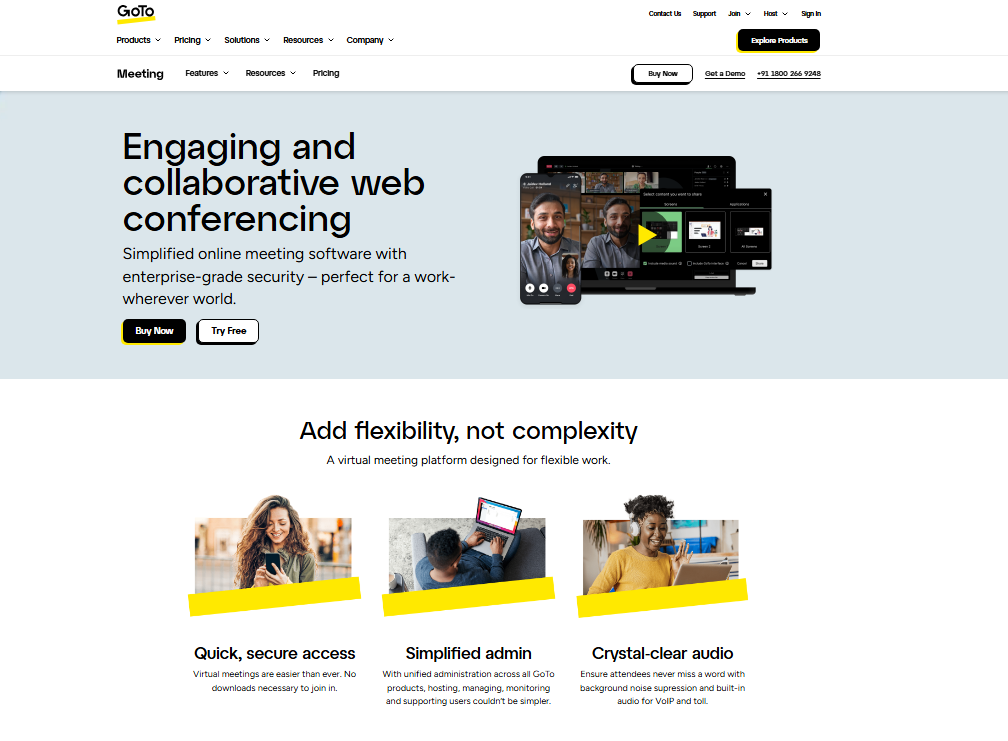
The platform prioritizes reliability above everything else. In my test sessions, I experienced zero dropouts, clear audio, and a straightforward host dashboard that requires minimal learning time.
What sets it apart for SMBs is the 24/7 live customer support. When something goes wrong during a live event, and eventually something always does, having a real person on the line is worth more than any extra feature.
Beyond that, GoTo Webinar offers source tracking for registrations, so you know exactly which marketing channel drove attendees.
Who Is GoTo Webinar For?
Small to mid-sized businesses running regular customer education, training, or sales webinars who need dependable performance and real human support. Plans start at $49/mo.
Pros: Rock-solid reliability, 24/7 support, source tracking
Cons: Interface feels older; fewer modern engagement features than Demio
08 ClickMeeting: Best Webinar Platform for Training
ClickMeeting Features
ClickMeeting is purpose built for training and educational use cases, and it shows throughout the feature set.
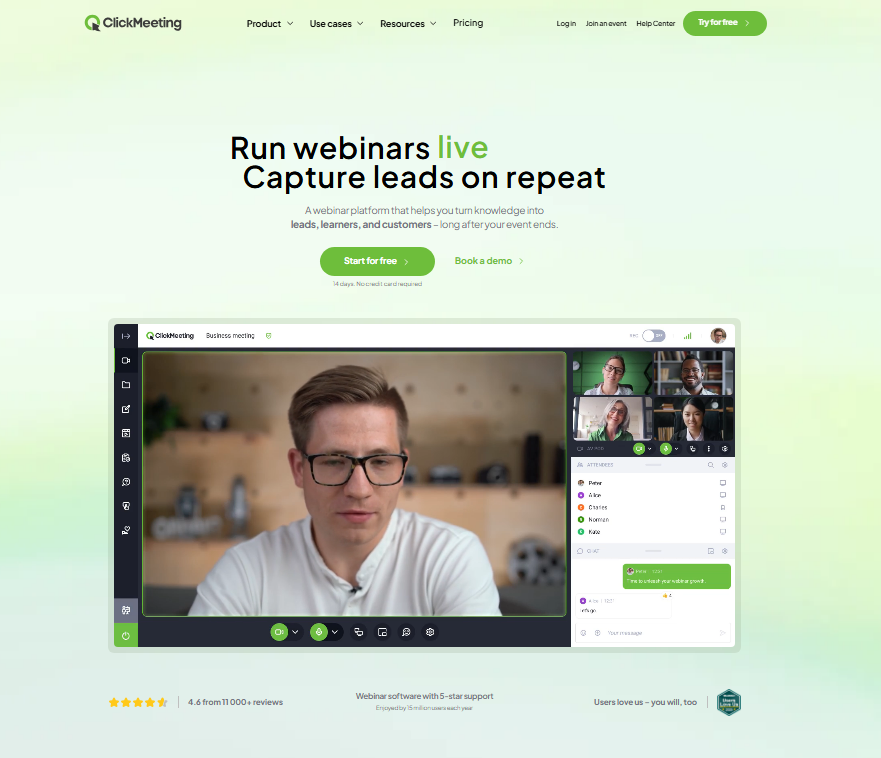
I used it to simulate a corporate training session and was impressed by the breakout rooms, polls, and moderated Q&A tools that keep learners participating rather than zoning out.
The platform offers a thorough attendee management system with registration approval, access codes, and waiting rooms.
That gives you tighter control over who gets into a session, which matters for paid training events or sensitive internal workshops.
Who Is ClickMeeting For?
HR departments, online educators, and training companies running structured learning sessions with large groups. Plans start at $26/mo.
Pros: Strong training tools, registration control, automated follow-up emails
Cons: Design feels utilitarian; marketing-focused teams may want more
09 GetResponse: Best for Email Marketers Running Webinars
GetResponse Webinar Features
GetResponse is the entry on this list that people consistently overlook.
Most people know it as an email marketing platform, and it is, but the built-in webinar functionality is genuinely capable.
When I tested it, the real advantage was having my email list, registration pages, autoresponders, and webinar room all inside one dashboard.
You can trigger automated email sequences based on webinar attendance, build post-webinar funnels, and segment your list by who showed up versus who didn’t.
That level of integration would require multiple tools on any other platform.
Who Is GetResponse For?
Email marketers and digital businesses who want webinar capability without adding another subscription to their stack. The webinar feature is included in plans starting at $19/mo.
Pros: All-in-one with email marketing, automated post-webinar funnels, affordable
Cons: Webinar tools are not as advanced as dedicated platforms
10 Zoho Webinar: Best for Zoho Ecosystem Users
Zoho Webinar Features
Zoho Webinar fits naturally inside the Zoho product family.
If your business already runs on Zoho CRM, Zoho Campaigns, or Zoho Analytics, adding Zoho Webinar closes the last gap in that stack.
I tested the integration with Zoho CRM and the contact syncing worked without any manual configuration.
The platform covers all the essentials: registration pages, polls, Q&A, HD recording, and post-event analytics.
Attendee data flows directly into your CRM, making follow-up campaigns easier to execute.
Who Is Zoho Webinar For?
Businesses already running the Zoho ecosystem who want tight integration without extra cost or setup friction. Plans start at just $8/mo.
Pros: Deep Zoho integration, low pricing, solid essentials
Cons: Limited value outside the Zoho ecosystem; fewer engagement features
How I Tested and Selected These Platforms
I ran live test sessions, built automated replays, and measured engagement metrics across all ten platforms listed here.
My evaluation criteria included setup speed, attendee experience, engagement tool variety, analytics depth, integration availability, and pricing fairness.
I also weighted reliability heavily: streaming stability during a live session beats any feature list.
A platform with spectacular tools that drops audio mid-presentation is not a platform I can recommend.
Here is the check almost nobody runs: I sat through every platform as an attendee, not just as a host.
Joining each platform as a participant revealed friction points that host-side testing simply cannot expose.
Best Webinar Platforms Compared Side by Side
| Platform | Live Webinars | Automated Webinars | Max Attendees | Starting Price | Best For |
|---|---|---|---|---|---|
| Demio | Yes | Yes | 1,000 | $59/mo | Marketing teams |
| Livestorm | Yes | Yes | 3,000 | $99/mo | Remote teams |
| WebinarJam | Yes | No | 5,000 | $39/mo | Large audiences |
| EverWebinar | No | Yes | Unlimited | $34/mo | Evergreen funnels |
| WebinarNinja | Yes | Yes | 1,000 | $29/mo | Beginners |
| LiveWebinar | Yes | Yes | 1,000 | $14.99/mo | Custom branding |
| GoTo Webinar | Yes | Yes | 3,000 | $49/mo | SMBs |
| ClickMeeting | Yes | Yes | 1,000 | $26/mo | Training teams |
| GetResponse | Yes | No | 1,000 | $19/mo | Email marketers |
| Zoho Webinar | Yes | No | 3,000 | $8/mo | Zoho users |
Which Webinar Platform Fits Your Team?
After everything I tested, here’s how I’d make the choice based on your situation:
You run regular marketing webinars: Go with Demio. The engagement tools and hybrid session capability make it the strongest dedicated marketing webinar platform available right now.
You want a 24/7 automated funnel: EverWebinar is the clear pick. Set it up once and let it generate leads while you focus on everything else.
You need custom branding at a low price point: LiveWebinar gives you the most flexibility per dollar. The browser-based approach and white-label options are genuinely impressive for the price.
You’re just starting out: WebinarNinja makes the learning curve almost invisible. Start there and upgrade later.
Your business runs on Zoho: Zoho Webinar is the obvious choice. The CRM integration alone saves hours of manual work per month.
You host training sessions: ClickMeeting’s structured learning tools and attendee management features are the right fit.
You already pay for email marketing: Check GetResponse first. You may already have webinar capability in a plan you’re paying for.
Frequently Asked Questions About Webinar Platforms
What is the best webinar platform for small businesses in 2026?
For small businesses, I recommend WebinarNinja or LiveWebinar. Both offer affordable pricing, easy setup, and enough features to run professional sessions without a steep learning curve. LiveWebinar’s free plan is a solid starting point if you want to test before committing to a paid subscription.
Which webinar platforms support automated or evergreen webinars?
EverWebinar is the top dedicated option for automated webinars. Demio, Livestorm, and WebinarNinja also support automated replays. EverWebinar’s just-in-time scheduling feature is particularly effective at reducing the drop-off rate between registration and actual attendance.
How many attendees can webinar platforms typically handle?
It varies widely by platform and plan. WebinarJam supports up to 5,000 live attendees on its highest tier. Livestorm and GoTo Webinar reach up to 3,000. Most entry-level plans cap between 100 and 500 attendees, so check limits carefully before committing to a plan.
Do I need to download software to host or attend a webinar?
Not always. Livestorm, LiveWebinar, and Demio all run fully in the browser with no downloads required for hosts or attendees. This reduces friction significantly, especially for first-time attendees who may abandon a session if they’re asked to install anything before joining.
What features should I prioritize when choosing a webinar platform?
Focus on reliability first, then engagement tools like polls and Q&A, attendee analytics, recording capability, and integration with your existing marketing stack. Branding customization matters if you run client-facing events. Registration and automated email reminders are essential for driving attendance rates above 40 percent.
Are there free webinar platforms worth using in 2026?
Yes. LiveWebinar, Livestorm, and Zoho Webinar all offer usable free plans. YouTube Live is another free option for public broadcasts. That said, free plans typically limit attendee counts, session length, and advanced features. They work well for testing but most serious use cases will need a paid plan quickly.