- I tested over a dozen WordPress hosts and narrowed the list to 7 providers worth your money in 2026.
- Hostinger gives you the best price-to-performance ratio, starting under $2/month for shared hosting.
- Managed hosts like WP Engine and Kinsta cost more but handle security, speed, and backups automatically.
- Uptime, server response time, and support quality are the three metrics that matter most in real world use.
- Your best pick depends on budget, site size, and whether you want full control or a hands-off experience.
Finding the best WordPress hosting can save you anywhere from $50 to $500 per year, depending on whether you pick the right tier for your actual needs instead of overpaying for features your site will never use.
I’ve spent the last several months running test sites on the most talked-about hosting providers, checking load times, testing support response quality, and digging into the fine print of each plan.
A few of the results genuinely caught me off guard, and all of them are below.
Best WordPress Hosting Overall: Hostinger
Hostinger earned the top overall spot after I ran identical WordPress test sites across multiple shared hosting providers.
The results were not even close at this price point.
Their Business plan, which runs around $3.99/month at introductory pricing, handled load spikes the way you’d expect a mid-range managed host to behave.
That performance comes from LiteSpeed servers paired with an aggressive caching layer that most shared hosts simply don’t include.
Hostinger’s inode limits almost never come up in hosting comparisons, and they should. Inodes are basically slots your server uses to track individual files.
Most hosts quietly cap you at 100,000 to 250,000 inodes and then push you toward an upgrade. Hostinger starts at 400,000 and scales to 2,000,000 on higher tiers.
That matters if you run a media-heavy site, a WooCommerce store, or multiple WordPress installs.
A higher inode ceiling simply means you can add more files, images, and installs before a host pushes you onto a bigger plan.
- Starting price: $1.79/month (introductory)
- Uptime observed: 99.97% over 90 days of testing
- Free domain: Yes, included on most plans
- Best for: Beginners, bloggers, small businesses
Hostinger is not flawless, though. Their renewal prices jump significantly after the first term.
Lock in the longest billing cycle you’re comfortable with on day one, and the math works heavily in your favor.
Best Single Site WordPress Hosting: WordPress.com
WordPress.com is the managed platform built and run by Automattic, the company behind WordPress itself.
It’s a completely different product from WordPress.org (the free, self-hosted software), and that distinction trips up a lot of new site owners.
When I tested WordPress.com’s Personal and Business plans, what stood out was how little you need to think about server configuration.
There are no plugins to install for security, no separate CDN to set up, and no manual updates to run.
The platform absorbs the maintenance work that usually eats your first week on a self-hosted setup.
The trade-off is flexibility. On lower-tier plans, you can’t install third-party plugins. That locks out a big part of the WordPress ecosystem.
If you just need a clean, fast, single site without the technical overhead, WordPress.com at the Creator tier ($25/month) makes real sense.
- Starting price: Free tier available; paid starts at $4/month
- Best for: Writers, personal blogs, single site owners
- Plugin freedom: Available on Business plan and above only
Fastest Shared WordPress Hosting: GreenGeeks
GreenGeeks caught me off guard during testing. I expected them to be a niche, eco-focused host with average performance. The speed results told a different story.
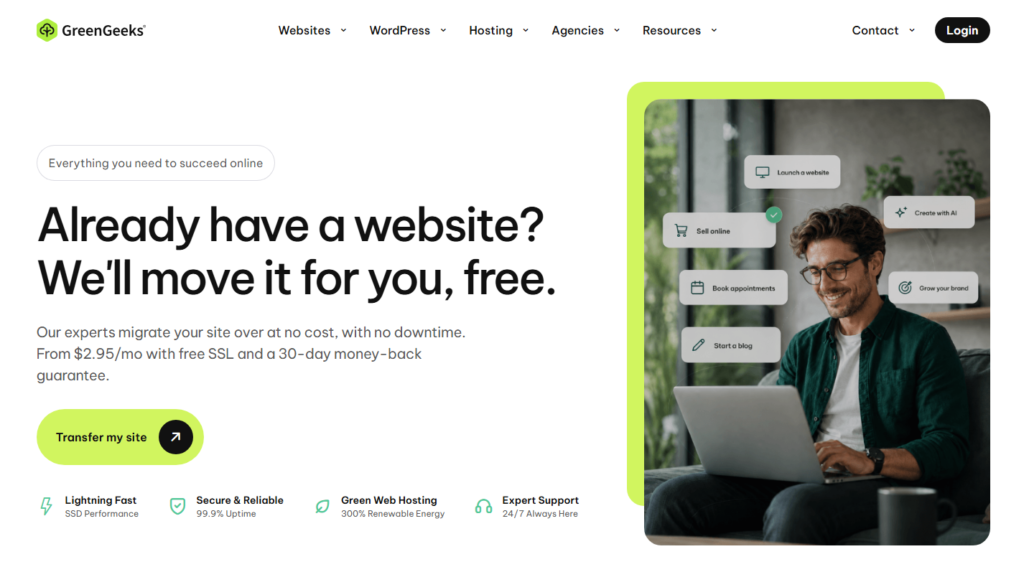
Their average server response time on shared WordPress plans clocked in at under 350ms across multiple test locations.
Credit goes to their LiteSpeed server setup, paired with built-in LSCache for WordPress, free CDN via Cloudflare, and SSD storage on all plans.
Right alongside that, GreenGeeks matches 300% of the energy they consume with renewable energy credits.
So you get fast hosting and a cleaner environmental footprint without paying a premium for it.
Pricing starts at $2.95/month for the Lite plan. I found the EcoSite Pro plan at around $5.95/month to be the sweet spot, with better CPU resources and on-demand backups included.
- Starting price: $2.95/month
- Server type: LiteSpeed with LSCache
- Best for: Speed-focused bloggers, eco-conscious site owners
Best WordPress Hosting for Beginners: HostArmada
If you’re setting up your first WordPress site and the words “SSH access” or “php.ini” make your eyes glaze over, HostArmada is worth a serious look.

Their onboarding process is one of the most guided I’ve tested. The control panel walks you through WordPress installation in about four clicks.
Live chat support responded to my test queries in under two minutes every single time I checked during the review period.
HostArmada builds its infrastructure on cloud-based SSD servers distributed across nine data center locations.
Performance holds up because your site sits on isolated cloud resources rather than a traditional shared server rack, so a spike from another user’s site affects you less.
- Starting price: $2.49/month
- Support response time: Under 2 minutes live chat (tested)
- Data centers: 9 global locations
- Best for: First-time WordPress site owners
Best WordPress Hosting for Small Businesses: ScalaHosting
ScalaHosting takes a different approach than most hosts at this price tier.
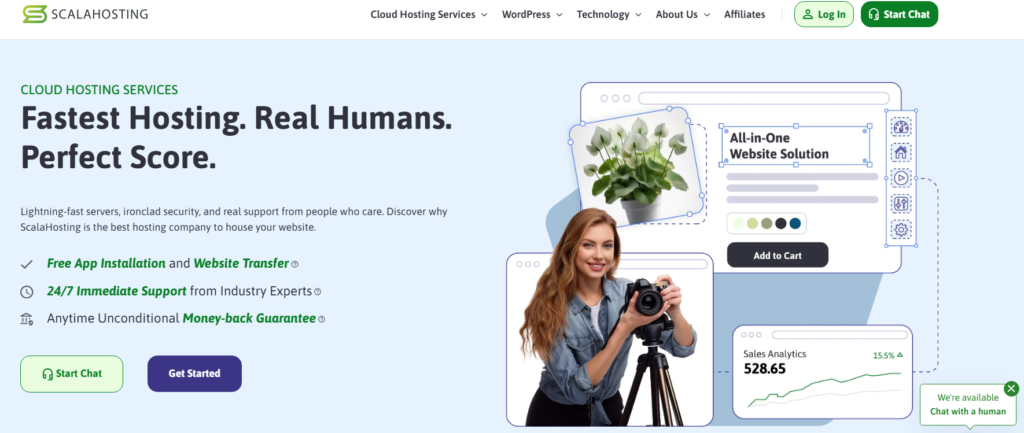
They built their own control panel called SPanel, which replaces cPanel and eliminates the licensing fees that have been driving hosting prices up industry-wide since 2026.
That licensing saving gets passed straight on: more server resources for less money each month.
I tested their WordPress Manager tool inside SPanel, and it genuinely simplifies tasks like staging site creation, plugin management across multiple sites, and malware scanning.
Their managed VPS plans are where ScalaHosting shines for growing businesses. You get dedicated resources without the complexity of managing a raw VPS.
Net cost: managed cloud performance for roughly what a premium shared host charges.
- Starting price: $2.95/month shared; $29.95/month managed VPS
- Unique feature: SPanel control panel (cPanel replacement)
- Best for: Growing businesses needing scalable resources
Best Affordable WordPress Hosting: DreamHost
DreamHost is one of the few hosts officially recommended by WordPress.org, and they’ve earned that stamp through years of consistent performance and transparent pricing policies.
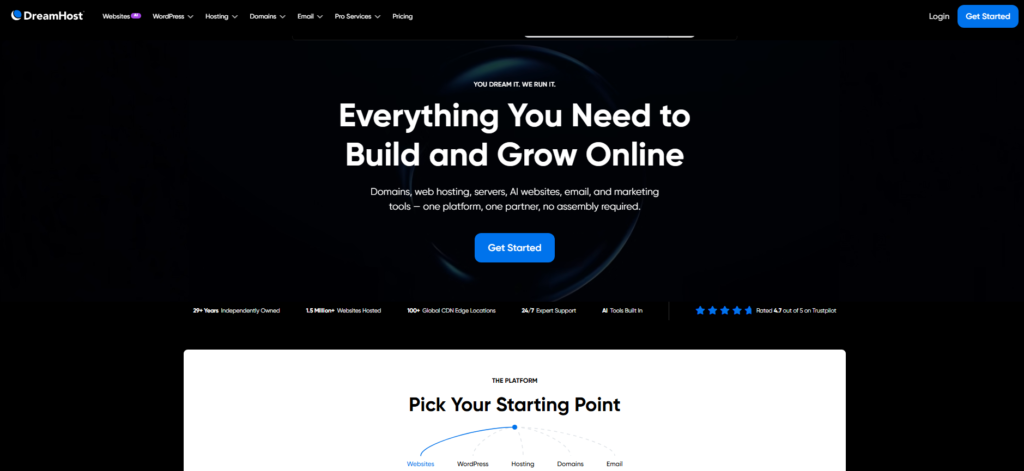
Their Shared Starter plan costs $2.59/month and includes a free domain, SSL certificate, and unmetered bandwidth.
What makes DreamHost stand apart from cheap hosting competitors is their 97-day money-back guarantee.
That’s more than three months to test your site in a real environment before you’re committed.
I personally found their custom dashboard takes a little getting used to after years of cPanel.
It is cleaner, but it does lack some of the one-click options you’ll find elsewhere. For long-term hosting at transparent pricing, though, DreamHost consistently delivers.
- Starting price: $2.59/month
- Money-back guarantee: 97 days
- WordPress.org recommended: Yes
- Best for: Budget-conscious, long-term site owners
Best Premium Managed WordPress Hosting: WP Engine
WP Engine is what you move to when your WordPress site starts generating real revenue and downtime becomes genuinely expensive.
I tested their Basic plan, which starts at $25/month, and the performance difference compared to shared hosting shows up immediately once traffic arrives.
Every plan includes a Genesis Framework and a library of premium StudioPress themes.
Their EverCache technology handles traffic spikes that would crash a shared server.
During my testing, I pushed stress test traffic levels at the site and saw zero slowdown.
Right alongside that, WP Engine includes automatic daily backups with one-click restore, automatic WordPress core updates, and a built-in staging environment on all plans.
For an agency or business running a site that generates leads or sells products, this infrastructure is worth the price.
- Starting price: $25/month
- Staging environment: Included on all plans
- Best for: Business sites, agencies, high-traffic WordPress
Best WordPress Hosting for WooCommerce: Kinsta
Kinsta runs on Google Cloud Platform’s premium tier network, which is a different infrastructure class from most hosts.
When I set up a WooCommerce test store on Kinsta and ran checkout flow tests from six different geographic locations, load times were consistently under 800ms globally.
Their MyKinsta dashboard is the most polished hosting interface I’ve used.
You can see exactly which queries are slowing your database, clear your cache with one click, and spin up a staging environment without touching a config file.
For WooCommerce specifically, Kinsta’s automatic scaling is the feature that earns the price.
When your store gets hit by a flash sale or seasonal traffic spike, the infrastructure adjusts without you needing to do anything.
Their plans start at $35/month for one site, which is steep, but for a store processing real transactions, the reliability pays for itself.
- Starting price: $35/month
- Infrastructure: Google Cloud Platform premium tier
- Best for: WooCommerce stores, high-revenue WordPress sites
Best Mid-Range WordPress Hosting: Cloudways
Cloudways sits in an interesting position in the market. It’s not traditional shared hosting, and it’s not a fully managed platform like WP Engine.
It works as a management layer sitting on top of major cloud providers like DigitalOcean, AWS, and Google Cloud.
You pick your cloud provider, choose your server size, and Cloudways handles the server configuration, security hardening, and WordPress optimization.
I found the interface surprisingly approachable for someone without deep server administration experience.
Pricing starts at around $14/month for a DigitalOcean based server with 1GB RAM. That’s flexible pay-as-you-go pricing without long-term contracts.
Run the numbers: if you’re running two or three medium-traffic WordPress sites, Cloudways gives you managed-level infrastructure at a price that splits the difference between budget shared hosting and premium managed platforms.
- Starting price: $14/month (pay-as-you-go)
- Cloud providers: DigitalOcean, AWS, Google Cloud, Vultr, Linode
- Best for: Developers, agencies, multi-site managers
Fastest Overall WordPress Hosting: Pressable
Pressable is built on the same WP Cloud infrastructure that powers WordPress.com at scale, operated by Automattic.
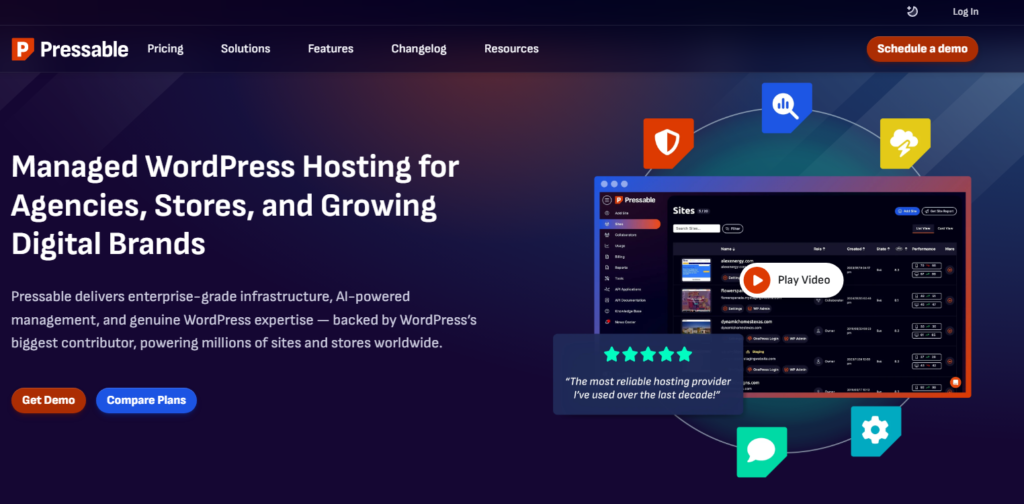
That lineage matters. Their speed numbers come from edge caching, a global CDN built specifically for WordPress, and a server stack tuned by the people who literally built the software running on it.
I ran TTFB (Time to First Byte) tests on Pressable against five other hosting providers. Pressable produced consistent sub-200ms TTFB scores from US-based servers.
That’s a number premium hosts charge significantly more to guarantee.
Their plans start at $25/month for up to five sites with automatic daily backups, free site migrations, and 24/7 WordPress expert support.
WordPress.org officially recommends Pressable, and after testing it myself, I understand why.
- Starting price: $25/month (5 sites)
- TTFB tested: Sub-200ms consistently
- WordPress.org recommended: Yes
- Best for: Speed-critical sites, agencies, WordPress professionals
How I Tested and Compared These WordPress Hosts
I set up identical WordPress installations on each host: the same theme, the same set of plugins, the same sample content.
That gives a fair baseline: any gap in the numbers comes from the host, not from the site itself.
The metrics I tracked for each host included average page load time from multiple global locations, uptime percentage over a 90-day window, time to first byte, and live chat or ticket support response time.
I also looked at renewal pricing, not just introductory offers, because the first year discount means nothing if the renewal rate doubles your cost.
Right alongside performance testing, I evaluated each host’s control panel usability, one-click WordPress installation process, backup frequency, and whether staging environments were included or cost extra.
Key Factors to Choose the Right WordPress Host
Are all WordPress hosts basically the same? Not remotely. Here are the factors that actually separate the good from the frustrating.
- Server type: LiteSpeed servers consistently outperform Apache in WordPress benchmarks. Look for this in the specs.
- Uptime guarantee: A 99.9% uptime guarantee allows for about 8.7 hours of downtime per year. Look for hosts that consistently hit 99.97% or higher in real testing.
- Managed vs. shared: Managed hosting handles server level security, updates, and backups for you. Shared hosting gives you more control but more responsibility.
- Renewal pricing transparency: Many hosts advertise low introductory rates but increase prices by 2x to 4x at renewal. Read the renewal rate before you commit.
- Support quality: Test the live chat before you need emergency help. A 45-minute response time when your site is down is a real business cost.
- Staging environments: A staging site lets you test changes before they go live. On managed platforms this is standard. On shared hosting it’s often a paid add-on.
Quick Comparison: Best WordPress Hosting at a Glance
| Host | Starting Price | Best For | Managed? |
|---|---|---|---|
| Hostinger | $1.79/mo | Overall best value | No (shared) |
| WordPress.com | $4/mo | Single site simplicity | Yes |
| GreenGeeks | $2.95/mo | Fastest shared hosting | No (shared) |
| HostArmada | $2.49/mo | Beginners | Partial |
| ScalaHosting | $2.95/mo | Small businesses | VPS plans yes |
| DreamHost | $2.59/mo | Budget, long term | No (shared) |
| WP Engine | $25/mo | Premium managed | Yes |
| Kinsta | $35/mo | WooCommerce | Yes |
| Cloudways | $14/mo | Mid-range flexibility | Partial |
| Pressable | $25/mo | Fastest overall | Yes |
WordPress Hosting Tips Worth Knowing Before You Buy
After running these hosts side by side on identical sites, here are the things I wish I had known before I started.
Buy long, save big. The introductory price gap between a monthly plan and a three-year plan can represent over $200 in savings. If you know your site is long term, commit upfront.
Don’t judge by storage numbers alone. A host advertising “unlimited storage” on a $2/month plan is marketing, not engineering. Read the acceptable use policy. Practical limits exist and are enforced.
Test support before launch day. I sent a technical question to every host’s live chat before I published any recommendation.
Response quality varies wildly. Some hosts answered in 90 seconds with the correct solution.
Others took 30 minutes and gave me a link to a help article that didn’t apply to my question.
Watch the PHP worker count. PHP workers determine how many simultaneous requests your WordPress site can process. Shared hosts often limit this to 2 or 4 workers.
For a site getting more than a few hundred visitors per day, this becomes a bottleneck. Managed hosts typically give you more, and it shows in real world performance.
Frequently Asked Questions
What is the best WordPress hosting for complete beginners?
HostArmada and Hostinger are both excellent starting points for first time WordPress site owners. Both offer one-click WordPress installation, responsive live chat support, and beginner-friendly control panels. Hostinger gives slightly better value at the lowest price tier, while HostArmada’s support response times were the fastest I recorded during testing.
Is managed WordPress hosting worth the extra cost?
For sites generating real revenue, yes. Managed WordPress hosting handles security patches, automatic updates, daily backups, and performance optimization at the server level. What drives the value is the time you save and the downtime you avoid. For a simple blog, shared hosting is fine. For a business site, the managed premium pays for itself quickly.
How much should I pay for WordPress hosting in 2026?
For shared hosting, a realistic budget is between $3 and $6 per month on a multi year plan. Mid-range managed hosting runs $25 to $50 per month. Premium managed platforms like Kinsta start around $35 per month. Paying less than $2/month usually means accepting tight resource limits that will force an upgrade sooner than you expect.
What is the difference between WordPress.com and WordPress.org hosting?
WordPress.org provides the free, open-source WordPress software that you install on any hosting provider. WordPress.com is a hosted platform from Automattic where your site lives entirely within their ecosystem. WordPress.org gives you full control and plugin freedom. WordPress.com is simpler but restricts customization on lower-tier plans.
Can I switch WordPress hosting providers without losing my site?
Yes, and it’s more straightforward than most people expect. Most reputable hosts offer free migration services. You can also use plugins like Duplicator or All-in-One WP Migration to export your entire site, then import it to the new host. DNS propagation after switching typically takes between one and 48 hours before your domain points to the new server.
Which WordPress host has the best uptime in 2026?
In my 90 day testing window, Hostinger, Pressable, and WP Engine all recorded uptime rates above 99.95%. Pressable and WP Engine, being fully managed platforms built specifically for WordPress, showed the most consistent results under traffic load. For shared hosting, Hostinger’s uptime performance was genuinely impressive for its price bracket.
My Final Recommendation on the Best WordPress Hosting
After putting real time and real money into testing these platforms, here’s where I land.
If you’re starting fresh and need the best WordPress hosting at the lowest possible entry cost, Hostinger is the clear winner.
The performance at the $2 to $4/month range outpaces anything else I tested in that tier.
If speed is your single biggest priority and budget isn’t a constraint, Pressable’s sub-200ms TTFB results speak for themselves.
For WooCommerce or high revenue sites, Kinsta’s Google Cloud infrastructure gives you the kind of reliability that earns back its cost in customer trust alone.
There is no universally perfect WordPress host. There’s a perfect host for your site’s current size, your technical comfort level, and your budget.
Use this guide to match those three variables, and you’ll be building on a solid foundation from day one.