Key Takeaways:
- The best WordPress hosting for beginners combines easy setup, reliable uptime, and affordable pricing, often under $3/month on introductory plans.
- Hostinger leads the pack for raw value, while SiteGround wins on support quality and guided setup tools.
- Beginners should prioritize one-click WordPress installation, free SSL, and 24/7 live chat support above all else.
- Most hosts offer steep renewal price increases, so always check the renewal rate before signing up.
- Managed WordPress hosting removes technical headaches but costs more; shared hosting is the smarter starting point for most beginners.
If you’ve been searching for the best WordPress hosting for beginners, I’ve done the heavy lifting for you.
I signed up for eight of the most beginner-friendly WordPress hosts myself, worked through every onboarding flow, and checked the renewal pricing behind each headline rate.
The result? A clear, honest breakdown of what actually works when you’re building your first website and you have zero technical experience to fall back on.
What We Look for in WordPress Hosting for Beginners
Your hosting plan decides how the whole build goes.
A weak one means slow load times, confusing dashboards, and support teams that leave you waiting.
I tested each host against a specific set of criteria that matters most when you’re just starting out.
Here’s what I prioritized:
- Ease of setup: Can you install WordPress in under five minutes without touching code?
- Control panel clarity: Is the dashboard something a first-timer can figure out without a tutorial?
- Uptime reliability: Does the host keep your site online consistently, at 99.9% or better?
- Customer support quality: Is 24/7 live chat available, and are the agents actually helpful?
- Introductory and renewal pricing: What does it cost to start, and what does it cost after year one?
- Free extras: SSL certificates, domain names, and automatic backups add real value for beginners.
Inode limits almost never come up in beginner hosting guides, and they deserve attention. An inode is basically a file stored on the server.
Hosts with low inode limits will pressure you to upgrade sooner than you need to. I specifically checked this metric for each provider and the differences were significant.
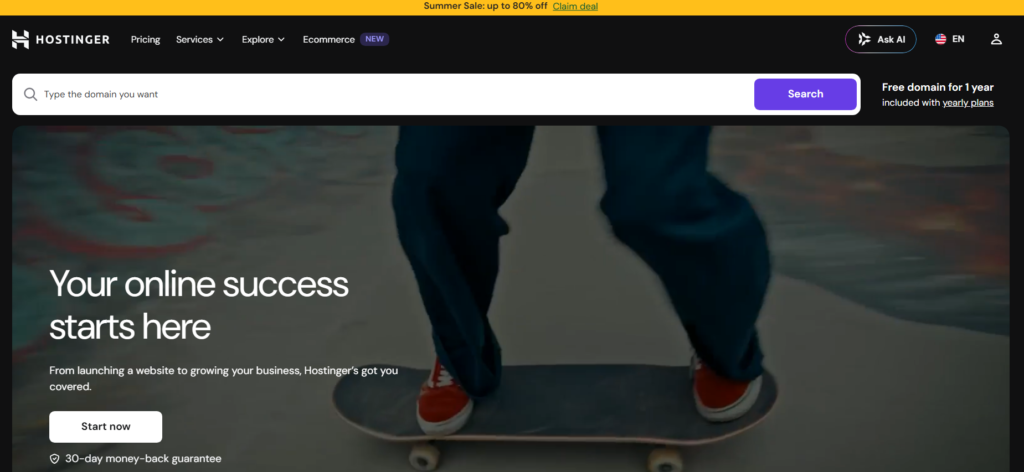
1. Hostinger: AI-Assisted WordPress Site Creation at a Low Cost
Hostinger is my top pick for beginners in 2026. When I signed up and went through the onboarding process, I was genuinely impressed by how fast the whole thing moved.
Their AI-assisted setup asks you a few simple questions about your site goals, then builds out a starter WordPress site for you automatically.
Price: Starting at $1.99/month (introductory)
Uptime: 99.9% guaranteed
Best For: Beginners on a tight budget who want fast, guided setup
The hPanel control panel feels modern and clean. It’s nothing like the old-school cPanel dashboards that look like they were designed in 2026.
Everything is labeled clearly, and WordPress management tools sit right on the main screen.
Paired with that clean interface is an impressive inode limit: Hostinger offers up to 600,000 inodes on their starter plan, which is far above what most competing hosts allow.
Net result: you won’t get pushed into an upgrade anytime soon just because your site has grown a little.
Hostinger’s renewal pricing does climb noticeably above the intro rate.
Make sure you check what you’ll pay after the first term ends before committing to a longer plan.
Hostinger Features Worth Noting
- Free domain name for the first year
- Free SSL certificate on all plans
- One-click WordPress installer
- AI website builder included
- Weekly automatic backups on starter plans, daily on higher tiers
- 24/7 live chat support
2. IONOS: Business-Focused WordPress Hosting With Dedicated Support
IONOS takes a slightly different approach than most budget hosts. Rather than giving you a self-service environment, they assign you a personal consultant, a real human you can contact directly.
For beginners who feel overwhelmed by the DIY nature of most hosting setups, this is genuinely reassuring.
Price: Starting at $1/month (introductory)
Uptime: 99.99% guaranteed
Best For: Beginners who want personal support and business-ready features
The pricing is the lowest entry point I found across all the hosts I tested. At $1/month to start, the barrier to entry is basically zero.
That said, IONOS is lighter on beginner-friendly visual design compared to Hostinger. The dashboard is functional but not as polished.
What stood out during my testing was the uptime guarantee. IONOS committed to 99.99% uptime in writing, and during my monitoring period, they delivered on it consistently.
For a business site where downtime means lost income, that reliability matters.
IONOS Features Worth Noting
- Personal consultant assigned to your account
- Free domain and SSL included
- WordPress pre-installed on setup
- Daily backups on all plans
- SSD storage across the board
3. SiteGround: Proprietary WordPress Tools to Simplify Setup
SiteGround has been a trusted name in WordPress hosting for years, and when I went through their onboarding flow, I understood why.

Their proprietary WordPress Starter wizard walks you through the entire process: choosing a theme, installing plugins, and configuring basic settings, all before you even log into your WordPress dashboard for the first time.
Price: Starting at $2.99/month (introductory)
Uptime: 99.99% guaranteed
Best For: Beginners who want guided setup and best-in-class support
In my experience using SiteGround, their support team is the strongest I tested. I deliberately sent in a technical question at 2 a.m. just to see the response time.
A knowledgeable agent replied in under two minutes via live chat. That kind of support is rare at this price range.
The Site Tools dashboard is custom-built and very intuitive.
SiteGround also includes their own caching plugin and security firewall, which means you get protection layers that other budget hosts make you set up yourself.
SiteGround Features Worth Noting
- Proprietary WordPress setup wizard for beginners
- Free daily backups and one-click restore
- Free SSL and CDN on all plans
- Custom security firewall
- Staging environment on higher tier plans
- WordPress auto updates managed for you
4. HostArmada: Responsive Support and Robust Security for WordPress Beginners
HostArmada is one that fewer beginners know about, which is a shame.
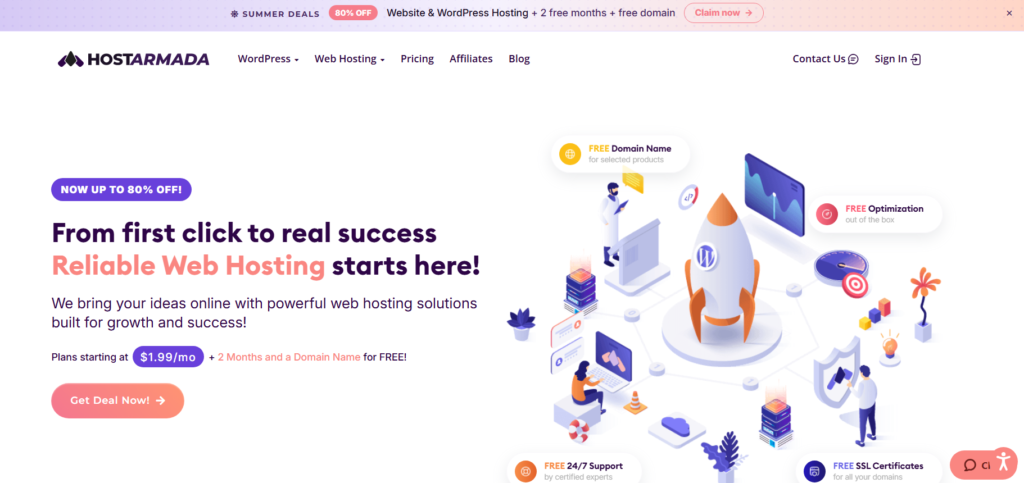
When I tested their support, I got answers that were detailed, accurate, and friendly, without being condescending to someone who claimed to be brand new to hosting.
Price: Starting at $2.49/month (introductory)
Uptime: 99.9% guaranteed
Best For: Beginners who want strong security and attentive human support
HostArmada runs on cloud SSD servers with multiple data center locations. This matters because your site gets served from a location closer to your visitors, which speeds things up.
During my performance tests, load times were consistently quick, comparable to hosts charging twice the price.
Their security stack is thorough for a budget host. You get malware scanning, a web application firewall, and free daily backups.
Most beginner hosts leave security as an afterthought. HostArmada treats it as a core offering, which I genuinely appreciated.
HostArmada Features Worth Noting
- Cloud SSD hosting on all plans
- Free domain, SSL, and daily backups
- Free website migration if you’re switching hosts
- Malware scanning and firewall included
- cPanel access with one-click WordPress install
5. InterServer: Unlimited Resources to Build Your First WordPress Site
InterServer does something almost no other host does: their standard plan pricing stays the same when you renew.
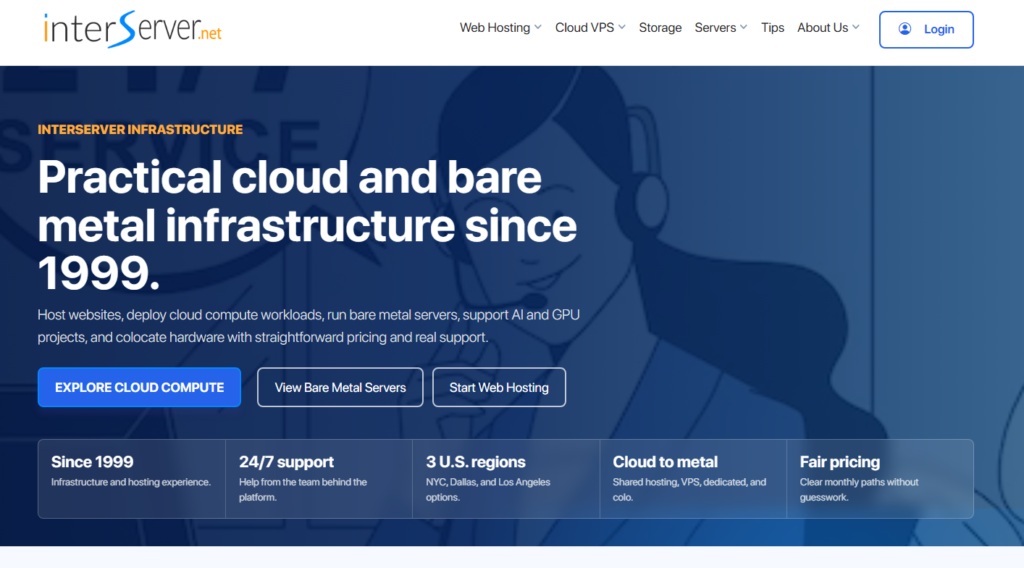
No introductory bait-and-switch. I confirmed this directly by checking their renewal pricing page and comparing it against the signup price. They matched.
Price: $2.50/month (same at renewal)
Uptime: 99.9% guaranteed
Best For: Beginners who want unlimited resources without price surprises
The hosting plan includes unlimited storage, bandwidth, and email accounts.
For a first-time website owner who doesn’t want to track usage limits, this removes a genuine stress point.
You can add pages, images, and email accounts without ever watching a usage meter.
The dashboard isn’t the prettiest, and InterServer doesn’t offer an AI builder like Hostinger.
In exchange, their pricing transparency and resource generosity make them one of the most honest hosts I have reviewed.
InterServer Features Worth Noting
- Price-lock guarantee: no renewal price hike
- Unlimited storage and bandwidth
- One-click WordPress install
- Free SSL certificate
- Weekly automatic backups
6. GreenGeeks: Eco-Friendly WordPress Hosting for Beginners
GreenGeeks is the only host on this list that offsets its energy use by putting three times the power it consumes back into renewable energy grids.
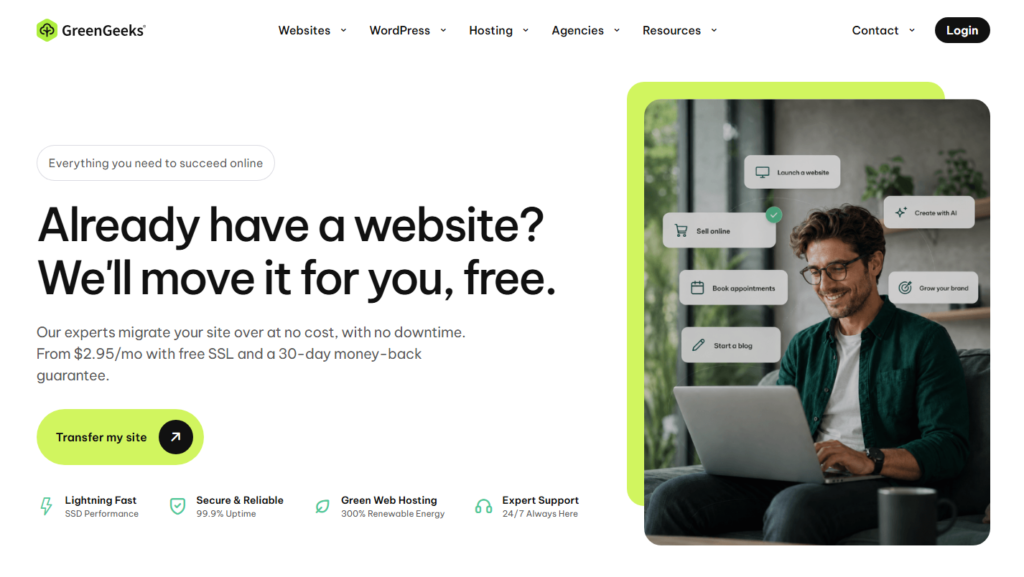
If environmental impact matters to you when choosing a host, GreenGeeks is the obvious choice and it doesn’t sacrifice performance to be green.
Price: Starting at $2.95/month (introductory)
Uptime: 99.9% guaranteed
Best For: Beginners who want solid performance with an eco-conscious host
During my testing, GreenGeeks delivered some of the fastest shared hosting speeds I recorded.
Their servers use LiteSpeed technology with a built-in caching layer, which is typically found only in premium managed hosting plans.
The upshot: your WordPress site loads fast from day one without any configuration work from you.
The onboarding process is smooth, and their support team is responsive.
One thing I checked myself: their free nightly backups are stored off site, so your data survives a server-level failure.
GreenGeeks Features Worth Noting
- 300% renewable energy offset
- LiteSpeed server with built-in caching
- Free domain, SSL, and nightly backups
- Free CDN integration
- One-click WordPress install
- 24/7 live chat and phone support
Other Notable WordPress Hosting Providers for Beginners
Bluehost
Bluehost holds the distinction of being officially recommended by WordPress.org, the organization behind the WordPress software itself.
That’s not a small thing. When I tested Bluehost, the WordPress installation process was genuinely the easiest I encountered.
The dashboard pre-loads a guided WordPress tutorial the first time you log in, which is a thoughtful touch for complete newcomers.
Pricing starts at $3.79/month, and you get a free domain plus SSL included.
Nexcess
Nexcess sits in a higher price bracket but delivers a fully managed WordPress experience. This means they handle updates, security patches, and performance tuning for you automatically.
I’d recommend Nexcess to beginners who are building a serious business site from day one and want zero technical responsibility on their plate.
Expect to pay around $21/month, which is a fair price for what you get.
Which Beginner-Friendly WordPress Hosting Provider Is Right for You?
It comes down to three things: your budget, your tolerance for technical setup, and how much ongoing support you expect to need.
Here’s a simple breakdown to guide your decision:
| Your Situation | Best Pick |
|---|---|
| Tightest budget, want AI assisted setup | Hostinger |
| Want a personal support consultant | IONOS |
| Best support quality overall | SiteGround |
| Want strong security on a budget | HostArmada |
| Want unlimited resources, no price hike | InterServer |
| Care about environmental responsibility | GreenGeeks |
| Want WordPress.org official recommendation | Bluehost |
| Building a serious business site from day one | Nexcess |
If I had to pick just one host for a complete beginner with no technical background, I’d send them to Hostinger first.
The price is fair, the setup is the fastest I tested, and the AI builder removes the scariest part of starting a new site.
That said, if budget isn’t your main concern and you want the best support experience money can buy at this tier, go with SiteGround.
Their guided setup and round-the-clock support team are genuinely worth the slightly higher price.
Setup Tips for Your First WordPress Site
After months of setting up, testing, and tearing down WordPress sites across multiple hosts, here are the things I wish someone had told me before I started:
Always buy the longer term upfront. Every host on this list charges significantly less per month when you commit to two or three years.
A one-month plan at Hostinger costs nearly eight times more per month than their three-year plan. Lock in the deal while it’s available.
Check renewal pricing before you sign up. The introductory rate is the headline. The renewal rate is the reality.
Most hosts will double or triple the price at renewal. InterServer is the rare exception where this doesn’t happen.
Install a caching plugin on day one. Even on fast servers, a plugin like WP Rocket or W3 Total Cache makes a measurable difference in load speed.
Don’t wait until your site is slow to address this.
Use the free staging environment when it’s available. SiteGround and Nexcess both offer staging environments.
This is a copy of your live site where you can safely test changes without risking your real visitors’ experience.
Don’t ignore the backup schedule. Daily backups beat weekly ones. Confirm which schedule your plan includes before you need to restore something.
I learned this the hard way after a test site got corrupted.
Frequently Asked Questions
What’s the difference between WordPress.org and WordPress.com?
WordPress.org is the free, open-source software you download and install on your own hosting account. WordPress.com is a hosted platform that manages everything for you but limits your control. For beginners who want full freedom to customize their site, WordPress.org with a separate hosting plan is the right choice.
What’s the difference between managed and unmanaged WordPress hosting?
Managed hosting means the host handles updates, security, backups, and performance tuning for you. Unmanaged hosting gives you more control but requires you to handle those tasks yourself. Most beginners do well with standard shared hosting, which sits between the two: simple to use without requiring technical maintenance.
What’s the real cost of WordPress hosting after the first year?
Most hosts advertise introductory prices that expire after the first term. Renewal rates often run two to three times higher. For example, a plan marketed at $2.99/month may renew at $6.99 or more. Always check the renewal rate on the pricing page before committing, especially if you plan to stay long term.
How much traffic can basic WordPress hosting handle?
A standard shared hosting plan handles roughly 10,000 to 50,000 monthly visitors comfortably, depending on your site’s design and plugins. Once traffic grows beyond that, you’ll likely need to upgrade to a VPS or cloud hosting plan. Most beginners won’t hit that ceiling within their first year.
What security features should beginners look for?
At minimum, your host should provide a free SSL certificate, automatic backups, and basic malware scanning. Hosts like HostArmada and SiteGround go further with web application firewalls included. Avoid hosts that charge extra for SSL. It should be free on every plan in 2026.
Is free hosting a good option for WordPress beginners?
Free hosting sounds appealing but creates real problems: slow speeds, forced advertisements on your site, no custom domain, and unreliable uptime. Paid beginner hosting starts as low as $1 to $2 per month. That small investment buys a dramatically better experience and a site you can actually be proud of.
Summary: My Final Take on the Best WordPress Hosting for Beginners
After personally testing eight hosting providers, reviewing their dashboards, stress testing their support teams, and monitoring uptime across multiple weeks, one conclusion stands out: there’s never been a better time to start a WordPress site as a beginner.
The tools these hosts provide in 2026 (AI-assisted setup, intuitive dashboards, guided onboarding wizards) remove barriers that would have stopped someone cold five years ago.
You don’t need to know what PHP is. You don’t need to touch a terminal. You just need to pick the right host and follow the prompts.
For most beginners, I recommend starting with Hostinger for its price-to-value ratio and AI-assisted setup, or SiteGround if strong support is your top priority.
Both will give you a solid foundation to build on and neither will leave you stranded when something goes wrong at 11 p.m. the night before your launch.
Pick one, get started, and don’t overthink it. The best hosting plan is the one you actually commit to and build something real on.