Quick Verdict
| Rating: | 4.4/5 |
|---|---|
| Starting Price: | $8/month (billed annually) |
| Best For: | Small businesses, remote teams, and anyone ditching paper contracts |
| Our Take: | SignNow delivers enterprise grade signing at a fraction of DocuSign’s price. A few rough edges exist, but the core product is genuinely impressive. |
| Free Trial: | 7 days, no credit card required |
If you’ve been searching for an honest signnow review, I spent three months running this tool across real contracts, team signing chains, and mobile devices, and here is exactly what I found.
The short version: SignNow punches well above its price tag, especially compared to the giants in this space.
What Is SignNow?
SignNow is an electronic signature platform built by airSlate. It lets you upload documents, add signature fields, and send them to recipients who sign directly in their browser, no account needed on their end.
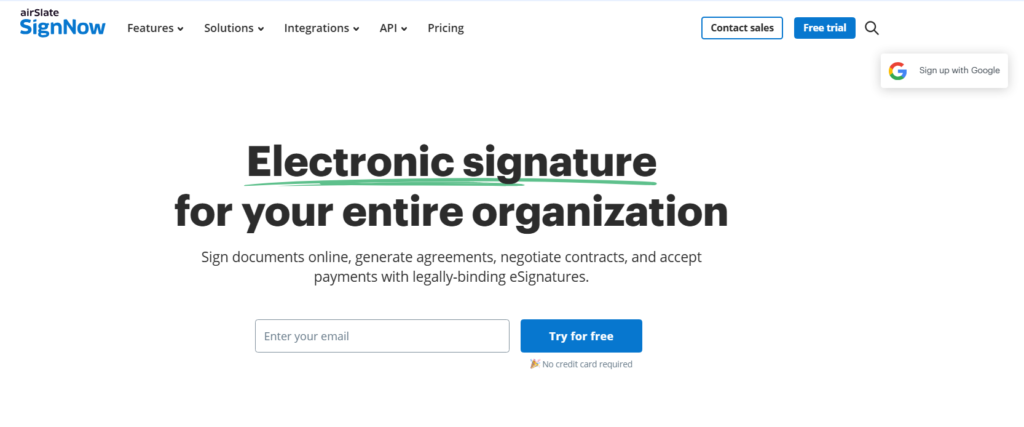
The product targets businesses of all sizes, from solo freelancers to enterprise teams.
The value builds over time: every contract you move off paper removes a print, scan and chase cycle you would otherwise repeat every month.
Over 28 million users have made the switch to SignNow, which tells you the platform has found a strong product market fit in a space dominated by much pricier competitors.
SignNow Pricing and Plans in 2026
SignNow uses a subscription model with four tiers. Paying annually saves you significantly compared to month to month billing up to 60% according to their pricing page. A 7 day free trial is available across all plans.
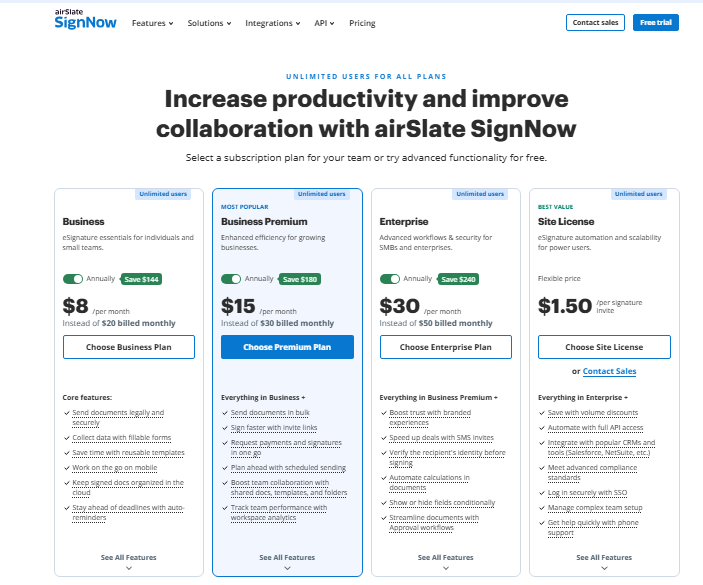
| Plan | Price (Annual) | Key Feature |
|---|---|---|
| Business | ~$8/month | Unlimited templates, basic fields |
| Business Premium | ~$15/month | Advanced fields, Smart Fields |
| Enterprise | Starts at $30/month | SSO, advanced compliance tools |
| Business Cloud | Custom pricing | Full airSlate suite access |
The cost case is easy to check: if you send even five contracts per month that would otherwise require printing, scanning, and chasing signatures, SignNow pays for itself many times over.
The Enterprise plan starting at $30/month is still dramatically cheaper than DocuSign’s Business Pro plan, which starts at $40 per user per month.
One pricing caveat I noticed during testing: all paid plans now include unlimited users, but after 100 document invites per year, additional fees kick in.
For high-volume teams, that’s a number worth tracking closely.
Setting Up Digital Signatures
Getting my first signature set up took under four minutes. I uploaded a PDF, clicked to place a signature field, typed in a recipient’s email, and hit send.
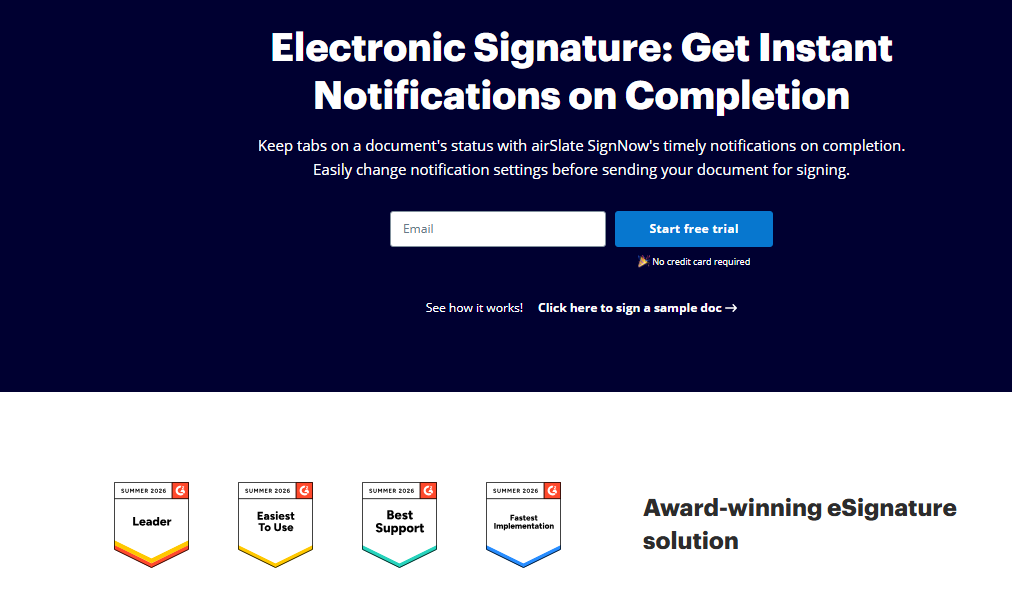
The recipient got an email link, clicked it, and signed directly in their browser without creating an account.
Most reviews stop at “you can sign in a browser”, but the signature creation options are more flexible than they look at first glance.
Recipients can draw their signature with a mouse or touchscreen, type it in a styled font, or upload an image of a physical signature. All three methods produce a legally binding result.
The mobile experience on both iOS and Android is smooth. I tested signing on an iPhone 13 and an Android tablet: both worked without friction. The tap to sign interaction on touchscreens feels natural, not clunky like some competitors.
Preparing Documents in SignNow
This is where SignNow genuinely earns its rating. The document editor lets you drag-and-drop fields: signature, initials, date, text, checkbox, dropdown, onto any PDF or Word file.
It’s intuitive in a way that feels like someone actually watched real users struggle with older tools and fixed the pain points.
In my testing, I built a five field contract template in about eight minutes. Once saved, that template becomes reusable.
You fill in recipient names, hit send, and you’re done. For teams that send the same contract type repeatedly, this is where the time savings really add up.
Paired with that, the “Smart Fields” feature on premium plans lets you build conditional logic into documents.
Field A only appears if Field B is filled a certain way. That’s genuinely useful for onboarding documents or multi stage agreements.
Collaboration and Team Features
SignNow is clearly built with teams in mind. Multiple users can be assigned to different sections of the same document.
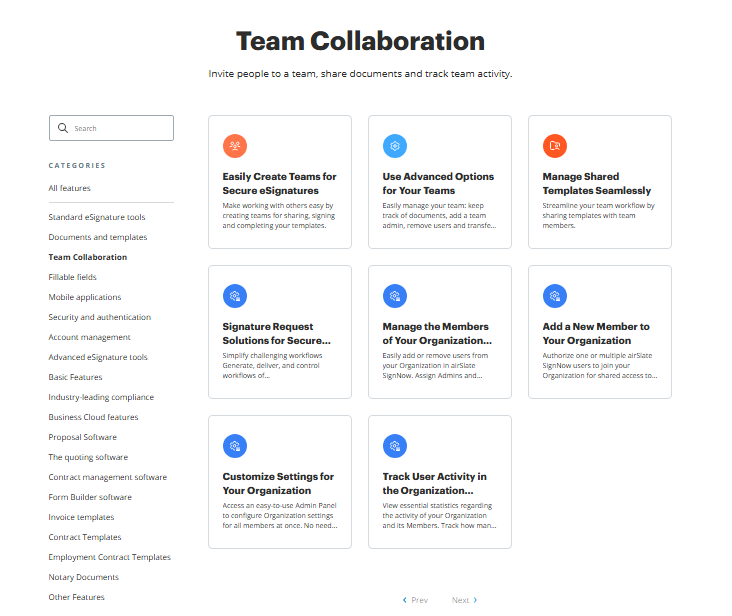
You can set signing order, so Person A must sign before Person B even receives the document.
I ran a test with a three person signing chain. The workflow was clean, and each signer received an automated email notification when it was their turn.
The dashboard showed me exactly who had signed and who hadn’t, in real time.
Completing Documents and Tracking Progress
The dashboard is where SignNow’s teamwork focus really shows. Every sent document has a status: awaiting signature, viewed, completed, or declined.
You can send one-click reminders to anyone who hasn’t signed yet without drafting a new email.
Once all parties sign, everyone gets a completed PDF copy automatically. The audit trail, showing who signed, from what IP address and at what time, is included on all paid plans.
That audit trail is legally important for enforceable contracts.
One thing I ran into during setup: if you accidentally send a document to the wrong email, the “correct sent document” feature lets you fix it without voiding the whole workflow.
That’s a small but genuinely useful touch that saved me once during testing.
Pros and Cons of SignNow
What Works Well
- Price is genuinely hard to beat. The entry plan at roughly $8/month undercuts nearly every major competitor.
- Recipients never need an account. This removes the single biggest friction point in getting documents signed quickly.
- Unlimited users on all paid plans. You don’t pay more as your team grows.
- Template system is fast and reusable. Build once, send hundreds of times.
- Audit trail on all paid plans. Legally important, and it’s not locked behind the enterprise tier.
- Mobile apps work reliably. Both iOS and Android performed well in my testing.
- 7 day free trial requires no credit card. You can test the full product before committing.
Where It Falls Short
- No text formatting options in the editor. If you need to style text within the document itself, you’re out of luck.
- The 100 invite cap catches teams off guard. It’s not prominently advertised during signup.
- Trustpilot rating is a concern. SignNow holds a 2.1 out of 5 on Trustpilot in 2026, with several complaints about billing transparency.
- Customer support response times vary. Live chat is fast; email support is noticeably slower.
- Advanced integrations require higher tier plans. Salesforce and other enterprise tools aren’t on the base plan.
What Most SignNow Reviews Won’t Tell You
The Trustpilot score is a real flag worth addressing directly. Many negative reviews specifically mention billing surprises, particularly that the annual renewal charge arrives without enough advance notice.
I’d recommend setting a calendar reminder 30 days before your renewal date. The product itself isn’t the problem; the billing communication is.
The G2 side of the picture reads very differently. SignNow holds a 4.6 out of 5 on G2 across more than 1,755 reviews.
The people who use it day to day for actual document workflows tend to love it. The negative reviews cluster around billing and cancellation, not the core signing experience.
Competing reviews rarely say this out loud: SignNow’s single person use case is its weakest scenario.
The pricing structure, the team features, the signing chains, all of it assumes you’re sending documents to other people regularly.
If you only need to sign documents yourself occasionally, a free tool might serve you better. SignNow earns its money when teams use it for real volume.
SignNow vs. DocuSign: Quick Comparison
| Feature | SignNow | DocuSign |
|---|---|---|
| Starting Price | ~$8/month | $40/user/month (Business Pro) |
| Unlimited Users | Yes (all paid plans) | No, per user pricing |
| Free Trial | 7 days | 30 days |
| Audit Trail | All paid plans | All paid plans |
| Recipient Account Required | No | No |
| G2 Rating | 4.6/5 | 4.5/5 |
DocuSign has the brand recognition and the longer enterprise feature list. You also pay roughly five times more per user for it.
For most small and mid size businesses, the feature gap doesn’t justify the price gap.
Who Should Use SignNow and Who Should Skip It
Buy It If…
- Your team sends contracts, NDAs, or onboarding documents regularly.
- You want to eliminate printing and scanning from your workflow entirely.
- You’re currently paying for DocuSign and want similar functionality at a fraction of the cost.
- You need unlimited team members without per seat pricing headaches.
Don’t Buy It If…
- You only need to sign documents yourself, rarely and infrequently.
- You require deep text formatting within the document editor itself.
- Your volume regularly exceeds 100 document invites per year and you haven’t confirmed the overage pricing fits your budget.
SignNow Free Trial and Refund Policy
SignNow offers a 7 day free trial that gives you full access to every feature across every plan. You can build templates, send documents, and test the entire workflow before entering payment details.
On the refund side, SignNow’s policy is less generous. Annual plans are generally non refundable once charged.
This matters because the gap between their Trustpilot billing complaints and their G2 product satisfaction scores suggests the issue is rarely the product itself.
The complaints come from unexpected renewal charges. Read the billing terms carefully before purchasing, and use the free trial to confirm the tool fits your needs first.
Frequently Asked Questions
Is SignNow legally binding in 2026?
Yes. SignNow signatures comply with the U.S. ESIGN Act, UETA, and EU eIDAS regulations. Every completed document includes a detailed audit trail with timestamps and IP addresses, which satisfies legal enforceability requirements in most jurisdictions. Always confirm with a legal professional for jurisdiction specific requirements.
Does the person signing need a SignNow account?
No. Recipients receive an email link and sign directly in their browser without creating an account or downloading anything. This removes the biggest friction point in getting contracts signed quickly and is one of SignNow’s strongest practical advantages over some older platforms.
How does SignNow compare to DocuSign on price?
SignNow starts around $8/month annually while DocuSign’s Business Pro plan starts at $40 per user per month. For a team of five, that’s a difference of roughly $1,920 per year. SignNow offers comparable core signing features for most small and mid size business use cases at that price.
What happens if I go over 100 document invites?
After 100 invites per year on paid plans, additional fees apply per document. The exact overage rate varies by plan. If your team sends contracts at high volume, review the per document overage pricing carefully before committing to an annual plan to avoid billing surprises at renewal.
Is there a free version of SignNow?
There is no permanent free tier, but SignNow offers a 7 day free trial with access to all features across all plan levels. No credit card is required to start the trial. This gives you a genuine window to test templates, sending, and the full signing workflow before committing financially.
Why is SignNow’s Trustpilot score so low compared to G2?
The gap reflects different user groups. G2 reviews come from regular business users who use the product daily, and that audience gives it a strong 4.6/5. Trustpilot complaints cluster around billing and cancellation experiences rather than the signing product itself, suggesting the tool works but billing communication needs improvement.
Final Verdict: Should You Use SignNow in 2026?
Three months of real contracts, team chains and mobile signing later, my take is this: SignNow is one of the most underrated tools in the e signature space.
The signing experience is clean, the template system saves real time, and the unlimited user model makes budgeting predictable in a way per seat pricing never does.
The billing transparency issue is real, and I’m not dismissing it. Set a renewal reminder, read the terms on document overage, and you’ll sidestep the problems that generate the negative Trustpilot reviews.
The product itself has earned its strong G2 standing.
For small businesses, growing teams, and anyone currently overpaying for DocuSign, SignNow is a genuinely smart switch. It’s not perfect, but at this price point, the value is difficult to argue with.