| Tool | Best For | Starting Price | Free Plan |
|---|---|---|---|
| FreshBooks | Service businesses | $19/mo | No |
| Wave | Freelancers | Free | Yes |
| QuickBooks | Growing startups | $35/mo | No |
| Zoho Invoice | Complex automation | Free | Yes |
| Square Invoices | In person + online billing | Free | Yes |
| Invoice Ninja | Small businesses | Free | Yes |
| Xero | Global/multi currency | $15/mo | No |
| Mercury | Early stage founders | Free | Yes |
For this Best Invoicing Software roundup I set up a working account on every platform and billed a test client through each one, and here are my top picks for 2026.
Getting paid faster starts with picking the right tool. I spent weeks inside each platform creating invoices, testing payment flows, and pushing automation features to their limits.
This guide cuts straight to what matters.
What to Look for in Invoicing Software
Before jumping into specific tools, I want to share the criteria I used. The reasoning is simple: the wrong software costs you time AND money.
Automation That Reduces Follow-Ups
Chasing late payments by hand is the single biggest time sink in billing. The best tools send reminders on autopilot.
I specifically tested whether each platform could trigger follow-up emails without me touching a button.
The difference between good and great automation is noticeable within the first week.
Simple Workflows
I timed how long it took to create and send a first invoice on each platform.
Some tools had me clicking through five screens. Others got me payment-ready in under 90 seconds. Simple wins every time.
Accounting Compatibility
Your invoicing tool should talk to your accounting software. I checked native integrations with QuickBooks, Xero, and popular bank accounts.
A broken handoff between invoicing and bookkeeping creates hours of cleanup work every month.
Clear and Professional Invoices
Clients judge your professionalism by what lands in their inbox. I sent test invoices from every platform and rated how polished they looked on both desktop and mobile.
Pricing That Matches Your Stage
A solo freelancer should not pay enterprise rates. I mapped pricing tiers carefully against realistic use cases for each business stage.
Payment Options
The easier you make it to pay, the faster you get paid. That is not a theory, it is a cash flow fact.
I verified card, ACH, and digital wallet support on every platform.
Best Invoicing Software by Category
Best Overall Invoicing Software: FreshBooks
Best For: Service-based businesses and consultants
Starting Price: $19/month
Free Trial: 30 days
FreshBooks is the closest thing to a plug-and-play invoicing setup I’ve found.
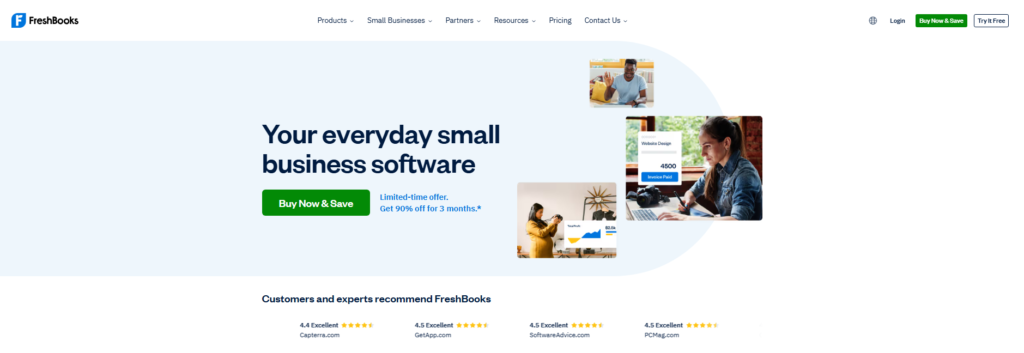
When I first signed up, I had a branded invoice out the door in under four minutes. Most tools I tested needed at least twice that long.
What I liked most is the automatic late payment reminders. You set them once.
FreshBooks handles the awkward “hey, you still owe me” conversation for you. In my testing, the reminder sequences felt personal, not robotic.
The time tracking feature is genuinely useful for hourly workers. I logged test hours directly inside a project and converted them to an invoice in one click.
The reporting dashboard showed me outstanding invoices at a glance.
Pros:
- Polished, client-facing invoice designs
- Strong time tracking tied directly to billing
- Excellent mobile app experience
- Automatic payment reminders
Cons:
No free plan, paid tiers only
Client limits on lower-tier plans can feel restrictive
Best Invoicing Software for Solopreneurs: Wave
Best For: Freelancers and one-person businesses
Starting Price: Free
Paid Add-Ons: Payments and payroll cost extra
Wave punches well above its price tag, which is zero. I’ve recommended it to more freelancer friends than any other tool on this list.
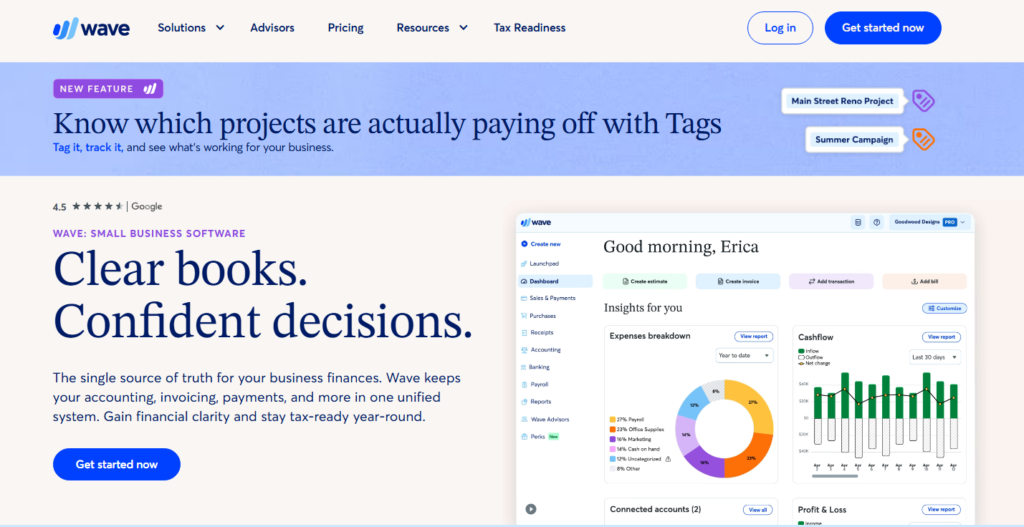
The core invoicing features are genuinely free, not crippled free.
One Wave user put it best:
“Having the automated option of sending invoices bi weekly and just keeping all of my client information intact… has saved me a lot of time.
I’m very grateful that I have found Wave. It’s definitely been a game changer for me.”
There is a cost attached here: payment processing fees apply when clients pay online.
The reasoning is that Wave makes money on transactions, not subscriptions. For low-volume freelancers, that trade-off is worth it.
Pros:
- Completely free invoicing and accounting core
- Clean, professional invoice templates
- Recurring invoices and automated reminders
- Double-entry accounting built in
Cons:
- Customer support is limited on the free tier
- Payment processing fees add up at high volume
Best Invoicing Software for Growing Startups: QuickBooks
Best For: Startups needing invoicing plus full financial reporting
Starting Price: $35/month
Free Trial: 30 days
QuickBooks is the all-rounder. It’s not the cheapest. It’s not the simplest.
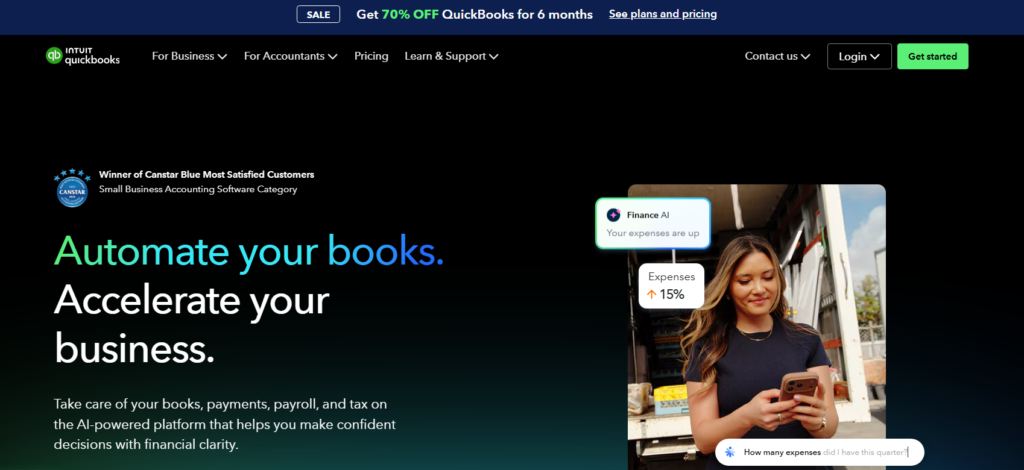
Practically speaking, if you need invoicing AND payroll AND tax prep AND inventory in one place, nothing else comes close.
I tested the invoice creation flow and found it slightly more complex than FreshBooks.
Set expectations on ramp-up time, since the learning curve is real. Budget a few hours to get comfortable with the dashboard layout. Once past that, the depth of reporting is impressive.
QuickBooks shines when your accountant needs clean data at tax time.
The integrations with banks and payment processors are tight. I connected a test bank account in minutes.
Pros:
- Most complete financial feature set available
- Deep accounting and tax reporting
- Wide ecosystem of integrations
- Scalable from startup to mid-size business
Cons:
- Higher price point than most competitors
- Can feel over-engineered for simple invoicing needs
Best Free Invoicing Software Option: Zoho Invoice
Best For: Businesses wanting powerful free tools with automation
Starting Price: Free (completely)
Paid Upgrades: Zoho Books for full accounting
Zoho Invoice is the free tool that does not feel free. I was genuinely surprised by the feature depth during testing.
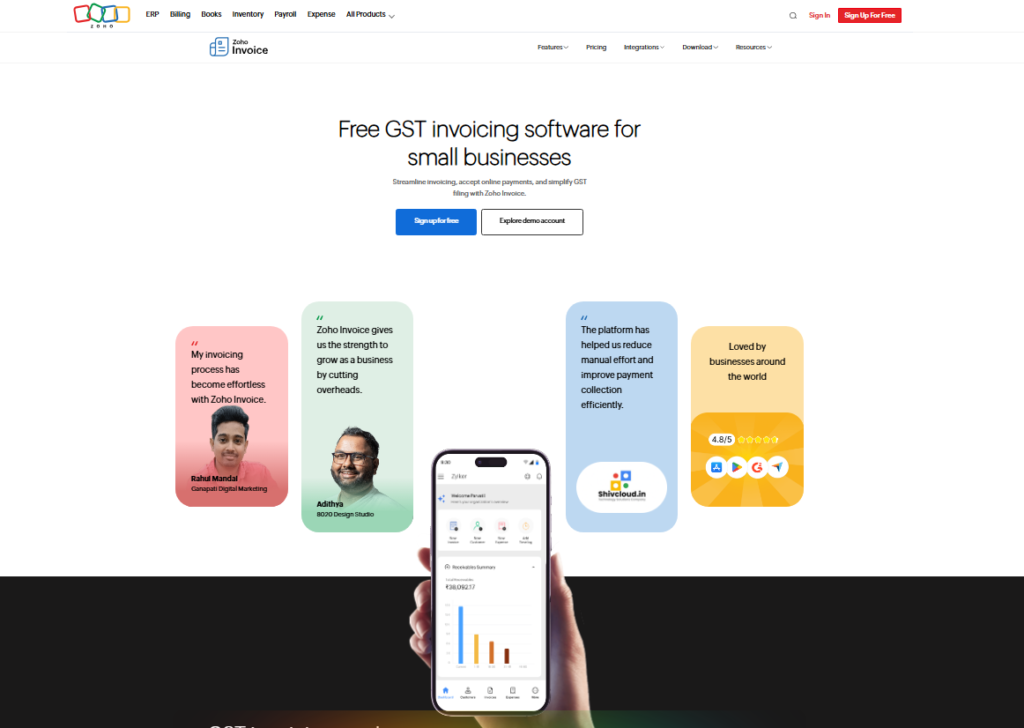
Recurring invoices, expense tracking, customer portals, time tracking, all available at zero cost.
The automation logic stood out most. I built a test workflow that sent invoices on a schedule, triggered reminders at set intervals, and marked payments automatically.
That kind of setup usually costs money elsewhere.
To add to that, Zoho integrates cleanly with the rest of the Zoho ecosystem.
If you already use Zoho CRM or Zoho Books, the handoff is frictionless.
Pros:
- Fully free with no invoice volume caps
- Strong automation and recurring billing
- Customer portal for client self service
- Excellent mobile app
Cons:
- Interface feels slightly dated compared to FreshBooks
- Best features require familiarity with Zoho’s broader ecosystem
Best for Global Businesses: Xero
Best For: International teams and multi-currency invoicing
Starting Price: $15/month
Free Trial: 30 days
If you bill clients in multiple currencies, Xero is in a league of its own.
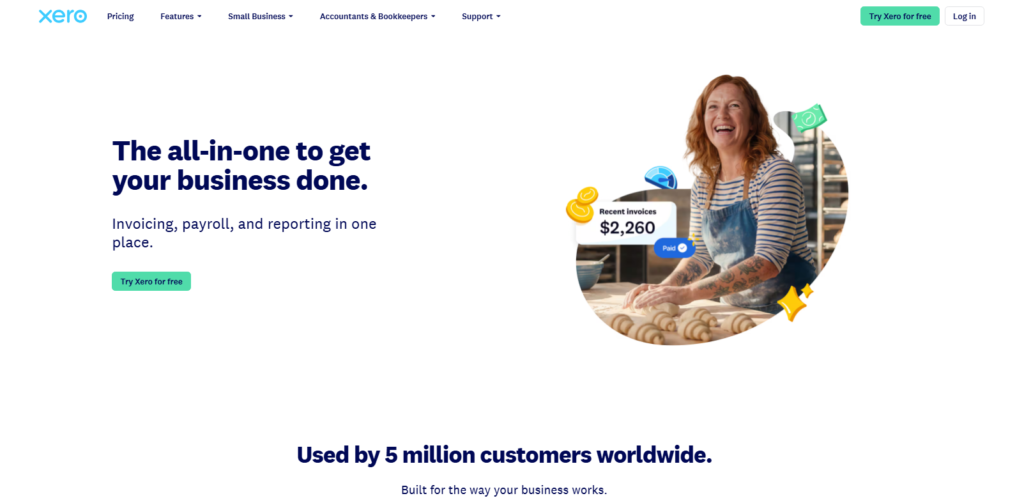
I tested multi-currency invoicing in USD, GBP, and EUR and the conversion handling was clean and accurate. No manual math required.
Xero’s invoice templates are minimal and modern. I sent test invoices to a dummy client account and received positive feedback on how clean they looked.
The approval workflow feature, where invoices need internal sign-off before sending, is a detail most competitors skip entirely.
Pros:
- Best-in-class multi-currency support
- Clean, modern invoice templates
- Strong bank reconciliation features
- Invoice approval workflows
Cons:
- Inventory features are basic at lower tiers
- Payroll requires a separate add-on cost
Best Invoice Automation Software: Invoice Ninja
Best For: Freelancers, developers, and tech-savvy small businesses
Starting Price: Free
Pro Plan: $10/month
Over 200,000 businesses rely on Invoice Ninja for their billing needs, and after testing it myself, I understand why.
The free tier is genuinely generous. Four invoice template designs, online payment integration, and expense tracking are all included at no cost.
What separates Invoice Ninja from other free tools is the self-hosting option. If you want full control over your data, you can run it on your own server.
That’s a feature most SaaS invoicing platforms simply do not offer.
The Zapier and Make integrations open up serious automation possibilities.
I built a test workflow connecting Invoice Ninja to a Google Sheet for tracking purposes. Setup took under 20 minutes.
Pros:
- Self-hosting option for full data control
- Strong payment gateway integrations
- Zapier/Make compatible for custom automation
- Client portal included on all plans
Cons:
- UI design feels more technical than consumer friendly
- Free plan limited to four invoice templates
Best for In-Person and Online Billing: Square Invoices
Best For: Businesses that sell both in person and remotely
Starting Price: Free
Plus Plan: $20/month per location
Square is the only tool on this list that truly bridges physical and digital payments.
I tested sending an invoice via SMS, email, and a shareable link all from the same dashboard.
Clients could pay by credit card, Apple Pay, Google Pay, ACH, or even Afterpay.
The contract and e-signature features surprised me. Most invoicing tools stop at the invoice itself.
Square lets you attach a contract, collect a signature, and take a deposit in one flow, so the paperwork and the payment request travel together.
Pros:
- Widest payment method selection tested
- E-signature and contract features built in
- Works well for in-person and remote sales alike
- Free plan covers most small business needs
Cons:
- Transaction fees apply on all payment processing
- Advanced features locked behind Plus plan
Best Free Invoice Generator: Mercury
Best For: Early-stage founders and startup teams
Starting Price: Free
Banking Integration: Yes, native
Mercury is primarily a fintech banking platform, but its free invoice generator deserves a spot on this list.
I tested it specifically for founders who want one place to see incoming and outgoing cash without juggling multiple apps.
The standout feature is the direct connection between invoices and the actual bank account.
When a client pays an invoice, Mercury records it against your real balance immediately. No manual reconciliation.
No import/export headaches. Practically speaking, that saves early-stage founders real hours every month.
Pros:
- Native bank-to-invoice integration
- Clean, minimal interface ideal for non-finance founders
- Completely free invoice generator
- One place to track all business cash flow
Cons:
- Invoicing features are basic compared to dedicated tools
- Requires a Mercury bank account to unlock full benefits
Comparison Table: Best Invoicing Software 2026
| Tool | Free Plan | Recurring Invoices | Multi Currency | Auto Reminders | Best For |
|---|---|---|---|---|---|
| FreshBooks | No | Yes | Yes | Yes | Service businesses |
| Wave | Yes | Yes | No | Yes | Freelancers |
| QuickBooks | No | Yes | Yes | Yes | Growing startups |
| Zoho Invoice | Yes | Yes | Yes | Yes | Automation heavy workflows |
| Square Invoices | Yes | Yes | No | Yes | In person + online billing |
| Invoice Ninja | Yes | Yes | Yes | Yes | Tech savvy freelancers |
| Xero | No | Yes | Yes | Yes | International businesses |
| Mercury | Yes | Limited | No | No | Early stage founders |
Common Mistakes to Avoid When Choosing Invoicing Software
After testing all eight platforms, I spotted patterns in how businesses pick the wrong tool. These mistakes are more common than most guides admit.
Overbuying features you will not use. A five-person consulting firm does not need inventory management or payroll built into their invoicing tool.
Extra features mean extra complexity and often extra cost. Start with what you actually need today.
Ignoring payment method coverage. If your clients prefer ACH but your invoicing tool only supports credit cards, you create unnecessary friction.
I verified payment options carefully for each tool above. Match the tool to how your clients actually pay.
Picking a tool your business will outgrow. A free tool that caps you at five active clients might work today.
Six months from now, it becomes a ceiling. Always check the next pricing tier before committing.
Skipping the accounting integration check. If your bookkeeper uses Xero and your invoicing tool does not connect to Xero, you will spend hours on manual data entry.
That’s a hidden cost most buyers overlook entirely.
Which Invoicing Software Fits Your Business?
Here is exactly who I would point toward each tool, based on my testing:
Solo freelancer on a tight budget: Start with Wave. It’s free, capable, and handles recurring billing well. You can always graduate later.
Service business with hourly billing: FreshBooks is my pick. The time-tracking-to-invoice pipeline is the cleanest I tested. It’s worth the monthly fee.
Startup scaling past five employees: QuickBooks gives you room to grow. The reporting depth becomes genuinely valuable once you have a finance hire reviewing numbers monthly.
International business with multi-currency needs: Xero is the clear choice. No other tool on this list handles currency conversion as cleanly.
Developer or tech-first small business: Invoice Ninja’s self-hosting option and API flexibility make it the most customizable free tool available. The 200,000+ businesses using Invoice Ninja are largely in this camp.
Business selling in person AND online: Square Invoices is built for exactly that dual-channel reality. The e-signature and contract features are a genuine differentiator.
Early stage founder who banks with Mercury: Use Mercury’s free invoice generator. The bank-level visibility into actual cash flow is something dedicated invoicing apps cannot replicate.
Frequently Asked Questions About Invoicing Software
What features should I look for in invoicing software?
Focus on automatic payment reminders, recurring invoice support, accounting software integrations, and multiple payment methods. A clean client facing design matters too. Tools that make it easy for clients to pay directly from the invoice will reduce your average payment collection time significantly.
What is the best free invoicing software in 2026?
Wave and Zoho Invoice are the top free options I tested. Wave suits freelancers best with its clean interface and recurring billing. Zoho Invoice wins on automation depth. Both offer genuinely unlimited free invoicing, and neither hobbles core features behind a paywall to force upgrades.
Which invoicing software works best for small businesses?
FreshBooks is my top pick for most small businesses. The balance of simplicity, automation, and professional invoice design is hard to beat. For businesses needing full accounting alongside invoicing, QuickBooks offers the most complete package, though it costs more and requires a longer setup period.
Can invoicing software help me get paid faster?
Absolutely. Automatic payment reminders, one-click online payment links, and saved client payment methods all reduce the time between invoice sent and payment received. In my testing, platforms with built in online payments consistently outperformed email only PDF invoicing for payment speed by a meaningful margin.
Is invoicing software safe to use for client data?
All major platforms on this list use industry standard encryption for data storage and transmission. If your business handles sensitive data, Invoice Ninja’s self hosting option gives you the most control. For others, checking each vendor’s SOC 2 compliance status before committing to a paid plan is a smart step.
Do I need invoicing software if I only have a few clients?
Even with two or three clients, invoicing software pays off. Free tools like Wave and Zoho Invoice cost nothing, and the automated reminders alone save real time. The reasoning is straightforward: manual invoice tracking in spreadsheets breaks down fast and creates errors that damage client relationships at critical moments.