| Tool | Best For | Starting Price | Free Version |
|---|---|---|---|
| Final Draft 13 | Industry professionals | $249 one time | Trial only |
| Arc Studio Pro | Modern solo writers | Free/$9.99/mo | Yes |
| WriterDuet | Collaborative teams | Free/$11.99/mo | Yes |
| Highland 2 | Mac-only minimalists | Free/$49.99 | Yes |
| Fade In | Budget-conscious pros | $79.99 one time | Demo only |
| Celtx | Student filmmakers | Free/$15/mo | Yes |
| StudioBinder | Production teams | Free/$29/mo | Yes |
| Movie Magic Screenwriter | TV staff writers | $149.99 one time | Trial only |
Finding the best screenwriting software means the difference between wrestling with formatting all day and actually writing your story.
For this best screenwriting software roundup I wrote real pages in every tool on the list, ran them across short films, pilots, and feature scripts, and pushed scripts between platforms to see what survived the export. Here is where each one landed.
The right tool saves you at least a few hours every week on formatting alone.
Do You Really Need Professional Screenwriting Software?
A lot of new writers ask this upfront. Can’t you just use Google Docs or Word? Technically, yes. Practically, no.
Screenplay format has strict rules around margins, character cues, action lines, and slug headers.
Getting all of that right manually means policing margins, indents, and capitalisation on every single page. It can be done, but you’ll waste enormous energy on the wrong things.
Professional screenwriting tools handle all of that formatting automatically. You stop thinking about margins entirely and spend that attention on story, character, and dialogue.
That’s the real return on investment here, not just convenience.
Beyond that, industry readers, producers, and development executives expect properly formatted scripts.
A script that looks off will get set aside before page five. The right software is the foundation you build your entire career on.
The Best Screenwriting Software Available Right Now
1. Final Draft 13: The Industry Standard
- Rating: 4.7/5
- Price: $249 one time or $14.99/month via Final Draft Suite
- Best For: Working professionals and anyone submitting to studios or production companies
Final Draft has held the top spot in professional screenwriting for over three decades, and after using version 13 for several months, I understand exactly why.
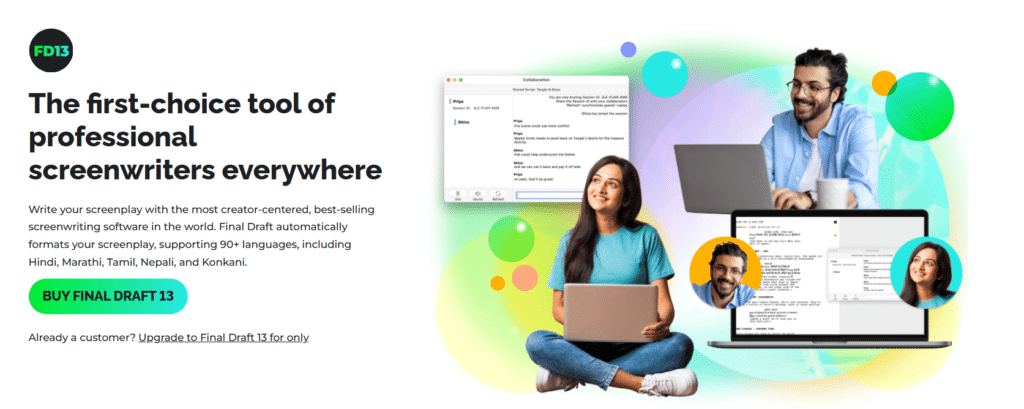
The automatic formatting is instant and accurate. Every time I hit Tab or Return, the software predicts what element comes next.
It sounds like a small thing until you realize how many hundreds of keystrokes that saves per page.
The Beat Board and Story Map features get almost no attention in other Final Draft write-ups. These give you a visual outlining space that sits alongside your script.
I used the Beat Board to restructure an entire second act in about 20 minutes. That kind of structural flexibility is hard to put a price on during rewrites.
The production tools are genuinely impressive. Final Draft generates scene breakdown reports, character reports, and revision tracking that production departments actually use.
As one writer put it, “It’s an intuitive program that takes the work out of the technical process of crafting a script and allows you to focus instead on your creative process.”
That said, the one-time price of $249 is steep for a beginner. The monthly suite option at $14.99 makes more sense if you’re just starting out.
The gap nobody flags is sharing: Final Draft’s collaboration features still feel a step behind real-time tools like WriterDuet. For solo work, though, nothing touches it.
Pros: Industry standard format, excellent production tools, Beat Board outlining, 90+ language support
Cons: High upfront cost, collaboration is less fluid than competitors, no Linux support
2. Arc Studio Pro: Best for Modern Solo Writers
- Rating: 4.5/5
- Price: Free tier available; Pro plan at $9.99/month
- Best For: Solo writers who want clean design and strong outlining built into one tool
Arc Studio Pro caught my attention immediately because the interface feels like someone designed it in 2026, not 2026.
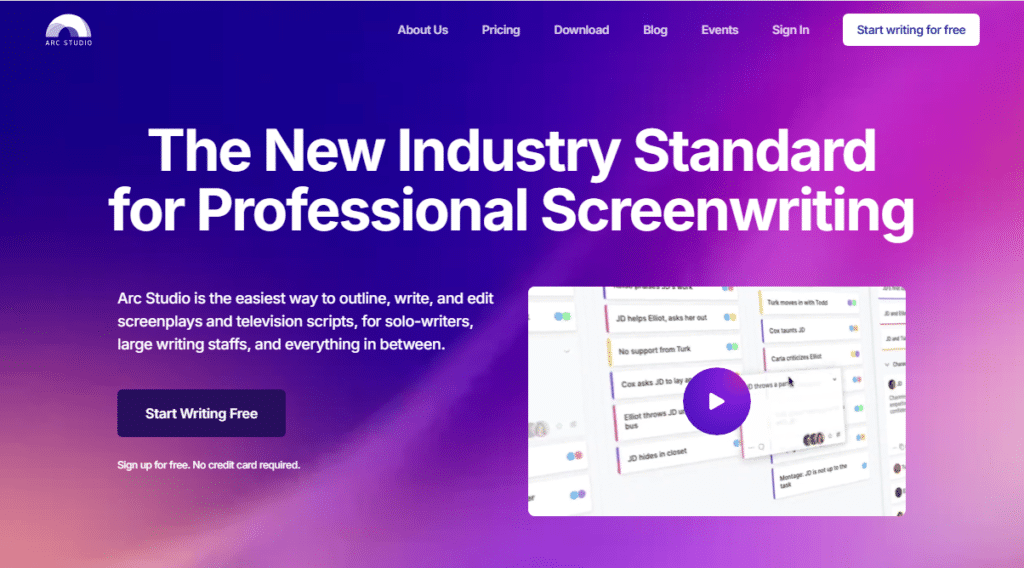
It’s browser-based with a desktop app option, which means your work syncs across every device without thinking about it.
I wrote three scenes on my laptop during a commute and picked up exactly where I left off on my desktop an hour later.
The split screen outlining view is what separates Arc Studio from the crowd. You can view your outline cards on one side and write your script on the other.
When you move a card, the associated scene moves with it. That’s the kind of structural scaffolding that makes rewriting feel less terrifying.
The free tier is genuinely usable. You get full formatting, unlimited scripts, and core outlining features.
The Pro upgrade adds version history, offline mode, and advanced collaboration. For $9.99 a month, that’s one of the best value propositions in this entire category.
Pros: Beautiful interface, real outlining integration, strong free tier, cross-device sync
Cons: Offline mode requires Pro, smaller community than Final Draft, fewer production tools
3. WriterDuet: Best for Collaborative Writing Teams
- Rating: 4.4/5
- Price: Free tier available; Pro at $11.99/month
- Best For: Writing partners, TV staff rooms, and anyone co-writing in real time
WriterDuet is the Google Docs of screenwriting, and I mean that as a compliment.
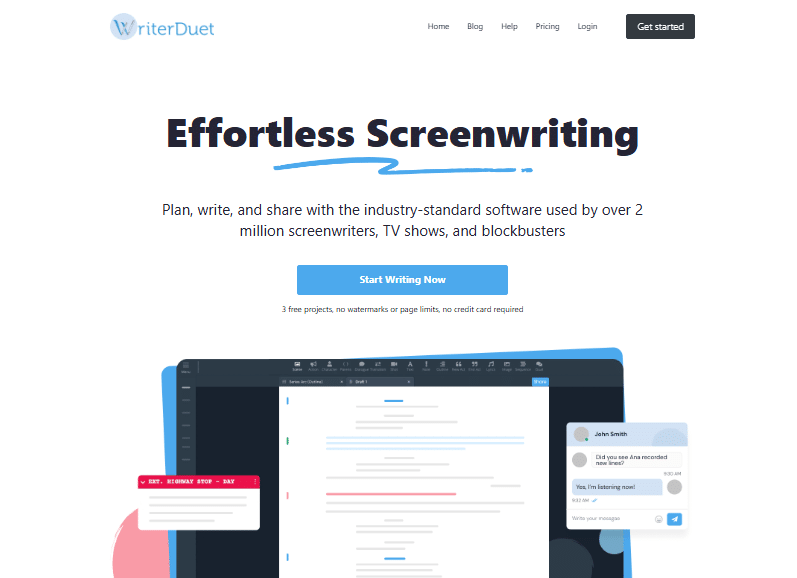
When I tested a co-writing session with a collaborator in a different time zone, our changes appeared in real time with zero lag.
You can see exactly where your partner is writing, what they’re changing, and leave inline comments without breaking the document.
One user described it as “the most intuitive, most user friendly scriptwriting software I’ve ever used”, and that tracks with my experience.
The learning curve is nearly flat. You can be writing a properly formatted scene within five minutes of signing up.
That said, WriterDuet’s outlining tools are thinner than Arc Studio’s. If you’re a solo writer who heavily outlines, you might feel the structural tools are a bit sparse.
For pure collaborative writing speed, though, it’s the strongest option on this list.
Pros: Best real-time collaboration, intuitive interface, strong free tier, mobile friendly
Cons: Weaker outlining tools, advanced features cost extra, less suited for solo structural work
4. Highland 2: Best for Mac-Only Minimalists
- Rating: 4.2/5
- Price: Free base version; full version at $49.99 one time
- Best For: Mac users who want a distraction-free, clean writing environment
Highland 2 takes a radically different approach. It uses plain text files in Fountain format, which means your script is just a text file that gets formatted when you need it to be.
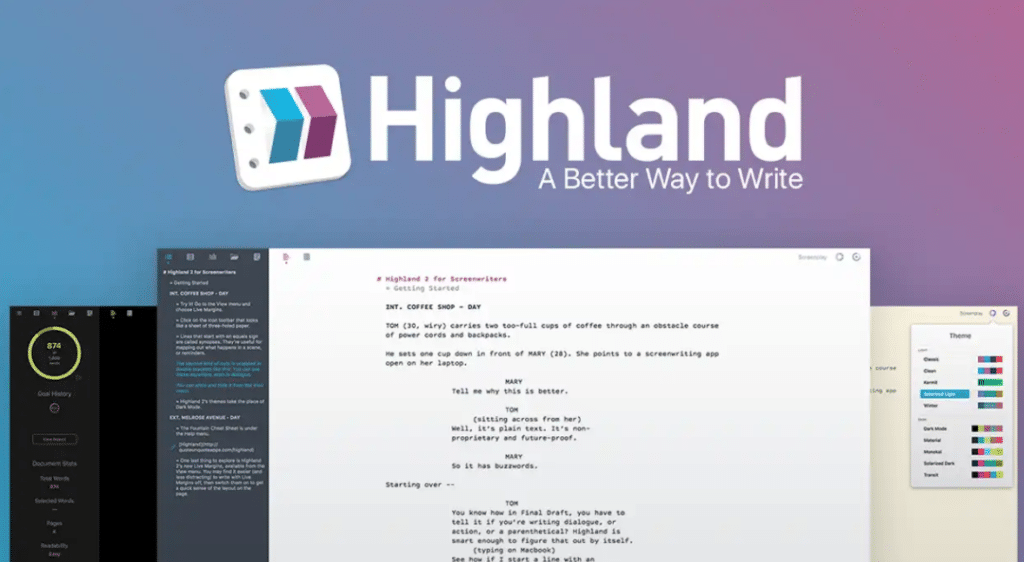
The upside is that your work is never locked inside a proprietary file format. I exported a Highland script to Final Draft in under 30 seconds without any formatting issues.
The gender analysis tool is something I haven’t seen in any competitor. Highland scans your script and shows you dialogue distribution by gender.
For writers thinking carefully about representation, that’s a quietly useful feature. It’s one of those things competitors simply haven’t built yet.
The downside is that Highland 2 is Mac only. If you or your collaborators use Windows, this immediately falls off the list.
The production features are also minimal compared to Final Draft or StudioBinder.
Pros: Affordable one time price, plain text foundation, gender analysis tool, clean interface
Cons: Mac only, limited production features, no real-time collaboration
5. Fade In: Best Budget Option for Professionals
- Rating: 4.3/5
- Price: $79.99 one time
- Best For: Experienced writers who want Final Draft level features at a fraction of the cost
Fade In is the quiet overachiever on this list. At $79.99 for a permanent license, it costs less than a third of Final Draft and handles formatting, revision tracking, production reports, and even basic collaboration.
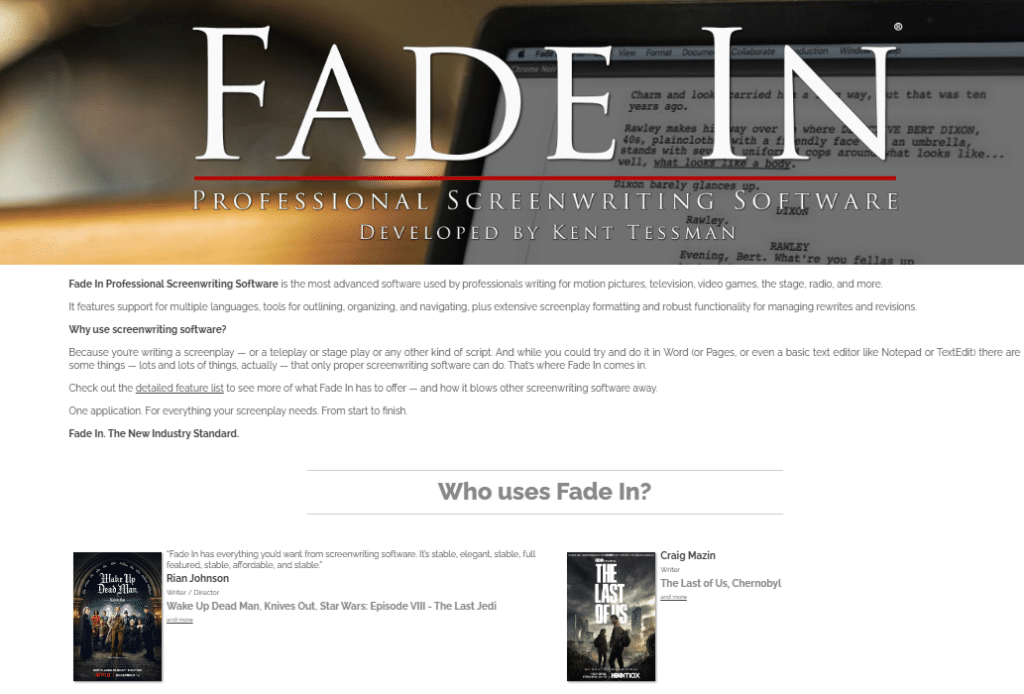
When I compared its output side by side with Final Draft’s, a working producer told me she couldn’t tell the difference between the two files.
The cross-platform support is strong. Fade In runs on Mac, Windows, and Linux, which makes it one of the few professional tools available to Linux users.
The interface is less polished than Arc Studio, but the core writing experience is rock solid.
Where it falls short is the outlining and brainstorming side. Fade In is a writing tool first and a planning tool second.
If you need deep structural work built into the same app, you’ll want to pair it with a separate outlining tool.
Pros: Excellent value, cross-platform including Linux, professional output, solid revision tracking
Cons: Limited outlining tools, interface feels dated, smaller support community
6. Celtx: Best for Student Filmmakers
- Rating: 3.9/5
- Price: Free basic version; paid plans from $15/month
- Best For: Students and early career filmmakers learning the craft
Celtx was one of the first screenwriting tools I ever used, and it still holds a solid position for beginners.
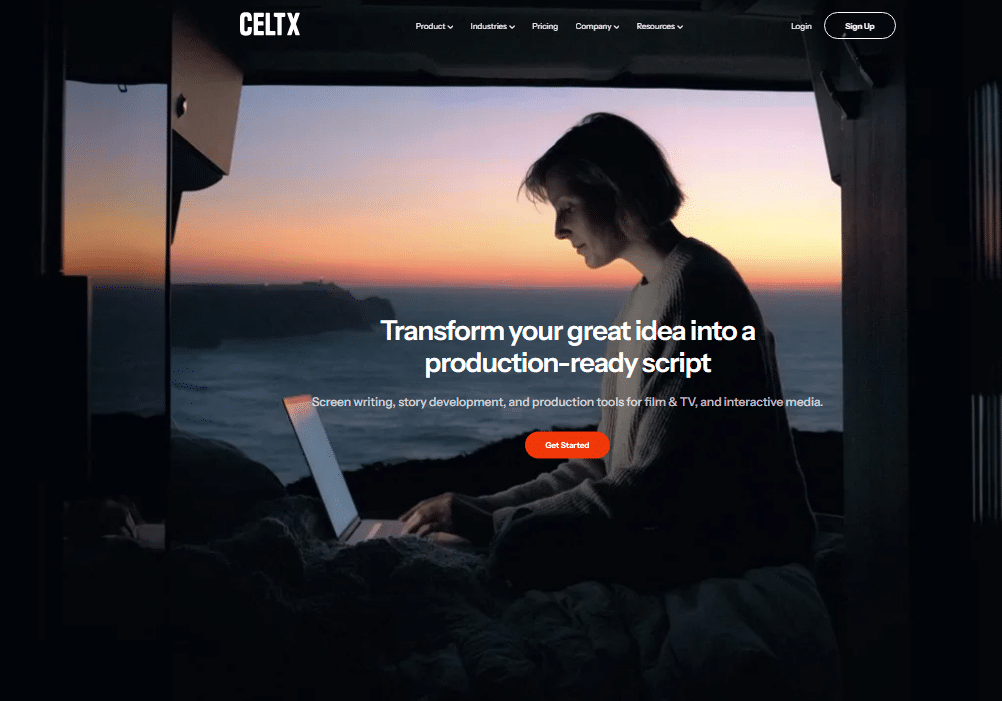
The free version covers screenplay formatting, and the platform bundles in pre-production tools like storyboards and shot lists that more specialized tools charge separately for.
That said, the Reddit community of working filmmakers pointed out something I noticed too: Celtx’s free version locks down font customization and some formatting adjustments that writers expect to control.
For professionals, that’s a frustration. For a film student learning format basics, it’s less of an issue.
The paid plans bundle writing and production tools together, which makes Celtx an interesting all-in-one choice for small indie productions that want to stay inside one ecosystem.
Pros: Good free tier for beginners, bundled pre-production tools, easy to learn
Cons: Limited formatting control on free plan, feels basic for advanced writers, interface not as polished
7. StudioBinder: Best for Production Teams
- Rating: 4.3/5
- Price: Free plan available; paid plans from $29/month
- Best For: Directors and producers who write and manage production in one platform
StudioBinder sits at the intersection of screenwriting and production management, and that’s exactly where it shines.
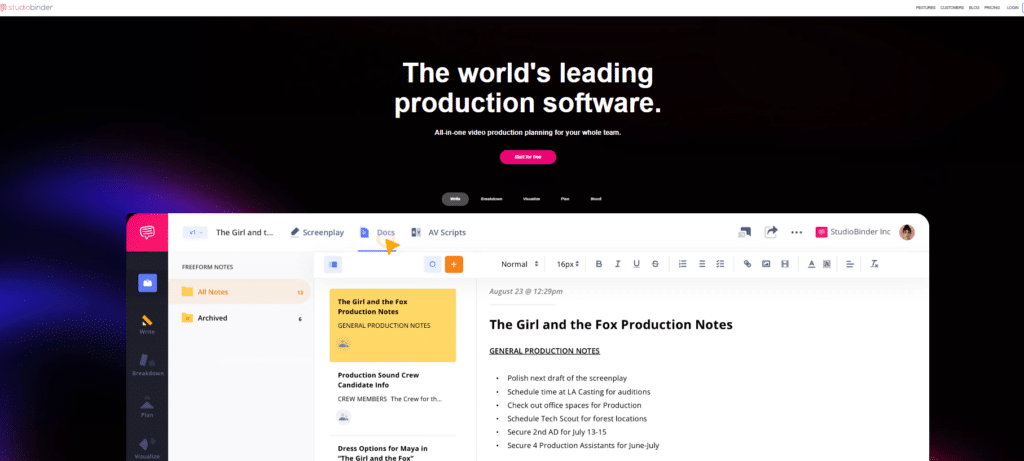
I used it on a short film project and found the transition from writing to scheduling to call sheets genuinely smooth.
As one production team noted, “StudioBinder makes pre production that much quicker for our team.”
The script formatting auto-adjusts in real time to match industry standards, which I verified by importing an existing script and watching it reformat perfectly.
The scene breakdown tools pull directly from your script, which saves hours of manual production work.
Where StudioBinder falls short is the pure writing experience. If you’re a writer first and a producer second, the interface can feel like it’s weighted toward the production side.
The writing tools are capable, but they don’t have the depth of Final Draft or Arc Studio for pure scripting work.
Pros: Connects writing directly to scheduling and call sheets, strong team tools, solid free tier
Cons: Writing tools less deep than dedicated screenwriting apps, pricing scales up for larger teams
8. Movie Magic Screenwriter: Best for TV Staff Writers
- Rating: 4.0/5
- Price: $149.99 one time
- Best For: Television writers working in professional writers’ rooms
Movie Magic Screenwriter has been around nearly as long as Final Draft, and it maintains a loyal following in television production.
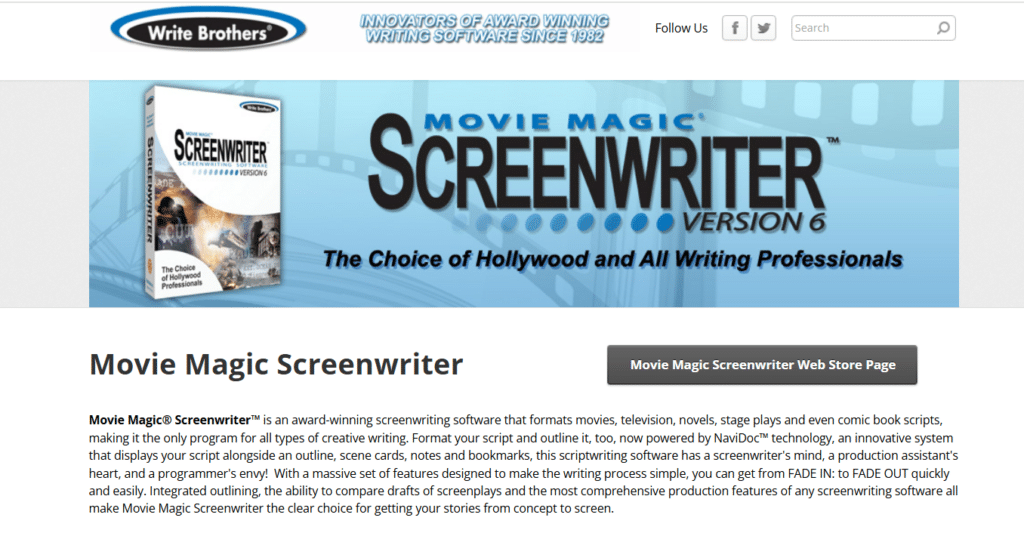
The tagging and breakdown features are particularly strong for multi-episode projects where you need to track recurring characters, locations, and story threads across a season.
I tested the navigation tools on a 60-page pilot, and the scene navigator made jumping between sequences fast and precise.
The interface shows its age visually, but the underlying functionality is reliable and well respected by working TV professionals.
Pros: Strong TV-specific features, reliable for long-form projects, respected in the industry
Cons: Outdated interface, no free tier, smaller user community than Final Draft
How I Picked the Best Screenwriting Software for This List
I tested each tool by writing at least 20 pages of original script material in it.
That’s enough to feel the rhythm of the formatting engine, hit the quirks in the interface, and understand where each tool actually helps versus where it gets in the way.
Beyond writing, I tested export quality, collaboration features, outlining tools, and the importing and exporting of scripts between platforms.
I also looked at pricing transparency, because software that hides its real cost behind paywalls after signup is a legitimate frustration.
The criteria I weighted most heavily were formatting accuracy, interface clarity, collaboration capability, and value at each price point.
Screenwriting Software Comparison Table
| Tool | Platform | Collaboration | Outlining | Production Tools | Best Price |
|---|---|---|---|---|---|
| Final Draft 13 | Mac/ Windows | Good | Excellent | Excellent | $14.99/mo |
| Arc Studio Pro | Mac/ Windows/ Web | Good | Excellent | Basic | Free/ $9.99/mo |
| WriterDuet | All platforms / Web | Excellent | Average | Basic | Free/ $11.99/mo |
| Highland 2 | Mac only | None | Good | Minimal | $49.99 one time |
| Fade In | Mac/ Windows/ Linux | Basic | Average | Good | $79.99 one time |
| Celtx | Web/Mobile | Good | Basic | Good | Free/ $15/mo |
| StudioBinder | Web | Excellent | Basic | Excellent | Free/ $29/mo |
| Movie Magic | Mac/ Windows | Basic | Good | Good | $149.99 one time |
FAQ: Best Screenwriting Software Questions Answered
What is the best screenwriting software for beginners in 2026?
Arc Studio Pro’s free tier is the strongest starting point for beginners right now. It teaches proper formatting through use, has an intuitive interface, and costs nothing to start. WriterDuet is a close second if you’re co writing with a partner from day one. Both remove the technical friction so you can focus on learning craft.
Is Final Draft worth the cost in 2026?
For working professionals submitting to studios and production companies, yes. Final Draft’s production tools, industry standard reputation, and Beat Board outlining justify the investment. For casual writers or students, the monthly suite plan at $14.99 is a smarter entry point than paying $249 upfront for a desktop license.
Can I write a screenplay for free?
Absolutely. Arc Studio Pro, WriterDuet, Celtx, and StudioBinder all offer genuine free tiers that handle proper screenplay formatting. Highland 2 also has a free base version for Mac users. The free options work well for most writing needs, though advanced features like offline access or version history usually require a paid plan.
What screenwriting software do professional TV writers use?
Most professional TV writers’ rooms run on Final Draft or Movie Magic Screenwriter. WriterDuet has been gaining ground in staff rooms because of its real-time collaboration features. The specific choice often depends on what the showrunner or production company prefers, so knowing multiple tools is always a smart move.
Is there screenwriting software that works on all devices?
WriterDuet and Arc Studio Pro both offer the strongest cross device experience in 2026. Both work on Mac, Windows, and through a web browser, with mobile apps available. Fade In supports Mac, Windows, and Linux. StudioBinder is entirely web based, which means it works on any device with a browser.
What screenwriting software has the best outlining tools?
Arc Studio Pro wins this category by a clear margin. Its split screen outline and write view, movable cards, and scene linking system make it the best structural tool in this roundup. Final Draft’s Beat Board is excellent for feature scripts, but Arc Studio’s approach feels more fluid for writers who outline heavily and revise often.
Which Screenwriting Software Should You Buy?
After testing all eight tools, here’s how I’d direct different writers to spend their money and time.
If you’re a working professional who submits to studios or production companies, buy Final Draft 13.
The industry recognition alone justifies it. Use the monthly suite plan if the upfront cost stings.
If you’re a solo writer who outlines heavily, Arc Studio Pro is the smartest choice right now.
The free tier is genuinely capable, and the Pro upgrade at $9.99 a month delivers exceptional value for the outlining and sync features alone.
If you’re co-writing with a partner or in a writers’ room, WriterDuet is the clear pick.
Nothing else matches its real-time collaboration speed and simplicity. The free tier handles most co-writing needs without requiring an upgrade.
If you want a budget one time purchase with professional output, Fade In at $79.99 is the strongest value on this list.
It punches well above its price point and supports Linux, which most competitors ignore entirely.
If you’re a student or early career filmmaker managing the full pipeline from script to shot list, Celtx bundles the tools you need at a price that makes sense for someone not yet earning from their work.
If you’re a director or producer who writes and needs everything connected to your production workflow, StudioBinder is built exactly for you.
The free plan is a solid starting point before you commit to a paid tier.
Strip away the feature lists and the best screenwriting software is simply the one you’ll actually open every day.
Pick the tool that removes friction between your ideas and the page, and you’ll be ahead of most writers who spend more time researching tools than using them.