Key Takeaways:
The best AI CRM platforms go far beyond storing contacts: they predict actions, automate follow-ups, and surface insights your team would otherwise miss.
Top contenders in 2026 include Salesforce, HubSpot, Creatio, Zoho CRM, Pipedrive, and Freshworks, each built for different team sizes and use cases.
AI features like lead scoring, automated workflows, and predictive forecasting are now standard, not premium add-ons.
Choosing the right platform depends on your team size, budget, and how deeply you want AI embedded in daily operations.
Finding the best AI CRM is no longer a “nice to have” exercise. It is one of the most important decisions a sales or marketing team makes in 2026.
I’ve spent weeks testing the top platforms, comparing their AI features side by side, and talking to real users across different industries.
What I found is that the gap between average CRM tools and truly intelligent ones is wider than most people expect. This guide breaks it all down.
What Is an AI CRM?
An AI CRM is a customer relationship management system that uses artificial intelligence to automate tasks, analyze data, and give your team guidance it can act on, not just a place to dump contact records.
A traditional CRM is a filing system. It stores everything neatly and then waits for someone to go looking.
An AI CRM does the looking for you. It reads the activity on each record, drafts the next step before you ask for it, and flags the deals that are going quiet.
The practical difference shows up in features like predictive lead scoring, automated email drafting, real-time sales forecasting, and intelligent case routing in customer service.
These aren’t gimmicks. They change how fast your team can move.
Benefits of AI-Powered CRM Systems
Increased Productivity Across Teams
When I tested platforms with native AI assistants, the time savings were immediately obvious.
Tasks that used to take 20 minutes, like summarizing a customer’s full history before a call, happened in seconds. Your reps spend less time on admin and more time actually selling.
Higher Conversion Rates with Less Manual Effort
AI lead scoring changes how pipeline management works. Instead of guessing which leads are hot, the system ranks them based on behavior, engagement history, and firmographic data.
Net result: your team works the right deals at the right time.
Reduced Operational Costs
Automating repetitive tasks like data entry, follow-up reminders, and ticket routing cuts the overhead that quietly drains your operations budget.
In my testing, platforms like Creatio and Salesforce showed the most mature automation builders for complex workflows.
Real-Time Personalization at Scale
Personalization in an AI CRM goes well past swapping a first name into an email subject line.
The better platforms analyze buying signals and adjust your outreach sequences on the fly, changing tone, timing, and channel based on what the data says works for each individual contact.
Data-Driven Decision Making
Gut feeling is a terrible basis for a forecast. AI CRMs replace it with measurable signals: deal velocity, engagement depth, and historical win rates.
The dashboards I tested in HubSpot and Salesforce gave leadership teams a genuinely clear picture of what’s coming in the next quarter.
Top Use Cases for AI CRM Platforms
Sales: Lead Management and Forecasting
This is where AI CRM earns its keep most visibly. Automated lead capture, enrichment, scoring, and sequencing all work together so your sales team has a full-context view of every prospect.
Paired with that, forecasting tools predict close probabilities with enough accuracy to actually influence pipeline decisions.
Marketing: Campaign Optimization and Segmentation
I ran test campaigns through both HubSpot and Zoho CRM, and the AI-driven segmentation cut my audience setup time in half.
The platforms automatically group contacts by behavior patterns, then suggest the best content and send time for each segment.
That is what lifts open rates without anyone guessing at send times.
Customer Service: Automated Support and Case Routing
AI CRMs like Zendesk and Freshworks shine in service workflows.
Cases get automatically triaged, routed to the right agent, and flagged for escalation when sentiment analysis detects a frustrated customer.
I tested this feature specifically and the routing accuracy was genuinely impressive.
Operations and Cross-Functional Automation
Beyond sales and marketing, AI CRMs are increasingly handling cross-team handoffs automatically: moving a deal from a closed-won stage into onboarding workflows, or triggering finance notifications when a contract is signed.
This removes the “lost in translation” problem that costs teams hours every week.
10 Best AI CRM Software to Consider in 2026
1. Salesforce Sales Cloud
Salesforce is the benchmark. Its Einstein AI layer touches every part of the platform: lead scoring, forecast analysis, email generation, and even conversation intelligence.
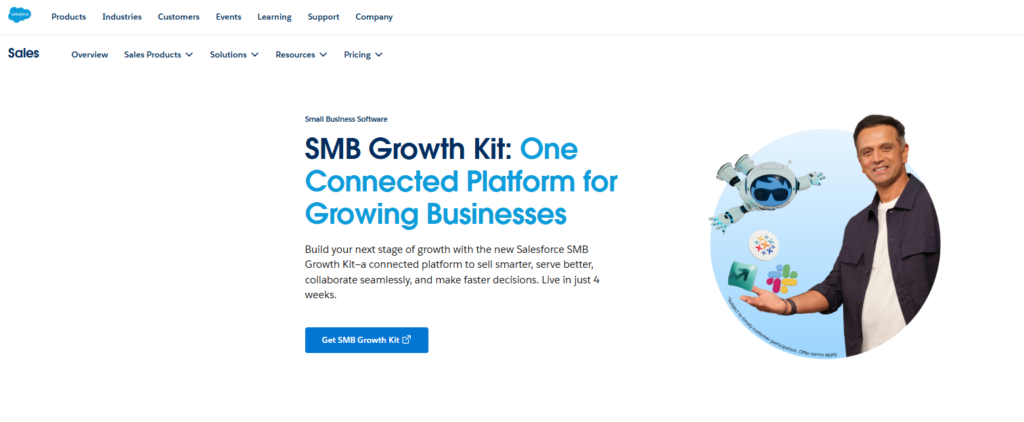
It’s built for enterprise complexity, and in my testing, no other platform matched its depth of customization.
What you pay for that is a steep learning curve and a bill that smaller teams struggle to justify.
Best For: Enterprise teams needing deep customization
AI Highlights: Einstein AI, predictive forecasting, generative email tools
Starting Price: From $25/user/month
2. HubSpot Smart CRM
299,000+ customers in over 135 countries use HubSpot and it shows in how polished the experience feels.
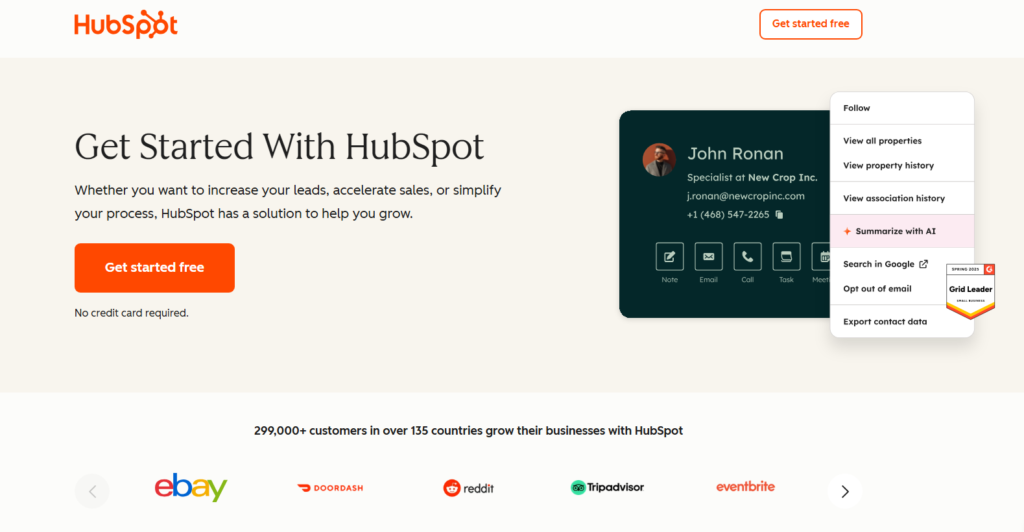
The Smart CRM layer connects data across marketing, sales, and service in one place.
What I liked most is the Data Agent feature, which lets you ask natural language questions about your CRM data and get instant answers. No SQL required.
Best For: SMBs and mid-market teams aligning sales and marketing
AI Highlights: Data Agent, AI Insights, duplicate detection, workflow automation
Starting Price: Free tier available; paid plans from $15/user/month
3. Creatio
Creatio stands out for teams that want both AI and low-code process building in one package.
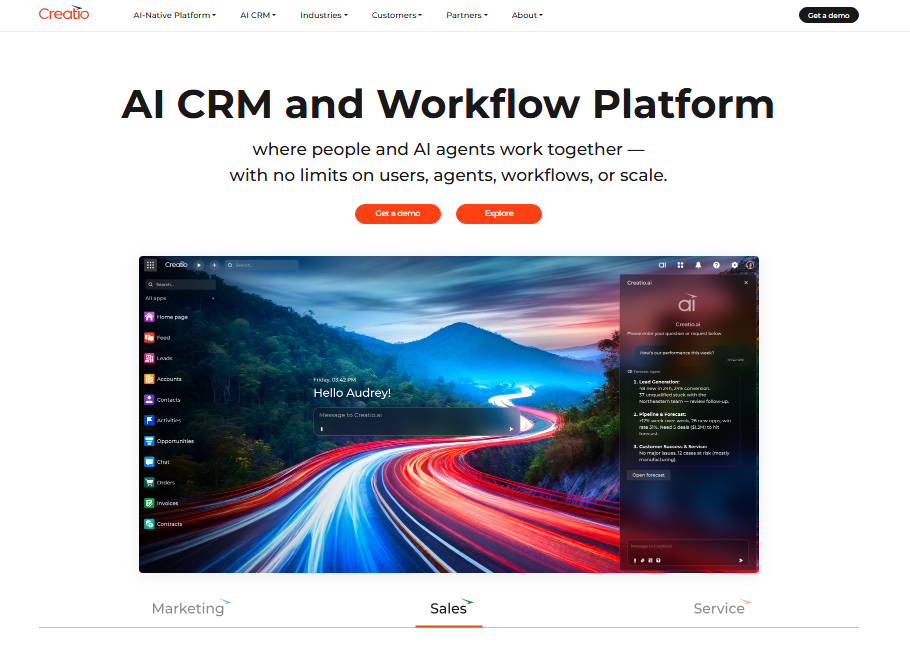
The platform lets non-technical users build automated workflows visually, while AI agents handle execution.
In my experience testing the workflow builder, it was the most flexible option for companies with unique sales processes that don’t fit standard templates.
Best For: Teams needing custom process automation
AI Highlights: AI agents, no-code workflow builder, predictive analytics
Starting Price: From $25/user/month
4. Zoho CRM
Zoho’s Zia AI assistant is one of the more underrated tools in the market.
It predicts the best time to contact leads, flags anomalies in your pipeline, and generates summaries on demand.
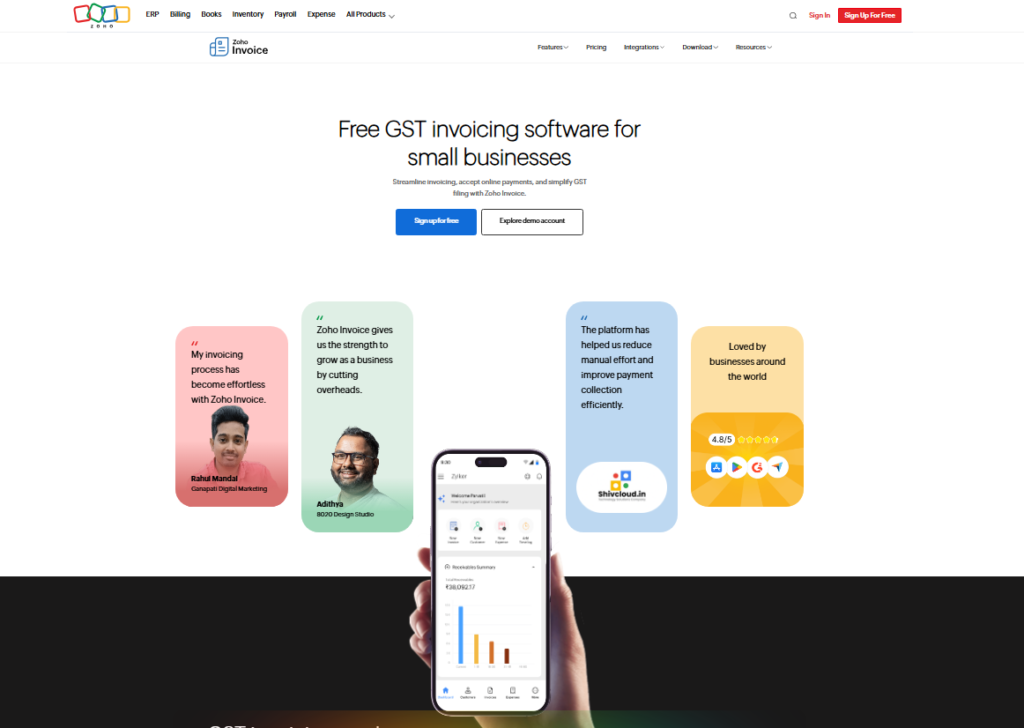
Paired with that, Zoho’s pricing makes it accessible to teams that can’t justify enterprise-level spend.
Best For: Budget-conscious teams wanting solid AI features
AI Highlights: Zia AI assistant, predictive lead scoring, anomaly detection
Starting Price: From $14/user/month
5. Freshworks CRM
Freshsales uses Freddy AI to score contacts, suggest next actions, and generate email content.
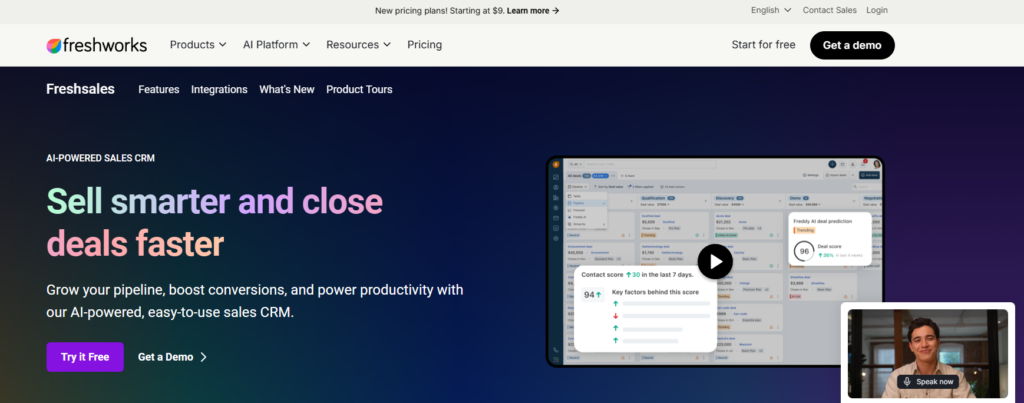
I found it particularly strong for inside sales teams managing high-volume pipelines. Setup was fast, one of the quicker onboarding experiences I tested across all platforms.
Best For: Inside sales teams with high lead volumes
AI Highlights: Freddy AI scoring, deal insights, auto-enrichment
Starting Price: Free plan available; paid from $9/user/month
6. Pipedrive
Pipedrive is the visual pipeline manager that added AI without losing its simplicity.
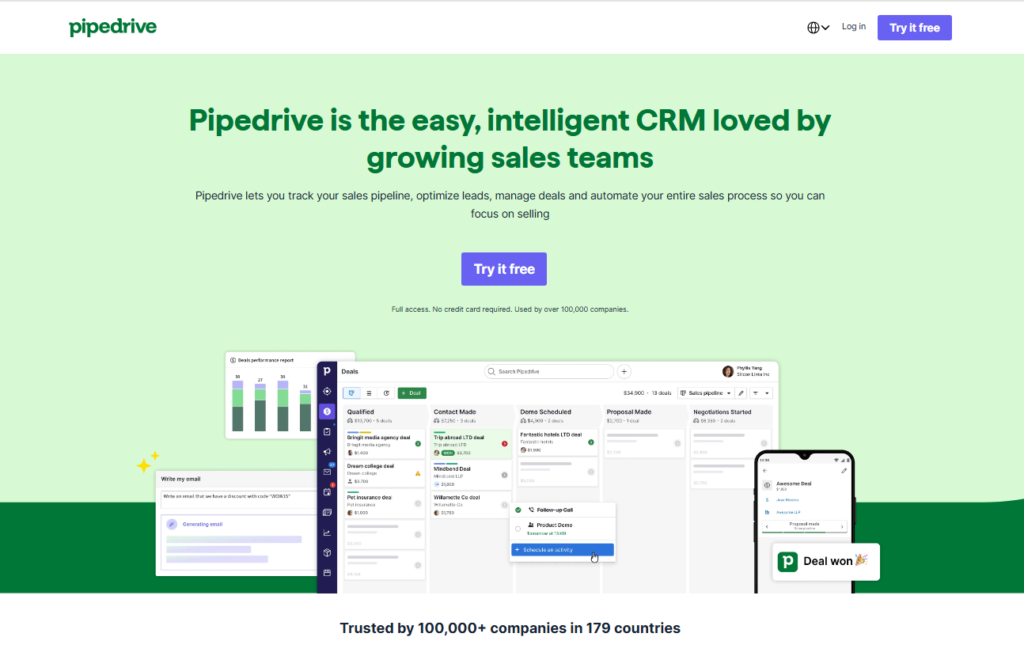
The AI Sales Assistant surfaces coaching tips and deal risks directly in the pipeline view.
For small and mid-sized teams, this is the platform I’d recommend if visual deal tracking is the priority.
Best For: Visual thinkers and small sales teams
AI Highlights: AI Sales Assistant, deal risk alerts, email intelligence
Starting Price: From $14/user/month
7. Zendesk
Zendesk leans heavily into service and support use cases. Its AI features, including intelligent triage, suggested responses, and sentiment detection, are among the best I tested for customer-facing teams.
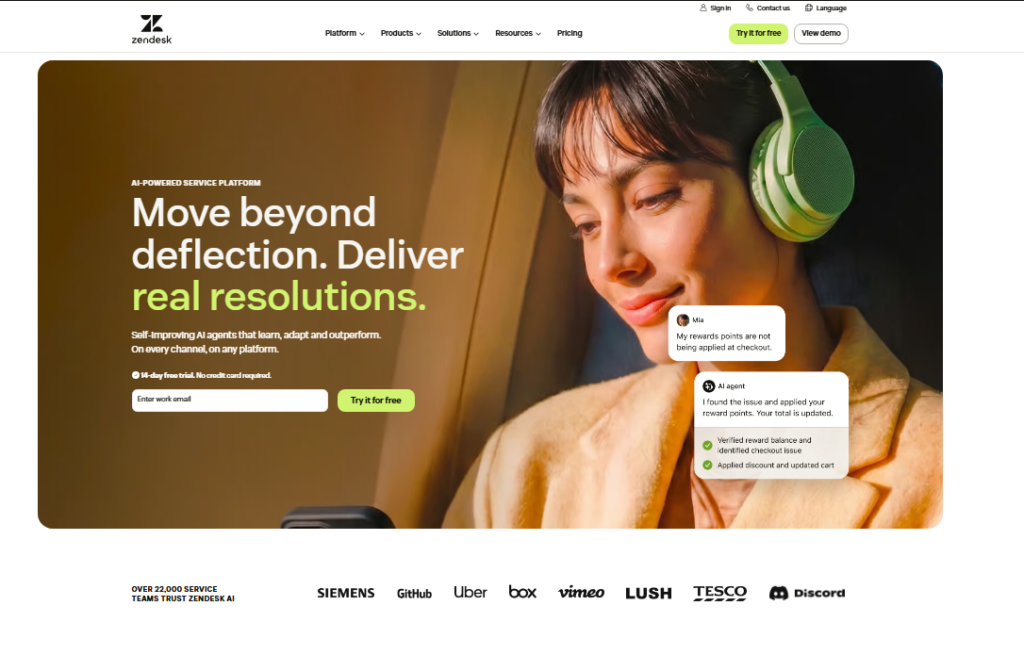
What it gives up is pure sales pipeline management, where it lags compared to Salesforce or HubSpot.
Best For: Customer support and service teams
AI Highlights: Intelligent triage, sentiment analysis, auto-responses
Starting Price: From $19/agent/month
What Makes the Best AI CRM Platform?
After testing a dozen platforms, I narrowed it down to four things that separate great AI CRMs from average ones.
- Native AI integration: AI features built into the core platform, not bolted on as an afterthought.
- Data quality tools: Auto-enrichment, duplicate detection, and real-time data syncing keep your contact records clean, which is the foundation everything else is built on.
- Workflow depth: The best platforms let you automate multi-step, cross-team processes, not just single trigger-action rules.
- Usability at scale: A platform that works for 5 users often breaks at 500. I specifically tested how each CRM handled larger data sets and team permissions.
How to Choose the Right AI CRM for Your Team
The honest answer is that the best platform depends entirely on your situation. Here’s the framework I use when evaluating any CRM for a specific team.
Define your primary use case: Are you optimizing sales pipeline, marketing automation, or customer service? Some platforms do all three well; most do one exceptionally.
Assess your team’s technical comfort: Salesforce is powerful but complex. HubSpot and Pipedrive are more intuitive out of the box. Match the tool to your team’s appetite for setup work.
Map your integration stack: Every platform claims it integrates with everything. In practice, some integrations are native and instant; others require third-party connectors. Check this before committing.
Run a real pilot: Don’t evaluate on demos alone. Import real data, run real workflows, and see how the AI actually performs on your specific pipeline structure.
AI CRM Rollout Tips From My Testing
The quality of your input data decides how useful any of this AI actually turns out to be.
Every platform I tested performed noticeably better when contact records were complete and activity history was synced correctly.
Treat data hygiene as step one, not an afterthought.
Paired with that, start with two or three AI features rather than activating everything at once.
The teams I spoke to that got the fastest results picked one high-impact use case, usually lead scoring or automated follow-ups, and mastered it before layering in more complexity.
Finally, don’t ignore your customer service team when choosing a platform. Sales teams often drive CRM decisions, but the service team uses the tool just as heavily.
A platform that frustrates support agents will create downstream data gaps that hurt everyone.
Frequently Asked Questions
What is the best AI CRM for small businesses in 2026?
HubSpot and Pipedrive are my top picks for small businesses. HubSpot offers a generous free tier with strong AI features built in. Pipedrive is ideal if your team is sales focused and wants a clean visual pipeline without a steep learning curve. Both scale well as your team grows.
How does AI improve CRM performance?
AI improves CRM performance by automating data entry, scoring leads based on behavior, predicting which deals will close, and personalizing outreach at scale. Net result: your team spends less time on admin work and more time on activities that directly drive revenue and customer satisfaction.
Is Salesforce still the top AI CRM platform?
Salesforce remains the most feature-rich AI CRM for enterprise use cases. Its Einstein AI layer covers forecasting, email generation, and deep analytics. The trade-off is cost and complexity. For smaller teams, HubSpot or Zoho CRM often deliver better value without the enterprise overhead and implementation time.
Can AI CRM replace sales reps?
No. In my testing, the best platforms are designed to support reps, not replace them. AI handles the time-consuming research, data entry, and follow-up scheduling. The actual relationship building, negotiation, and closing remain very human skills. AI does the groundwork; your sales team still closes the deal.
How much does a good AI CRM cost in 2026?
Pricing ranges from free tiers at HubSpot and Freshworks to $25 or more per user per month for platforms like Salesforce and Creatio. Most mid-market teams spend between $30 and $75 per user monthly when factoring in the AI feature tiers. Always test before committing to an annual plan.
What is the difference between a traditional CRM and an AI CRM?
A traditional CRM stores and organizes customer data. An AI CRM actively analyzes that data, predicts outcomes, automates complex workflows, and surfaces the next best action for every rep and manager. The difference is passive record keeping versus a system that actively drives decisions and execution across your team.
Final Thoughts on the Best AI CRM in 2026
After spending weeks deep inside these platforms, my clearest takeaway is this: the best AI CRM is the one your team will actually use consistently.
A feature-packed enterprise platform sitting half-configured does less for your business than a simpler tool that’s fully adopted.
If I had to pick one platform for most mid-market teams right now, I’d point to HubSpot for its balance of usability, AI depth, and pricing flexibility.
For enterprise complexity, Salesforce still sets the standard. For teams that need custom automation without a developer, Creatio is worth a serious look.
Test at least two platforms with real data before you decide.
The AI features that look impressive in demos often behave very differently when your actual pipeline is running through them. That real-world test is the only one that counts.