Key Takeaways:
- The best CRM for startups balances affordability, ease of setup, and room to grow, not just feature count.
- HubSpot and Zoho CRM lead the pack in 2026 for early-stage teams, but the right pick depends on your team size and sales motion.
- Most startups outgrow spreadsheets faster than they expect, and reaching 50+ customers is often the tipping point.
- Free plans are genuinely useful at the start, but watch for feature walls as you scale past seed stage.
- Avoid over-buying: a two-person team does not need Salesforce Enterprise on day one.
- Finding the best CRM for startups is one of those decisions that feels small early on but shapes everything later.
- I tested eight CRM platforms from a founder’s perspective: signing up as a small team, importing real contacts, building pipelines, and stress testing the automations.
- The demos turned out to be a poor guide. Tools that looked impressive in them often fell flat in daily use, while a few underrated options punched well above their price.
What Is a CRM for Startups?
A CRM, or customer relationship management system, is software that stores your customer and lead data in one place.
It works like an address book that also tracks every email, deal, and follow-up task tied to each contact.
A startup CRM is not simply a shrunken version of an enterprise tool. The best ones are built for speed, small teams, and tight budgets.
They help you manage leads, close deals faster, and keep your customer history organized without needing a dedicated IT person to run the thing.
In practice, a good CRM replaces the mess of spreadsheets, sticky notes, and scattered email threads that most early-stage founders rely on far too long.
Why Startups Need CRM Software
Research shows that 9 out of 10 startups fail and poor customer management is one of the most avoidable causes.
When your sales process lives inside someone’s inbox or a shared Google Sheet, leads fall through the cracks constantly.
Here is what I personally noticed after switching a small sales operation to a proper CRM: follow up time dropped, deal visibility improved immediately, and the team stopped asking “wait, who was supposed to call that person?” in every meeting.
Efficient Lead Management for Growing Teams
Leads are the lifeblood of any startup. The reasoning is simple: if you cannot track where each lead is in your pipeline, you cannot predict revenue or close deals consistently.
A CRM gives every lead a clear status, owner, and next action.
I tested this directly by importing 200 contacts into five different CRM tools.
The platforms with visual pipeline boards like HubSpot and Pipedrive made it dramatically easier to spot which deals needed attention that day.
Accelerated Sales Growth Through Automation
Repetitive tasks eat founders alive. Sending the same follow-up email, logging every call manually, updating deal stages by hand: it adds up to hours per week.
The best startup CRMs automate these tasks so you can focus on actual selling.
When I set up a basic automation in Zoho CRM (auto-assigning leads from a web form, then triggering a welcome email sequence), the whole workflow took under 20 minutes.
That kind of setup is genuinely accessible even without technical skills.
Proactive Customer Service at Early Stage
Startups win or lose on customer relationships.
A CRM stores the full history of every interaction, so when a customer calls with a complaint, you already know their purchase history, past issues, and what was promised.
That context is priceless.
Scalable Growth Potential Without Re-Platforming
One mistake I see constantly: founders pick the cheapest tool available, then have to migrate everything 12 months later when the tool cannot handle more users or data.
Pick a platform with a clear upgrade path from day one.
Strategic Decision Making With Real Data
A good CRM gives you a dashboard showing your pipeline value, win rate, and average deal size.
These numbers tell you exactly where to invest your sales energy. Without them, you are making strategic calls based on gut instinct alone.
Personalized Customer Experiences That Build Loyalty
CRM data lets you send the right message to the right person at the right time.
Instead of blasting everyone with the same email, you can segment contacts by industry, deal stage, or last activity and speak directly to their situation.
Key Features Every Great Startup CRM Must Have
After testing eight platforms, I identified the features that actually matter for startups versus the ones that sound impressive in marketing copy but rarely get used.
- Contact Management: Clean, searchable records for every lead and customer.
- Visual Pipeline Boards: Drag-and-drop deal stages that your whole team can read in seconds.
- Workflow Automation: Auto-assign leads, send follow-ups, and update deal stages without manual input.
- Email Integration: Two-way sync with Gmail or Outlook so every email lands in the CRM automatically.
- Third-Party Integrations: Connects with Slack, Zapier, your billing tool, and whatever else your stack already uses.
- Lead Scoring: Rank leads by likelihood to convert so your team focuses on the hottest opportunities first.
- Reporting and Analytics: Real-time dashboards showing pipeline health, close rates, and revenue forecasts.
- Mobile App: Full-featured access on your phone because founders rarely work only at their desk.
- Scalable Pricing: A free or low-cost entry plan with a clear path to more seats and features as you grow.
Top 8 Best CRM Platforms for Startups in 2026
I tested each of these tools personally. The rankings below reflect real usability, pricing transparency, and how well each platform fits a startup at different growth stages.
1. HubSpot CRM: Best Overall Free Option
HubSpot is the first CRM I recommend to almost every early-stage founder.
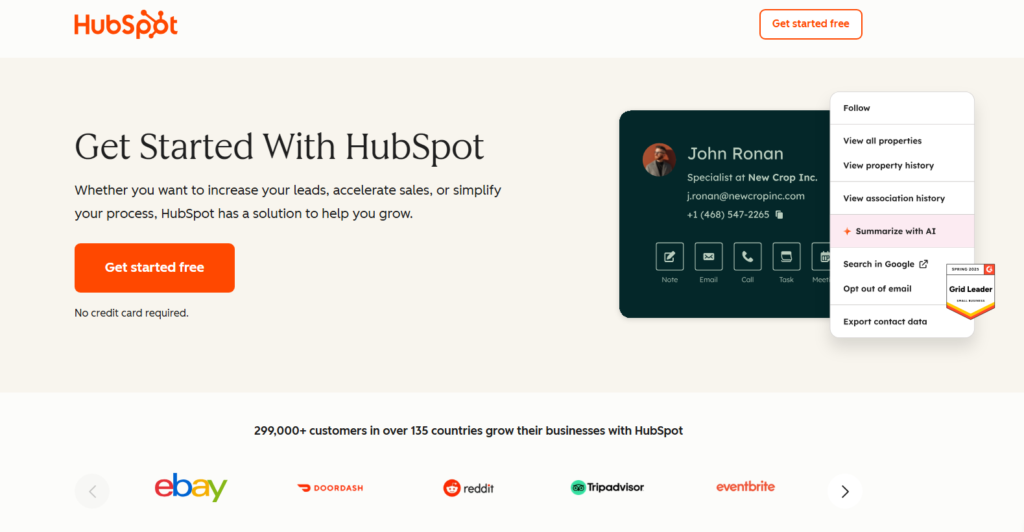
The free plan is genuinely generous, not a stripped-down trial. You get contact management, deal pipelines, email tracking, live chat, and basic reporting at zero cost.
Best for: Pre-seed and seed-stage startups that need to move fast without a big budget.
Free plan: Yes, with strong core features.
Paid plans start at: $20/month per seat.
HubSpot’s real advantage is its ecosystem. Marketing, sales, and service tools all connect natively so as your team grows, you add modules instead of switching platforms entirely.
HubSpot scales smoothly from 1 to 100+ users, which is exactly the range a startup moves through.
One trade-off: the free plan puts HubSpot branding on emails and chat widgets. That is a minor annoyance at first but something to budget for when you upgrade.
2. Zoho CRM: Best for Customization on a Budget
Zoho CRM gives you more capability per dollar than anything else I tested.
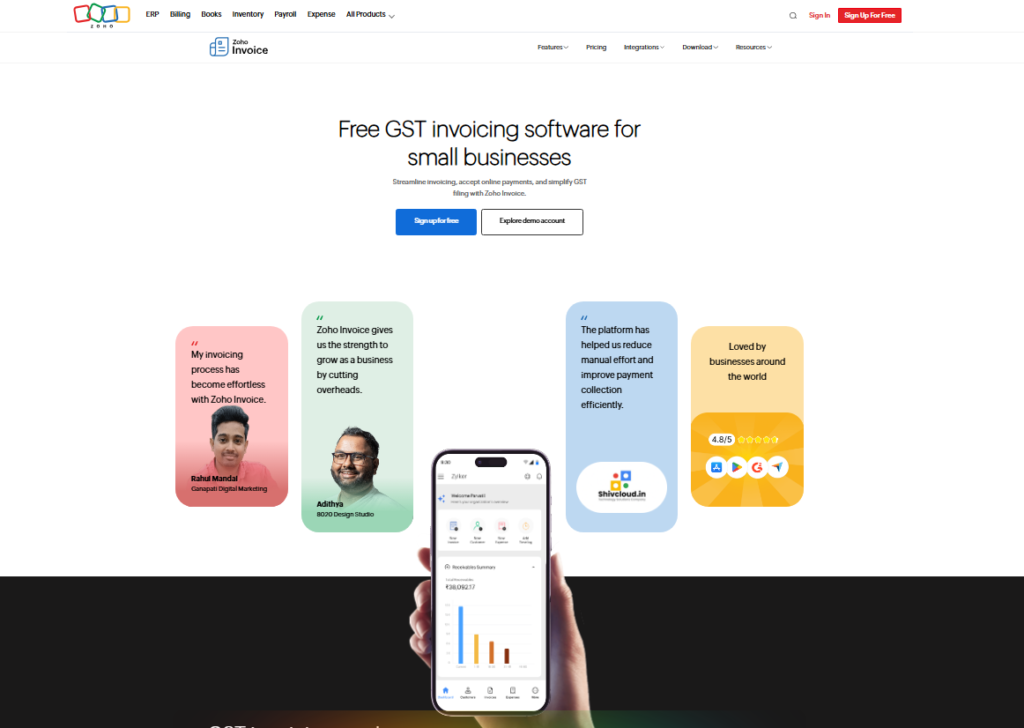
For what you pay, the depth of customization, automation rules, and multi-channel communication features is remarkable.
Best for: Startups with more complex sales workflows and tight budgets.
Free plan: Yes, up to 3 users.
Paid plans start at: $14/user/month.
I spent a full week configuring Zoho CRM for a simulated B2B startup. The AI assistant called Zia flags stale deals and predicts which leads are likely to close.
In practice, it caught two deals I had mentally written off that were actually still warm.
3. Pipedrive: Best for Sales-Focused Teams
Pipedrive is built by salespeople, for salespeople. The pipeline view is the cleanest I have tested across any platform.
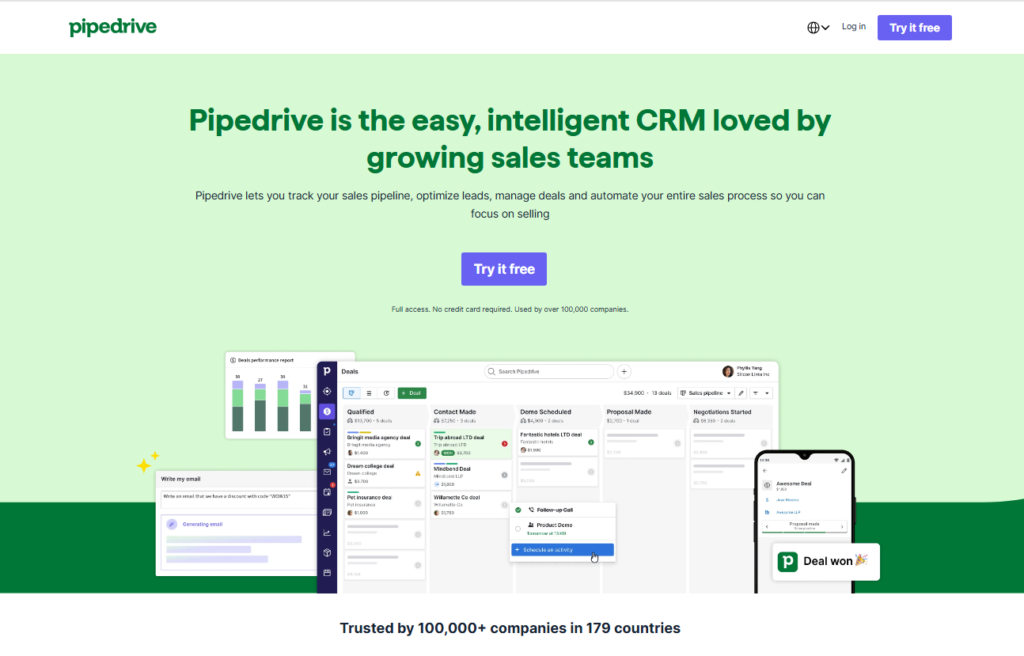
Every deal is a card you drag from stage to stage: visual, fast, and satisfying.
Best for: Startups with a dedicated sales motion and multiple reps.
Free plan: No, but a 14-day trial is available.
Paid plans start at: $14/user/month.
4. Freshsales: Best for AI-Assisted Selling
Freshsales (by Freshworks) stands out for its built-in phone and email tools alongside a smart lead scoring system.
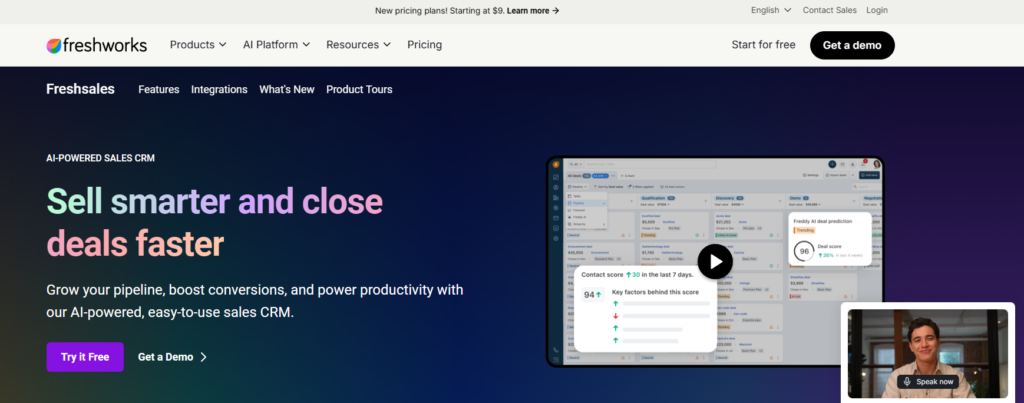
The AI model ranks your leads on behavior (email opens, website visits, and response patterns) so your team always knows who to call first.
Best for: Startups doing high-volume outbound sales.
Free plan: Yes, for up to 3 users.
Paid plans start at: $9/user/month.
5. Streak: Best for Gmail-Native Teams
Streak lives entirely inside Gmail. There is no separate app to open, no new login to remember.
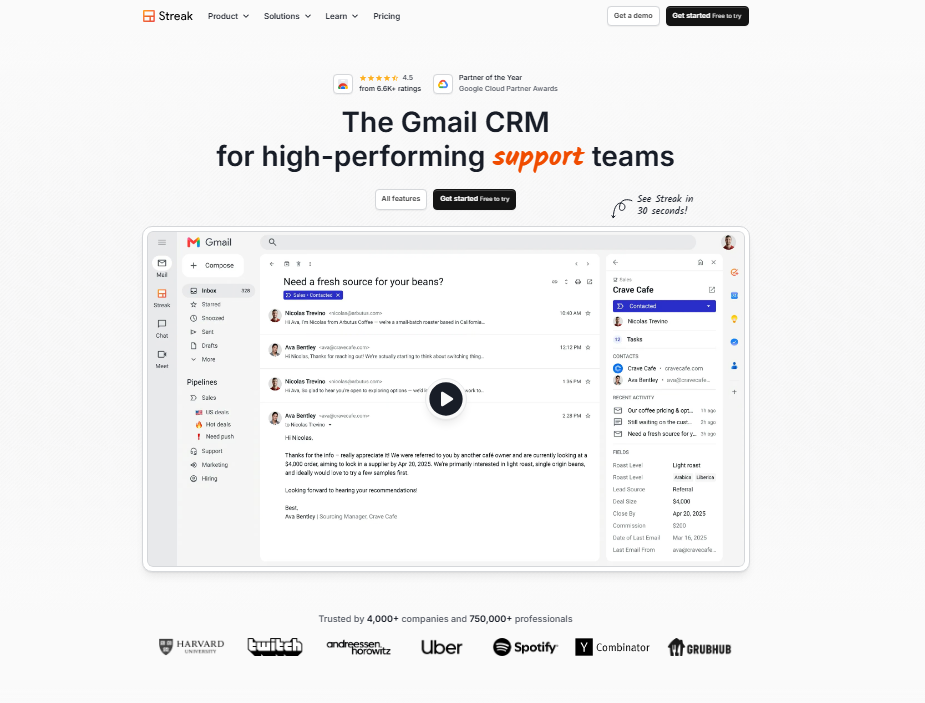
Your CRM pipeline sits directly inside your inbox as a sidebar. For a two-person team already living in Gmail, this is shockingly effective.
Best for: Solo founders and tiny teams that run their business from Gmail.
Free plan: Yes, for personal use.
Paid plans start at: $15/user/month.
6. Copper: Best for Google Workspace Teams
Copper is the CRM officially recommended by Google. It integrates deeply with Google Docs, Sheets, Calendar, and Meet.
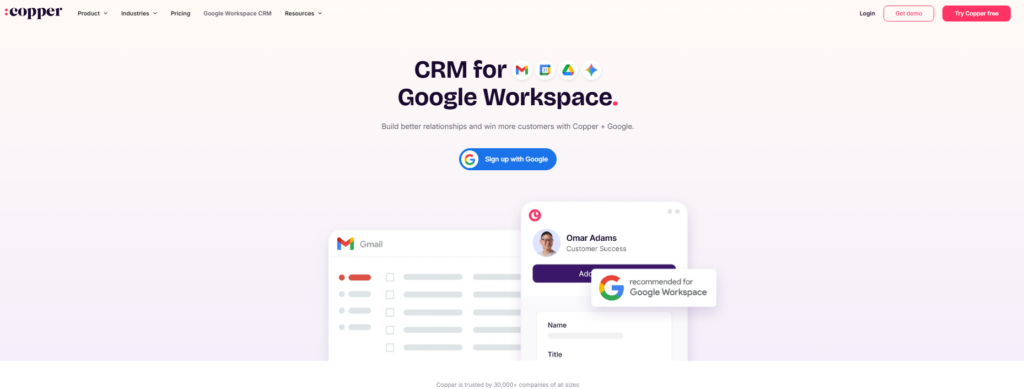
If your entire company runs on Google Workspace, Copper feels native in a way no other CRM matches.
Best for: Teams fully committed to the Google Workspace ecosystem.
Free plan: No.
Paid plans start at: $9/user/month.
7. Agile CRM: Best Free All-in-One for Micro Teams
Agile CRM offers a free plan for up to 10 users that includes sales, marketing, and service features in one dashboard.
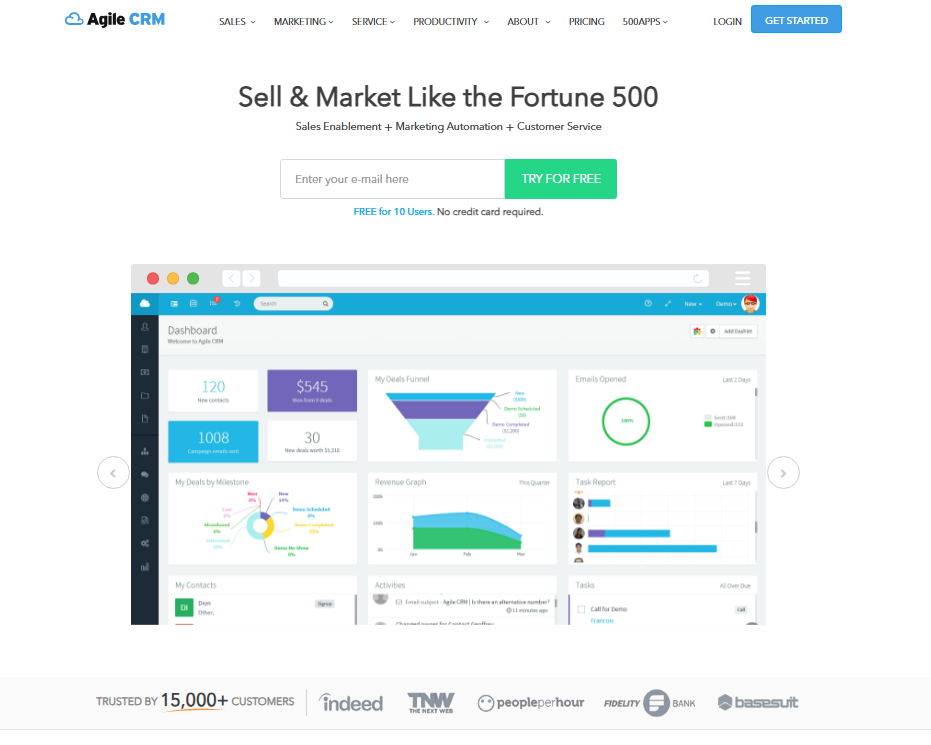
For a pre-revenue or very early startup, this gives you more functionality per dollar than almost anything else available.
Best for: Micro teams that want all-in-one functionality at zero cost.
Free plan: Yes, up to 10 users.
Paid plans start at: $8.99/user/month.
8. EngageBay: Best for Combined CRM and Marketing
EngageBay is the dark horse on this list. It combines CRM, email marketing, landing pages, live chat, and helpdesk into a single platform at pricing that undercuts most dedicated tools in each category.
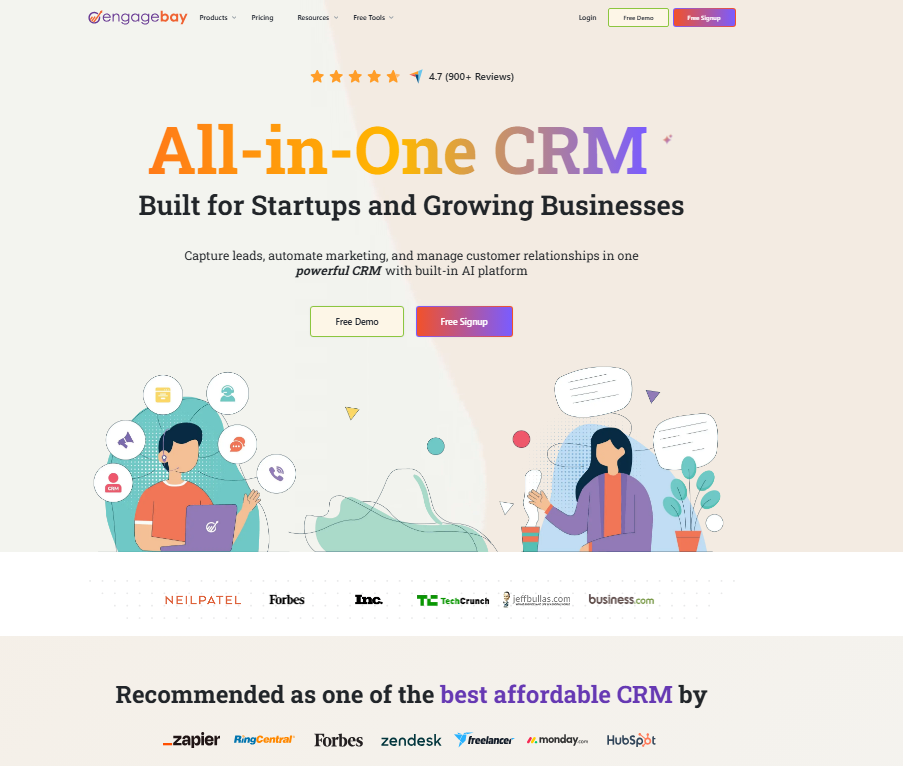
I was genuinely impressed by how much comes free.
Best for: Startups that want to avoid paying for separate CRM and marketing software.
Free plan: Yes, generous feature set.
Paid plans start at: $13.79/user/month.
How to Choose the Right CRM for Your Startup
Choosing a CRM is not about picking the one with the most features. It is about matching the tool to where your startup is right now and where it needs to be in 18 months.
Here is the framework I use when advising early-stage founders:
Audit your current process first. Write down how a lead enters your world today, what happens to it, and where deals get lost. Your CRM should fix those specific gaps.
Count your actual users. A solo founder needs different features than a five-person sales team. Over-buying seats wastes money you need elsewhere.
Check your existing tools. The CRM that integrates cleanly with your email, calendar, and billing tool will always win over a technically superior tool that requires complex workarounds.
Test the free plan seriously. Import 50 real contacts, build a pipeline, send a test email sequence. If the tool frustrates you in the first week, it will frustrate you daily forever.
Think 12 months ahead. What does your team look like at the next funding stage?
Pick a platform that does not require a painful migration when you double in size.
When Is the Right Time for Your Startup to Get a CRM?
The answer is earlier than most founders think.
I have spoken to dozens of startup operators who waited too long, usually until their spreadsheet broke or a critical deal fell through because nobody followed up.
The practical trigger points are: you are managing more than 20 active leads at once, you have more than one person touching deals, or you have reached 50+ customers and need to track renewals and upsells.
At any of those moments, a CRM pays for itself within weeks.
The part most guides leave out: the best time to set up your CRM is before you think you need it.
Building your contact history and pipeline data from day one means you always have clean data to work from as you grow.
Startup CRM Tips From My Testing
After running real sales workflows through all eight platforms, a few lessons stand out that most CRM guides never mention.
Start with fewer fields, not more. Every startup I have seen over-engineers its CRM setup on day one: 40 custom fields, five pipeline stages, complex lead scoring rules.
Then nobody fills in the data because it takes too long. Start with five fields maximum and add more only when you feel the actual pain of missing information.
Make someone the CRM owner. The fastest way to kill CRM adoption is to have no single person responsible for keeping data clean.
Even if it is a 30-minute weekly task, assign it to someone specific.
Use templates aggressively. Every CRM on this list offers email templates.
Build five strong follow-up templates in your first week. Your response time will improve immediately and your messaging will stay consistent across the team.
Track what matters, ignore the rest. Most startup dashboards show 15 metrics.
Pick three that tie directly to revenue: new leads added, deals advanced this week, and deals closed. Check those daily. Everything else is noise until you have more runway to analyze it.
Frequently Asked Questions About the Best CRM for Startups
What is the best free CRM for a startup in 2026?
HubSpot CRM offers the most complete free plan in 2026, covering contact management, pipeline tracking, email tools, and basic reporting. Agile CRM is a strong second choice if you need free access for up to 10 users. Both are genuinely usable at no cost, not just trial versions with a wall after 14 days.
When should a startup switch from spreadsheets to a CRM?
Switch when you are managing more than 20 active leads, have more than one person handling sales, or have reached around 50 customers. At those points, spreadsheets create more risk than they save in setup time. Most founders wish they had switched earlier once they see how fast data gets messy.
Is HubSpot or Zoho better for early-stage startups?
HubSpot wins for simplicity and onboarding speed, with most teams running within a day. Zoho CRM wins on customization and price per feature for teams that have slightly more complex sales processes. If you have never used a CRM before, start with HubSpot. If you have technical comfort and want more control, Zoho is the stronger long-term value.
Can a one person startup benefit from a CRM?
Absolutely. Solo founders often benefit most because there is no one else to catch dropped follow-ups or remind you to check in with a warm lead. Tools like Streak (Gmail native) or HubSpot’s free plan require zero team coordination and still give you a massive advantage over managing everything from your inbox alone.
What CRM features do startups actually use daily?
In my testing, the features used most every single day were pipeline views, email logging, task reminders, and contact notes. Advanced features like AI forecasting and multi-channel automation are valuable but typically get used once a startup passes the 10-person team threshold. Start simple and expand from there based on real friction.
Is Salesforce a good CRM for startups?
Salesforce is powerful but genuinely too complex and expensive for most early-stage startups. Setup alone can take weeks without dedicated admin support, and the pricing adds up quickly. Salesforce does offer a startup program with discounts, though. Most founders are better served by HubSpot or Zoho until they reach Series A scale and need Salesforce’s deeper customization.
Final Thoughts: Which Startup CRM Should You Choose?
After putting all eight through the same setup, my verdict is this: most startups are best served by HubSpot CRM to start, with Zoho CRM as the budget-conscious alternative that does not sacrifice capability.
The reasoning behind that recommendation is straightforward.
Both platforms offer real free plans, scale to larger teams without forcing a complete migration, and have ecosystems large enough that any integration you need almost certainly already exists.
In the end, the best CRM for startups is the one your team will actually open every day. A technically perfect CRM that nobody logs into is worth nothing.
Pick something that feels natural for how your team already works, get the data in from day one, and you will be ahead of 80% of your competitors who are still running their sales process from a shared spreadsheet.
Start with a free plan, take it seriously for 30 days, and let the results tell you whether you need to upgrade.
The investment of time in week one pays dividends every single week after that.