Key Takeaways:
The best datacenter proxies combine fast speeds, clean IP pools, and transparent pricing, not just a low per-IP cost.
Shared datacenter proxies work well for budget scraping; dedicated proxies are better when detection rates matter.
Providers like Bright Data, Oxylabs, Webshare, and Decodo lead the pack in 2026 for different use cases.
Datacenter proxies are faster and cheaper than residential proxies but easier for websites to detect.
Always test with a free trial before committing to a paid plan. Most top providers offer one.
If you’ve been researching the best datacenter proxies for web scraping, SEO monitoring, or price tracking, you’ve probably hit the same wall I did: every list ranks the author’s own product first.
I spent several weeks actually testing seven major providers against real scraping targets, tracking response times, block rates, and pricing honestly.
Below is what those tests actually showed, including the parts each provider would rather you skipped.
What Are Datacenter Proxies?
Datacenter proxies are IP addresses that live on servers inside commercial data centers, not assigned to real households by internet service providers.
Think of them like a relay station sitting between your request and the target website. Your real IP stays hidden, and the site sees the datacenter IP instead.
Raw speed is why they became the workhorse of the proxy world. Industry-grade hardware and dedicated uplinks mean you get low latency and high throughput.
Most providers offer unlimited bandwidth, which makes them great for high-volume scraping tasks.
There is a real trade-off here, though. The same commercial hosting that gives them their speed advantage also makes them easier to detect.
Websites know that real home users don’t come from Amazon Web Services or OVH data centers.
So the practical rule is this: datacenter proxies are best for targets with lighter bot protection, not heavily fortified sites like Google or Ticketmaster.
Shared vs. Dedicated Datacenter Proxies
Shared Datacenter Proxies
With shared proxies, you split an IP address with several other users. That works fine until two of you hit the same target at once and the site starts rate limiting the address for everybody on it.
Shared proxies are significantly cheaper, often running between $0.05 and $1.00 per IP, and they’re ideal for light scraping tasks on smaller websites.
For anything involving account management on social platforms, sneaker copping, or search engine scraping, shared IPs will get you burned quickly.
Too many users, too many suspicious requests, not enough breathing room.
Dedicated Datacenter Proxies
Dedicated proxies, also called private proxies, give you sole ownership of each IP address. Nobody else’s scraping behavior taints your reputation.
That exclusivity is exactly why dedicated proxies post higher success rates than shared ones, especially on moderately protected sites.
You’ll pay more, typically $1.20 to $3.00 per IP depending on the provider.
In practice the extra cost pays for itself the first time you stop losing a scraping session to a mid-run block.
For production scrapers, I’d always choose dedicated over shared.
How I Evaluated These Providers
Most comparison articles just rewrite the marketing pages of each provider.
That’s genuinely useless if you’re trying to make a real buying decision. Here’s what I actually tested across all seven providers over multiple weeks of real usage.
IP Pool Quality: Pool size means nothing without clean IPs. I checked subnet diversity and block rates against common scraping targets.
Performance Under Load: I ran concurrent connection tests and measured average response times in milliseconds, not just best-case numbers.
Real World Block Rates: I scraped e-commerce sites, search engines, and news aggregators, then tracked how often each provider’s IPs got flagged.
Pricing Transparency: Hidden fees and confusing billing tiers are a red flag. I looked at what you actually pay versus what the landing page advertises.
The Best Datacenter Proxy Providers for 2026
1. Bright Data: Best for Enterprise-Scale Operations
Bright Data is the provider I’d trust with a mission-critical scraping pipeline.
Trusted by 20,000+ customers worldwide, their datacenter pool exceeds 1.3 million IPs, and the infrastructure behind it is genuinely enterprise grade.
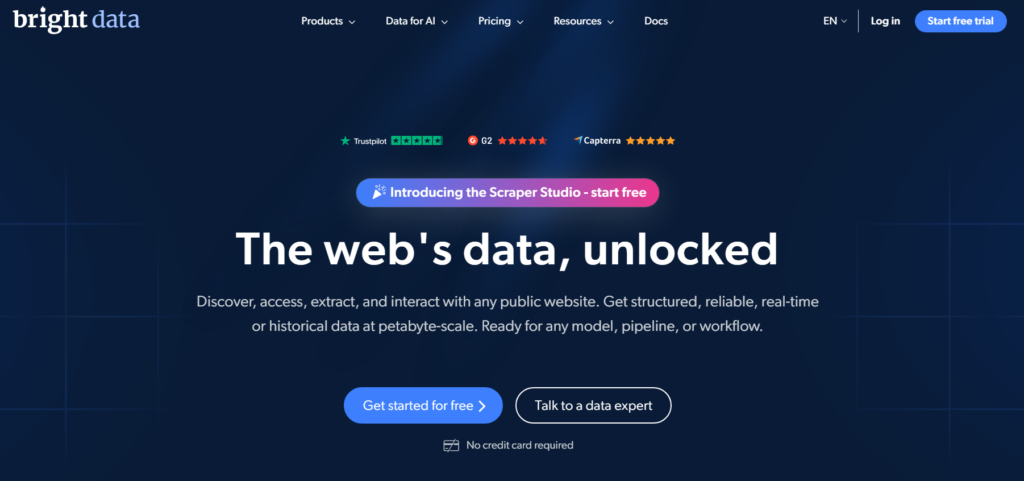
Pricing starts at $0.90 per IP with their unlimited datacenter proxy plans.
What I liked most about Bright Data is that their dashboard gives you granular controls: geotargeting, session management, and real-time usage stats, all in one clean interface.
The onboarding felt smooth, and their integration docs are thorough enough that I had a working setup in under 20 minutes.
Bright Data is genuinely overkill for small projects.
The pricing tiers can feel complex, and their customer support is excellent but tilted toward enterprise accounts.
If you’re running high-volume operations and need the deepest IP pool available, it’s the right call.
Best For: Large scale web scraping and enterprise data collection
Pricing: From $0.90/IP
Free Trial: Available
2. Oxylabs: Best for Large Dedicated IP Pools
Oxylabs consistently ranks at the top of independent performance benchmarks, and my testing confirmed why.
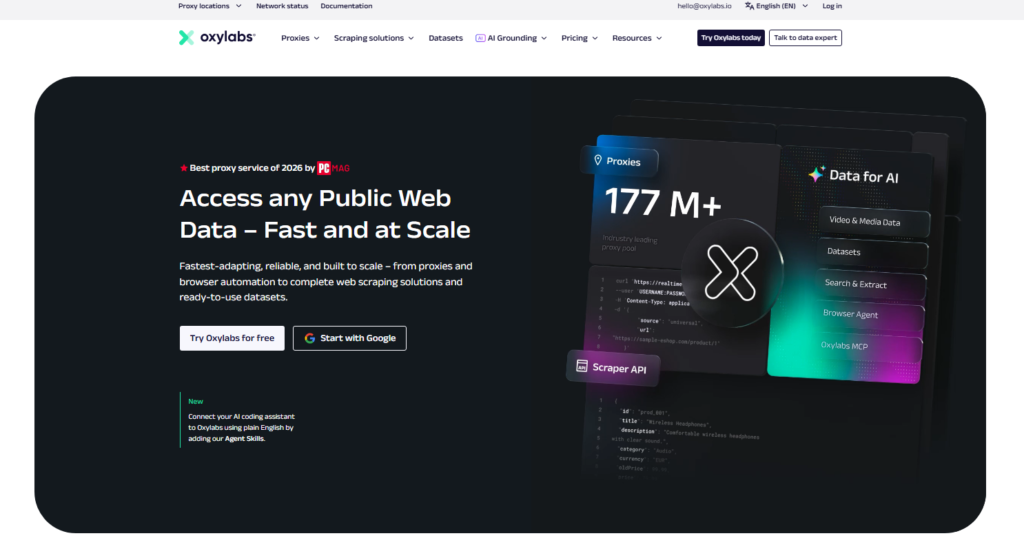
Their dedicated datacenter proxy pool is one of the largest available, with over 2 million dedicated IPs across key geographic locations. Pricing starts at $1.20 per IP.
What separates Oxylabs from the crowd is their commitment to certified data centers and upstream providers.
During my tests, their average response time was impressively low, and their block rates on ecommerce targets were among the best I recorded.
Right alongside that, their proxy management dashboard is one of the cleanest I’ve used, with everything where you’d expect it to be.
The downside I noticed is that their entry-level plans have minimum commitment requirements that can feel steep for individuals or small teams just starting out.
Best For: High-volume scraping requiring large dedicated IP pools
Pricing: From $1.20/IP
Free Trial: 5 IPs free, no credit card needed
3. Webshare: Best Free Tier and Self-Service
If you want to test datacenter proxies without committing a dollar, Webshare is where I’d send you first.
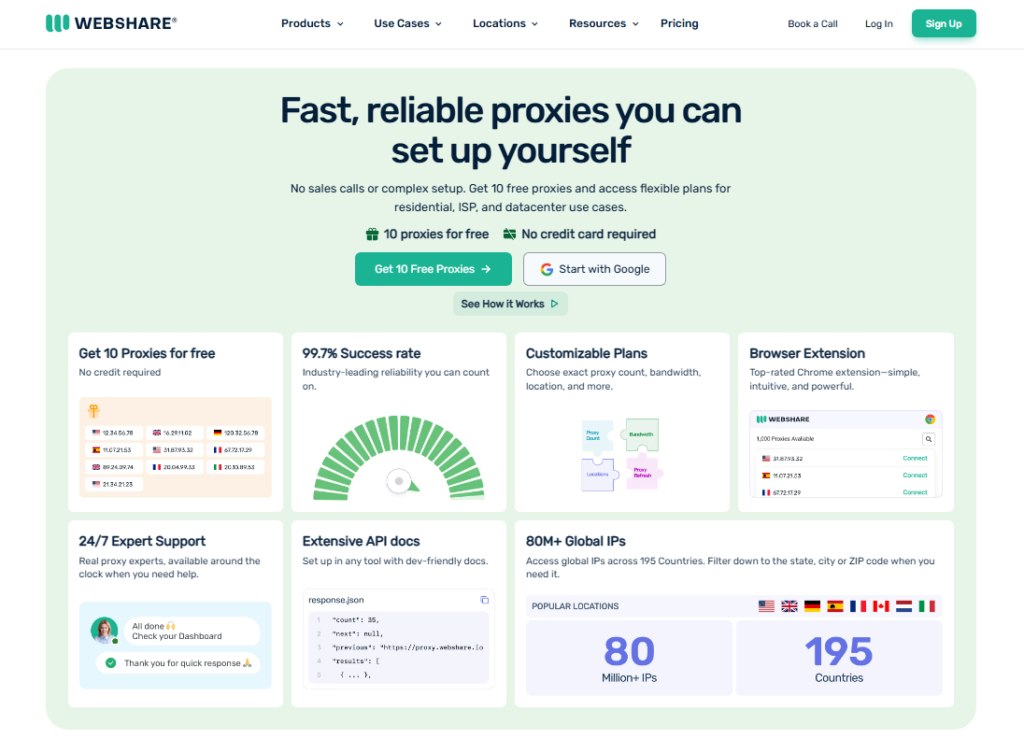
They offer 10 free proxies forever, a genuinely usable starting point that lets you validate your scraping setup before spending anything.
Webshare operates exclusively on Tier 1 data centers with dedicated bandwidth, which shows in the performance numbers.
Their modern proxy software replaces legacy tools like Squid and HAProxy, and their real-time protection layer actively works to prevent fingerprinting.
I found the dashboard intuitive from day one, and cleaner than most competitors at this price point.
Shared plans start at $0.05 per IP, making them the most budget-friendly option I tested.
At that price, of course, you are sharing IPs with multiple users, and it shows on heavily protected targets.
For lighter scraping workloads and SEO monitoring, Webshare is hard to beat on value.
Best For: Beginners and budget-conscious scrapers
Pricing: From $0.05/IP (shared), free tier available
Free Trial: 10 free proxies, no expiration
4. Decodo (Formerly Smartproxy): Best Price-to-Performance Ratio
Decodo rebranded from Smartproxy but kept everything that made the original popular: solid performance, reasonable pricing, and a well documented API.
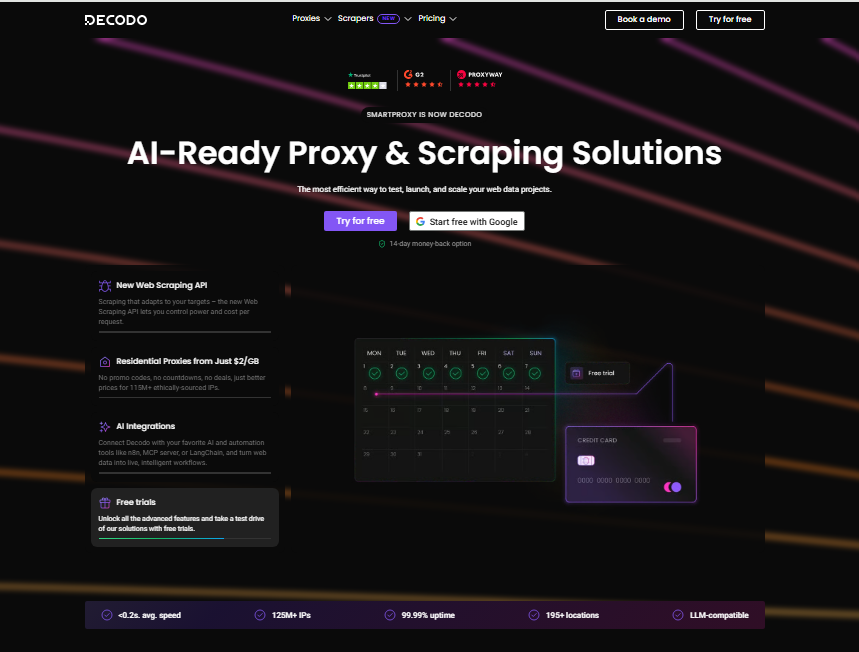
In my testing, they offered one of the best balances between cost and actual scraping success rate.
Their datacenter proxy plans include both per IP and per GB billing options, which is flexible enough to fit most use cases.
I ran Decodo against mid-complexity ecommerce targets and saw consistent response times well under 500ms.
Right alongside that, their rotating datacenter proxy feature mimics the behavior of residential pools without the price jump.
Their support chat also stays responsive during off-peak hours, which almost no Decodo write-up bothers to mention. That matters when you’re debugging a production scraper at midnight.
Best For: Teams wanting strong performance without enterprise pricing
Pricing: Per IP or per GB, free trial available
Free Trial: Available
5. IPRoyal: Best for Non-Expiring Traffic
IPRoyal’s biggest differentiator is their flexible, no commitment plan structure. Traffic doesn’t expire, which means you’re not racing against a monthly reset clock.
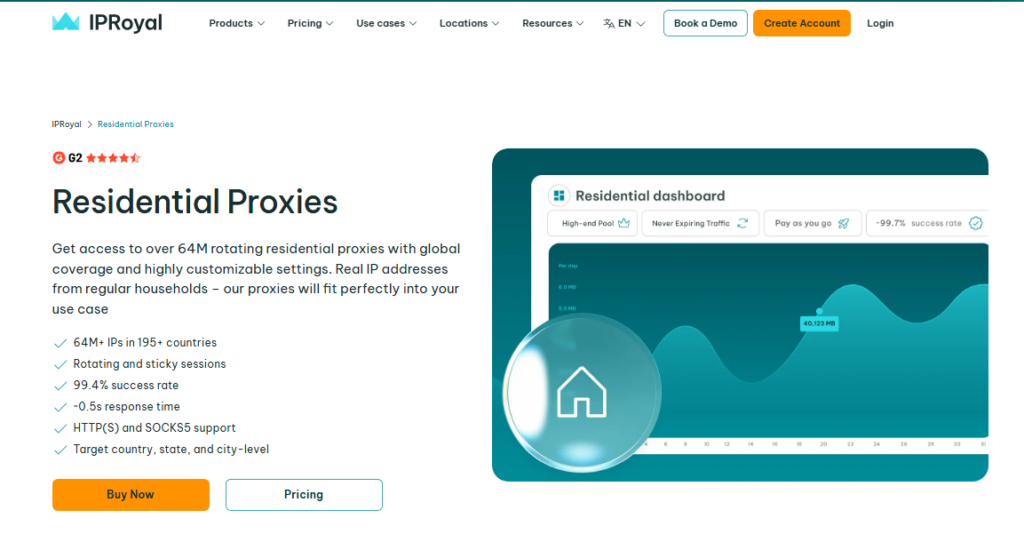
For sporadic or project-based scraping, that is genuinely useful: unused traffic rolls forward instead of disappearing when the billing cycle turns over.
Pricing starts at $1.39 per IP. Their dedicated datacenter proxies come with fast response times, no downtime issues in my tests, and a full-service dashboard that covers everything from IP rotation to usage analytics.
Block rates were solid on standard ecommerce and data aggregation targets.
IPRoyal’s IP pool is smaller than what Bright Data or Oxylabs can offer.
If geographic diversity is your priority, you may find the options limited.
Pricing simplicity is what keeps their users around: no confusing tier math, just straightforward per-IP costs.
Best For: Project-based scraping with flexible timelines
Pricing: From $1.39/IP
Free Trial: Available
6. Rayobyte: Best for Ethical Sourcing Focus
Rayobyte (formerly Blazing SEO Proxies) is a provider I hadn’t given enough credit to before this round of testing.
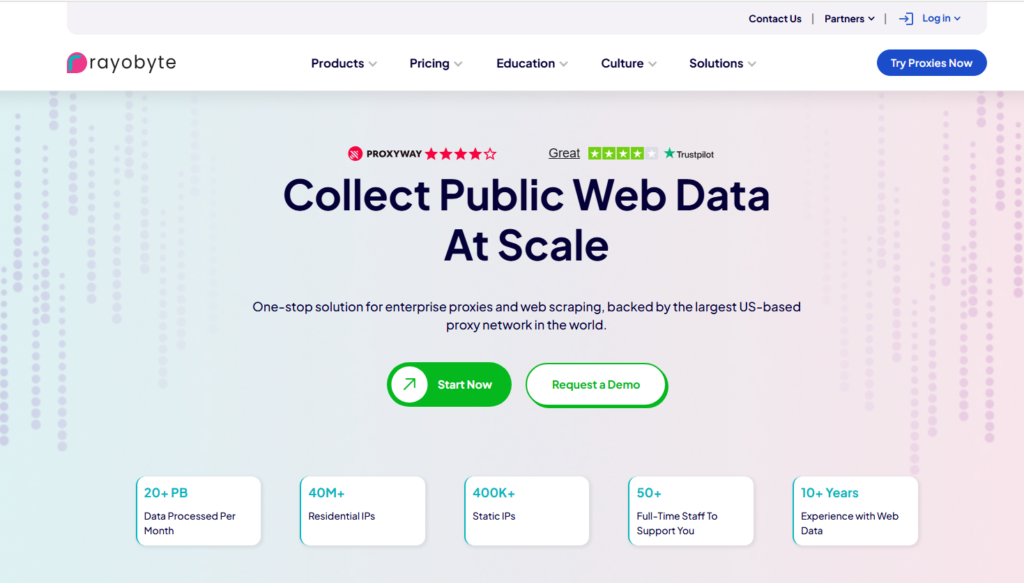
Rayobyte publishes unusually clear detail about their ASN diversity, and that spread directly affects how detectable your proxies are across different targets. Competing write-ups almost never look at it.
Their dedicated datacenter proxies are hosted on premium hardware and priced competitively.
They also offer ISP proxies as an upgrade path when you need residential level detection resistance without residential prices.
During my two-week test period, their block rates on SEO monitoring tasks were among the lowest recorded.
Best For: SEO professionals and mid-scale scraping
Pricing: Competitive per IP pricing, plans vary
Free Trial: Available on request
7. DataImpulse: Best for Pay-As-You-Go Flexibility
DataImpulse caught my attention because of their straightforward pay-as-you-go model that doesn’t lock you into monthly subscriptions.
For teams that run irregular scraping cycles, this removes the frustration of paying for unused capacity.
Their datacenter IP pool is respectable in size, and in my testing, connection stability was solid throughout extended sessions.
What I liked most is that their pricing doesn’t suddenly spike as you scale. The per-GB cost stays predictable, which makes budget planning much easier for growing operations.
Best For: Irregular scraping workloads and startups
Pricing: Pay as you go, per GB model
Free Trial: Available
Quick Comparison of Top Datacenter Proxy Providers
| Provider | Starting Price | Best For | Free Trial |
|---|---|---|---|
| Bright Data | $0.90/IP | Enterprise scale operations | Yes |
| Oxylabs | $1.20/IP | Large dedicated IP pools | 5 free IPs |
| Webshare | $0.05/IP | Budget and beginners | 10 free forever |
| Decodo | Per IP or per GB | Price to performance ratio | Yes |
| IPRoyal | $1.39/IP | Non-expiring traffic | Yes |
| Rayobyte | Competitive | SEO and ASN diversity | On request |
| DataImpulse | Pay as you go | Irregular workloads | Yes |
Datacenter Proxies vs. Residential Proxies: When to Upgrade
This is a question I get asked constantly, and the answer depends entirely on your target, not on your budget.
Stick with datacenter proxies when:
- You’re scraping websites without aggressive bot detection
- Speed and cost per request matter more than stealth
- You’re doing SEO monitoring, price tracking, or data aggregation at scale
- You need unlimited bandwidth without paying residential rates
Switch to residential proxies when:
- Your targets are social media platforms, sneaker sites, or Google
- You’re managing multiple accounts that require authentic ISP assigned IPs
- Block rates with datacenter IPs are consistently above 20-30% on your target
Most people who overspend on residential proxies never needed them in the first place. Run datacenter proxies first.
Upgrade only when the block rates make the economics worse than paying more per IP for residential.
Datacenter Proxy Tips I Learned the Hard Way
After two weeks of real-world testing across seven providers, here are the things I wish I’d known before I started:
Rotate your IPs even with dedicated proxies. Even private IPs can accumulate detection signals if you hammer a single target from the same address.
Build rotation into your scraper from day one.
Subnet diversity matters more than raw pool size. A provider with 50,000 IPs spread across 500 different subnets will outperform one with 500,000 IPs from three ASNs.
Ask providers about their subnet distribution before buying.
Test on your actual targets, not benchmark sites. Every proxy review uses generic test URLs.
Your real target may behave completely differently. Always use a free trial to test against your specific scraping target.
Match billing models to your scraping pattern. If you scrape in short, intense bursts, pay-as-you-go wins.
If you run continuous daily pipelines, monthly per IP plans are cheaper. The math here is simple but often ignored.
Frequently Asked Questions About Datacenter Proxies
Are datacenter proxies detectable by websites?
Yes, websites can detect datacenter proxies because their IP ranges belong to commercial data centers, not residential ISPs. Sites use fraud scoring tools and IP reputation databases to flag these addresses. Dedicated proxies reduce detection risk compared to shared ones, but no datacenter proxy is completely undetectable on heavily protected targets.
What is the difference between shared and dedicated datacenter proxies?
Shared proxies are used by multiple customers simultaneously, making them cheaper but less reliable for sensitive tasks. Dedicated proxies are exclusive to one user, giving better performance and lower block rates. Shared plans suit light scraping; dedicated plans are worth the extra cost for production level operations where consistency matters.
How do datacenter proxies compare to ISP proxies?
ISP proxies use IPs assigned by real internet service providers but hosted in data centers, giving you the speed of datacenter infrastructure with the legitimacy of a residential IP origin. They sit between datacenter and residential proxies in both cost and detectability, making them a strong middle-ground option for moderately protected websites.
Can I use datacenter proxies for social media management?
Social media platforms like Instagram, Twitter, and LinkedIn aggressively flag datacenter IP ranges. For account management tasks, residential or mobile proxies are a far safer choice. Datacenter proxies work reasonably well for read only monitoring of public social media data, but not for logging into or managing actual accounts at scale.
What should I look for when choosing a datacenter proxy provider?
Focus on IP pool quality and subnet diversity over raw pool size. Check whether pricing is per IP or per GB and which model suits your usage pattern. Verify that a free trial is available so you can test block rates on your actual target. Prioritize providers with transparent pricing and responsive technical support.
Do datacenter proxies come with unlimited bandwidth?
Most dedicated datacenter proxy plans offer unlimited bandwidth since the IPs are hosted on high speed commercial servers. Shared and rotating datacenter plans sometimes use bandwidth based billing instead. Always read the plan details carefully, since unlimited bandwidth is a genuine advantage of dedicated datacenter proxies over residential alternatives.
Which Datacenter Proxy Should You Actually Buy?
After testing all seven providers in real world scraping conditions, here’s my honest summary: there is no single best datacenter proxy for everyone.
The right choice comes down to matching a provider’s strengths to your specific workload.
If you’re running enterprise scale data collection, Bright Data’s massive IP pool and infrastructure depth are worth the premium.
For the best dedicated IP pool at competitive pricing, Oxylabs is my top pick.
Webshare is the clear winner for anyone starting out or working with a tight budget. That permanent free tier is genuinely useful, not a bait-and-switch.
Decodo earns its place as the best all-around price-to-performance option for growing teams.
IPRoyal is the one I’d recommend to anyone running irregular projects where traffic expiration is a constant frustration.
Rayobyte deserves more credit for ASN diversity, and DataImpulse is perfect for pay-as-you-go flexibility.
Start with a free trial on the provider that matches your use case.
Test against your real targets. Let the actual block rates and response times make the decision for you, not the marketing copy.