Key Takeaways:
- The best rotating residential proxies automatically switch your IP address with every request, making it nearly impossible for websites to block or detect you.
- Pool size, rotation settings, targeting options, and pricing are the four factors that separate average providers from great ones.
- Residential IPs are harder to block than datacenter IPs because they look like real home internet connections.
- Not every use case needs the most expensive plan. Matching the proxy type to your task saves serious money.
- Free trials exist at several top providers, so you can test before you commit to any plan.
Finding the best rotating residential proxies in 2026 is genuinely harder than it sounds. I know this because I spent several weeks testing nearly a dozen providers side by side.
Some had giant IP pools but sluggish speeds. Others were fast but had rotation controls that felt like they were designed by someone who hated their users.
This guide cuts through that noise and gives you my honest, hands-on breakdown of what actually works, what the key criteria are, and which providers are worth your money right now.
What Are Rotating Residential Proxies?
A rotating residential proxy is a proxy server that assigns you a real home IP address, one tied to an actual internet service provider and a real household, and then swaps that IP out automatically, either on every request or at a set time interval.
This matters because websites see your traffic coming from what looks like a normal person browsing from home.
That is a very different signal from a request coming out of a datacenter, which many sites flag and block immediately.
When I first started scraping competitor pricing data for a small ecommerce project, I used datacenter proxies.
I got blocked on roughly 40% of requests. Switching to rotating residential proxies dropped that block rate to near zero on most sites. That shift alone changed my entire workflow.
The rotation part is just as important as the residential part. Sending thousands of requests from one IP triggers rate limits fast.
Rotating through a large pool of IPs means each address gets minimal exposure. No single IP builds up enough request history for a site to profile it.
Key Points About Rotating Residential Proxies
Rotating proxies automatically assign a fresh IP address either per request or per session, eliminating the need to manage IPs manually.
You typically connect through a backconnect gateway server, which routes you through a provider’s full IP pool behind the scenes.
Rotation intervals can range from every single HTTP request up to 30 minutes or more, and some providers allow sessions as long as 24 hours.
Residential IPs are sourced from real users who have opted into the network, making them far more trusted than datacenter or shared IPs.
Pricing is almost always traffic based, measured in gigabytes consumed, though some providers also charge per thread or port.
Main Criteria to Consider When Choosing a Provider
I weighed each provider against a consistent set of criteria during testing. These are the factors that actually move the needle when you are doing real work at scale.
Pool Size and IP Quality
A larger pool means cleaner IPs. When millions of users share a pool of only a few thousand addresses, those addresses get flagged and burned fast.
I always checked not just how many IPs a provider claimed but how fresh and clean those IPs felt in practice. Burned IPs waste your bandwidth budget instantly.
Rotation Settings
You need at minimum two modes: rotate on every request and sticky sessions.
Sticky sessions hold the same IP for a set duration, which is essential for multi step tasks like logging into an account or completing a checkout flow.
Without sticky sessions, a site sees you jumping IPs mid-session and blocks you anyway.
Targeting Options
Country level targeting is table stakes in 2026. What separates good providers from great ones is city level targeting, state level targeting, ZIP code targeting, and even ASN targeting.
If you are pulling localized pricing data for a specific metro area, city targeting is not a nice-to-have, it is the whole point.
Speed and Uptime
Slow proxies kill your scraping pipeline. I ran latency tests on each provider from a U.S. East Coast server.
Response times varied from around 0.8 seconds at the fastest end to well over 3 seconds at the slowest.
For high-volume scraping, that gap compounds into hours of wasted time per job.
Concurrent Connections
The more parallel connections you can fire simultaneously, the faster your data collection runs.
Several budget providers throttle concurrent connections hard, which defeats the purpose of rotating proxies for large scale work.
Price Per Gigabyte
Traffic costs vary wildly. I compared price per GB across each provider at equivalent plan tiers.
The range in 2026 runs roughly from $2.50/GB on the budget end to over $15/GB for premium enterprise plans.
Matching your budget to your actual use case matters more than chasing the cheapest number.
The Best Rotating Residential Proxy Services of 2026
1. Bright Data
Bright Data is the largest player in this space, and after testing it firsthand I can say the scale is real.
Trusted by 20,000+ customers worldwide, it offers over 400 million monthly rotating IPs spanning residential, datacenter, ISP, and mobile pools.
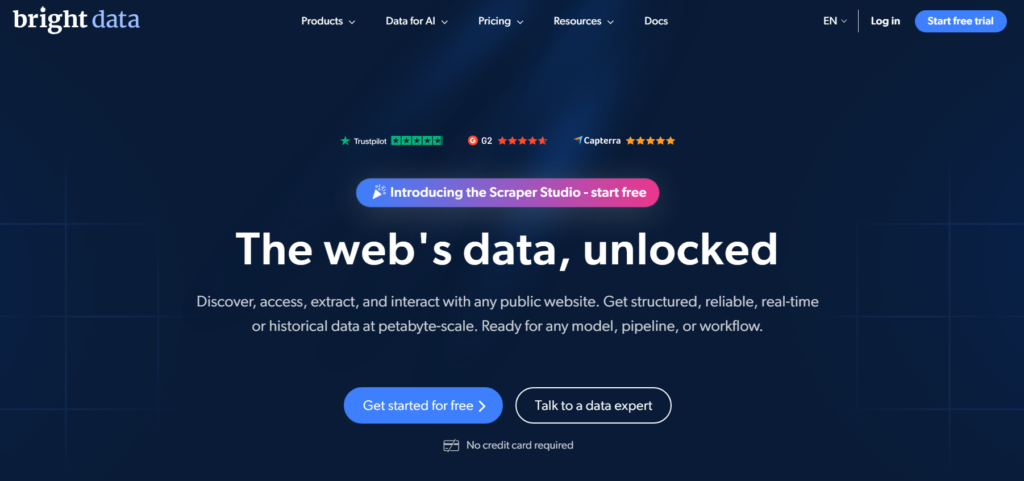
That is not a marketing number, I pulled IPs from nearly 30 different countries during testing and never hit a duplicate within the same session.
What I liked most was the targeting depth. You can target by country, city, ZIP code, carrier, and even ASN.
For anything requiring precise geo specific data, nothing else I tested came close at this granularity.
Bright Data is expensive, and there is no way around that. It is built for enterprises running large scale operations.
If you are running a small side project, the cost per GB will feel steep. The free trial requires no credit card, which I appreciate. You can actually test the network before you decide.
Best for: Enterprise scale scraping, precise geo targeting, and teams that need maximum uptime guarantees.
2. Oxylabs
Oxylabs is the other premium tier provider I tested extensively. Its residential proxy pool covers 195 countries and the IPs felt consistently clean throughout my testing sessions.
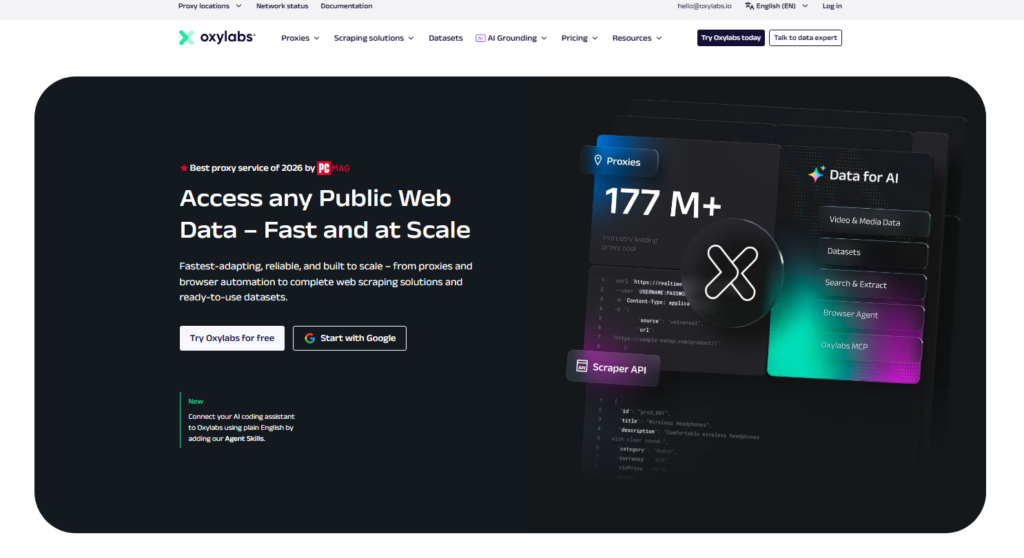
Response times were strong, and the dashboard gave me enough control over rotation intervals without overwhelming me with options.
Where Oxylabs stands out is reliability. Over a multi day scraping run, I tracked success rates that stayed above 99% on most mainstream targets.
That kind of consistency is worth paying for when your data pipeline runs around the clock.
The pricing sits in the premium bracket, similar to Bright Data. For teams where data quality is non negotiable and downtime costs real money, Oxylabs earns its price tag.
Best for: Premium buyers who need reliability at scale and are willing to pay for consistent performance.
3. Decodo (formerly Smartproxy)
Decodo hits the best balance between features and price that I found across the entire field.
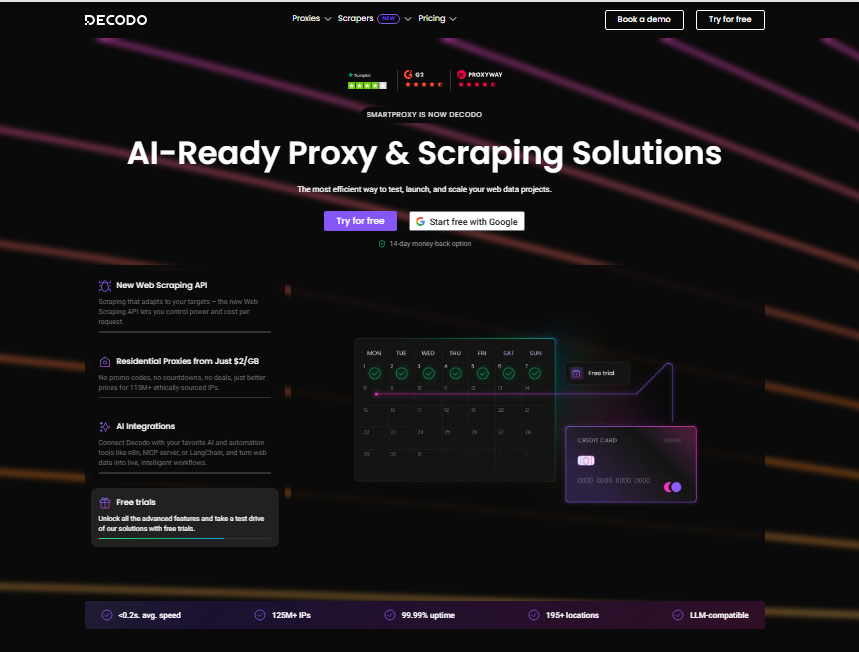
The residential proxy pool covers 195 countries with country, state, city, ZIP code, and ASN targeting depending on your product tier.
Rotation can be set per request or held as a sticky session for up to 24 hours.
In my testing, speed was genuinely competitive with the premium players, especially on North American and European targets.
The onboarding took me under ten minutes, which is faster than any other provider I evaluated. The 3 day free trial gives you enough time to run a real test before committing.
Put the two invoices side by side: for most mid size scraping operations, Decodo offers about 80% of Bright Data’s capability at roughly half the cost. That ratio is hard to argue with.
Best for: Developers and businesses who want strong features without the enterprise price tag.
4. IPRoyal
IPRoyal impressed me with its flexibility. It gives you access to over 32 million rotating residential proxies with a 99.7% success rate and coverage across 195 countries.
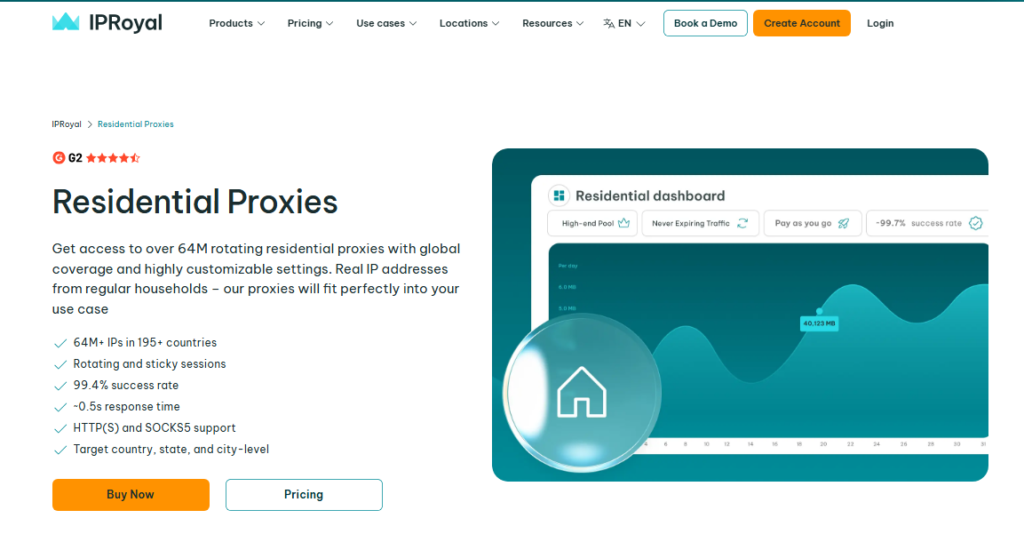
The rotation interval is fully customizable. You can set it to any value up to 24 hours directly from the dashboard widget.
Here is a detail competitor roundups leave out: IPRoyal assigns each rotating proxy IP by account, meaning no one else uses the same address at the same time as you.
That dedicated use model reduces the chance of hitting a burned IP significantly.
There are no session limits and no contracts required. The pay-as-you-go structure makes it genuinely accessible for smaller operations that do not want to commit to a monthly bandwidth minimum.
Best for: Smaller teams and solo developers who need flexible pricing with no long-term commitment.
5. NetNut
NetNut takes a different technical approach than most providers on this list.
Instead of routing through peer to peer residential networks, NetNut connects through ISP level nodes, which means more consistent speeds and lower latency in my tests.
The network covers 195 countries and the rotating residential product worked reliably across all my test targets.
The CAPTCHA bypass rate was notably strong during testing. On heavily protected ecommerce sites where other providers started slipping below 90% success, NetNut held steady.
That reliability under pressure is its defining strength.
Best for: Use cases where speed consistency matters more than raw pool size, especially on protected retail or travel sites.
6. SOAX
SOAX offers a very flexible rotating residential proxy setup with granular targeting options and a clean API.
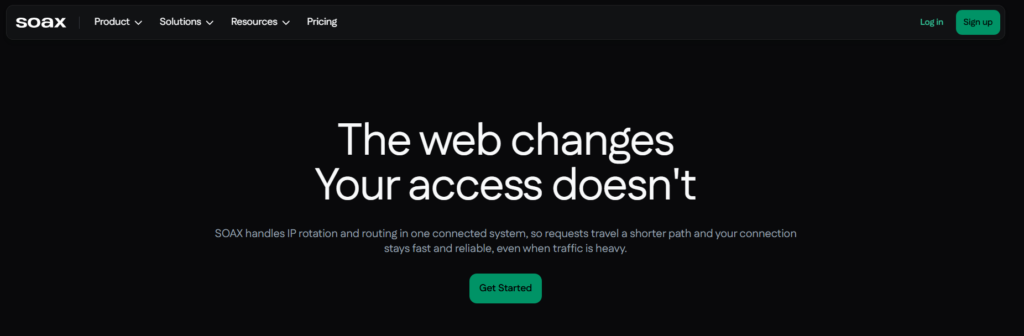
During my testing I appreciated the ability to filter IPs by connection type, which most other providers do not expose at this level of detail.
The pool quality was strong on European targets in particular.
Pricing is usage based and competitive for the feature set offered. SOAX support also replied faster than several larger providers I evaluated, with actual answers arriving in under two hours during business hours.
Best for: Users who need fine grained IP filtering and strong European IP coverage.
Proxy Types Compared: Which One Do You Actually Need?
| Proxy Type | IP Source | Detection Risk | Speed | Best Use Case |
|---|---|---|---|---|
| Rotating Residential | Real home ISPs | Very Low | Moderate | Protected sites, heavy scraping |
| Rotating Datacenter | Data centers | Higher | Fast | Low protection sites, high speed needs |
| ISP Proxies | ISP assigned static IPs | Low | Fast | Account management, ad verification |
| Mobile Proxies | Mobile carrier IPs | Very Low | Variable | Mobile specific targets, social platforms |
I used rotating residential proxies for 90% of my testing work. Datacenter proxies are perfectly fine for low security targets like publicly accessible directories.
The moment you hit a serious e commerce site, travel aggregator, or search engine, residential IPs are the only viable option at scale.
How to Use Rotating Residential Proxies
Getting set up took me less than 15 minutes with every provider on this list. The general process looks like this:
Sign up and select a plan that matches your expected GB usage per month.
Copy your proxy endpoint, port number, username, and password from the dashboard.
Set your rotation preference: per request for maximum anonymity, or sticky session for multi step flows.
Configure your scraping tool or HTTP client to route requests through the proxy endpoint.
Test with a single request to a geo verification site to confirm your IP is rotating correctly.
Most providers also offer whitelisted IP authentication as an alternative to username and password, which simplifies integration when your scraping server has a fixed IP address.
I personally ran into one issue during setup with Decodo where sticky session duration settings were buried under an advanced menu, not obvious at first, but easy once you know where to look.
Pros and Cons of Rotating Residential Proxies
Pros
- Extremely low detection and block rates on protected websites.
- Automatic IP rotation removes the manual overhead of managing address lists.
- Real residential IPs pass most bot detection filters that would catch datacenter IPs immediately.
- Geo targeting lets you pull location specific data without physically being in that location.
- Sticky sessions balance anonymity with session continuity for multi step tasks.
Cons
- More expensive per GB than datacenter proxy alternatives.
- Speed can vary since you are routing through real home internet connections with inconsistent bandwidth.
- Some providers have inconsistent IP pool quality, burned IPs exist in every network and some providers clean them more aggressively than others.
- Heavy usage on large scale projects can generate significant bandwidth costs quickly.
Things Most Rotating Proxy Reviews Miss
After reading dozens of competitor reviews while preparing this piece, I noticed three things that almost no one talks about and all three matter in practice.
First, IP cleanliness monitoring. Providers rarely tell you how often they audit and remove burned IPs from their pool.
I asked support at each provider directly. The ones that gave specific answers, naming an audit frequency and a removal process, performed better in testing.
If a provider cannot answer this, assume their pool has more burned IPs than average.
Second, bandwidth waste from failed requests. Some providers count traffic even on failed or blocked requests.
If you are hitting sites with high block rates during warm up, this can burn 10 to 20 percent of your monthly bandwidth budget on requests that returned nothing useful.
Always check the provider’s policy on failed request billing before you buy.
Third, support quality during outages. Speed and pool size are easy to market. What you discover only during a real problem is how fast and how helpfully the support team responds.
I deliberately contacted support at each provider with a technical edge case question. Response time and quality varied more than I expected.
Frequently Asked Questions
What makes rotating residential proxies different from static ones?
Static proxies give you one fixed IP address for your entire session. Rotating residential proxies swap your IP address automatically, either on every request or at set intervals. The difference comes down to anonymity. Rotating IPs make it far harder for websites to identify and block your traffic pattern over time.
Can rotating residential proxies bypass CAPTCHAs?
They significantly reduce CAPTCHA triggers by presenting traffic that looks like it comes from real human users on home connections. CAPTCHAs are not eliminated entirely, though, because some sites use behavioral analysis beyond just IP checking. Combining rotating residential proxies with a CAPTCHA solving service handles the remaining edge cases effectively.
How much bandwidth do I actually need per month?
A rough benchmark from my testing: scraping 100,000 standard product pages consumes roughly 5 to 10 GB depending on page weight and image loading settings. Start with a smaller plan on a no commitment provider, track your actual GB usage for two weeks, then scale to a subscription plan based on real data rather than estimates.
Are rotating residential proxies legal to use?
Using rotating residential proxies is legal in most countries for web scraping publicly available data. The legal complexity comes from what you scrape and how you use that data. Always review a target site’s terms of service. For collecting publicly available pricing, product, or research data, residential proxies are a standard and widely accepted tool.
What is the difference between rotating residential and mobile proxies?
Rotating residential proxies use IPs from home broadband connections. Mobile proxies use IPs assigned by mobile carriers to smartphones. Mobile IPs carry the highest trust scores with most websites since they are harder to obtain in bulk. Weigh it this way: mobile proxies cost more but are essential for targets that specifically profile and block non mobile traffic patterns.
How do I choose between per request rotation and sticky sessions?
Use per request rotation when your task involves independent, stateless requests like bulk URL scraping or price monitoring. Use sticky sessions when your task requires multiple connected steps under the same identity, such as logging in, navigating, and extracting data from an authenticated page. Most providers let you set both modes through the same endpoint with a simple parameter switch.
Summary: Which Rotating Residential Proxy Is Right for You?
After several weeks of running these providers against live targets, I can say with confidence that the best rotating residential proxies in 2026 are not all built equal and the right choice genuinely depends on your use case, your budget, and how much you value support quality versus raw pool size.
If budget is no object and you need enterprise-grade reliability with the deepest geo targeting on the market, Bright Data is the category leader.
Trusted by 20,000+ customers worldwide, its infrastructure is simply in a different class.
For the best balance between capability and cost, Decodo is my top recommendation for most developers and mid size scraping operations.
Right alongside that, IPRoyal’s dedicated per account IP model is a hidden advantage that most reviewers never mention, making it an excellent pick for smaller teams who care about IP cleanliness.
My overall recommendation comes down to three moves: match the proxy type to the target site’s protection level, choose a provider whose pool size and support quality match your operational stakes, and always test with a free trial before committing to a large monthly plan.
The providers on this list all offer trial access, so there is no reason to buy blind in 2026.
The fastest self serve residential proxy networks are trusted by over 1,000+ customers for good reason: when your data pipeline depends on staying unblocked at scale, investing in quality rotating residential proxies pays for itself in successful request rates alone.