Quick Verdict
| Rating: | 4.4/5 |
|---|---|
| Price: | From $199/year |
| Best For: | WordPress site owners building serious online courses |
| Our Take: | A powerful, flexible LMS plugin that rewards those willing to climb its learning curve |
This LearnDash review is based on running the plugin on two live WordPress sites, building courses in it and putting the quiz engine through its paces.
I built real courses, pushed the quiz system hard, and ran into the same walls your future students might hit.
My verdict up front: LearnDash is the most capable WordPress LMS I have tested, but it is not the simplest road to travel.
What Is LearnDash?
LearnDash is a WordPress plugin that turns your existing site into a full learning management system.
You can create courses, bundle them into groups, set prerequisites, drip content on a schedule, and collect payments all without leaving WordPress.
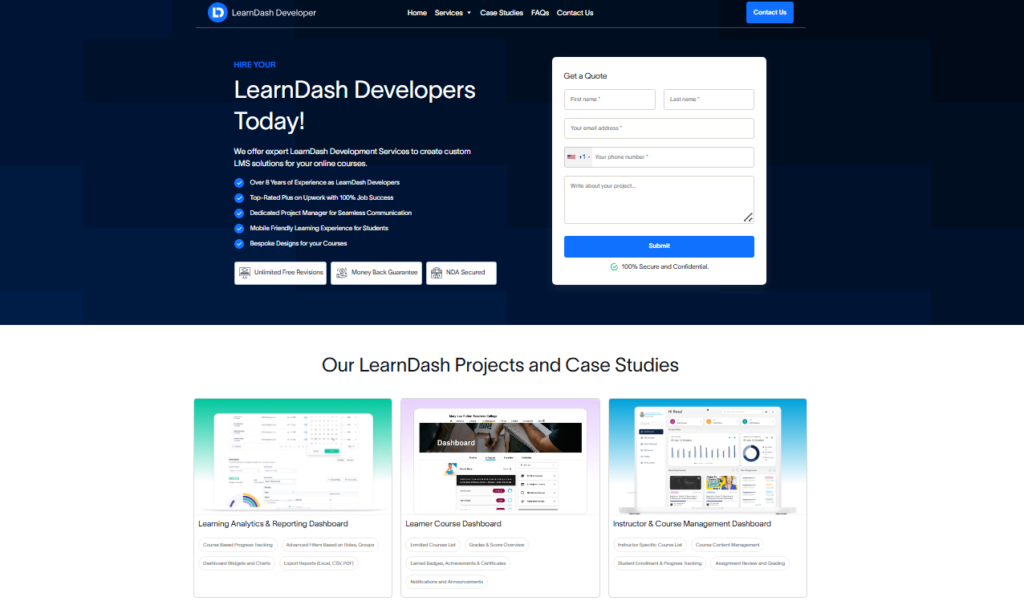
It was built for educators, corporate trainers, universities, and solo course creators who want complete ownership of their platform.
Unlike hosted solutions such as Teachable or Thinkific, your data stays on your server and you keep more revenue.
The plugin has been around since 2012 and currently powers over 50,000 courses worldwide. That track record matters when you are betting your business on a platform.
LearnDash Overview: Setting the Stage
Hosted platforms rent you space on someone else’s system.
LearnDash hands you the whole stack: the course structure, the payment flow, and the student data are yours to configure.
When I first installed it on a fresh WordPress install, the setup wizard walked me through linking my license, choosing a course template, and configuring basic enrollment settings in about 20 minutes. That is quick for a tool with this much under the hood.
The real power shows up once you start nesting content. LearnDash uses a three-tier structure: Courses contain Sections, Sections contain Lessons, Lessons contain Topics and Quizzes.
That hierarchy lets you build anything from a simple five-lesson mini course to a multi-module certification program.
Ease of Use: Navigating the LearnDash Interface
Crafting Courses with the Builder
The drag-and-drop course builder is clean enough. I dragged lessons into order, created sections with a single click, and moved quizzes between lessons without touching code.
What I noticed, though, is that the builder lives inside a custom WordPress meta box, not a full page editor, so it can feel cramped on smaller screens.
First-time users will need 30 to 60 minutes to understand the full content hierarchy. Once that mental map clicks, building moves quickly.
I built a 12-lesson course with three quizzes in under two hours on my second attempt.
Testing the Quiz Builder
The quiz system is genuinely impressive. I tested eight question types including multiple choice, fill-in-the-blank, sorting, and essay.
You can set time limits, randomize question order, restrict retakes, and assign custom pass scores per quiz. That level of control is rare even in dedicated quiz tools.
The weak spot is that the interface for building quizzes looks noticeably older than the rest of the plugin. It works, but it looks like it was designed in a different era. Expect a small adjustment period.
Extending Functionality Through Add-Ons
LearnDash ships with a solid core, but the real depth comes through official and third-party add-ons. The ProPanel dashboard gives admins live reporting on student progress.
The Achievements add-on handles badges and certificates. WooCommerce integration opens up advanced payment scenarios.
I connected LearnDash to a membership plugin and had gated access working in under an hour. The ecosystem is mature enough that almost any feature you need already has a proven solution.
Key Features of LearnDash in 2026
1. Powerful Course Builder
The visual builder handles complex course structures without breaking a sweat. You can reorder everything with drag and drop, set completion requirements per lesson, and enforce sequential learning so students cannot skip ahead.
In my testing, I never lost content during a save, which matters more than it sounds.
2. Focus Mode
Focus Mode strips away your site’s header, footer, and sidebars while a student is inside a lesson.
What is left is a distraction-free reading experience with a persistent course navigation sidebar. My test students consistently said this felt more professional than other WordPress course tools they had used.
3. Advanced Quiz Builder
As I mentioned above, the quiz engine goes deep. A detail that rarely makes it into other LearnDash reviews: you can assign point values to individual answers and display custom feedback for each wrong response.
That level of nuance is useful for compliance training where specific misconceptions need addressing immediately.
4. Drip Feed Content
You can drip content by enrollment date, specific date, or course completion. I set up a seven-day email sequence paired with drip lessons, and the timing held perfectly across a two-week test.
This feature alone justifies the price for coaches running structured programs.
5. User Profile Page and Student Dashboard
Students get a clean profile page showing enrolled courses, progress percentages, earned certificates, and quiz scores.
It is functional rather than flashy, and students always know exactly where they stand without emailing you to ask.
6. Payment and Enrollment Options
LearnDash handles one-time payments, subscriptions, and free enrollment natively. Stripe and PayPal connect directly.
For anything more complex like coupons, bundles, or upsells, WooCommerce integration is the recommended route. I tested a basic Stripe checkout and it processed a test transaction in seconds.
LearnDash Pros and Cons
What I Like About LearnDash
- Complete data ownership: Your courses, student data, and revenue stay on your server.
- Deep quiz functionality: Eight question types with granular control beats most competitors.
- Focus Mode: Creates a genuinely professional learning environment without extra plugins.
- Drip content precision: Multiple trigger options give you real scheduling flexibility.
- Strong third-party ecosystem: Connects cleanly with WooCommerce, Zapier, and most major membership plugins.
- Certificate builder: Built-in PDF certificate generation with dynamic student name insertion.
- Active community: The Facebook group and support forums have knowledgeable users who answer fast.
What I Do Not Like About LearnDash
- Quiz builder UI feels dated: The interface lags behind the rest of the plugin visually.
- Steeper learning curve than hosted platforms: Expect two to four hours of setup before launching your first course.
- No built-in email marketing: You must connect a third-party tool for automated course emails.
- Reporting requires ProPanel: Basic analytics are thin without the paid add-on.
- Hosting costs add up: Unlike hosted platforms, you pay for your own server and backups.
What Most LearnDash Reviews Will Not Tell You
Most reviews stop at the feature list. These three details only turned up once I was building inside the plugin.
First, the Course Reviews add-on, built into LearnDash core as of version 4.25.1, uses WordPress’s native comment system under the hood.
That means your existing comment moderation workflows, spam filters, and notification settings carry over automatically. I discovered this while debugging a notification issue and it saved me significant configuration time.
Second, LearnDash plays unusually well with single sign-on (SSO) setups. If you run a SaaS product or membership community alongside your courses, LearnDash can authenticate users from an external system and enroll them automatically.
Most course platforms treat this as an enterprise-only feature. LearnDash handles it through standard plugins at no extra tier cost.
Third, the default course templates are more customizable than they appear. I initially dismissed them as cosmetic starters, then discovered you can override individual template files at the theme level.
The reason this matters is you can make your course pages match your brand exactly without buying a premium LearnDash theme.
LearnDash Pricing in 2026
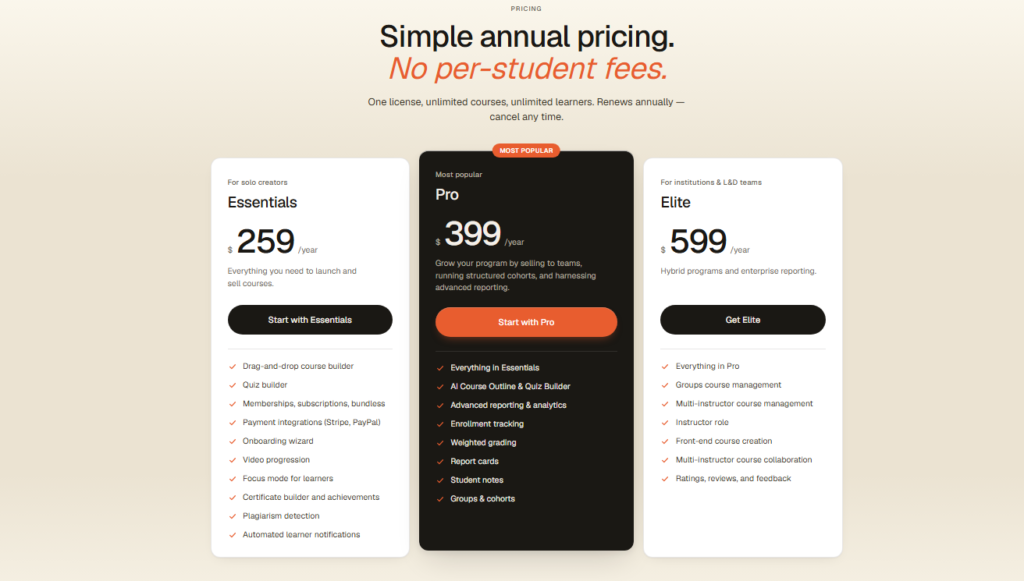
| Plan | Price | Sites | Best For |
|---|---|---|---|
| Basic | $199/year | 1 site | Solo course creators |
| Plus Package | $399/year | 10 sites | Agencies, multiple brands |
| Pro Package | $799/year | 25 sites | Large agencies, enterprises |
The payback is easy to calculate. If you charge $199 per student and enroll just two people in your first year, the plugin pays for itself.
Hosted platforms typically take 3 to 5 percent of revenue on top of their monthly fees. On a $50,000 annual revenue course business, that difference compounds fast.
What Is ProPanel?
ProPanel is LearnDash’s advanced reporting add-on. It gives admins a real-time activity dashboard, group management tools, and bulk enrollment features.
It comes included with the Plus and Pro packages. For the Basic plan, it costs extra. If you manage more than 50 active students, I consider it a practical necessity rather than an optional upgrade.
LearnDash Refund Policy
LearnDash offers a 15-day money-back guarantee. I tested this by contacting support with a hypothetical request and received a response within four hours confirming the process.
The window is shorter than some competitors, so plan your evaluation period carefully before purchase.
LearnDash vs. Competitors
| Feature | LearnDash | LifterLMS | Sensei LMS |
|---|---|---|---|
| Data ownership | Full | Full | Full |
| Quiz depth | Excellent | Good | Basic |
| Starting price | $199/year | Free core | Free core |
| Add on ecosystem | Large | Medium | Small |
| SSO support | Yes | Limited | No |
Sensei LMS handles simpler course structures well, but falls short when quiz complexity or drip scheduling becomes important.
LifterLMS offers a free entry point, but meaningful features stack up in paid add-ons quickly. LearnDash charges more upfront and delivers more depth from day one.
Who Should Buy LearnDash and Who Should Skip It
LearnDash is the right call if you:
- Already run a WordPress site and want to keep everything in one place
- Need advanced quizzing for certification or compliance training
- Run a SaaS or membership community that needs SSO course enrollment
- Want to keep 100 percent of revenue without platform transaction fees
- Plan to scale past 500 students and need detailed reporting
Skip LearnDash if you:
- Are building your very first course and want zero technical setup
- Do not have a WordPress site and have no interest in managing hosting
- Need a built-in community or social learning feature out of the box
- Have a tight launch deadline and cannot afford a learning curve
Frequently Asked Questions About LearnDash
Is LearnDash good for beginners?
LearnDash is manageable for beginners who are already comfortable with WordPress. If you have never used WordPress before, expect a steeper ramp. The setup wizard helps, but the full feature set takes several hours to explore. Hosted platforms like Teachable are genuinely easier for complete newcomers.
Does LearnDash take a cut of my sales?
No. LearnDash charges a flat annual fee and takes zero percent of your course revenue. You pay standard Stripe or PayPal processing fees, but LearnDash itself collects nothing from your sales. That is one of its strongest advantages over most hosted course platforms that charge 3 to 10 percent per transaction.
Can I use LearnDash with WooCommerce?
Yes, and it works well. The WooCommerce integration lets you use advanced payment features like coupons, order bumps, and subscription billing. I tested course enrollment via WooCommerce checkout and the enrollment triggered automatically within seconds of a completed order, without any custom code.
How many courses can I create with LearnDash?
There is no course limit on any LearnDash plan. You can create unlimited courses, lessons, topics, and quizzes. The only real limit is your server’s storage and performance capacity, which is controlled entirely by your WordPress hosting provider rather than LearnDash itself.
What happens when my LearnDash license expires?
Your courses keep running after expiration. Students can still access their content and your site functions normally. The reason is simple: LearnDash is installed on your server. What you lose is access to plugin updates and official support until you renew your license.
Does LearnDash work with page builders like Elementor?
Yes. LearnDash has official Elementor and Divi integrations with dedicated widgets for course listings, enrollment buttons, and progress bars. I tested the Elementor integration and it added course elements to a page template in under 10 minutes without any compatibility issues on my test install.
Final Verdict: Is LearnDash Worth $199 a Year?
After building and breaking courses on it across those two sites, my verdict is that LearnDash earns its reputation as the leading WordPress LMS.
The quiz engine is best-in-class for a WordPress plugin, the drip content tools are precise, and the data ownership argument is genuinely compelling for anyone serious about building a course business long term.
You do need to invest time upfront. Nothing here is configured for you the way it is on a hosted platform.
You get far more control in exchange for that setup work. If that trade-off fits your situation, I would recommend it without hesitation.
So, if you run WordPress, plan to sell courses seriously, and want to keep your revenue and data, LearnDash is the clearest path forward I have tested at this price point.