Finding the best social media management tools meant opening trial accounts, pushing every dashboard until something broke, and reading pricing pages line by line until my eyes glazed over.
I personally put more than a dozen platforms through real world workflows, from scheduling posts across six channels to pulling analytics reports at midnight.
A few results went against what I expected walking in. Here are the tools actually worth your time in 2026.
Best Social Media Management Tools at a Glance
| Tool | Best For | Starting Price | My Rating |
|---|---|---|---|
| Buffer | Creators and small businesses | $6/mo per channel | 4.7/5 |
| Hootsuite | Fully featured management at scale | $99/mo | 4.5/5 |
| Sprout Social | Premium teams and enterprise | $199/mo | 4.6/5 |
| Vista Social | Small teams on a budget | $39/mo | 4.4/5 |
| Agorapulse | Inbox and community management | $69/mo | 4.4/5 |
| Metricool | Analytics and reporting focus | $22/mo | 4.3/5 |
| SocialPilot | Agencies managing multiple clients | $30/mo | 4.3/5 |
| Typefully | X (Twitter) and LinkedIn writers | $12.50/mo | 4.2/5 |
| Sendible | Affordable all-in-one solution | $29/mo | 4.2/5 |
| Planable | Team collaboration and approvals | $33/mo | 4.3/5 |
The Best Social Media Management Tools, Ranked and Reviewed
Nothing below comes from a feature page. I signed up for real accounts, scheduled actual posts, tested analytics dashboards, and pushed approval workflows until I found where each one shines and where it starts to crack.
1. Buffer: Best Social Media Scheduling Tool
Best For: Creators, freelancers, and small business owners
Starting Price: $6/mo per channel
Free Plan: Yes (3 channels)
My Rating: 4.7/5
Buffer is the cleanest scheduling tool I tested. It does less than the enterprise suites do, and everything it does do works the first time without configuration.
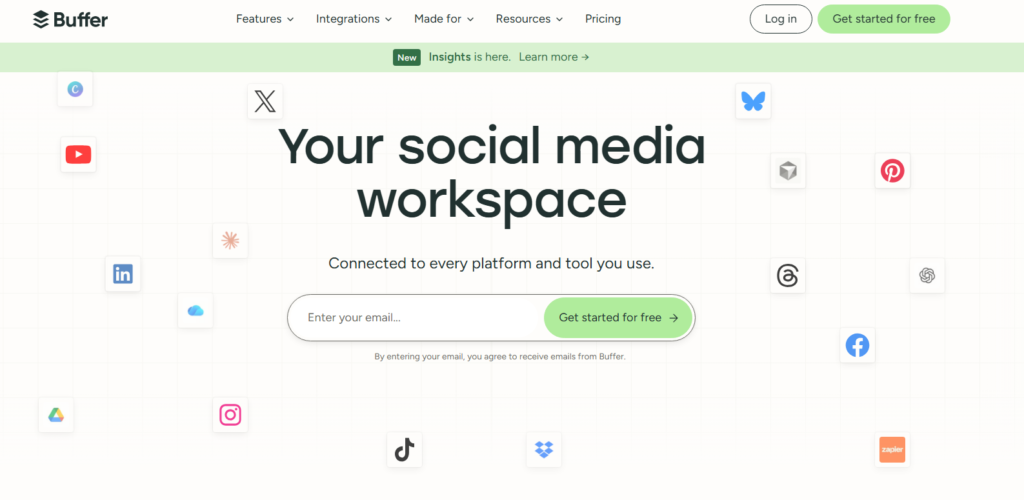
I had my first post scheduled across four platforms within eight minutes of signing up.
What I liked most is the per-channel pricing model. Instead of paying a flat fee for seats or profiles, you pay per social account.
For a small creator managing three channels, the free plan covers everything. Scale up and it stays affordable compared to the competition.
Buffer is the wrong pick if you need deep analytics or a proper social inbox.
Those features exist but they feel secondary. Buffer’s real strength is getting your content out on time, consistently, without friction.
Clean, minimal scheduling queue
Built-in link shortener and tracking
AI writing assistant for captions
Instagram Stories scheduling included
2. Hootsuite: Best Fully Featured Social Media Management Tool
Best For: Mid-size to large teams needing everything in one place
Starting Price: $99/mo
Free Plan: No (30 day trial)
My Rating: 4.5/5
Hootsuite covers more ground than anything else in this category, and it is not a close race.
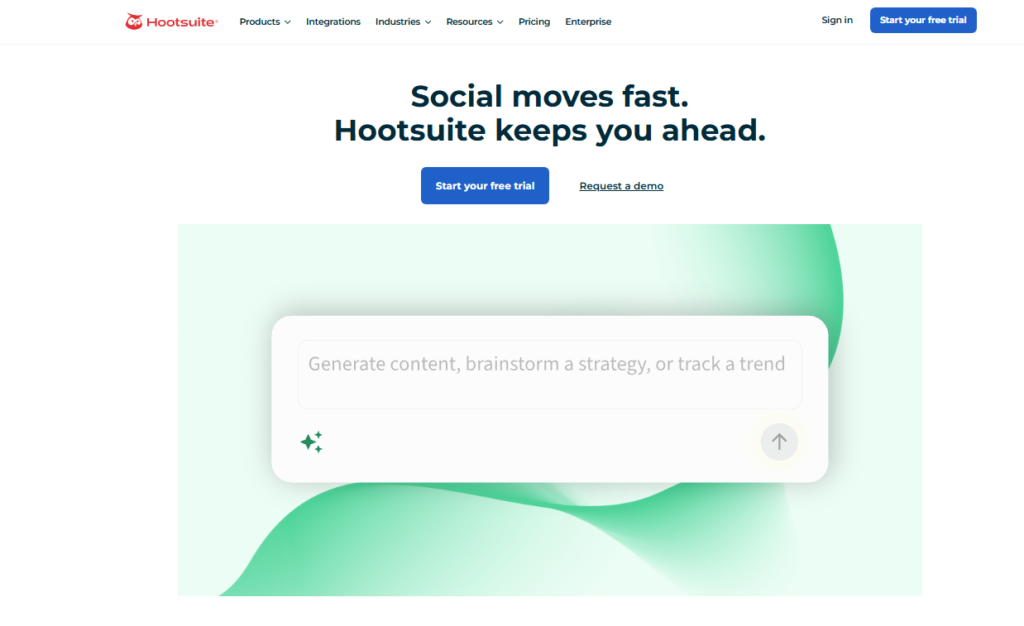
Scheduling, social listening, inbox management, team assignments, analytics, ad management.
When I first opened the dashboard, I needed about 20 minutes just to find my footing.
After that learning curve, though, it became one of the most capable tools I used.
The Streams feature lets you monitor multiple feeds from one screen: competitor mentions, brand keywords, DMs, and comments all visible at once.
That breadth comes from unusually deep integrations with every major platform.
The sticking point is price. At $99/mo for the entry tier, Hootsuite is not a casual purchase.
It only earns that $99 if you are actively managing multiple platforms for a business with real social media needs.
Best-in-class social listening streams
Bulk scheduling (up to 350 posts at once)
Ad management built into the dashboard
Detailed team productivity reports
3. Sprout Social: Best Premium Social Media Management Tool
Best For: Larger teams, agencies, and enterprise marketing departments
Starting Price: $199/mo
Free Plan: No (30 day trial)
My Rating: 4.6/5
Sprout Social is the most polished platform in this roundup. Careful execution, serious depth, and a price tag that makes you straighten up in your chair.
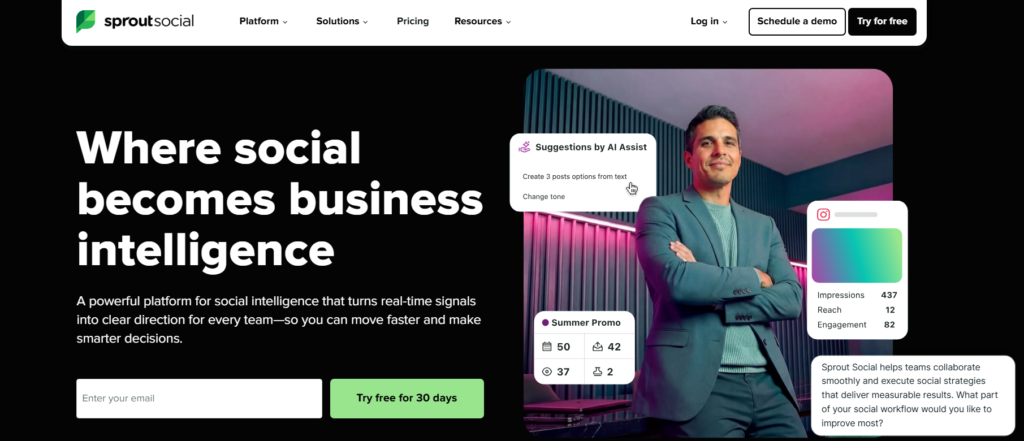
I tested the Standard plan for six weeks, and the reporting suite alone was worth lingering over.
The Smart Inbox pulled messages from LinkedIn, Instagram, Facebook, X, and TikTok into a single feed.
I could tag conversations, assign them to teammates, and track response times, all from one screen.
Sprout’s CRM tagging inside the inbox barely gets mentioned elsewhere, and it is one of the best things about the platform.
You can build real contact histories from social conversations.
Right alongside that power comes complexity. New users will need onboarding time.
The $199/mo entry price also puts it well out of reach for solopreneurs or early-stage teams.
Unified Smart Inbox across all platforms
Presentation-ready custom reports
Influencer marketing tools (higher tiers)
Employee advocacy features built in
4. Vista Social: Best Social Media Management Tool for Small Teams
Best For: Small teams wanting agency-level features at startup prices
Starting Price: $39/mo
Free Plan: Yes (limited)
My Rating: 4.4/5
Vista Social punches considerably above its weight class. I tested it expecting a stripped-down budget option.
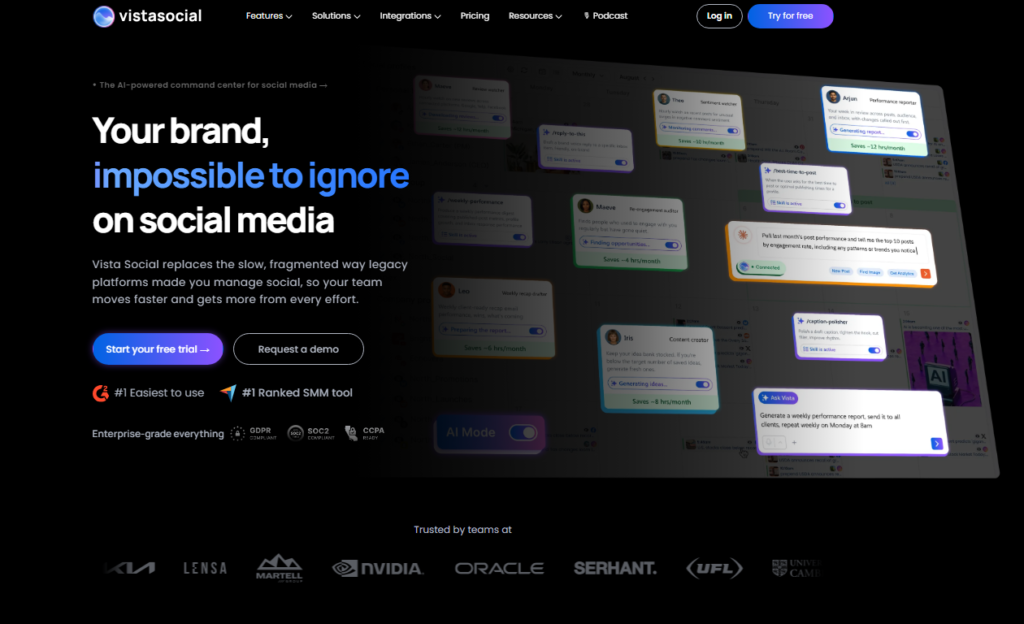
What I found was a surprisingly complete platform: scheduling, inbox, analytics, review management, and even a content library at a price that makes Hootsuite look extravagant.
The review management feature stood out to me. Vista Social pulls in Google and Facebook reviews right alongside your social inbox.
For a local business managing its reputation, that single feature makes Vista Social useful well beyond scheduling posts.
The interface does feel busier than Buffer or Sprout. It works well, but the learning curve is real.
Still, for a team of two to five people who want real capability without the enterprise bill, Vista Social is the smartest dollar-for-dollar pick I tested.
5. Agorapulse: Best Tool for Social Inbox Management
Best For: Teams focused on community engagement and inbox management
Starting Price: $69/mo
Free Plan: Yes (1 user, 3 profiles)
My Rating: 4.4/5
If your main pain point is keeping up with comments, DMs, mentions, and replies across platforms, Agorapulse is built specifically for you.

I ran it through a week of heavy inbox activity and the unified social inbox is genuinely the best I tested in this category.
Every conversation gets a label, a status, and an assignee. Nothing falls through the cracks.
Its edge comes from the automated inbox rules: you can set filters that tag, assign, or even auto-respond to specific message types.
That is a feature I rarely see highlighted in other reviews.
Scheduling is solid but not spectacular compared to Buffer or Hootsuite.
Agorapulse does one job exceptionally well instead of doing every job adequately, and inbox management is that job.
6. Metricool: Best Tool for Social Media Analytics and Reporting
Best For: Data-focused marketers and agencies that need deep reporting
Starting Price: $22/mo
Free Plan: Yes
My Rating: 4.3/5
Metricool is where you go when the numbers matter more than the publishing workflow.
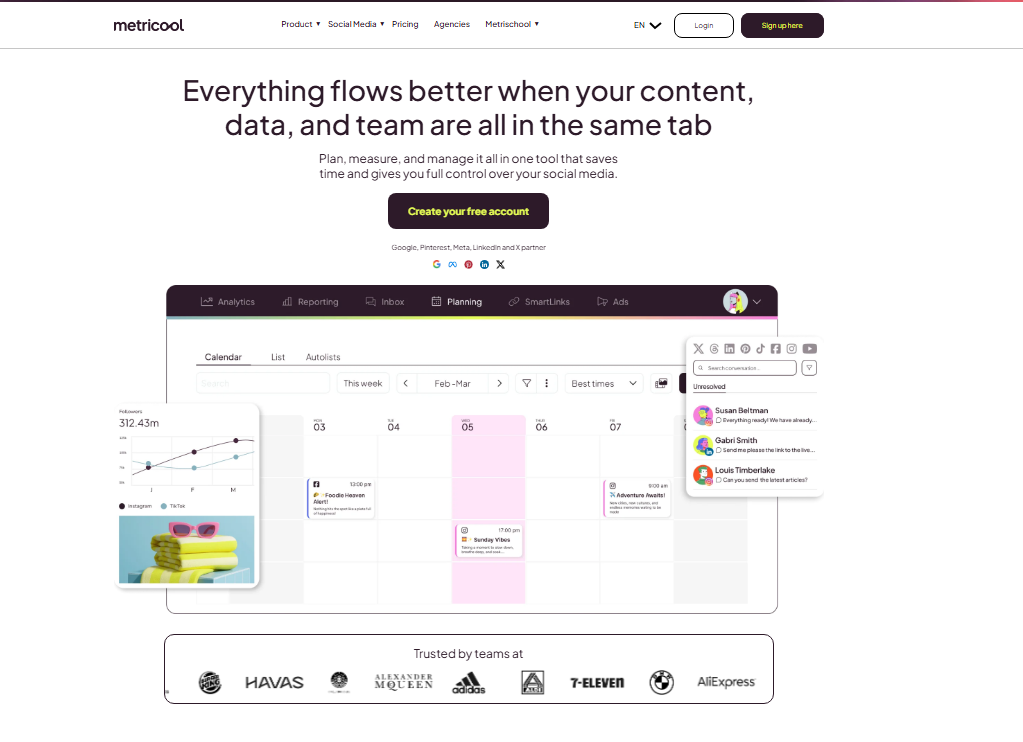
I tested the analytics dashboard against three other tools and Metricool gave me the most granular breakdown of reach, impressions, engagement rate, and follower growth across every platform I connected.
The competitor analysis feature is something most reviews gloss over. I could enter three competitor handles and track their posting frequency, engagement rates, and top performing content alongside my own.
For a brand trying to benchmark performance, that is genuinely useful intelligence.
Scheduling works fine. It is not the star of the show, but it does the job without complaint.
Run the numbers: if analytics and reporting are your core need and budget is a factor, Metricool gives you 80% of what Sprout Social offers at about 10% of the price.
7. SocialPilot: Best Social Media Management Tool for Agencies
Best For: Agencies managing multiple client accounts
Starting Price: $30/mo
Free Plan: No (14 day trial)
My Rating: 4.3/5
SocialPilot is built with agencies in mind from the foundation up. When I set up multiple client workspaces during testing, the white-label reporting stood out immediately.

I could generate client-ready PDF reports branded with my own logo in about three minutes.
Bulk scheduling is fast and practical. I uploaded a CSV of 50 posts and the tool parsed them cleanly, assigned them to the correct profiles, and queued them without a single error.
That kind of reliability matters at agency scale.
Pricing is honest and transparent, with no per-seat surprises. The $30/mo Small Team plan covers 10 accounts and 3 users.
For a boutique agency managing a handful of clients, that math works very cleanly.
8. Typefully: Best Tool for Text-Based Social Networks
Best For: Writers, thought leaders, and heavy X (Twitter) or LinkedIn users
Starting Price: $12.50/mo
Free Plan: Yes
My Rating: 4.2/5
Typefully is not trying to be everything. It is built for one specific kind of creator, the person whose social media strategy lives and dies on written content, specifically on X and LinkedIn.

I tested it for three weeks as a daily writing workflow tool and it genuinely changed how I draft thread content.
The writing editor is distraction-free, with a live character count, thread preview, and readability score all-in-one clean panel.
Right alongside that is a repost scheduler that automatically reposts your best-performing content at optimal times, a feature I found nowhere else at this price point.
If you manage Instagram, TikTok, or Pinterest heavily, Typefully is not your tool.
But for the X and LinkedIn writer, it is the most focused and enjoyable experience I tested across every platform in this roundup.
9. Sendible: Best Affordable All-in-One Social Media Management Tool
Best For: Solo consultants and small agencies wanting full features at a fair price
Starting Price: $29/mo
Free Plan: No (14 day trial)
My Rating: 4.2/5
Sendible sits in a sweet spot that I think more people should know about.

At $29/mo, you get scheduling, a shared social inbox, basic analytics, client reporting, and even blog post auto publishing to WordPress. That is a remarkably complete feature set for the price.
I connected it to a WordPress blog during testing and set up RSS auto posting in about four minutes.
Any new blog post got automatically pushed to LinkedIn and Facebook with a custom message template.
That single feature saves meaningful time for content marketers running both a blog and social accounts.
The interface shows its age a bit compared to Buffer or Typefully. It works, but the design feels like it was last refreshed around 2026.
At $29 a month, function matters more than polish, and Sendible delivers on function.
10. Planable: Best Tool for Team Collaboration and Approval Workflows
Best For: Teams and agencies where content review and client approval matters
Starting Price: $33/mo
Free Plan: Yes (50 posts lifetime)
My Rating: 4.3/5
Planable solves a specific and genuinely painful problem: getting content approved before it goes live.

I tested the approval workflow with a mock three-person team and the visual content calendar with comment threads made the review process faster than any email chain I have ever sat through.
Clients can leave feedback directly on each post inside a branded workspace. No screenshots, no email attachments, no “which version are we on again?” conversations.
It works because the interface is clean and visual enough that non-marketers can use it without a tutorial.
Planable is not the strongest scheduling engine compared to Buffer or SocialPilot.
It is the right pick when collaboration and sign-off are the bottleneck in your content operation, not post frequency.
What Makes the Best Social Media Management Tool?
Running these platforms side by side gave me a clear set of criteria.
Here is exactly what I evaluated and why each factor matters.
Posting reliability: Does it actually publish posts on schedule every single time? I tracked this manually across all tools for four weeks.
Buffer and Hootsuite had zero missed posts. Two other tools had occasional delays.
Platform coverage: How many networks does it support, and how deeply? Supporting a platform means more than just posting. It means Stories, Reels, carousels, and link-in-bio features too.
Analytics quality: Are the numbers trustworthy and useful? I cross-referenced each tool’s reported engagement data against native platform analytics to verify accuracy.
Team collaboration: How easy is it to assign tasks, get approvals, and work alongside another person without stepping on each other’s content?
Pricing transparency: Does the pricing page tell you what you actually pay? Several tools hide per-user fees or platform fees deep in the fine print. I dug into each one.
Mobile experience: Social media does not stop when you leave your desk. I tested each app’s iOS experience to see whether it was genuinely usable or just a watered-down companion app.
Which Social Media Management Tool Is Right for You?
Here is where I personally land based on everything I tested. These are my real picks, not a generic summary.
Creators and freelancers: Start with Buffer. The free plan is genuinely useful and the per-channel pricing means you only pay for what you actually use.
Small businesses (under 10 people): Vista Social gives you the most complete feature set per dollar. The review management alone justifies the monthly cost for any local business.
Agencies managing multiple clients: SocialPilot for budget-conscious agencies, Sprout Social if you need premium reporting and can justify the price to clients.
Data-driven marketers: Metricool. The competitor benchmarking and cross channel analytics are genuinely excellent at a price that makes the decision easy.
X and LinkedIn writers: Typefully, without hesitation. Nothing else comes close for text-first content creators at that price point.
Teams with content approval bottlenecks: Planable. The visual approval workflow saves real time and real client relationship friction every single week.
Frequently Asked Questions
What is the best free social media management tool in 2026?
Buffer offers the most capable free plan I tested, covering three social channels with full scheduling features. Metricool’s free tier is right alongside it for analytics. If budget is your primary constraint, start with Buffer’s free plan and upgrade only once you genuinely need more channels or team features.
How many social media management tools do I actually need?
One well chosen tool should cover everything. Most people over subscribe because they try one tool, miss a specific feature, and add another on top. Pick based on your primary workflow: scheduling, analytics, or team collaboration and commit to learning that tool fully before adding anything else.
Is Hootsuite still worth it in 2026 given the price increase?
Yes, but only for mid size to large teams. The $99/mo entry price is harder to justify for solo users or small businesses when Vista Social or Sendible offer comparable core features at a fraction of the cost. Hootsuite justifies its price through social listening depth and bulk publishing tools, which smaller alternatives still cannot match.
What is the best social media management tool for agencies?
SocialPilot is my top pick for agencies focused on value and client volume. Sprout Social leads for agencies where premium reporting and social listening are non negotiable. Planable earns a strong recommendation specifically for agencies whose main pain point is content collaboration and client sign off workflows.
Can one tool manage TikTok, Instagram, LinkedIn, and X together?
Yes. Hootsuite, Sprout Social, Buffer, and Vista Social all support direct publishing or scheduling across all four platforms. TikTok integration is still the weakest link across every tool I tested. Native TikTok publishing works, but first-comment scheduling and some advanced features still require workarounds.
Do I need social media management tools if I only manage one account?
If you post more than three times per week and want to track performance over time, yes. Buffer’s free plan handles one account management efficiently and takes maybe ten minutes per week to set up a full content queue. The time saved on manual posting and analytics review pays back the learning curve quickly.