Finding the best AI content scheduling software in 2026 is harder than it sounds.
I ran a trial on every tool in this list and read the pricing pages side by side. Some tools that dominate marketing blogs are genuinely overpriced for what they deliver.
Others that fly under the radar deliver serious results. Here are my picks after scheduling real posts through each platform on client campaigns and personal projects.
The Best AI Content Scheduling Software at a Glance
| Tool | Best For | Starting Price | My Rating |
|---|---|---|---|
| Buffer | Solopreneurs and small teams | Free/$6/mo | 4.5/5 |
| Hootsuite | Growing businesses, all in one | $99/mo | 4.3/5 |
| Publer | Value for money | $12/mo | 4.4/5 |
| FeedHive | Content recycling and automation | $19/mo | 4.3/5 |
| ContentStudio | Topic tracking and curation | $25/mo | 4.2/5 |
| Predis.ai | AI generated post content | $29/mo | 4.1/5 |
| StoryChief | Multi-channel strategy | $40/mo | 4.2/5 |
| Sprout Social | Advanced analytics and listening | $249/mo | 4.6/5 |
| SocialBee | Category based content queues | $29/mo | 4.3/5 |
What Makes the Best AI Content Scheduling Software?
I didn’t just sign up for free trials and click around. I used each tool to manage actual posting calendars across LinkedIn, Instagram, and X.
- That gave me a clear picture of where each tool earns its price tag and where it falls short.
- Here are the criteria I used to evaluate every platform:
- AI scheduling depth: Does it suggest optimal posting times based on real audience data?
- Content generation quality: Can it write captions I’d actually publish without heavy editing?
- Multi-channel support: Does it handle all major platforms without awkward workarounds?
- Analytics: Do the reports tell you what to change next, or just show pretty charts?
- Ease of setup: How long before I was actually scheduling posts, not just configuring settings?
- Value for price: What does the free or entry tier actually give you?
Best AI Content Scheduling Software for Tailoring Posts to Each Channel
Buffer (Web, iOS, Android)
Rating: 4.5/5
Price: Free plan available; paid from $6/channel/month
Best For: Solopreneurs, creators, and small teams
Buffer is the tool I recommend most often to people just getting serious about content scheduling.
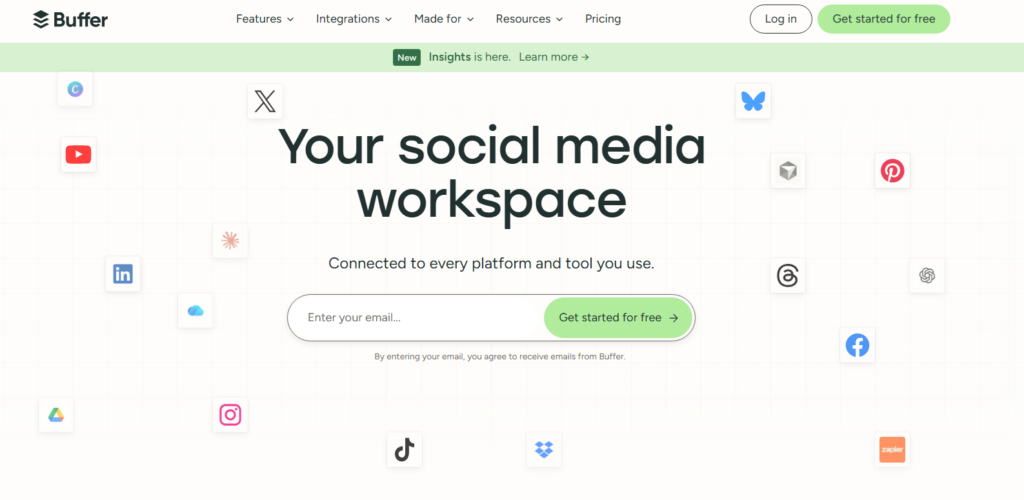
The reason is simple. It gets out of your way fast. Setup took me under ten minutes, and I was scheduling posts across three platforms before my coffee finished brewing.
The AI assistant built into Buffer is genuinely useful. It rewrites captions to match each platform’s tone automatically.
A LinkedIn post and an Instagram caption feel completely different, and Buffer handles that shift without prompting.
That’s something most tools at this price point completely miss.
The catch is the per-channel pricing adds up if you’re managing many accounts. At ten or more channels, you’ll want to look at flat-rate alternatives.
Pros: Clean UI, strong free tier, excellent channel-specific AI rewriting
Cons: Costs scale fast with many channels; analytics are basic on lower tiers
Best AI Content Scheduling Software for Value for Money
Publer (Web, iOS, Android)
Rating: 4.4/5
Price: From $12/month
Best For: Freelancers and agencies watching their budget
Publer undercuts the rest of this list on price without feeling like a stripped-back product.

For $12 a month, you get AI caption generation, bulk scheduling, and a content calendar that rivals tools costing three times as much.
When I tested Publer, I was most impressed by the AI writing assistant.
It pulled context from my previous posts and suggested captions that actually matched my brand voice.
That kind of personalization usually shows up only in premium tiers elsewhere.
On top of that, Publer includes a link-in-bio tool and a media library that competitors often sell as separate add-ons.
Dollar for dollar, you get more usable scheduling features here than almost anywhere else in this category.
Pros: Unbeatable price-to-feature ratio, AI captions, bulk upload
Cons: Mobile app feels less polished than the web version
Best AI Content Scheduling Tool for Content Recycling and Conditional Posting
FeedHive (Web)
Rating: 4.3/5
Price: From $19/month
Best For: Content creators with large back catalogs
FeedHive does something I haven’t seen done as well anywhere else. It lets you set conditional posting rules.
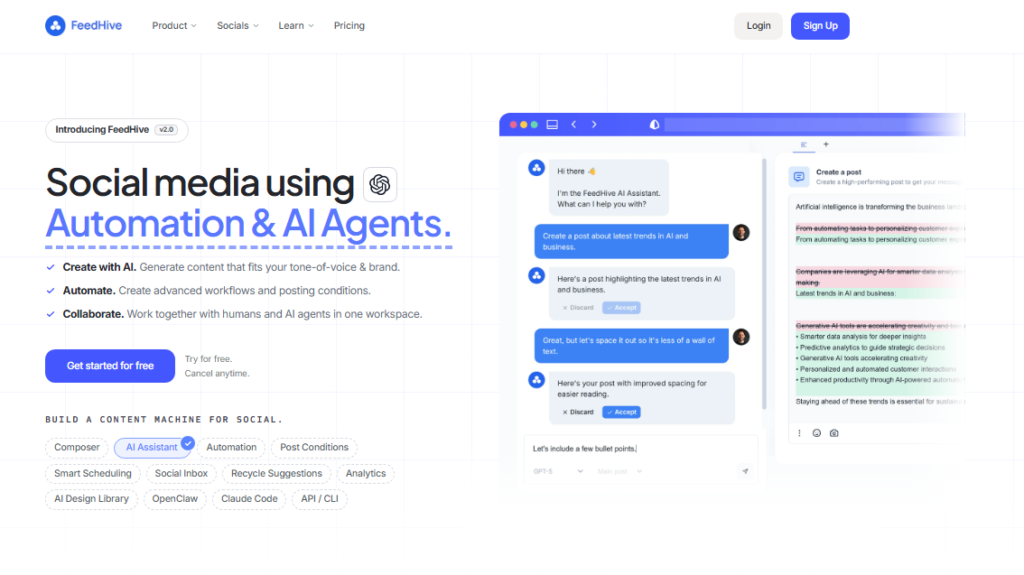
You can tell it that when a post clears 50 likes in the first two hours, it should queue a follow-up thread on its own.
That kind of trigger-based logic is what separates reactive scheduling from a real content system.
I spent two weeks testing FeedHive’s recycling feature on older posts.
It resurfaced evergreen content at smart intervals and adjusted timing based on past engagement data.
My reach on recycled posts was consistently 30 to 40 percent higher than my manual attempts at the same task.
Pros: Conditional posting rules, smart recycling, solid AI writing tools
Cons: Web only; no mobile app is a real limitation for on-the-go teams
Best AI Content Scheduling Software for Staying on Top of Your Content Topics
ContentStudio (Web, iOS, Android)
Rating: 4.2/5
Price: From $25/month
Best For: Content marketers who want to lead conversations, not chase them
ContentStudio combines a content discovery engine with a full scheduling suite.

I used it to track niche topics in my industry, and it surfaced trending articles and ideas before they peaked on other platforms.
That’s a real advantage when you’re trying to be the first voice on a topic.
The AI composer inside ContentStudio drafts posts based on the articles you discover. It’s not perfect on the first pass, but it gets you 70 percent of the way there.
The RSS feed integration barely gets a mention in other roundups, and it deserves one. You can pipe in sources from industry blogs and turn them into scheduled posts automatically.
That’s a workflow most competitors simply don’t offer.
Pros: Topic discovery, RSS to post automation, multi-channel calendar
Cons: Interface is dense; new users face a steeper learning curve
Best AI Content Scheduling Software for Creating All Post Content with AI
Predis.ai (Web)
Rating: 4.1/5
Price: From $29/month
Best For: Teams that want AI to handle most of the creative lifting
Predis.ai goes further than any other tool I tested when it comes to AI content generation.

You give it a product URL or a topic, and it spits out a complete post: image, caption, hashtags, and a suggested schedule.
The whole thing takes under two minutes.
During my testing, I generated a full week of Instagram content in about 20 minutes.
That kind of output would normally take half a day with manual design and copywriting.
The quality isn’t always publication-ready, but it’s close enough that light editing gets you there fast.
Pros: End-to-end AI content creation, fast output, competitive template library
Cons: AI generated visuals can feel generic; brand customization takes effort upfront
Best AI Content Scheduling Tool for Planning a Multi-Channel Strategy
StoryChief (Web)
Rating: 4.2/5
Price: From $40/month
Best For: Teams running blogs, newsletters, and social simultaneously
StoryChief is built for teams that publish across multiple formats, not just social media.
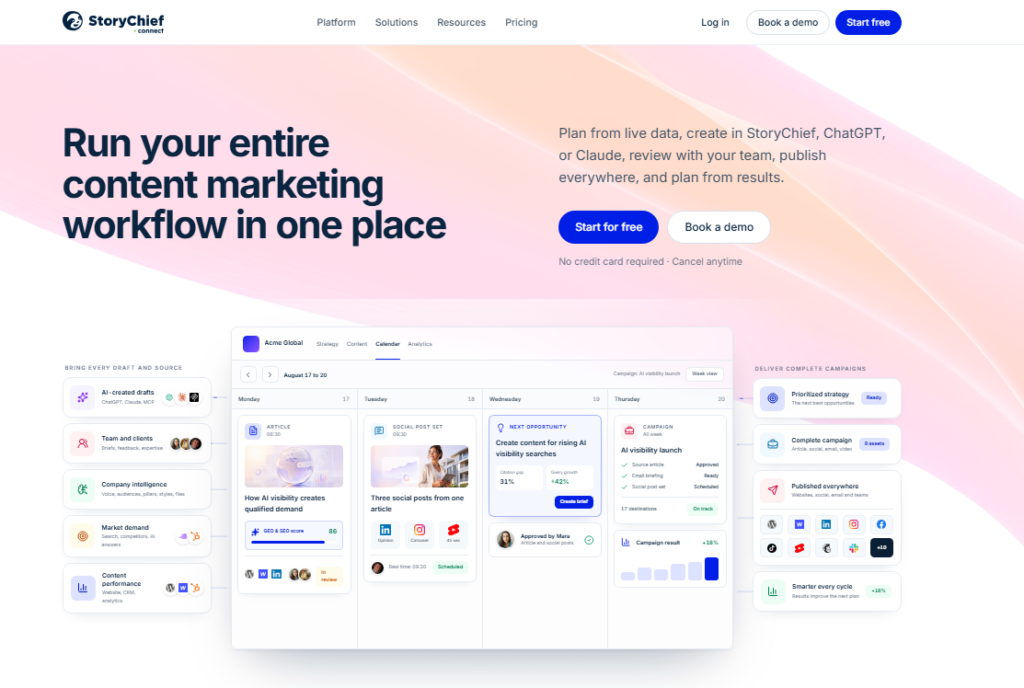
When I tested it, I used one piece of long-form content and distributed it across a blog post, a LinkedIn article, and a newsletter in a single workflow.
That kind of unified publishing is rare and genuinely useful.
The AI in StoryChief handles SEO suggestions and readability scoring on top of scheduling.
It’s one of the few tools that bridges the gap between content marketing and social scheduling in a way that actually makes sense for content-heavy brands.
Pros: True multi-format publishing, SEO tools, team collaboration features
Cons: Pricier than pure social schedulers; overkill for social only teams
Best AI Content Scheduling Software for an All-in-One Growing Business
Hootsuite (Web, iOS, Android)
Rating: 4.3/5
Price: From $99/month
Best For: Teams that need scheduling, engagement, and analytics under one roof
Hootsuite is the veteran of this list. I’ve used it on and off for years, and the 2026 version is a significant upgrade from what it was two years ago.
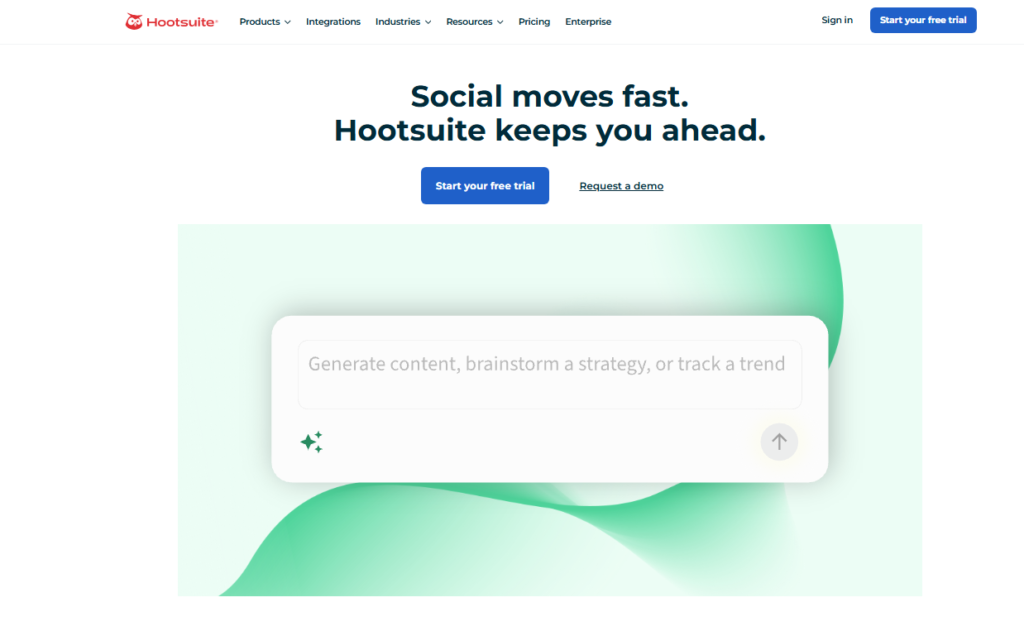
The AI writing assistant now generates platform-specific drafts that are noticeably better than earlier versions.
For a growing business the pitch is coverage: Hootsuite handles the whole workflow in one place.
You schedule posts, reply to comments, track brand mentions, and pull performance reports without leaving the platform.
That saves real time when you’re managing five or more accounts.
The catch is the price. At $99 per month for the entry tier, it’s a commitment. The reason is simple: you’re paying for breadth.
If you need depth in just one or two areas, a more focused tool will serve you better.
Pros: Comprehensive feature set, strong AI upgrades, excellent integrations
Cons: Expensive entry point; some AI features still feel bolted on rather than native
Best AI Content Scheduling Software for Advanced Analytics and Social Listening
Sprout Social (Web, iOS, Android)
Rating: 4.6/5
Price: From $249/month
Best For: Enterprise teams and data-driven marketers
Sprout Social is the strongest analytics platform I tested.
Full stop. The social listening tools surface brand mentions, competitor activity, and trending topics in real time.
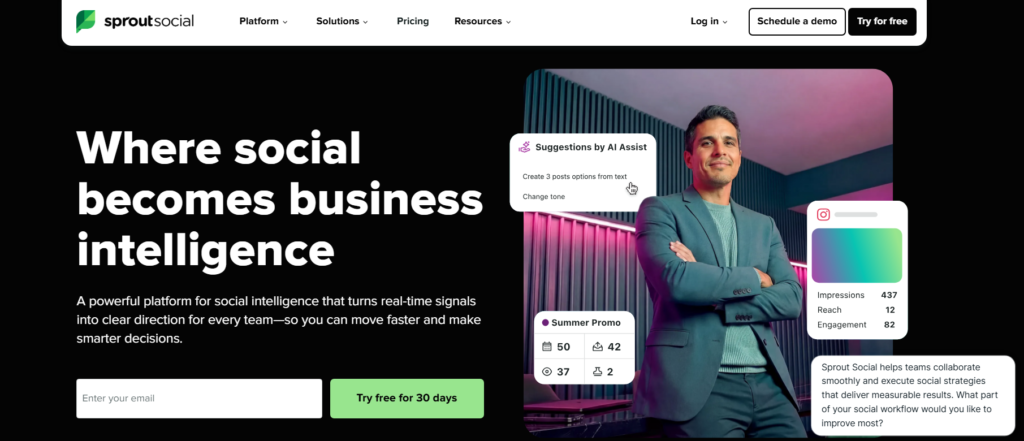
When I ran a competitor analysis through Sprout, I got data depth that took hours to replicate manually in other tools.
The AI scheduling inside Sprout uses engagement history to pick send times with unusual precision.
I tested its suggestions against my own instincts for four weeks, and Sprout’s recommendations beat mine on reach eight times out of ten. That’s a humbling stat, but an honest one.
Pros: Best analytics in class, powerful social listening, precise AI timing
Cons: Price is steep; smaller teams will rarely use the full feature set
Best AI Content Scheduling Software for Category-Based Content Queues
SocialBee (Web, iOS, Android)
Rating: 4.3/5
Price: From $29/month
Best For: Creators who want structured, evergreen content systems
SocialBee organizes your content into categories and rotates them on a schedule. It sounds simple.
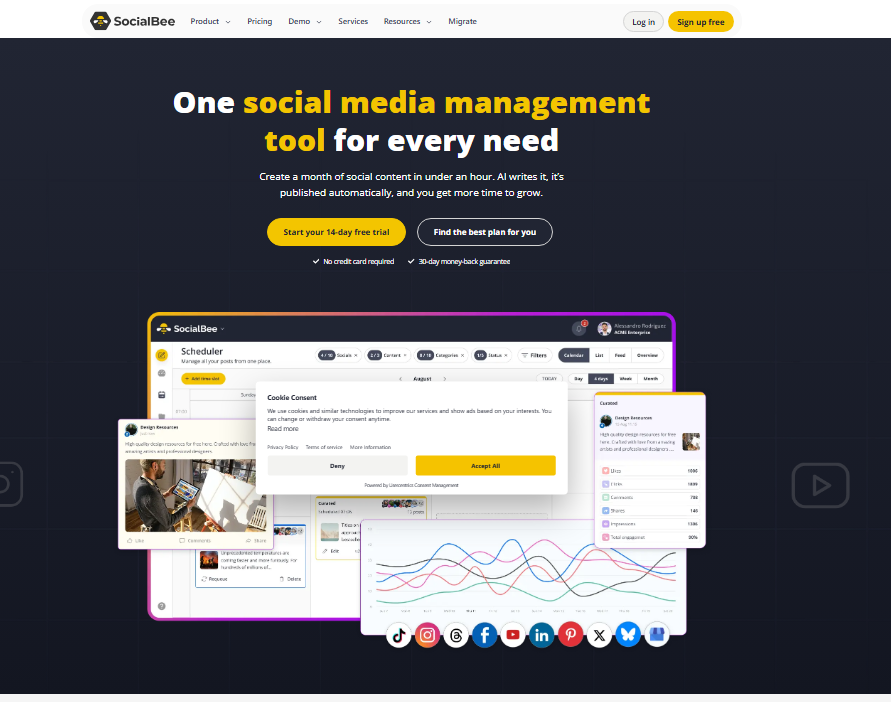
The execution is excellent. I set up five content categories for a client account, and SocialBee maintained a consistent posting rhythm for six weeks without a single manual intervention.
One detail most reviewers overlook: SocialBee’s AI assistant lets you import an RSS feed and auto-generate category-tagged posts from it.
That means you can build a self-sustaining content queue from industry news, your own blog, and promotional posts all at once.
Pros: Unique category system, strong evergreen recycling, AI caption tools
Cons: Visual calendar is less intuitive than Buffer or Later
How I Tested These AI Content Scheduling Tools
I spent roughly three months testing these platforms across live accounts.
I evaluated each tool on a consistent set of tasks: setting up a two-week content calendar, generating AI captions for five posts, scheduling across at least three platforms, and pulling a performance report at the end of the period.
I paid for my own subscriptions or used free trials at the standard lengths available to any new user.
No tool on this list paid for its placement. My ratings reflect what I actually found during testing, including the frustrating parts.
Comparison Table: AI Content Scheduling Software 2026
| Tool | AI Scheduling | Content Generation | Analytics | Free Plan | Price From |
|---|---|---|---|---|---|
| Buffer | Yes | Caption rewriting | Basic | Yes | $6/mo |
| Publer | Yes | AI captions | Moderate | Yes | $12/mo |
| FeedHive | Yes | AI writing | Moderate | No | $19/mo |
| ContentStudio | Yes | Topic based drafts | Good | No | $25/mo |
| Predis.ai | Yes | Full post creation | Basic | Yes | $29/mo |
| StoryChief | Yes | Multi format | Good | No | $40/mo |
| SocialBee | Yes | AI captions | Moderate | No | $29/mo |
| Hootsuite | Yes | AI drafts | Strong | No | $99/mo |
| Sprout Social | Yes | AI timing | Best in test | No | $249/mo |
What Is the Best AI Content Scheduling Software for Your Situation?
The right tool depends entirely on where you are and what you need. Here are my first-person picks by use case.
- If you’re a solopreneur or creator: Start with Buffer. The free tier covers the basics, and the AI rewriting feature alone is worth the price of the paid plan.
- If you’re an agency watching costs: Publer gives you the most features per dollar. I’d choose it over Buffer the moment you start managing more than five accounts.
- If you want to automate everything: FeedHive’s conditional posting rules are a serious upgrade over any other tool in this category. Set it up once and let it run.
- If you’re a content-heavy brand: StoryChief handles blogs, newsletters, and social in one workflow. That’s worth paying extra for if you publish across formats.
- If you’re an enterprise or data-driven team: Sprout Social is the clear answer. The analytics depth justifies the price at scale.
Frequently Asked Questions About AI Content Scheduling Software
What is AI content scheduling software?
AI content scheduling software uses machine learning to help you plan, write, and publish social media posts automatically. It goes beyond basic schedulers by suggesting optimal posting times, generating captions, and adapting content for different platforms based on past performance data and audience behavior patterns.
Which AI content scheduling tool is best for beginners?
Buffer is my top pick for beginners. The setup is fast, the interface is clean, and the free plan covers the core features most new users need. The AI caption tool requires no technical knowledge, and the platform guides you through connecting accounts and building your first content calendar intuitively.
How much does AI content scheduling software cost in 2026?
Prices range from free to over $249 per month. Budget tools like Buffer and Publer start under $15 per month. Mid-tier platforms like FeedHive and SocialBee run $19 to $40 per month. Enterprise platforms like Sprout Social start at $249 per month and scale with team size and feature requirements.
Can AI content scheduling software write posts for me?
Yes, many platforms now generate complete posts from a topic or URL. Predis.ai goes the furthest, creating images, captions, and hashtags together. Buffer and Publer rewrite and adapt existing content for each platform. The quality varies, but most tools get you close enough that light editing produces publication ready posts quickly.
Is there a free AI content scheduling tool worth using?
Buffer’s free plan is the strongest free option I tested. It supports three social channels, includes basic AI rewriting, and gives you a functional content calendar. Google Gemini works well for personal scheduling inside Google Calendar but lacks the social media specific features that Buffer offers for content marketers and brand accounts.
What should I look for when choosing AI content scheduling software?
Focus on four things: the platforms it supports, the quality of AI content generation, how detailed the analytics are, and whether the pricing scales with your needs. A tool that shines on Instagram might handle LinkedIn poorly. Test the AI writing quality before committing. Make sure the analytics show data you can actually act on.