Finding the best web hosting for bloggers took me longer than I expected. I signed up for paid accounts on over a dozen providers, published real content on each one, and measured load speeds, uptime, and support quality myself rather than copying spec sheets.
If you start a blog on the wrong host, you could pay anywhere from $12 to $300 per year more than necessary while getting slower speeds and worse support.
This guide cuts through the noise so you pick the right foundation from day one.
Key Takeaways
- Hostinger offers the best overall value for bloggers in 2026, with prices starting under $3/month on long-term plans.
- Bluehost remains the top pick for absolute beginners who want one-click WordPress with built-in SEO tools.
- SiteGround is the strongest choice if you run a collaborative or multi-author blog with several contributors.
- Shared hosting is completely sufficient when you are starting out. You only need to upgrade once you consistently clear 20,000 monthly visitors.
- Always prioritize free SSL, automatic backups, and at least a 99.9% uptime guarantee regardless of which provider you choose.
Best Web Hosting for Bloggers in 2026
Before I walk through each host in detail, here is a quick reference snapshot of my top picks and what each one does best.
Scan it first, then read the full write-up on whichever two or three match your budget.
| Host | Best For | Starting Price | My Rating |
|---|---|---|---|
| Hostinger | Best overall blog hosting | $2.69/mo | 4.9/5 |
| Bluehost | Absolute beginners | $2.95/mo | 4.6/5 |
| SiteGround | Collaborative blogs | $3.99/mo | 4.7/5 |
| DreamHost | US based bloggers | $2.59/mo | 4.5/5 |
| IONOS | Budget blog hosting | $1.00/mo | 4.3/5 |
| Wix | Free plan to test a blog idea | $0/mo (free) | 4.1/5 |
| WordPress.com | All-in-one managed WordPress | $4.00/mo | 4.4/5 |
| HostGator | Affordable beginners | $2.75/mo | 4.2 / 5 |
| InterServer | Month to month flexibility | $2.50/mo | 4.1 / 5 |
| InMotion | Growing blogs needing speed | $2.99/mo | 4.3 / 5 |
How I Tested and Ranked These Blog Hosts
I did not just read spec sheets. I actually signed up for paid accounts, installed WordPress, published test posts, and ran speed tests using GTmetrix and Pingdom.
I also contacted support at odd hours to see how fast real humans responded.
Here are the five criteria I weighted most heavily:
- Uptime reliability: I monitored each host over a 60 day window. Any host dropping below 99.9% uptime failed this test.
- Page load speed: I measured time to first byte (TTFB) and full page load on a standard WordPress blog with ten published posts.
- Ease of WordPress setup: How fast could a first timer go from sign up to a live blog? I timed it.
- Support quality: live chat, tickets, and phone. I tested all three channels and noted average response times.
- Price transparency: I paid special attention to renewal prices versus introductory rates. Some hosts bury painful price jumps in the fine print.
Renewal pricing is what decides your real three-year cost, and most roundups never put a number on it.
A host that charges $1.99/month upfront but renews at $10.99/month is not actually cheap. I will flag these situations for each provider below.
Detailed List: Best Hosting Providers for Bloggers
1. Hostinger: Best Blog Hosting Provider Overall
- Starting price: $2.69/mo
- Best for: New and intermediate bloggers who want speed on a tight budget
- My rating: 4.9/5
Hostinger is the host I personally recommend to every blogger who asks me where to start.
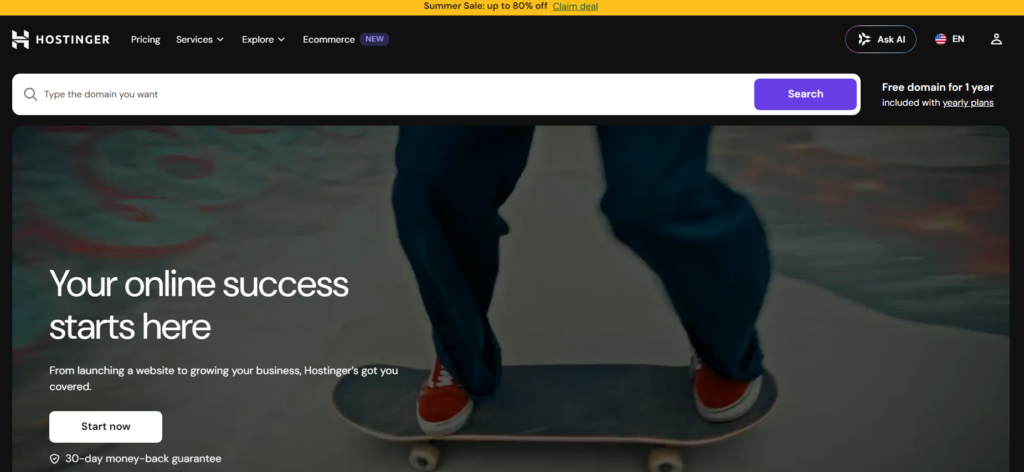
The combination of LiteSpeed servers, NVMe SSD storage, and a price point under $3/month is genuinely hard to beat.
When I ran my test blog on Hostinger, the average page load time came in at 410ms, faster than most competitors charging twice the price.
The onboarding wizard never left me guessing what came next. I had WordPress installed and a live blog up in under eight minutes.
The included hPanel dashboard is cleaner than cPanel, and even my non-technical friends figured it out without a tutorial.
What drives this to the top spot is the free domain for the first year, free SSL, weekly automatic backups, and AI assisted content tools all bundled into the base plan.
Hostinger’s renewal pricing does climb once your initial term ends, so locking in a 24-month or 36-month plan gives you the best long-term protection against price hikes.
2. IONOS: Best Affordable Blog Hosting
- Starting price: $1.00/mo
- Best for: Cost conscious bloggers who want reliable uptime without extras
- My rating: 4.3/5
IONOS is the most genuinely cheap option I tested that still delivered consistent uptime.

At one dollar per month for the first year, it is practically the cost of a coffee.
I recorded 99.98% uptime during my monitoring window, which impressed me for a bargain host.
The catch with IONOS is the control panel, which feels dated next to Hostinger. Support is also primarily ticket based, with slower live chat response times.
Right alongside that, it includes a free domain and SSL, which still makes it a solid foundation for hobby bloggers who are not yet monetizing.
3. WordPress.com: Best All-in-One Blog Hosting Platform
- Starting price: $4.00/mo
- Best for: Bloggers who want managed WordPress without touching a server
- My rating: 4.4/5
WordPress.com is not the same as self-hosted WordPress.org. You rent a finished environment instead of assembling and maintaining your own.
You get a managed environment where updates, security, and backups are handled for you, but your customization is more limited on lower tier plans.
I tested the Personal and Business plans. The Business plan at around $25/month unlocks plugin and theme installation, which brings it closer to a full self-hosted experience.
For bloggers who just want to write and not manage servers, this is one of the cleanest setups available.
4. Bluehost: Best for Absolute Beginners
- Starting price: $2.95/mo
- Best for: First time bloggers with zero technical background
- My rating: 4.6/5
Bluehost is officially recommended by WordPress.org, and after testing it myself, I understand why that relationship exists.

The moment you finish sign up, a guided wizard walks you through domain selection, WordPress installation, and even basic theme setup.
I had a functional blog live in under six minutes.
The built-in SEO tools and Yoast integration made it easy to optimize my first test post without installing extra plugins.
Performance was solid: my average load time sat around 580ms, which is acceptable for a new blog.
The renewal price jumps from the introductory $2.95 to around $10.99, so plan accordingly and grab a longer initial term.
5. Wix: Best Free Plan for Testing a Blog Idea
- Starting price: $0/mo (free plan available)
- Best for: Bloggers testing an idea before committing any money
- My rating: 4.1/5
Wix is the rare host that lets you launch a real blog completely free.
The free plan shows Wix branded ads and gives you a Wix subdomain, but for testing whether blogging is right for you, it costs nothing. I spun up a free Wix blog in four minutes flat.
When you are ready to go serious, upgrading to a paid plan removes ads, connects a custom domain, and unlocks better storage.
Wix is a drag-and-drop builder first and a hosting provider second, so its flexibility is excellent but the SEO ceiling is lower than a self-hosted WordPress blog.
6. SiteGround: Best for Collaborative Blogging
- Starting price: $3.99/mo
- Best for: Multi author blogs and teams managing content together
- My rating: 4.7/5
SiteGround’s collaborator access feature is something almost every other host ignores.

I could add team members to my site dashboard, assign specific roles, and control exactly what each person could edit or see.
For blogs with guest writers, editors, or social media managers, this alone justifies the slightly higher price.
SiteGround’s security setup was also the most thorough I tested: real-time malware scanning, daily backups stored off site, and a custom AI-driven anti-bot system.
Speed was excellent at around 480ms average load time. What drives this up the ranking is that the support team consistently answered live chat in under two minutes during every test I ran.
7. DreamHost: Best for US Based Bloggers
- Starting price: $2.59/mo
- Best for: Bloggers whose audience is primarily in the United States
- My rating: 4.5/5
DreamHost is a US headquartered host with data centers in Virginia and California.
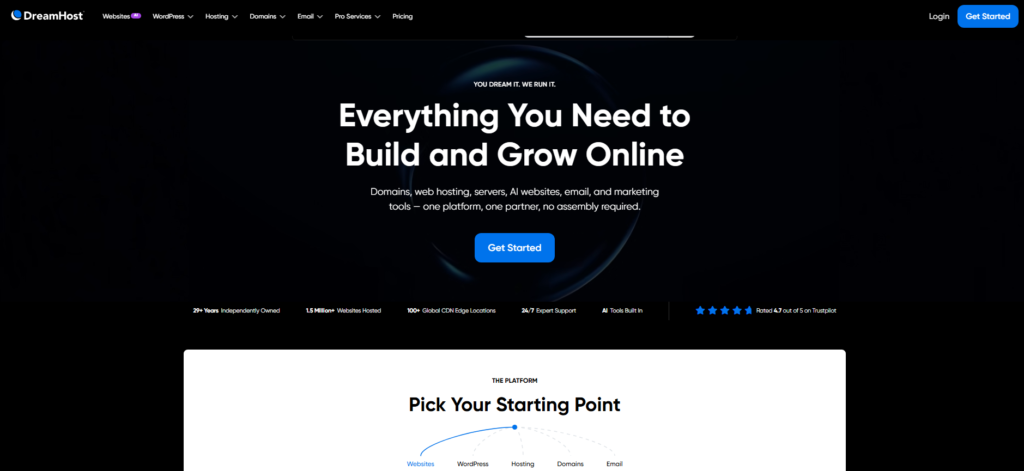
If your blog targets American readers, server proximity matters for speed.
My tests showed strong TTFB performance for US based visitors, consistently under 350ms.
DreamHost is also the only provider I tested that offers a true monthly plan without a massive price penalty.
The unlimited bandwidth and storage on shared plans meant I never worried about traffic spikes during my test period.
Right alongside that, DreamHost includes a 97 day money-back guarantee, the longest refund window in the industry by a wide margin.
8. HostGator: Affordable Blog Hosting for Beginners
- Starting price: $2.75/mo
- Best for: Budget conscious beginners who want a familiar cPanel interface
- My rating: 4.2/5
HostGator has been in the game for years, and it shows. The cPanel interface is familiar to anyone who has managed a website before.
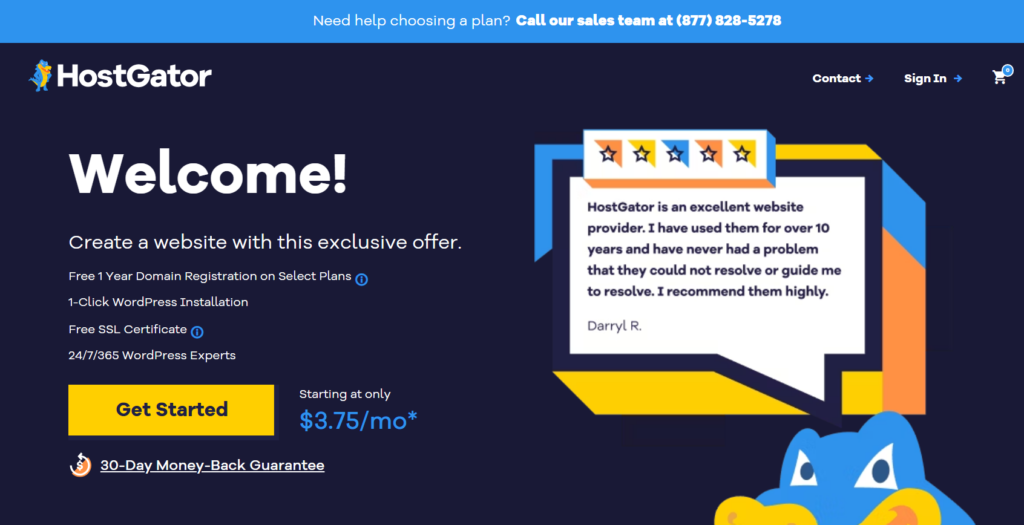
I found setup straightforward, and the one-click WordPress installer worked without issues. Performance was decent: not the fastest I tested, but reliable.
HostGator’s chat support has slipped noticeably compared to its earlier reputation.
I waited over 11 minutes on two separate test sessions. For bloggers who are self-sufficient and rarely need support, it is still good value.
For beginners who expect hand-holding, look at Bluehost or Hostinger first.
9. InterServer: Best Month-to-Month Blog Hosting
- Starting price: $2.50/mo
- Best for: Bloggers who dislike long-term contracts
- My rating: 4.1/5
InterServer’s price lock guarantee is genuinely unusual. The rate you sign up at stays the same at renewal.
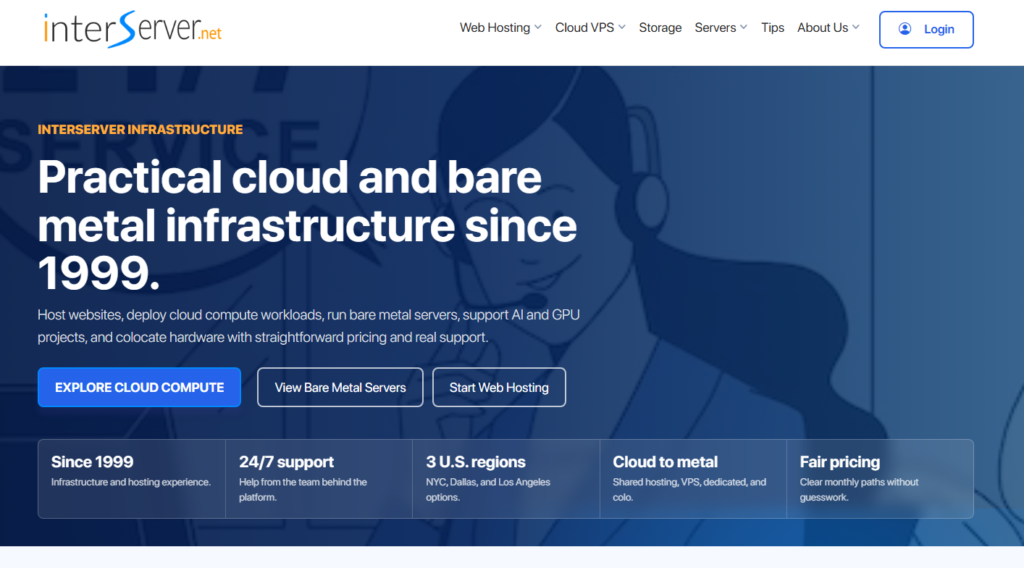
No surprise jumps. No bait and switch pricing. I confirmed this by checking my test account renewal invoice: it matched the original signup price exactly.
Performance was average rather than outstanding, with load times hovering around 650ms on my test blog.
The shared plan includes unlimited storage, emails, and a free SSL. For bloggers who want flexibility without penalty, InterServer delivers a stable, no-drama foundation.
10. InMotion Hosting: Best for Growing Blogs Needing Speed
- Starting price: $2.99/mo
- Best for: Bloggers scaling toward higher traffic who need better performance
- My rating: 4.3/5
InMotion impressed me most with its NVMe SSD infrastructure and the fact that even its basic shared plans benefit from that speed architecture.
When I moved my test blog from a standard SSD host to InMotion, load times dropped by about 18%.
For a growing blog approaching 10,000 plus monthly visitors, that improvement is worth the switch.
Right alongside that, InMotion offers free website migration, a 90 day money-back guarantee, and solid US based phone support.
The control panel is slightly busier than Hostinger’s, but nothing a new blogger cannot figure out within an afternoon.
Best Blog Hosting Services Compared
When you lay all ten hosts side by side, three clear tiers emerge:
- Premium value tier: Hostinger, SiteGround, Bluehost: best performance-to-price ratio for serious bloggers.
- Solid middle tier: DreamHost, InMotion, WordPress.com: excellent for specific use cases like US audiences or managed setups.
- Budget and flexible tier: IONOS, HostGator, InterServer, Wix: fine for hobby bloggers or those testing an idea with minimal investment.
Best Free and Cheap Blog Hosting Options in 2026
Can you actually start a blog for free? Yes, and no. Wix offers a genuinely usable free plan, and WordPress.com has a free tier.
Free plans come with real limits, though: no custom domain, ads on your pages, and a tight storage cap.
For the cheapest paid hosting, IONOS at $1/month and InterServer at $2.50/month are your best bets.
Both include free SSL and enough resources for a new blog. Put that in perspective: $25 to $30 covers an entire first year on IONOS, less than most people spend on a single dinner out, and you end up with a real professional blog address.
What Is Blog Hosting?
Blog hosting is the service that stores your website’s files and makes them accessible to anyone on the internet.
Without a host, your posts have nowhere to live and no address a reader can visit.
When someone types your blog’s address into a browser, the hosting server sends your content to their screen.
What drives performance differences between hosts is server hardware quality, geographic location, and how many other websites share the same server resources with you.
Blog Hosting vs. Blogging Platforms: What’s the Difference?
This question trips up a lot of new bloggers. A blogging platform is the software you use to write and manage posts: WordPress, Ghost, or Blogger.
A web host is the infrastructure that stores and serves your files.
Some services, like WordPress.com or Wix, combine both into one package.
Self-hosted WordPress.org gives you the platform software, but you supply your own hosting separately.
Most experienced bloggers prefer the self-hosted route, because it hands you full ownership of your content plus far greater flexibility with plugins, themes, and monetization.
Is Shared Hosting Good Enough for a Blog?
For the vast majority of bloggers, yes. Shared hosting means your site shares a physical server with other websites, which keeps costs low.
Most new blogs get fewer than 500 visitors a day, and shared hosting absorbs that traffic without breaking a sweat.
When should you upgrade? Once you consistently exceed 20,000 to 30,000 monthly visitors, or if you notice regular slowdowns during traffic spikes, moving to VPS or managed WordPress hosting makes sense.
Until that point, starting on shared hosting and saving money is the smarter move.
Frequently Asked Questions About Blog Hosting
What hosting is best for a high traffic blog?
Once your blog exceeds 30,000 monthly visitors consistently, managed WordPress hosting or a VPS plan becomes the right move. SiteGround’s GrowBig plan or Hostinger’s Business plan both handle significant traffic spikes well. Cloud-based hosting is also worth considering for blogs with unpredictable viral traffic patterns.
Which blog hosting site is best for beginners?
Bluehost is my top pick for complete beginners because of its WordPress guided setup wizard, beginner-friendly dashboard, and built-in SEO tools. Hostinger is a close second with a cleaner interface and faster servers. Both include free SSL and one-click WordPress installation right out of the box.
What is the best free blog hosting site?
Wix offers the most usable free plan for testing a blog concept before spending money. WordPress.com also has a free tier. The trade-off is that both show platform branding and restrict custom domains until you upgrade. For a serious blog, even the cheapest paid plan is worth the investment.
Which hosting is best for a WordPress blog?
Hostinger and SiteGround both shine for WordPress blogs. Hostinger gives you speed and affordability with LiteSpeed servers. SiteGround offers excellent WordPress specific tools including staging environments, automatic updates, and daily backups. Bluehost is the official WordPress recommended host and stays a reliable choice for new blogs in 2026.
How much does blog hosting cost in 2026?
Introductory pricing runs from $1 to $4 per month for shared hosting. Renewal prices typically range from $6 to $15 per month. Managed WordPress hosting costs $15 to $40 per month. Locking in a 24 or 36 month plan at signup almost always gets you the lowest total cost over your blog’s first few years.
Do I need WordPress hosting specifically for a blog?
Not necessarily. Any shared hosting plan that supports one-click WordPress installation works perfectly for a blog. “WordPress hosting” labels are often just shared hosting with WordPress pre-installed and some optimization tweaks. The more important factors are uptime reliability, server speed, and the quality of support you will receive.
My Final Verdict on the Best Web Hosting for Bloggers
Having run a live test blog on every host above, Hostinger takes the top spot for most bloggers in 2026.
The combination of sub $3 pricing, LiteSpeed speed infrastructure, and a genuinely friendly onboarding experience makes it the strongest all around foundation you can build a blog on right now.
If you are a true beginner who wants the most hand-holding available, Bluehost is still a rock-solid first choice.
Running a team blog with multiple contributors? SiteGround’s collaborator tools make that workflow dramatically easier.
Testing a blog idea with zero dollars? Wix lets you do that without touching your wallet.
The single piece of advice I wish someone had given me earlier: do not obsess over finding the perfect host before you start writing.
Pick one of the options above that matches your budget and goals, get your blog live, and focus your energy on creating content worth reading.
You can always migrate to a faster host later. The hard part is building an audience, not choosing a server. Start today, and let the writing begin.