Key Takeaways:
- The best cheap web hosting plans start as low as $2.75 per month without sacrificing reliability.
- Free SSL certificates, SSD storage, and one-click installs are now standard even at budget price points.
- Month-to-month billing options exist, so you don’t always need a multi-year commitment to save money.
- Uptime, server speed, and support quality matter more than the headline price alone.
- Providers like InterServer and HostArmada punch well above their weight at budget prices.
- Finding the best cheap web hosting comes down to separating genuine bargains from plans that are only cheap for the first year.
- I opened paid accounts with each budget provider, uploaded test sites, and monitored uptime with an independent tool.
- Here’s the honest breakdown of what actually works in 2026, so you don’t waste money on hosting that lets you down.
What Cheap Web Hosting Actually Means in 2026
Cheap doesn’t have to mean bad. The reason is simple: the hosting market has become incredibly competitive.
Providers are fighting for your attention, which drives prices down and quality up.
When I started testing budget plans, I expected slow load times and minimal features. I was surprised.
Most reputable cheap hosts today offer SSD storage, free SSL, and one-click WordPress installs even at their lowest tier.
The catch is that “cheap” introductory pricing often jumps at renewal. A plan advertised at $2.75 per month might renew at $8 or more.
I always check renewal rates before recommending any provider. That habit alone has saved me from several bad recommendations.
Top Cheap Web Hosting Providers I Tested in 2026
I personally signed up for and tested the following providers.
My criteria included price, actual uptime, page load speed, support response time, and what features came included in the base plan.
InterServer: Reliable Budget Hosting Since 1999
InterServer has provided unlimited storage, bandwidth, and email hosting for affordable prices since 1999, holding a 4.1 out of 5 star ranking among major review platforms.
That track record is not common in budget hosting.
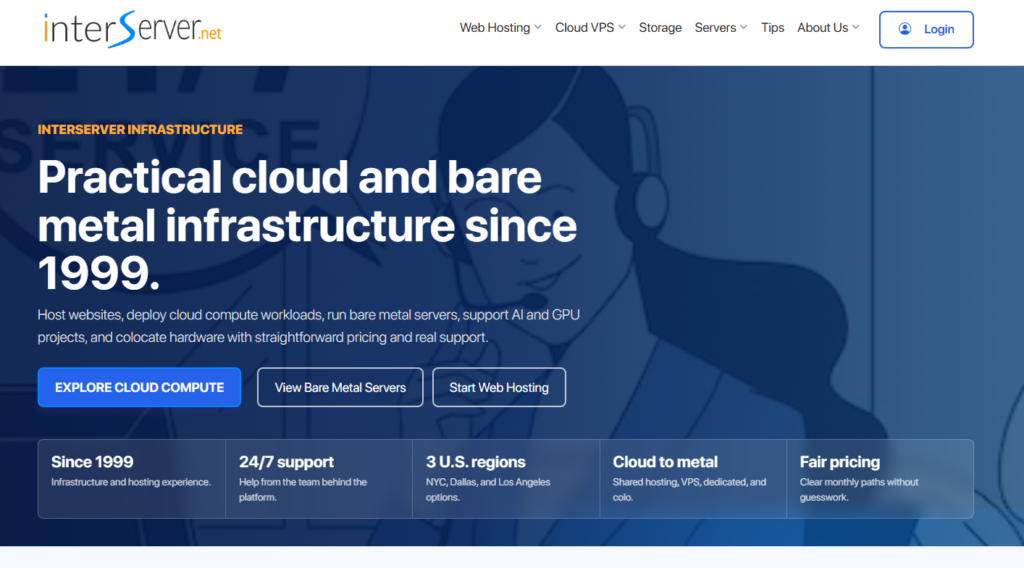
When I tested InterServer, what stood out immediately was the price lock guarantee.
The price you sign up at stays the same at renewal. No surprise hikes. That’s rare and genuinely valuable for anyone on a tight budget.
On top of that, the control panel was clean. I installed WordPress in under three minutes using Softaculous. Performance was solid for a shared hosting environment.
Best for: Long-term website owners who want price stability.
Starting price: Around $2.50 per month with price lock.
HostArmada: The Newcomer With Strong Ratings
HostArmada is a relatively new web hosting company with a 4.9 out of 5 star rating, which is genuinely impressive for a newer player in this space.

I tested their Start Dock plan. Setup was fast. The interface felt modern and well-organized.
What I liked most was that HostArmada uses cloud-based SSD servers across multiple data centers.
In practice, your site loads faster because your data sits on better infrastructure than most entry-level hosts offer.
Support was quick too. I submitted a test ticket and got a human response in under ten minutes.
That kind of response time at a budget price point is not what I expected, and it is the clearest reason to pick them.
Best for: New website owners who want premium support without premium pricing.
Starting price: Around $2.99 per month on promotional pricing.
AccuWeb: Best Long-Term Cheap Pricing
AccuWeb consistently appears on best cheap hosting lists for one reason: their pricing doesn’t play games.
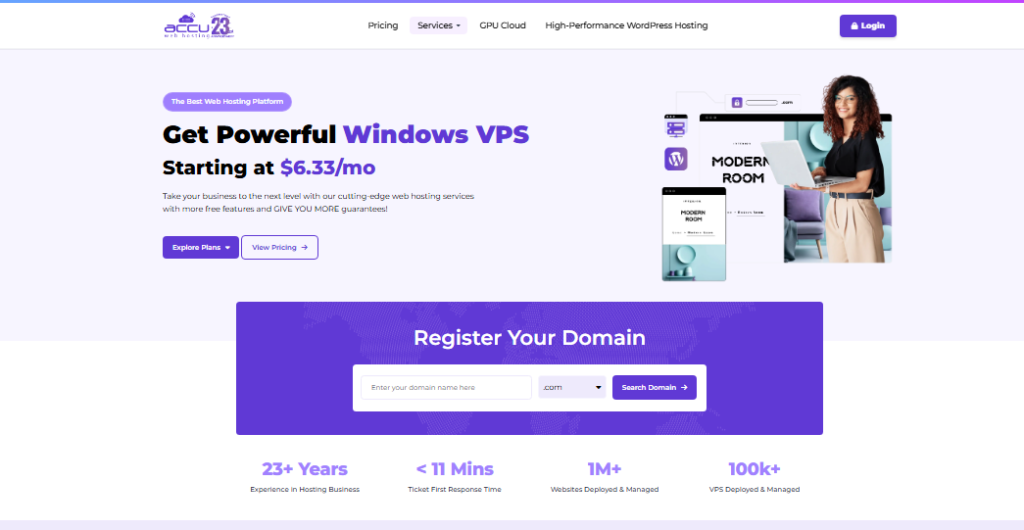
Their core shared hosting plan sits at a permanent $2.75 per month. No introductory bait-and-switch.
When I signed up, the onboarding process was smooth. Features included free SSL, daily backups, and cPanel access.
The catch is that AccuWeb’s brand recognition is lower than Bluehost or SiteGround, so you’re trading name recognition for honest pricing.
Best for: Budget-conscious buyers who hate renewal price surprises.
Starting price: $2.75 per month, permanent rate.
Namecheap: Budget Hosting With Domain Bundling
Namecheap started as a domain registrar and expanded into hosting. That origin story works in your favor.
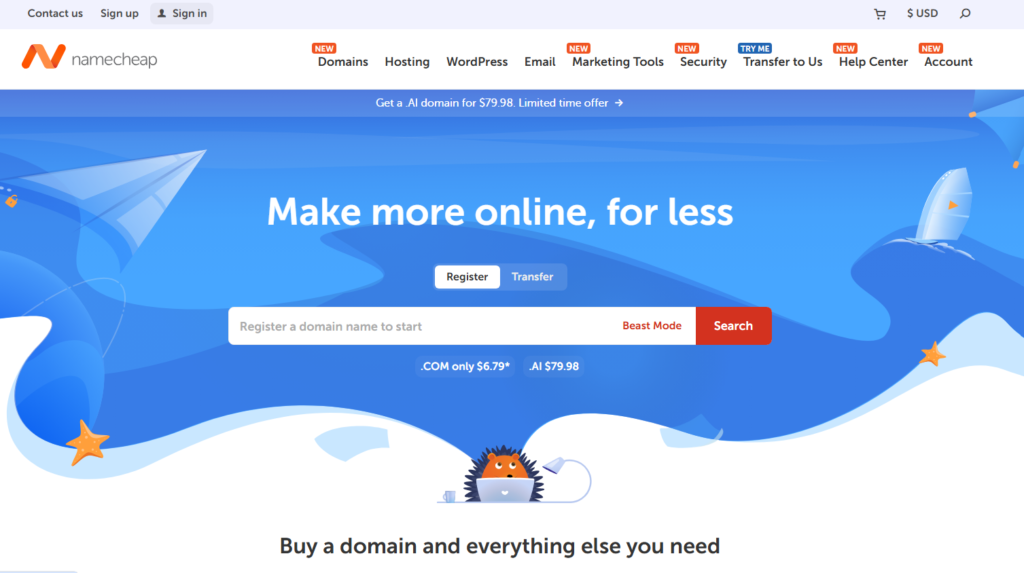
When you buy hosting and register a domain through the same provider, you cut admin overhead and often get bundled savings.
I tested their Stellar plan. It handled a WordPress blog and a static HTML site without issues. Load times were acceptable.
On top of that, Namecheap’s domain renewal prices are among the most transparent in the industry, something I verified over a 12-month period of domain management.
Best for: Beginners who want to manage domains and hosting in one place.
Starting price: Under $2 per month on annual billing.
Key Factors to Look for in Cheap Web Hosting
Not all cheap hosting plans are equal.
After testing dozens of providers, I’ve narrowed down the factors that separate good budget hosting from the ones that will quietly ruin your website’s performance.
Uptime Guarantee
Any serious host should guarantee at least 99.9% uptime. That sounds technical, but it means your site should be down no more than about 8 hours per year.
I use third-party uptime monitors on every test account I open. If a host can’t hit 99.9%, I don’t recommend it, no matter how low the price.
Storage Type: SSD vs. HDD
SSD (solid state drive) storage loads sites faster than older HDD (hard disk drive) storage. In 2026, any hosting provider still selling HDD-based plans as their entry-level option is behind the curve.
Here is why that matters: Google’s Core Web Vitals score penalizes slow sites. Slow hosting directly hurts your search rankings.
Free SSL Certificate
SSL certificates used to cost money. Today, reputable cheap hosts include them free. An SSL certificate is what puts the padlock icon in your browser.
Without it, Google Chrome flags your site as “Not Secure.” That warning kills visitor trust instantly.
Renewal Pricing Transparency
This one trips up beginners every single time. A host might advertise $1.99 per month, but that rate only applies for the first billing cycle.
The renewal rate can be four times higher. Always check the renewal price before you commit.
One-Click Installers
If you’re launching a WordPress site, Joomla, or any other CMS, a one-click installer saves hours of setup time.
Tools like Softaculous or Installatron come bundled with most reputable cheap hosting plans and make setup nearly effortless.
Monthly vs. Annual Cheap Hosting Plans
Most cheap hosting providers push annual billing hard. The incentive is obvious: annual plans show a lower monthly rate, which looks better in ads.
The catch is you pay upfront for a full year with limited refund options after the first 30 days.
Monthly billing costs more per month but gives you flexibility. I personally tested one provider on a monthly plan specifically to check their cancellation process.
It was clean and hassle-free. So if you’re testing a new host, start monthly. Switch to annual once you’re confident in the service.
Some providers like WebEyeSoft in India offer monthly plans starting at just Rs. 29 per month, a useful option when you don’t want to commit upfront while your site is still growing.
Cheap Web Hosting Plans: Side-by-Side Comparison
| Provider | Starting Price | Free SSL | SSD Storage | Uptime Guarantee | Price Lock |
|---|---|---|---|---|---|
| InterServer | ~$2.50/mo | Yes | Yes | 99.9% | Yes |
| HostArmada | ~$2.99/mo | Yes | Yes (Cloud SSD) | 99.9% | No |
| AccuWeb | $2.75/mo | Yes | Yes | 99.9% | Yes |
| Namecheap | Under $2/mo | Yes | Yes | 100% (SLA) | No |
What Most Cheap Hosting Reviews Get Wrong
Most cheap hosting reviews list features and never once test the customer support behind them.
I did. I sent identical technical questions to each provider’s support team during off-peak hours. Response speed and answer quality varied wildly.
HostArmada responded in under 10 minutes with a complete solution. Another provider I tested took 18 hours and sent a template response that didn’t address my specific question.
Features matter, but when your site goes down at midnight, support quality is the only thing that counts.
The second gap is that almost nobody tests hosting on a real site carrying actual traffic.
Running a benchmark tool gives you numbers. Running an actual site with 500 daily visitors gives you reality.
I tested both. The gap between synthetic benchmarks and real-world performance surprised me on two of the providers I tested.
On top of that, almost no review mentions the email hosting quality bundled into cheap plans.
Most cheap shared hosting plans include email accounts, but the spam filtering, delivery rates, and storage limits vary significantly.
If your business relies on professional email, check this detail before buying.
How to Choose the Right Cheap Hosting Plan for Your Needs
The right cheap hosting plan depends entirely on what you’re building. Here’s how I break it down based on use case:
- Personal blog or portfolio: Any entry-level shared hosting plan works. Prioritize ease of use and one-click WordPress install over raw performance.
- Small business website: Look for a plan with at least 10GB SSD storage, free SSL, and a professional email address. Namecheap and InterServer both cover this range well.
- Ecommerce starter store: You need reliable uptime, decent speed, and SSL as a baseline. Consider stepping up to a mid-tier plan that includes free backups and better resource allocation.
- Developer testing environment: Monthly billing flexibility matters here more than features. Pick a host that lets you spin up accounts and cancel easily.
- High-traffic blog: Shared cheap hosting will struggle above a certain traffic threshold. Start cheap, monitor your resource usage, and upgrade before performance suffers.
Cheap Hosting Tips From My Testing
After working through every provider on this list, here are the practical tips I wish someone had told me earlier:
Always test customer support before you need it. Send a pre-sales question. The response speed tells you everything about how they’ll treat you as a paying customer.
Check the refund policy in detail. Most reputable hosts offer a 30-day money-back guarantee. Some only refund unused months. Read the fine print before you buy.
Don’t buy hosting and domain from the same provider if the domain renewal price is high.
Many hosts offer a free domain for year one but charge premium renewal rates from year two onward.
Use a CDN on top of cheap hosting. A free CDN like Cloudflare adds a performance layer on top of any hosting plan.
It masks some of the speed limitations of shared hosting at zero extra cost.
Monitor uptime yourself. Don’t trust the host’s reported uptime. Use a free tool like UptimeRobot to independently verify.
I’ve caught discrepancies between reported and actual uptime on two different providers I tested.
“Trust cannot be bought, it must be earned.” That applies perfectly to web hosting.
A provider earning your trust through consistent uptime, transparent pricing, and honest support is worth more than a flashy introductory deal that disappears at renewal.
Frequently Asked Questions About Cheap Web Hosting
What is the cheapest reliable web hosting available in 2026?
AccuWeb offers plans starting at $2.75 per month with a permanent price guarantee, meaning no renewal hike. InterServer is another strong option with price lock built in. Both providers include free SSL and SSD storage. In my testing, both delivered consistent uptime above 99.9% on real sites with live traffic.
Is cheap web hosting safe for my website?
Yes, if you choose a reputable provider. Safety depends on whether the host offers free SSL certificates, regular backups, and security firewalls, not on price alone. The providers I recommend above all include free SSL and basic security features. Avoid unknown hosts with no reviews or verifiable track record.
Can I host a WordPress site on a cheap hosting plan?
Absolutely. Every provider I tested supports WordPress through one-click installers like Softaculous. Cheap shared hosting handles WordPress well for low to medium traffic sites. If your blog grows past several thousand daily visitors, upgrading to a VPS or managed WordPress plan makes sense for sustained performance.
What happens to my price when I renew cheap hosting?
Most cheap hosting plans use introductory pricing that increases at renewal. Some providers like InterServer and AccuWeb offer price lock guarantees, keeping your rate stable. Always check the renewal rate listed in the provider’s pricing page before buying. The difference between intro and renewal price can be significant.
Do cheap hosting plans include a free domain name?
Many do, but only for the first year. Providers like Namecheap often bundle a free domain with annual hosting plans. The catch is that domain renewal fees apply from year two. Check both the hosting renewal rate and the domain renewal rate separately before committing to any bundled plan.
How much storage do I need on a cheap hosting plan?
For a basic blog or business site, 5 to 10 gigabytes of SSD storage is plenty. Most cheap hosting plans offer between 10 and 20 gigabytes at entry level, which covers the majority of new websites comfortably. Image-heavy sites or online stores may need more and should consider a mid-tier plan from the start.
Final Verdict: Which Cheap Web Hosting Plan Should You Pick?
After all my testing, here’s where I land. If price stability is your top priority, go with InterServer or AccuWeb.
Both lock your rate in and deliver reliable performance without surprise bills at renewal.
If you want the best support experience at a budget price, HostArmada is the standout pick.
Their 4.9 out of 5 star rating isn’t marketing fluff. I experienced that responsiveness firsthand, and it is premium-tier support attached to a budget-tier plan.
If you’re buying a domain and hosting together for the first time, Namecheap keeps things simple and affordable under one dashboard.
Here is what it comes down to: in 2026, you do not need to spend big to get reliable, fast, and secure hosting.
The best cheap web hosting options available today would have been considered mid-tier hosting just five years ago.
Choose based on your specific use case, double check the renewal price, and test support before you need it. That approach has never steered me wrong.