| Tool | Best For | Starting Price | Rating |
|---|---|---|---|
| Descript | All-in-one editing + clips | $24/mo | 4.8/5 |
| Adobe Podcast | Audio enhancement | Free/$9.99/mo | 4.6/5 |
| VEED.io | Video podcast clips | $18/mo | 4.5/5 |
| Resound | Audio only cleanup | $12/mo | 4.4/5 |
| Alitu | Beginners | $38/mo | 4.3/5 |
| Podcastle | Remote recording | Free/$14/mo | 4.3/5 |
| Cleanvoice AI | Filler word removal | Pay as you go | 4.2/5 |
| Vizard | Short form video clips | $16/mo | 4.1/5 |
The best AI podcast editing software in 2026 has gotten dramatically smarter, and I put every tool on this list through the same real episodes before ranking them.
Six months ago, I was spending 3 to 4 hours editing a single 45-minute episode.
After running these 8 tools through real episodes, I cut that down to under 40 minutes on average. Here is exactly what I found.
How I Tested These AI Podcast Editing Tools
I ran each tool through the same 3 tests: a 40-minute interview episode with background noise, a solo recording with heavy filler words, and a video podcast that needed clips for social media.
I scored every tool on audio quality output, speed, ease of use, and value at its price point.
What separated the pack was how each tool handles multi-speaker tracks.
That distinction made a major difference in my rankings. Tools that isolated speakers separately saved far more editing time than those treating the whole session as one flat audio file.
Descript: Best Overall AI Podcast Editor
Rating: 4.8/5
Price: $24/mo (Hobbyist), $40/mo (Creator)
Best For: Podcasters who want one tool for recording, editing, clips, and publishing
Descript covers more of the workflow than anything else here. It is the only tool on this list that records, edits, cuts clips, and publishes in one place.
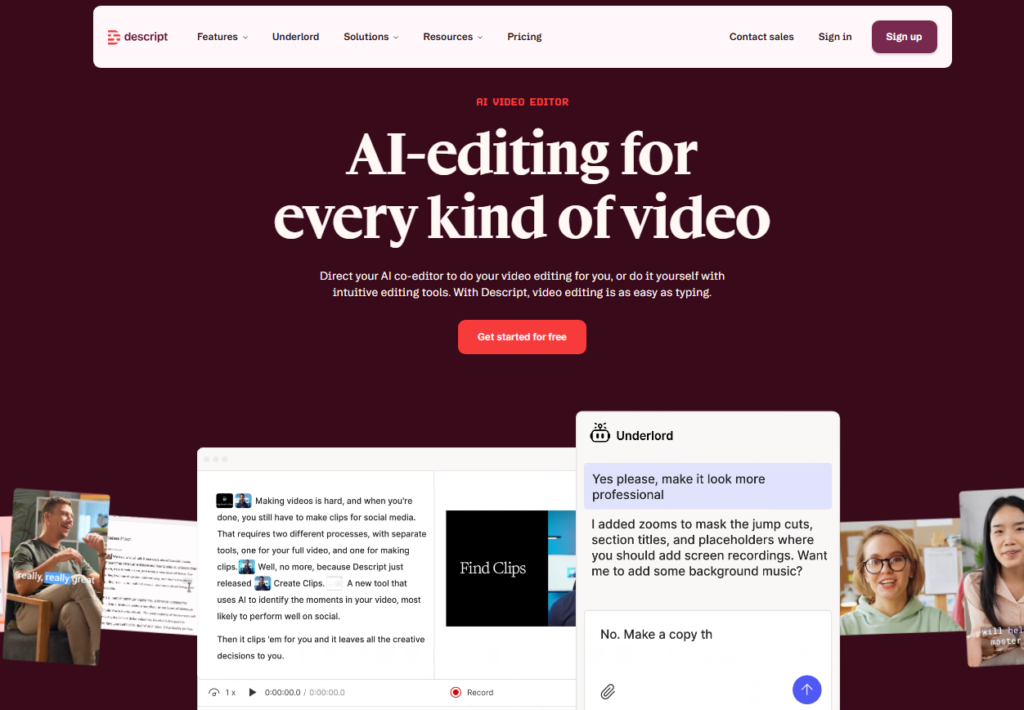
The text-based editing interface means you edit your audio the same way you edit a Google Doc. Delete a sentence in the transcript and the audio disappears with it.
I tested Descript’s AI co-editor, called Underlord, on a 42-minute episode.
It found filler words, flagged awkward silences, and suggested 4 highlight clips ready for LinkedIn and YouTube Shorts.
The whole process took 22 minutes versus the 3 hours I used to spend.
Real users back this up. One podcaster told me: “Descript will find highlights and create clips of any length that I specify.
It writes YouTube descriptions and creates chapters as well as will give me the start to a blog post. All from one piece of content.” That matches my experience exactly.
To add to that, Descript handles collaborative editing better than any competitor I tested. As another user confirmed: “We use Descript to help with our collaborative editing processes.
A lot of our internal communications are screened through a series of executives and Descript makes it really easy to share with the review team.”
Pros: Text-based editing, AI clip creation, chapter generation, multi track recording, publishing tools built in
Cons: Steeper learning curve than simpler tools, $40/mo Creator plan needed for full AI features
Adobe Podcast: Best for Audio Enhancement
Rating: 4.6/5
Price: Free tier available, Premium at $9.99/mo
Best For: Creators who recorded in noisy environments and need studio quality cleanup
Adobe Podcast does one job better than anything else here. You bring it a rough-sounding recording, and it hands back something that sounds like you recorded in a $10,000 studio booth.
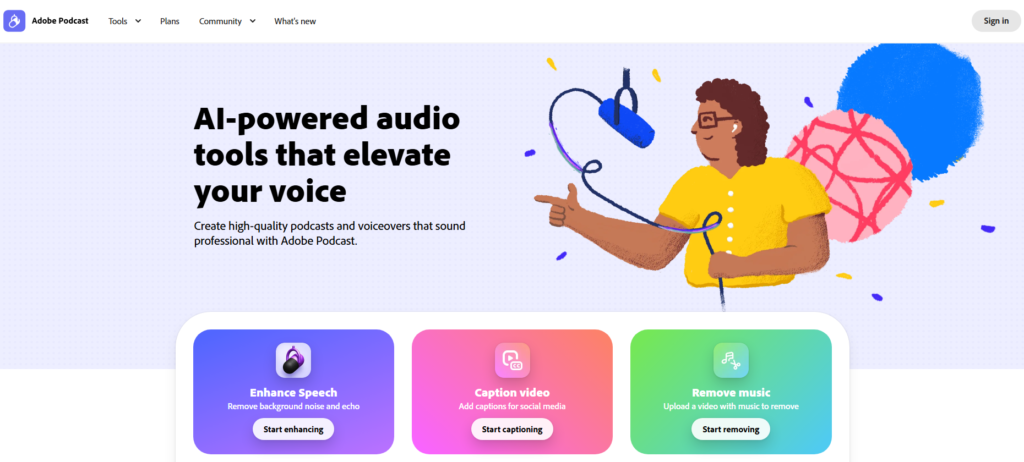
The Enhance Speech feature works with a single click and genuinely stunned me the first time I used it.
I recorded a test track near a busy street. Adobe Podcast removed the traffic noise, echo, and room reverb in under 90 seconds.
The output sat cleanly alongside recordings made in professional studio environments.
The browser-based setup means zero downloads. Everything runs in Chrome.
You get 16-bit 48kHz WAV file exports for guest tracks, individual speaker separation on Premium, and up to 4 hours of daily enhancement.
The transcription engine is the same one powering Adobe Premiere Pro, which is a serious advantage.
Be aware of the scope here, because Adobe Podcast shines brightest for audio work. If you need social media clip creation or visual branding, you will need to pair it with another tool.
Pros: One-click audio enhancement, no download needed, professional-grade transcription, very affordable Premium plan
Cons: Limited video editing features, clip creation not as strong as Descript or VEED
VEED.io: Best for Video Podcast Clips
Rating: 4.5/5
Price: $18/mo (Basic), $30/mo (Pro)
Best For: Video podcasters who need social-ready clips fast
VEED is built for one job and built for speed: turning long video podcast recordings into short, platform-optimized clips.
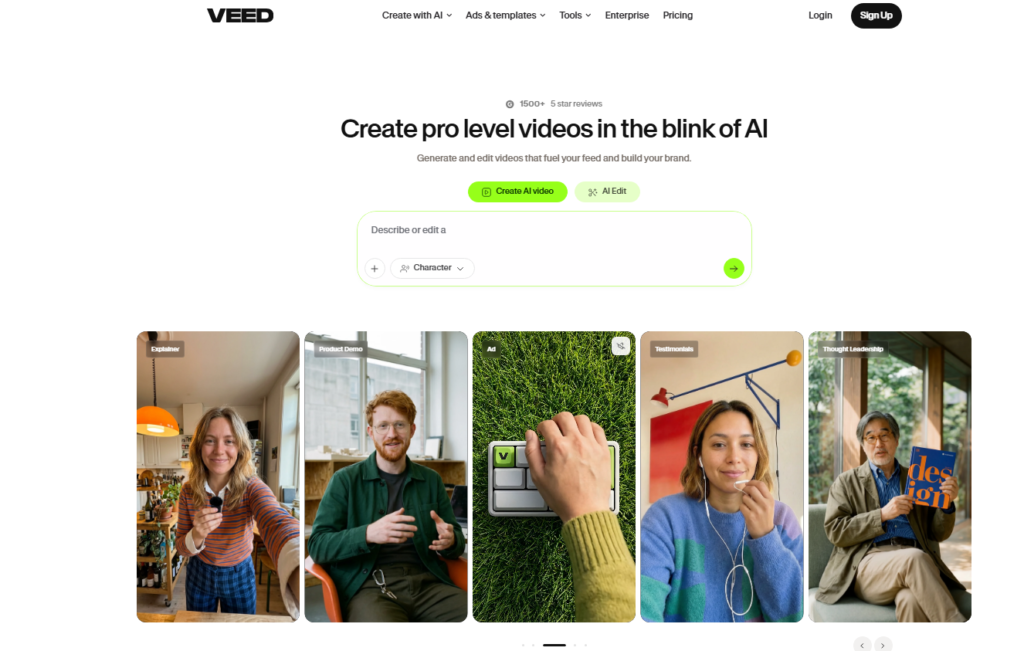
I uploaded a 60-minute video episode and had 5 clips ready for Instagram Reels, TikTok, and YouTube Shorts in under 8 minutes.
The AI Auto Edits feature impressed me most. It reframes speakers automatically, removes filler words, adds captions, cleans up audio, and resizes the frame for whichever platform you choose.
The captions specifically are exceptional, with font styling and animations that look genuinely professional.
VEED also includes voice cloning and noise reduction tools that saved me from re-recording two segments where my mic cable buzzed.
These features matter because most podcasters publish video now, and VEED is purpose-built for that workflow.
Pros: Fast AI clip creation, excellent captions, auto reframe for multiple platforms, noise reduction
Cons: Less powerful for audio-only podcasts, advanced features need Pro plan
Resound: Best Dedicated AI Audio Editor
Rating: 4.4/5
Price: $12/mo
Best For: Audio podcasters who want clean, automated editing without video complexity
Resound was founded by professional audio engineers, and that heritage shows in every feature.
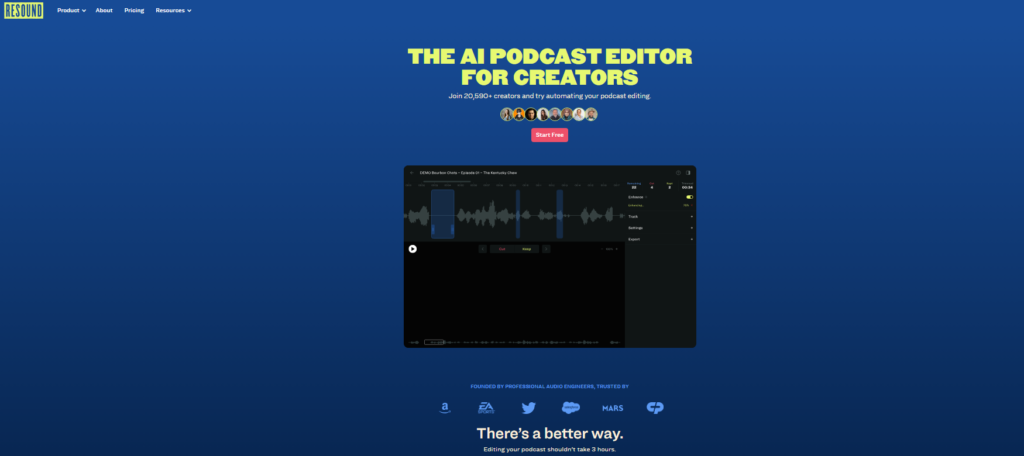
The detection algorithms for filler words, stutters, long silences, and repeated phrases are among the most accurate I tested across all 8 tools.
The workflow is straightforward: upload your file, let the AI detect problem areas, review the suggestions in a simple interface, and export.
I processed a 35-minute episode with 47 “ums” and 12 awkward silences in about 18 minutes total, including my review time.
The host of Culpable, a number one Apple Podcasts show, publicly credited Resound for changing how they edit.
What competitors miss about Resound is the mix and master step built directly into the export process.
You do not need a separate mastering tool. Resound levels, normalizes, and polishes the audio automatically before the final file lands in your downloads folder.
Pros: Precise filler word and stutter detection, built-in mastering, audio engineer DNA in the product
Cons: Audio-only, no video support, no publishing or distribution features
Alitu: Best AI Podcast Editor for Beginners
Rating: 4.3/5
Price: $38/mo
Best For: New podcasters who want the simplest possible setup
Alitu hides the machinery completely. You do not need to understand any of the editing steps to get a finished episode out.
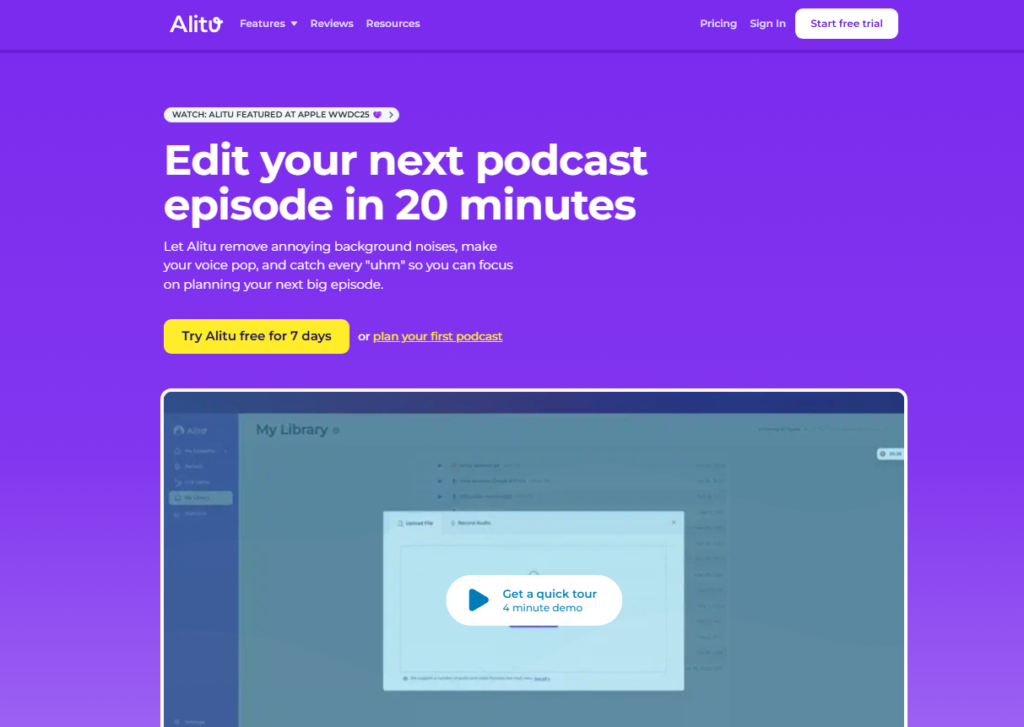
Upload your recording, and Alitu handles cleanup, leveling, music addition, and episode building with minimal input from you.
The $38/mo price is the highest entry point in this list, which is something to flag upfront. Practically speaking, you are paying for simplicity.
The interface requires almost no technical knowledge. I onboarded a non-technical friend to test this claim, and she published her first cleaned episode within 20 minutes of signing up.
Alitu integrates directly with podcast hosting platforms, so the publish step is handled from inside the same dashboard.
That full-circle workflow from raw recording to live episode is genuinely convenient for volume podcasters.
Pros: Extremely beginner-friendly, handles cleanup automatically, built-in publishing
Cons: Most expensive entry price, less control for advanced editors, no video support
Podcastle: Best for Remote Recording Plus Editing
Rating: 4.3/5
Price: Free tier, Storyteller plan at $14/mo
Best For: Interview podcasters who record remotely and want AI editing in the same platform
Podcastle combines high-quality remote recording with AI editing in one place, which saves a step most podcasters do not realize they are wasting time on.
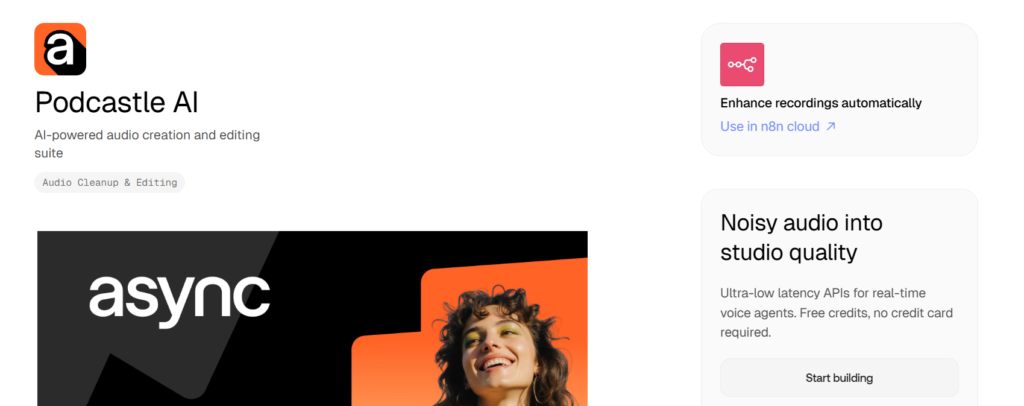
I recorded a three-guest remote session, and each speaker came through as a clean, separate track.
The AI features include filler word removal, silence trimming, and a text-based editor similar to Descript, though less feature-rich.
The free tier is genuinely usable for solo podcasters just getting started. Upgrading to $14/mo adds unlimited recording time and AI enhancements.
Podcastle’s AI voice cloning gets almost no attention elsewhere: it lets you patch small verbal stumbles after the recording using a synthesized version of your own voice.
That alone saved me from re-recording 3 short segments during testing.
Pros: Recording and editing in one tool, separate speaker tracks, voice cloning for fixes, affordable
Cons: Less polished than Descript for heavy editing, fewer clip creation features than VEED
Cleanvoice AI: Best for Filler Word Removal
Rating: 4.2/5
Price: Pay-as-you-go starting at roughly $0.05 per minute
Best For: Podcasters who just need filler words stripped out without a full subscription
Cleanvoice AI does one job and does it well. It finds “um,” “uh,” “like,” mouth clicks, stutters, and awkward dead air across multiple languages and accents.
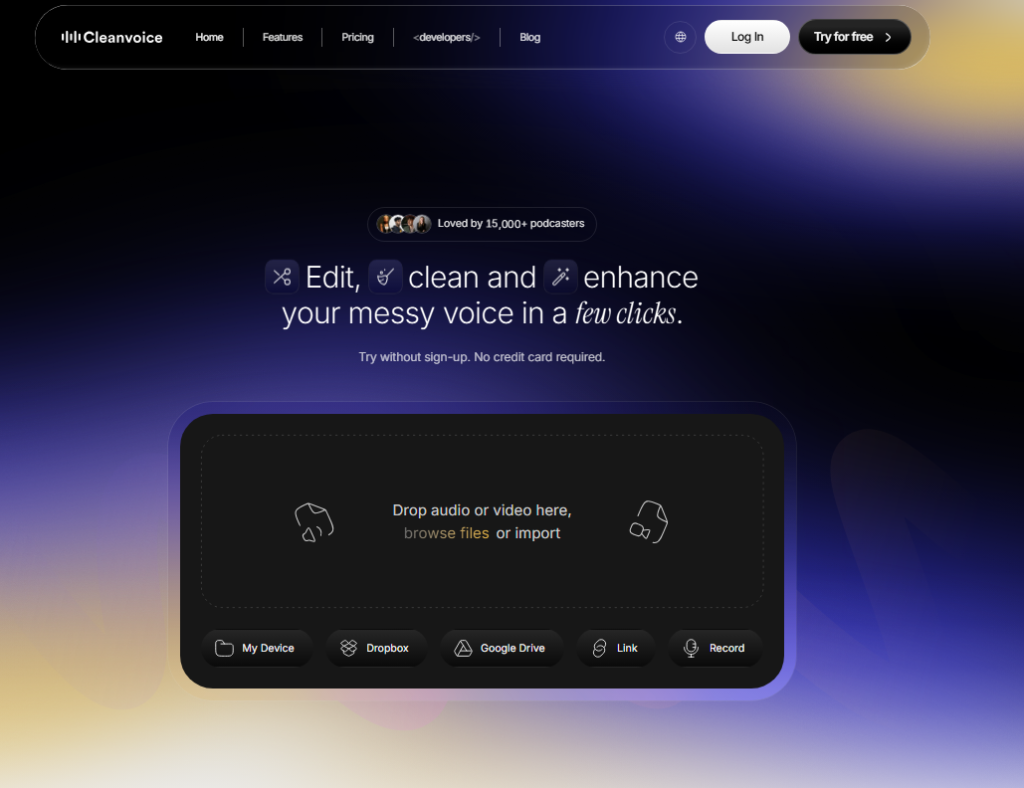
I tested it on a Spanish-language episode alongside an English one, and the accuracy held up on both.
The pay-as-you-go pricing makes it the cheapest way onto this list. No monthly commitment, no features you will never use.
If filler word removal is your only pain point, $0.05 per minute is a very fair price compared to $24 to $40 monthly subscriptions.
Practically speaking, Cleanvoice works best as a companion tool rather than a primary editor.
Pair it with Adobe Podcast for cleanup or Descript for full production, and you have a tight, cost-efficient workflow.
Pros: No subscription required, multilingual support, accurate filler detection
Cons: Single-purpose tool, no editing interface, no publishing or clip features
Vizard: Best for Short-Form Clip Generation
Rating: 4.1/5
Price: $16/mo
Best For: Podcasters focused on growing through short-form video content
Vizard sits in similar territory to VEED but leans further into the clip-first workflow.
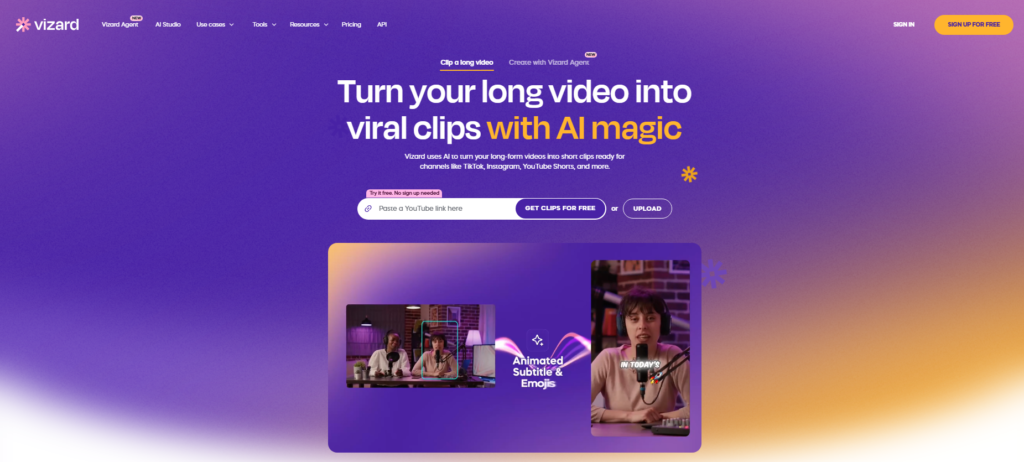
Upload a long video podcast episode and Vizard’s AI identifies the most quotable, shareable moments automatically.
I got 6 usable clips from a 50-minute episode without watching a single second of footage myself.
The caption templates are clean and on-brand. The AI caption generator supports multiple languages, which matters for podcasters building international audiences in 2026.
At $16/mo, Vizard undercuts VEED’s Basic plan slightly and offers comparable clip quality.
Worth flagging: Vizard’s audio editing tools are lighter than most competitors here. It is a clip creation tool first, not a full production environment.
Pros: Fast clip identification, good caption templates, multilingual support, competitive price
Cons: Limited audio editing depth, not suitable as a standalone full production tool
Full Comparison: AI Podcast Editing Software
| Tool | Audio Editing | Video Clips | Transcription | Publishing | Price From |
|---|---|---|---|---|---|
| Descript | Excellent | Strong | Excellent | Yes | $24/mo |
| Adobe Podcast | Excellent | Basic | Excellent | No | Free / $9.99/mo |
| VEED.io | Good | Excellent | Good | No | $18/mo |
| Resound | Excellent | No | No | No | $12/mo |
| Alitu | Good | No | Basic | Yes | $38/mo |
| Podcastle | Good | Basic | Good | No | Free/$14/mo |
| Cleanvoice AI | Specialized | No | No | No | Pay per minute |
| Vizard | Basic | Excellent | Good | No | $16/mo |
AI Podcast Editor Recommendations by Use Case
After running all eight tools through the same three test episodes, here is where I land on each one by podcaster situation.
If you produce a video podcast and post clips to social media: Start with VEED or Vizard. Both handle the clip pipeline faster than any other tool I tested. VEED edges ahead if captions are important to your brand.
If audio quality is your top priority: Pair Adobe Podcast with Resound. Adobe handles the noise reduction and enhancement pass, Resound handles the filler word and silence cleanup.
Together they cost under $25/mo and rival results from $400/hr studio engineers.
If you want one tool for everything: Descript is the answer. The $40/mo Creator plan covers recording, transcription, editing, clip creation, chapter generation, and publishing.
As one user put it: “Transcription based editing makes the process much faster. A must have editor for most audiences.” I agree completely.
If you are brand new to podcasting: Alitu removes every technical barrier. The price is higher, but the simplicity is worth it while you find your production rhythm.
If you only want to strip filler words on a budget: Cleanvoice AI at pay-per-minute pricing keeps $30 to $40 in your pocket every month compared to full platform subscriptions.
Frequently Asked Questions
What is the best free AI podcast editing software in 2026?
Adobe Podcast and Podcastle both offer genuinely usable free tiers. Adobe Podcast’s free Enhance Speech tool alone is worth signing up for. Podcastle’s free plan covers solo recording and basic AI editing. Neither requires a credit card to get started, which makes them the top free picks right now.
Can AI podcast editing software remove background noise automatically?
Yes. Adobe Podcast, Descript, VEED, and Resound all handle background noise removal automatically. Adobe Podcast is the strongest single-purpose noise removal tool I tested. It cleaned street noise, air conditioning hum, and room echo from test recordings within 90 seconds using a single click.
Is Descript worth the price for podcast editing?
In my experience, yes, particularly at the $24/mo Hobbyist tier for solo podcasters. The text-based editing alone saves 2 to 3 hours per episode for most users. The AI clip creation, chapter generation, and publishing tools add further value. Practically speaking, it replaces 3 or 4 separate paid tools at once.
What AI podcast editing software works best for video podcasts?
VEED is my top pick for video podcast editing, especially for social media clip creation. Vizard is a strong second choice at a slightly lower price. Descript handles video well too, but VEED’s auto reframe, caption styling, and platform-specific optimization make it the fastest option for video-first podcast workflows.
Do I need technical skills to use AI podcast editing software?
No, not with most tools on this list. Alitu and Adobe Podcast require almost zero technical background. Descript has a short learning curve but comes with solid tutorials. Resound and Cleanvoice AI are upload and click simple. Accessibility is the whole point of these products, so most were designed for non-engineers from the start.
Which AI podcast editing tool is best for removing filler words?
Resound and Cleanvoice AI are the two most accurate filler word detection tools I tested. Resound also handles stutters and repeated phrases. Cleanvoice AI supports multiple languages and works on a pay-per-use model. Descript’s Underlord also removes filler words effectively within its broader editing environment.